Brugervejledning

Video- / lydkonverteringsløsninger

Kom igang

FVC Free FLV til lydkonverter er den bedste gratis video til lydkonverter. Det kan udtrække lydspor fra FLV-videofilen. Hvad mere er, det understøtter konvertering af lydfiler mellem forskellige lydformater.
Hovedgrænseflade

Download og installer

Download installationspakken baseret på din computers operativsystem. Dobbeltklik derefter på installationsfilen og følg instruktionerne på skærmen for at installere programmet.

Præferencer

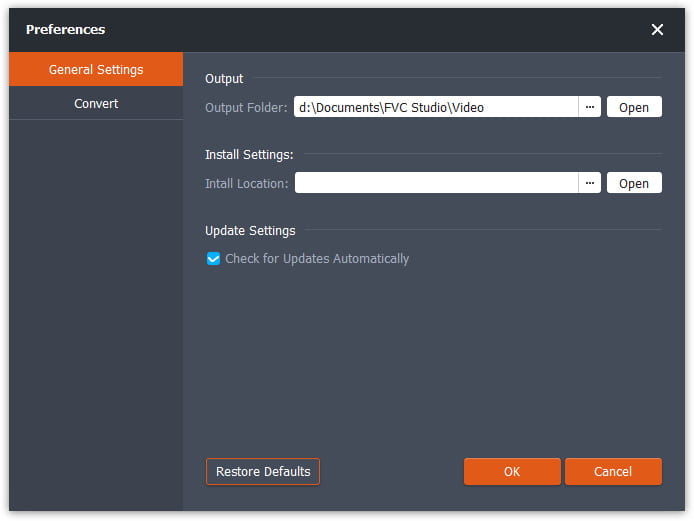
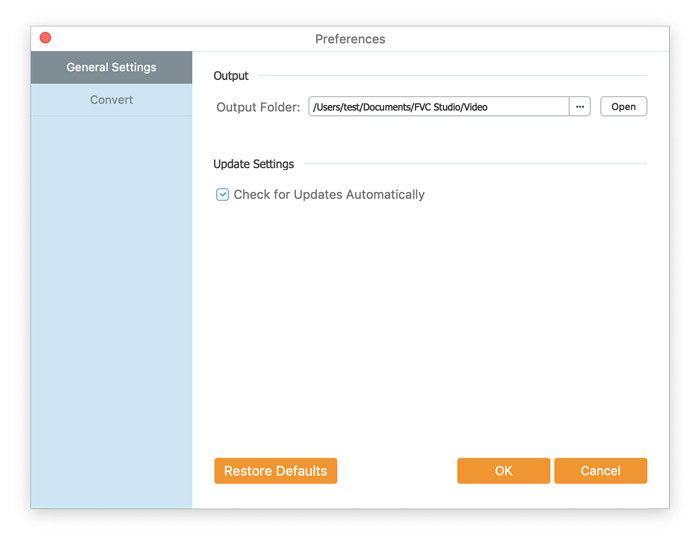
Before you start the conversion, it’s recommended to tweak the default settings. You can click the Menu icon and click on Preferences… to configure the specific settings. For example, you are free to choose the output folder to store your converted files.

Præferencer

Konverter FLV til lyd

Nu kan du følge disse trin for at konvertere FLV-filer til lydformater.

Step 1. Launch FVC Free FLV to Audio Converter

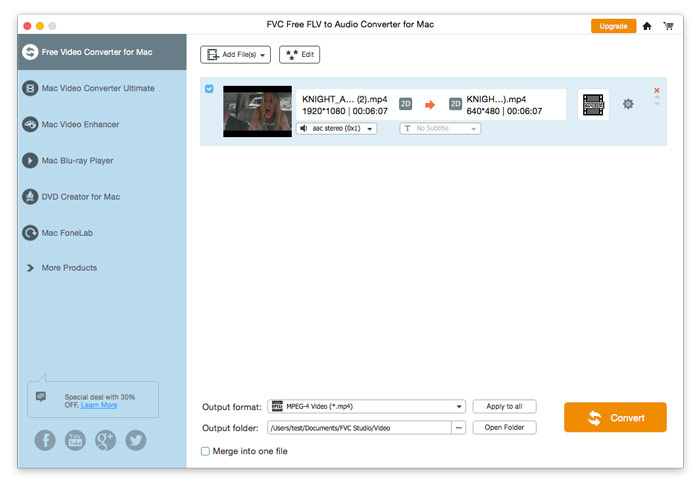
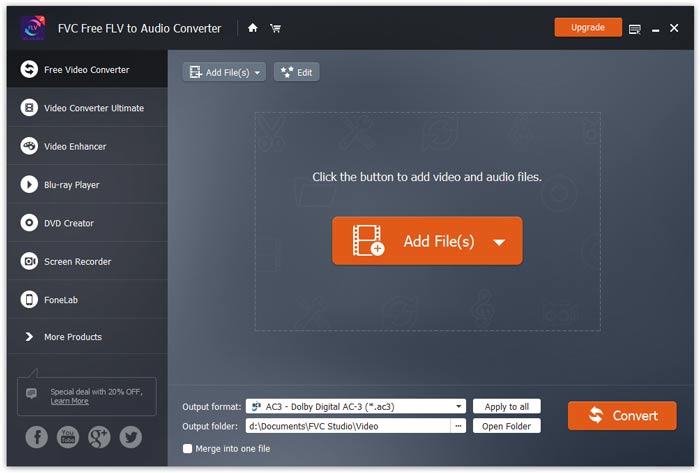
Start FVC Free FLV til Audio Converter, og du vil se dens rene grænseflade.

Hovedgrænseflade

Step 2. Add an FLV file into the program

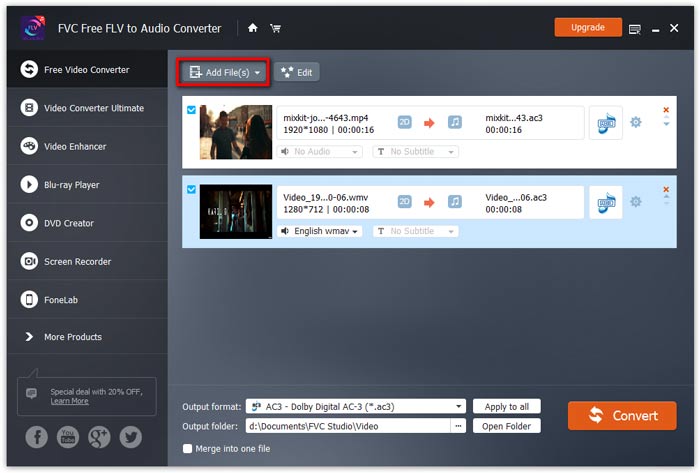
Click the Add File(s) button and choose FLV files you want to process in the dialogue opening subsequently. After the files are added to the program, they will be displayed on the file list.

Tilføj FLV-filer

Step 3. Select the output format

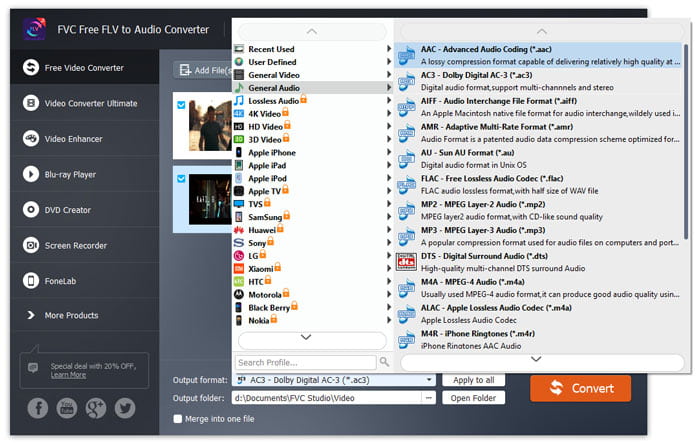
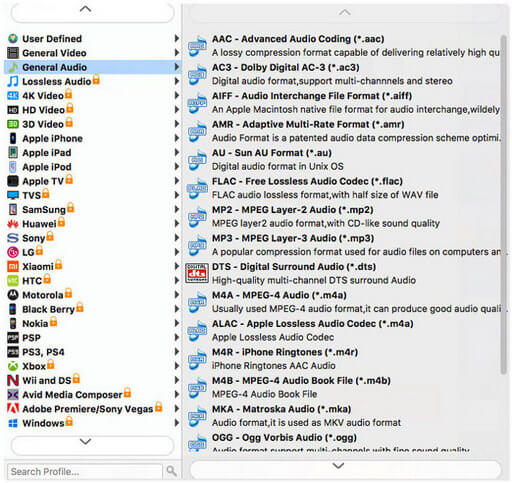
Click to open Output format drop-down list, then choose the audio format from the General Audio profile list. It can convert your FLV files to MP3, WMA, AAC, M4A, and so on.

Vælg lydformat

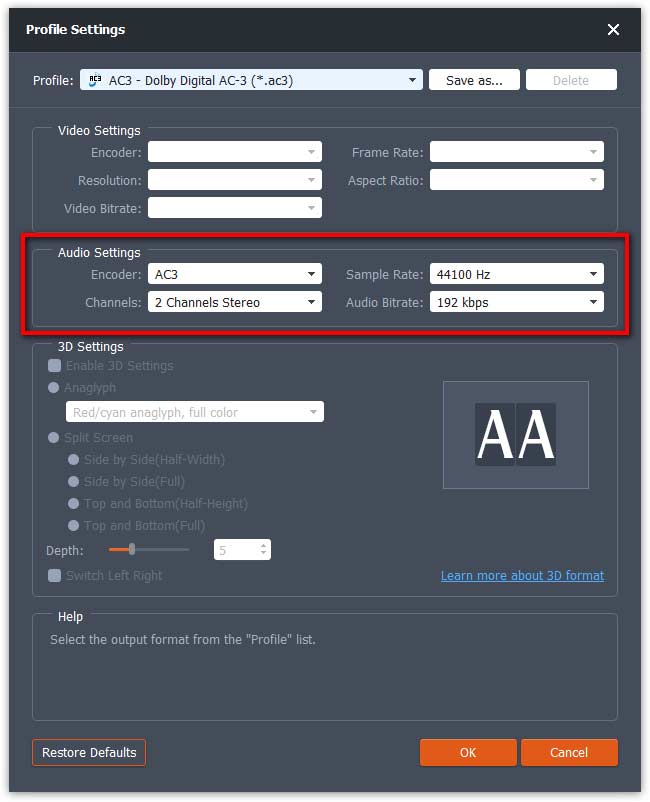
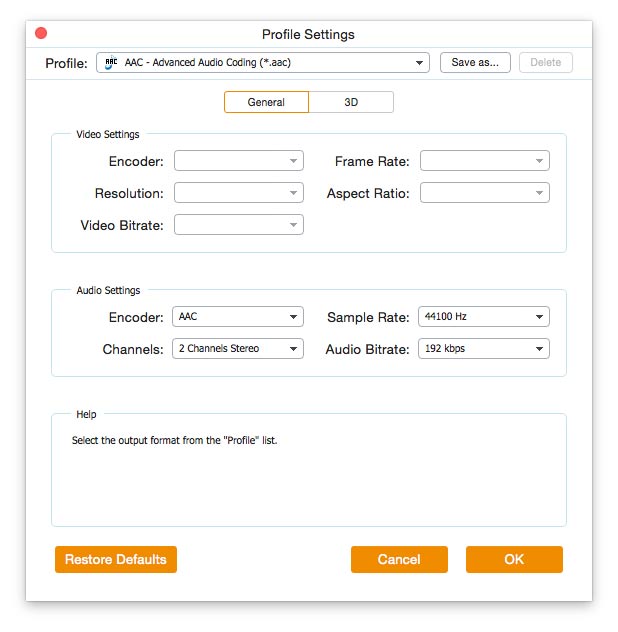
If you’re not satisfied with the original profile parameter settings, you can click the Cogwheel icon and adjust the encoder, channel, sample rate, and audio bitrate in the Profile settings window.

Profilindstillinger

Step 4. Start converting FLV to Audio

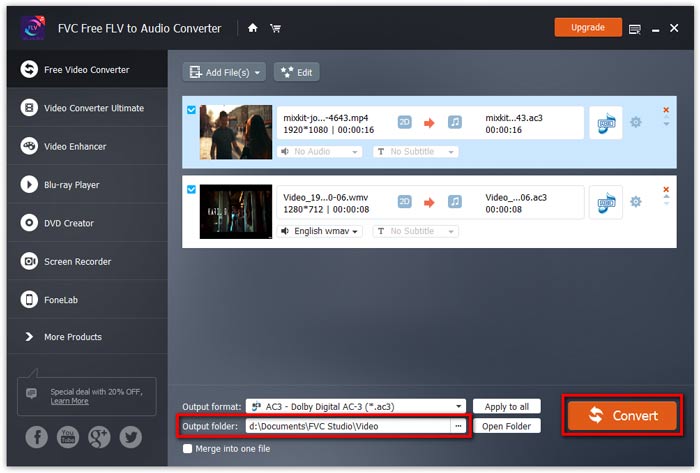
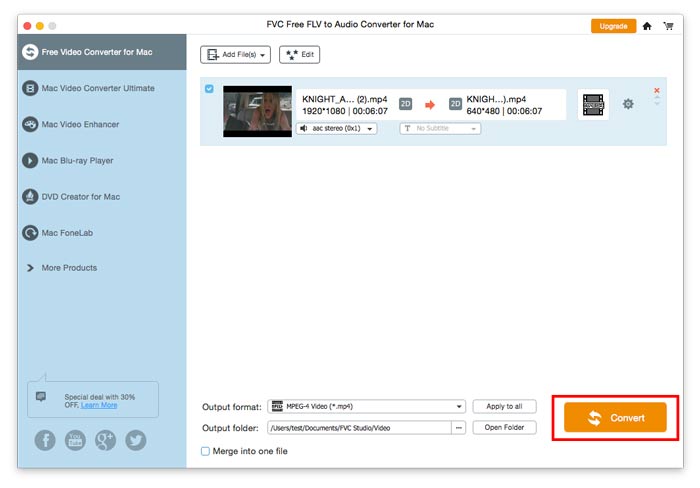
Go to Output folder to choose the destination folder for saving output files, and then click OK button to return to the main window. Finally, click the Convert button to start the conversion.

Start konvertering

Brugervejledning

Video- / lydkonverteringsløsninger

Kom igang

FVC Free FLV til lydkonverter er den bedste gratis video til lydkonverter. Det kan udtrække lydspor fra FLV-videofilen. Hvad mere er, det understøtter konvertering af lydfiler mellem forskellige lydformater.
Hovedgrænseflade

Download og installer

Download installationspakken baseret på din computers operativsystem. Dobbeltklik derefter på installationsfilen og følg instruktionerne på skærmen for at installere programmet.

Præferencer

Before you start the conversion, it’s recommended to tweak the default settings. You can click the Menu icon and click on Preferences… to configure the specific settings. For example, you are free to choose the output folder to store your converted files.

Præferencer

Konverter FLV til lyd

Nu kan du følge disse trin for at konvertere FLV-filer til lydformater.

Step 1. Launch FVC Free FLV to Audio Converter

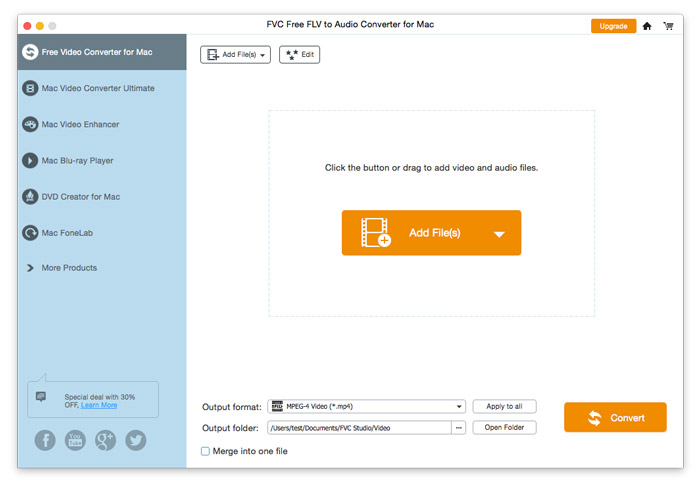
Start FVC Free FLV til Audio Converter, og du vil se dens rene grænseflade.

Hovedgrænseflade

Step 2. Add an FLV file into the program

Click the Add File(s) button and choose FLV files you want to process in the dialogue opening subsequently. After the files are added to the program, they will be displayed on the file list.

Tilføj FLV-filer

Step 3. Select the output format

Click to open Output format drop-down list, then choose the audio format from the General Audio profile list. It can convert your FLV files to MP3, WMA, AAC, M4A, and so on.

Vælg lydudgang

If you’re not satisfied with the original profile parameter settings, you can click the Cogwheel icon and adjust the encoder, channel, sample rate, and audio bitrate in the Profile settings window.

Profilindstillinger

Step 4. Start converting FLV to Audio

Go to Output folder to choose the destination folder for saving output files, and then click OK button to return to the main window. Finally, click the Convert button to start the conversion.

Start konvertering