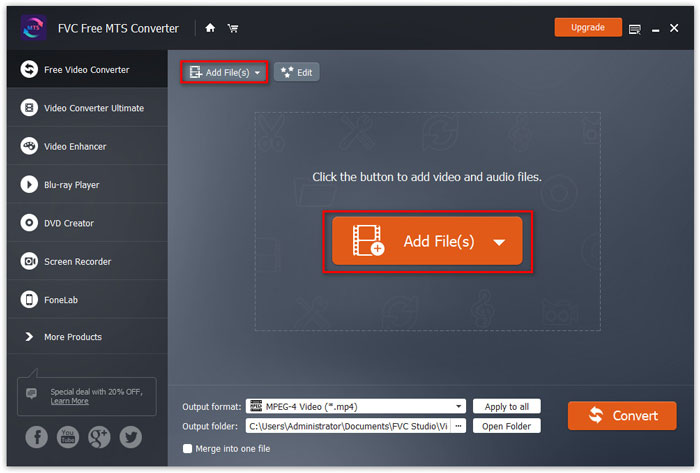
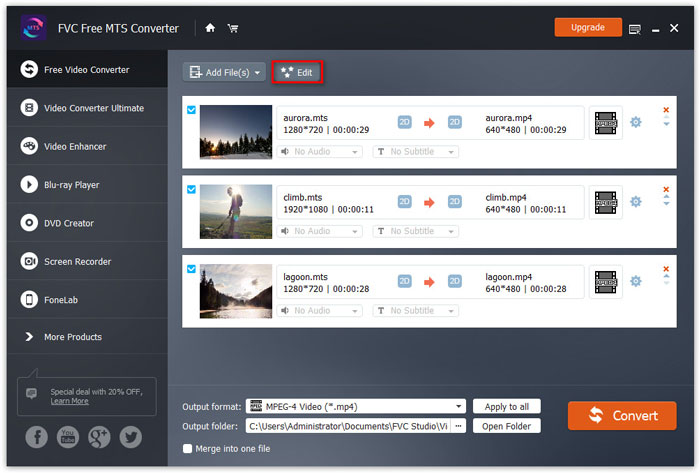
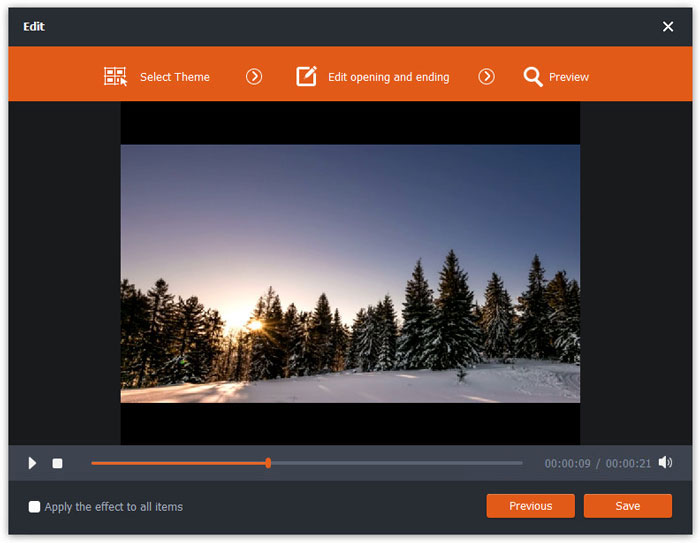
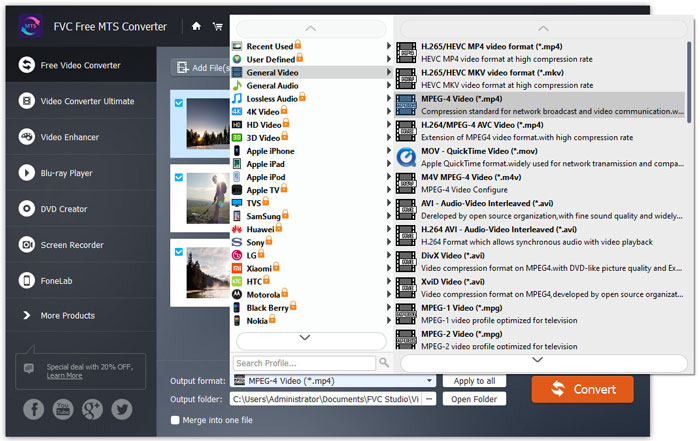
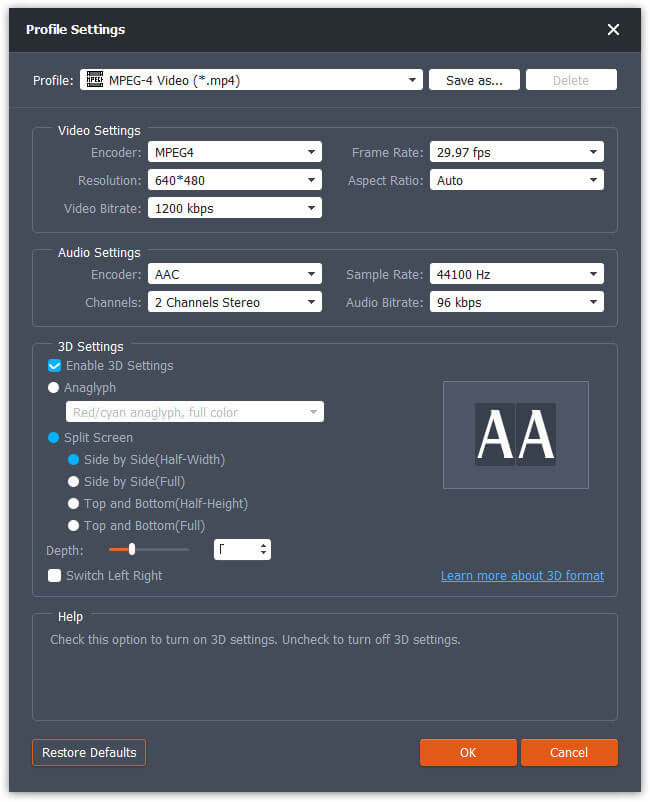
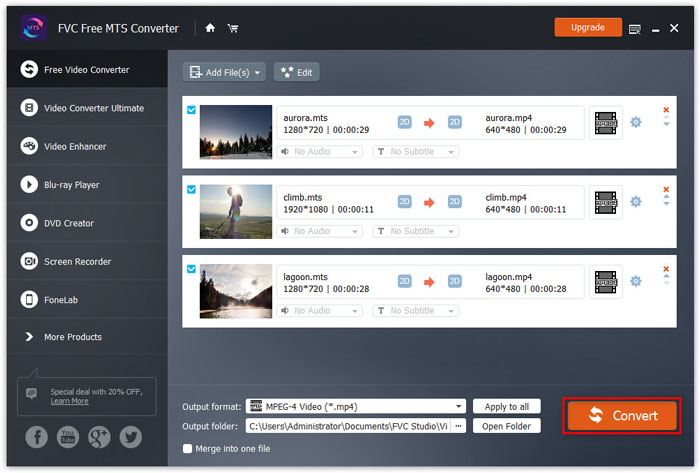
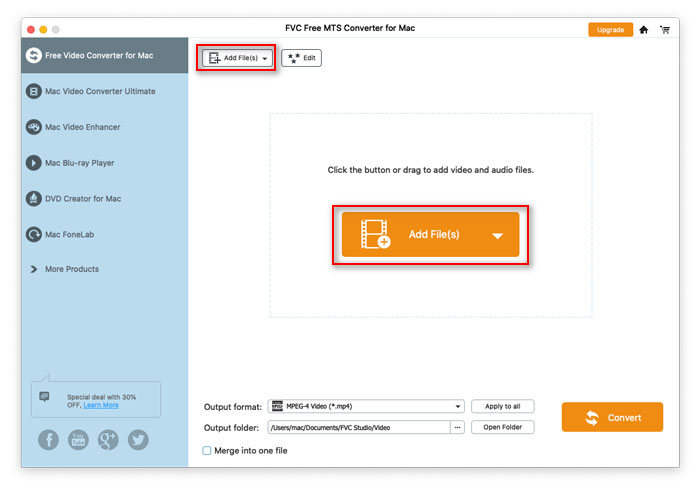
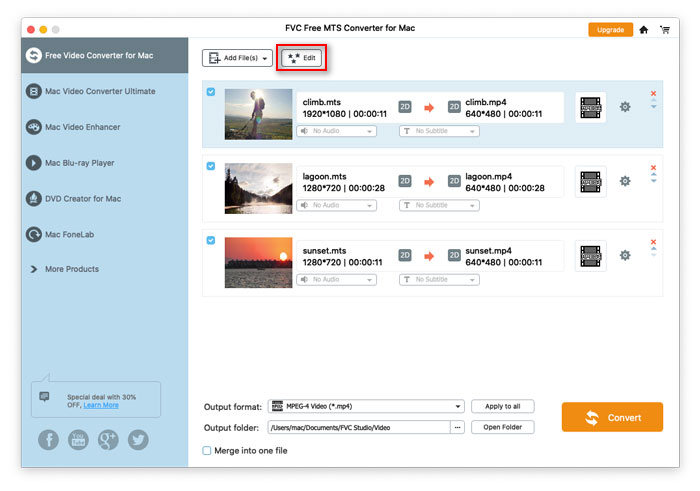
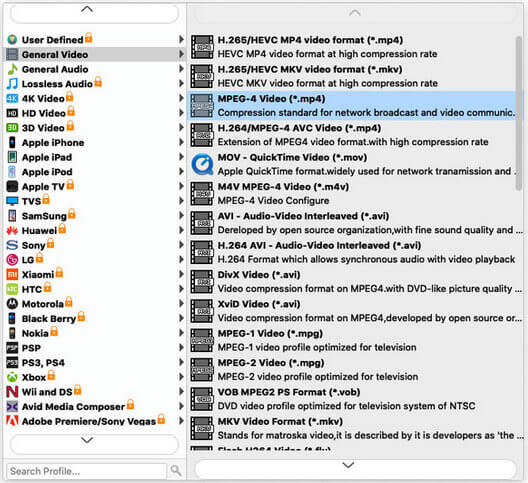
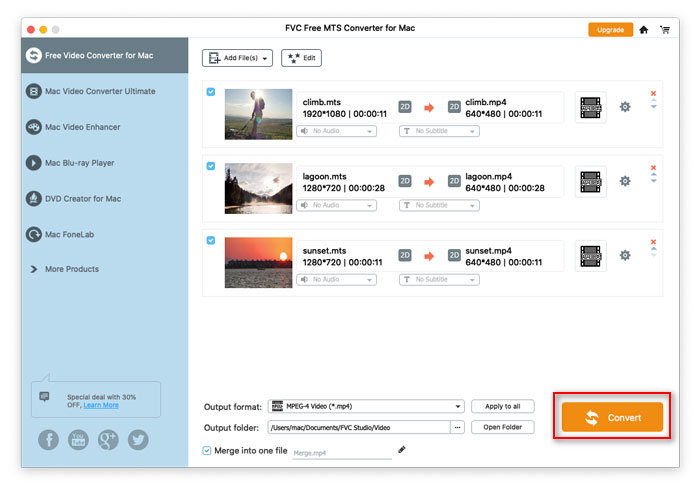
FVC Free MTS Converter auttaa muuntaa MTS-tiedostosi nopeasti ja helposti. Voit vapaasti muuntaa HD-videokameroiden, kuten Sony, Panasonic, Cannon ja muut, tuottaman MTS-muodon suosituiksi video- ja äänitiedostoiksi, kuten MP4, AVI, WMV, MOV, VOB, DivX, XviD, M4V, MP3, AAC jne.
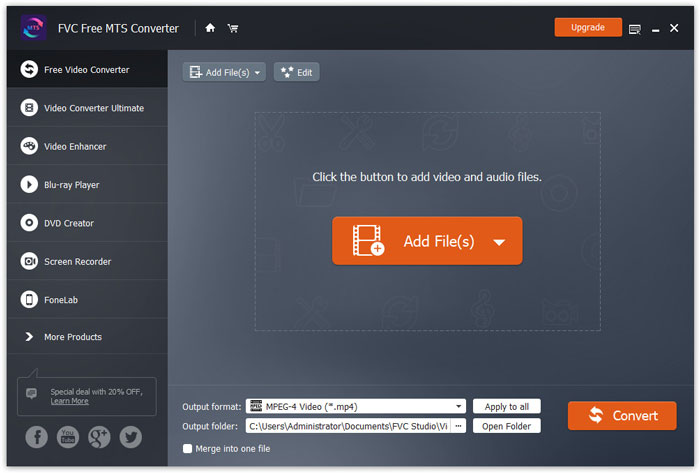
Vaihe 1. Avaa tietokoneellasi etusivu ja napsauta Ilmainen lataus -painiketta.
Vaihe 2. Kaksoisnapsauta asennuspakettia asennuksen aloittamiseksi. Seuraa ohjeita asentaaksesi FVC Free MTS Converter -ohjelman tietokoneellesi.
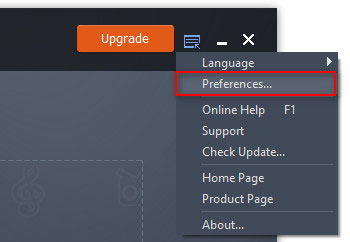
Voit säätää Free MTS Converter -ohjelman asetuksia ja käyttää sitä joustavasti tarpeidesi mukaan. Muokataksesi asetuksia käynnistä ohjelmisto, siirry kohtaan Valikko ja valitse Asetukset... Ohjelmisto tarjoaa 2 osiota, joista voit valita haluamasi asetukset.
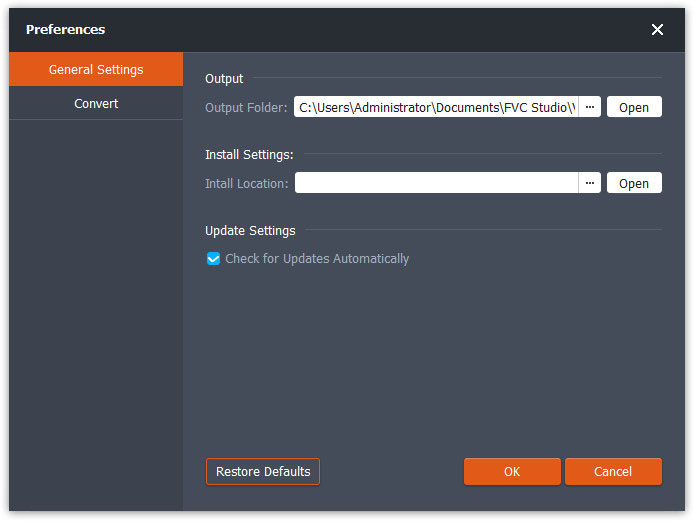
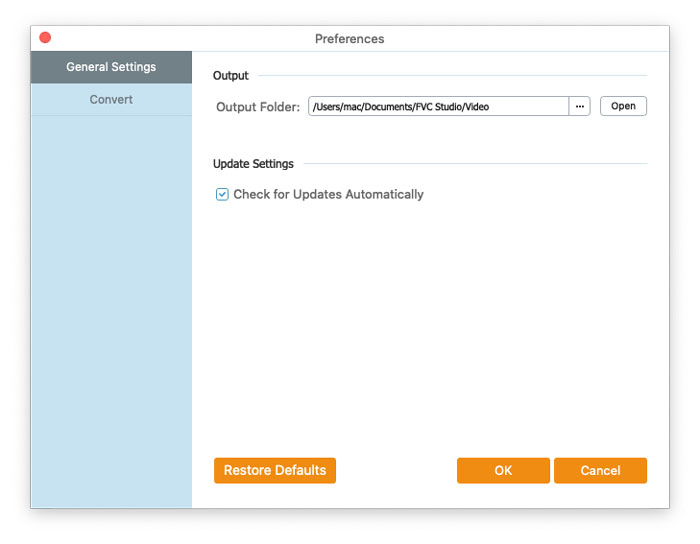
Yleiset asetukset: Voit muuttaa tulostuskansiota sekä asennus- ja päivitysasetuksia.
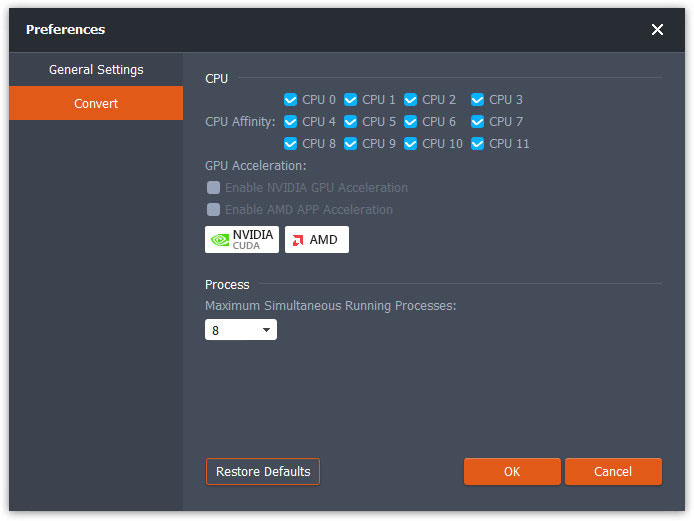
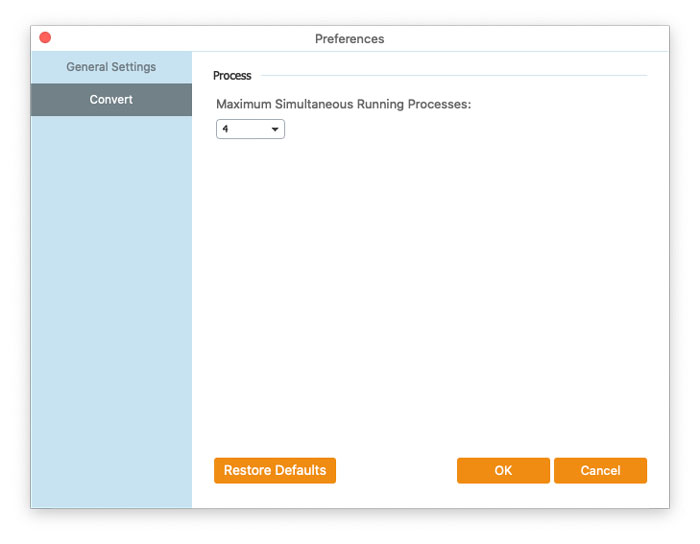
Muuntaminen: GPU-kiihdytys voi nopeuttaa muunnosta. Voit valita prosessorin kuormanjaon (CPU affinity) ja asettaa samanaikaisesti suoritettavien prosessien enimmäismäärän.
FVC Free MTS Converter auttaa muuntaa MTS-tiedostosi nopeasti ja helposti. Voit vapaasti muuntaa HD-videokameroiden, kuten Sony, Panasonic, Cannon ja muut, tuottaman MTS-muodon suosituiksi video- ja äänitiedostoiksi, kuten MP4, AVI, WMV, MOV, VOB, DivX, XviD, M4V, MP3, AAC jne.
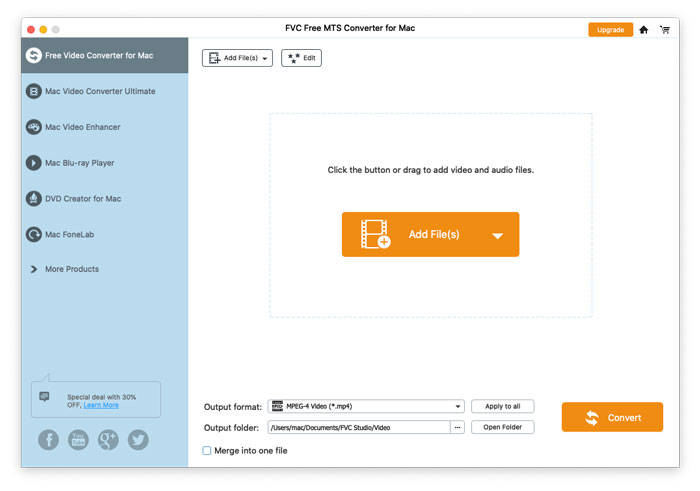
Vaihe 1. Avaa tietokoneellasi etusivu ja napsauta Ilmainen lataus -painiketta.
Vaihe 2. Kaksoisnapsauta asennuspakettia asennuksen aloittamiseksi. Seuraa ohjeita asentaaksesi FVC Free MTS Converter -ohjelman tietokoneellesi.
Voit säätää Free MTS Converter -ohjelman asetuksia ja käyttää sitä joustavasti tarpeidesi mukaan. Muokataksesi asetuksia käynnistä ohjelmisto, siirry kohtaan Valikko ja valitse Asetukset... Ohjelmisto tarjoaa 2 osiota, joista voit valita haluamasi asetukset.
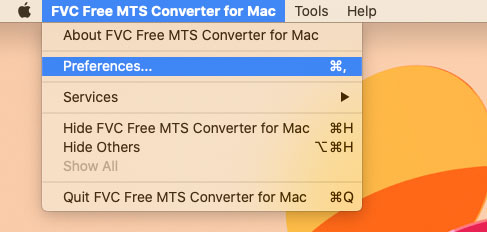
Yleiset asetukset: Voit muuttaa tulostuskansiota sekä asennus- ja päivitysasetuksia.
Muuntaminen: GPU-kiihdytys voi nopeuttaa muunnosta. Voit valita prosessorin kuormanjaon (CPU affinity) ja asettaa samanaikaisesti suoritettavien prosessien enimmäismäärän.
 Latauskeskus
 englanti
Tekijänoikeus © 2026 FVC Studio. Kaikki oikeudet pidätetään.


 Video Converter Ultimate
 Näytön tallennin
 Videon korjaus