


 ממיר וידאו אולטימטיבי
 מקליט מסך
 תיקון וידאו
 הורדה מאובטחת
היישומים הטובים ביותר להסרת סימני מים עבור שולחן עבודה וטלפונים
האם אתה מחפש אפליקציית הסרת סימני מים מווידאו מצוינת למחשב ולטלפון שלך? אז המאמר הזה שווה קריאה. בימינו אנשים אוהבים לצפות בסרטים, קליפים, תקצירים, מצגות וקטעי וידאו אחרים שהם יכולים לראות באינטרנט, בטלפונים, בטלוויזיות ועוד. אבל לפעמים לחלק מהסרטונים האהובים עליך יש סימן מים. בגלל זה אתה נהיה מתוסכל ומאוכזב במקום ליהנות מהסרטים או הסרטונים האהובים עליך. בנוסף, אתה אפילו לא יכול לראות את כל חלקי הסרטון על המסך. למרבה המזל, אתה יכול להשתמש בתוכנות כדי להסיר סימני מים מהסרטונים שלך בעזרת מחשבים, אייפונים וטלפונים עם אנדרואיד. בנוסף, עם האפליקציות האלה תוכל ליהנות מצפייה בסרטונים שלך בלי שיופיעו על המסך אובייקטים מיותרים שמפריעים לך. אם אתה רוצה להכיר את מסירי סימני המים המעולים והיעילים האלה לווידאו עבור המכשירים שלך, קרא את המאמר הזה עד הסוף.

חלק 1: מסירי סימני מים הטובים ביותר עבור PC ו-Mac
1. Video Converter Ultimate
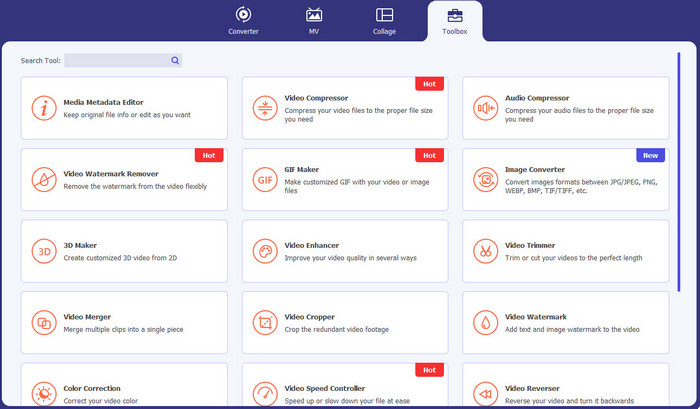
Video Converter Ultimate היא האפליקציה שבה אתה יכול להשתמש אם אתה רוצה להסיר אובייקטים מיותרים מהווידאו שלך, כמו סימני מים, טקסטים, לוגואים וחתימות. בנוסף, אפליקציה זו היא אחת מאפליקציות הסרת סימני המים מהווידאו הטובות ביותר שניתן להשתמש בהן. יתרה מכך, אפשר להסיר סימני מים מבלי לאבד מהאיכות. בנוסף, Video Converter Ultimate היא אפליקציה חינמית וקלה לשימוש. היא זמינה גם ב‑Mac וגם ב‑Windows, מה שהופך אותה לנוחה מאוד למשתמשים. מעבר לכך, התוכנה הזאת לא רק אמינה בהסרת סימני מים מהווידאו שלך. Video Converter Ultimate תומכת במגוון פורמטים של קבצים, כמו MP4, MKV, FLV, AVI, MOV ועוד.
הורדה חינמיתל-Windows 7 ומעלההורדה מאובטחת
הורדה חינמיתל-MacOS 10.7 ומעלההורדה מאובטחת
יתרונות
- מושלם למתחילים.
- תהליך ההסרה בטוח ומהיר.
- זמין ב-Mac וב-Windows.
- קל לשימוש.
- יכול להמיר פורמטים שונים של קבצים.
חסרונות
- לתכונות מתקדמות יותר, רכשו את התוכנה.
2. 123APPS
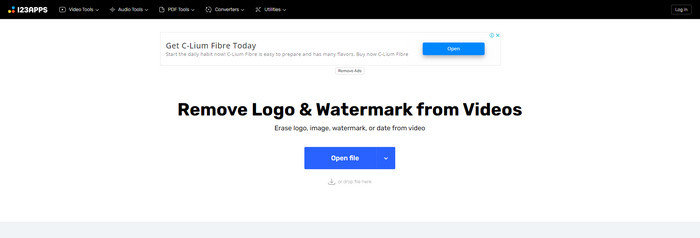
אם אתה מחפש מסיר סימני מים חינמי לווידאו אונליין, אתה יכול להשתמש ב‑123APPS. כלי מקוון זה יכול להסיר אובייקטים מיותרים מהווידאו שלך, כמו סימני מים, לוגואים, טקסטים ועוד. בנוסף, האפליקציה הזו תומכת בסוגים שונים של פורמטים, כמו MOV, AVI, WMV, MP4 ועוד. כמו כן, ל‑123APPS יש ממשק אינטואיטיבי שקל מאוד להשתמש בו. אפשר להסיר סימני מים בכמה קליקים בלבד, מה שמתאים למתחילים. בנוסף, כלי עריכת הווידאו של האפליקציה הזאת מהיר ורספונסיבי, ואין צורך להוריד שום דבר למחשב. הכול זמין אונליין. יתרה מכך, יש בה עוד תכונות שאפשר ליהנות מהן, כמו ממיר וידאו, ממיר אודיו, ממיר תמונות, חיתוך וידאו, חיתוך פריים, סיבוב, שינוי עוצמת קול, שינוי מהירות הווידאו ועוד. עם זאת, תהליך השמירה באפליקציה הזאת איטי מדי, ואזור סימני המים נהיה מטושטש.
יתרונות
- בעל תקן הגנת מידע.
- נוח למשתמשים.
- קל לשימוש.
חסרונות
- זה לא יכול לפעול בלי חיבור לאינטרנט.
- תהליך השמירה איטי מדי.
- תכונות מוגבלות.
3. מסיר סימני מים של Apowersoft Online Video
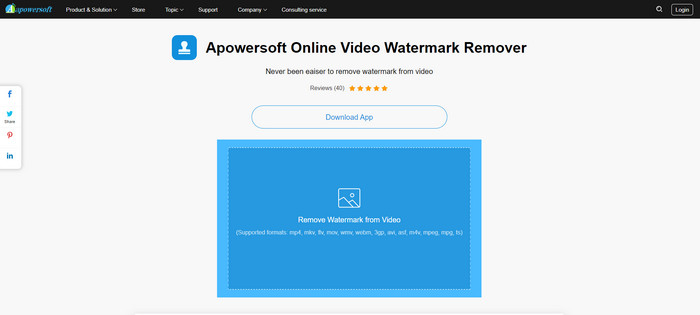
אם אתה מחפש עוד כלי און־ליין מצוין לשימוש עבור הסרת סימני מים מהווידאו שלך, Apowersoft Online Video Watermark Remover היא אחת האפליקציות הטובות ביותר. בעזרת הכלי המקוון הזה אתה יכול להסיר סימני מים מהווידאו שלך בקלות. בנוסף, זוהי אפליקציה פשוטה וקלה לשימוש, שמתאימה למתחילים שרוצים להסיר סימני מים. אתה יכול גם להסיר סימני מים מהתמונות שלך באמצעות כלי זה, וזה מאוד נוח למשתמשים. זהו כלי מקוון, כך שאין צורך להוריד את האפליקציה למחשב. עם זאת, הגרסה החינמית של האפליקציה מוגבלת מאוד ויש לה הגבלת גודל קובץ של 50 מגה־בייט. בנוסף, העלאה והסרת סימני המים מהווידאו לוקחות זמן רב מדי.
יתרונות
- אין סיכון פרטיות.
- יש ממשק פשוט, וזה טוב למתחילים.
חסרונות
- תכונות מוגבלות.
- ארוך מדי להעלות ולהסיר סימני מים.
4. UniConverter
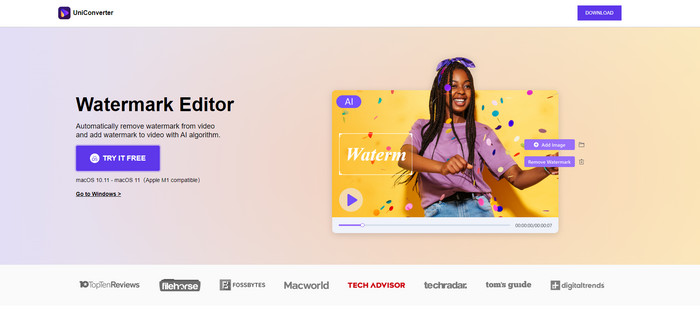
UniConverter היא תוכנה נוספת להסרת סימני מים לווידאו שתוכל להשתמש בה במחשבי ה-Mac וה-Windows שלך. ניתן להשתמש באפליקציה זו בחינם. UniConverter יכול לסייע לך בהעלמת חלקים מטרידים בסרטונים/סרטים שלך, כמו לוגו, סימני מים, טקסט ועוד. בנוסף, אתה יכול גם להיתקל בכמה תכונות נפלאות בהן תוכל להשתמש, כמו ממיר וידאו ואודיו, מדחס, עריכת אודיו ווידאו, מיזוג וידאו, מסיר רעשים, שינוי רקע הווידאו, עורך סימני מים ועוד. עם זאת, גרסת הניסיון החינמית של יישום זה מוגבלת מבחינת תכונות. כמו כן, אם ברצונכם לרכוש את התוכנה, עליכם להכין כמות גדולה כי היא יקרה.
יתרונות
- קל לשימוש.
- ממשק נחמד.
חסרונות
- האפליקציה יקרה.
- תכונות מוגבלות לניסיון חינם.
5. Movavi
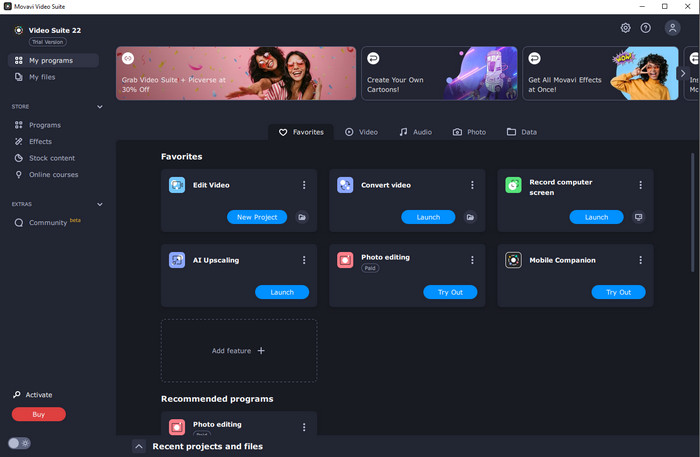
נניח שאתה מחפש אפליקציה מצוינת ואמינה שברצונך להשתמש בה ואף לרכוש אותה לצורך הסרת סימני מים – אז האפליקציה הטובה ביותר שאתה יכול לקנות היא Movavi. אפליקציה זו שימושית ויעילה אם אתה רוצה להסיר סימני מים, לוגואים ועוד מהווידאו שלך. מעבר להסרת סימני מים מהסרטונים, ל‑Movavi יש גם כלי עריכה מצוינים ומרשימים באפליקציה, כמו חיתוך וידאו, תיקון צבע ועוד. עם זאת, בכל הנוגע לתהליך השמירה, הוא איטי מדי.
יתרונות
- לא מגביל את הגישה לתכונות במהלך תקופת הניסיון בחינם.
- קל לשימוש.
- מתאים למשתמשים מתקדמים ולמתחילים.
- בעל ממשק פשוט.
חסרונות
- יש כמה בעיות בנוגע למדיניות ההחזרים.
- צריך לרכוש את האפליקציה כדי ליהנות מהשימוש בה זמן רב יותר.
6. ManyCam
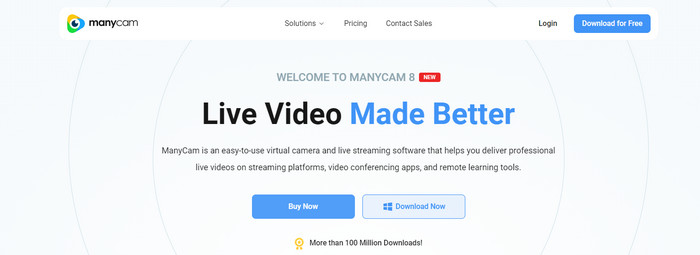
ManyCam היא עוד תוכנת הסרת סימני מים לווידאו, חינמית, שבה אתה יכול להשתמש במחשב שלך. אם אתה רוצה להסיר סימני מים מהסרטונים שלך באמצעות התוכנה הזו, תחילה עליך לרכוש או להפעיל מנוי באפליקציית ManyCam. בדרך זו תוכל להסיר סימני מים מהווידאו שלך. במקביל, אם אתה שומר את הסרטונים שלך מתוך ManyCam, הם לא יקבלו סימני מים. בנוסף, אפשר להשתמש ב‑ManyCam גם לסטרימינג של משחקים, יצירת מדריכים, שידור חי ועוד.
יתרונות
- יש יותר תכונות מכלים אחרים כמו רקע וירטואלי, אפקטים של מסכות תלת מימד וכו'.
- מושלם עבור גיימרים וסטרימרים.
- מתאים למשתמשים מתקדמים שאוהבים עריכה.
חסרונות
- הפעלת המנוי יקרה מאוד.
- לא מתאים למתחילים.
- חלק מהתכונות מסובכות, כמו הגדרות שכבה ואפקטים.
חלק 2: מסירי סימני מים הטובים ביותר עבור iOS ואנדרואיד
1. מחק וידאו - הסר סימן מים
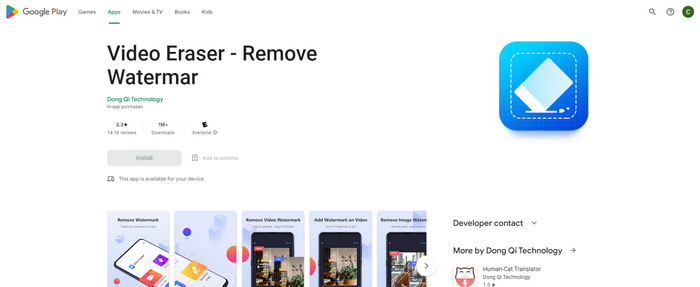
אם אתה מעוניין באפליקציית הסרת סימני מים לווידאו האמינה והטובה ביותר עבור אנדרואיד, האפליקציה שבה תוכל להשתמש היא Video Eraser. יישום זה הוא מסיר סימני מים רב עוצמה. זה עוזר לך למחוק אובייקטים מיותרים מהסרטונים והתמונות שלך. זוהי גם אפליקציה קלה לשימוש, המושלמת למתחילים. אתה יכול למחוק סימני מים בכמה צעדים. בנוסף, לעריכת וידאו יש כלים שונים שבהם תוכלו להשתמש, כמו הוספת טקסט ואייקונים לסרטונים, חיתוך סרטונים, חיתוך סרטונים ועוד. החלק הגדול הוא שאתה יכול להוריד את האפליקציה הזו במכשיר האנדרואיד שלך בחינם.
יתרונות
- מהיר ויעיל.
- פשוט לשימוש, שמתאים למשתמשים חדשים.
- יש תכונות נהדרות, כמו הסרת סימני מים משני הסרטונים ותמונות.
חסרונות
- בהסרת סימני המים מהסרטונים שלך, האזור יהפוך מטושטש.
2. FDCTool - הוסף והסר סימן מים
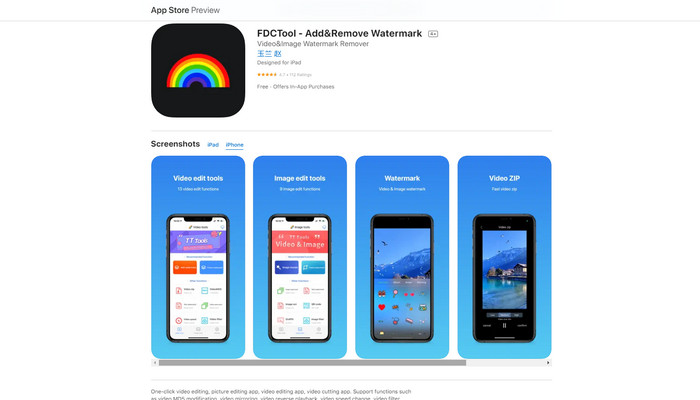
אם אתה מחפש עוד אפליקציית הסרת סימני מים מעולה לאייפון שלך, תוכל להשתמש ב‑FDCTool. היא יכולה לסייע לך למחוק אובייקטים מסיחים מהווידאו, הסרטים והקליפים שלך, כמו סימני מים, לוגואים, טקסטים ועוד. בנוסף, יש לה גם תכונות מצוינות, כמו עריכת תמונות, עריכת וידאו, חיתוך וידאו, הוספת טקסט לווידאו ועוד. לבסוף, באמצעות אפליקציה אמינה זו תוכל להסיר כל סימן מים בלי מאמץ, במספר שלבים פשוטים.
יתרונות
- טוב למשתמשים חדשים.
- מהיר מבחינת תהליך השמירה.
- הסרת סימני מים ללא אובדן איכות.
חסרונות
- יש לו תכונות מוגבלות.
חלק 3: שאלות נפוצות על מסיר סימני מים לווידאו
מהו מסיר סימני המים המומלץ ביותר לווידאו?
מסיר סימני המים המעולה והמומלץ לווידאו שבו אתה יכול להשתמש הוא Video Converter Ultimate. הוא מאפשר לך להסיר אובייקטים מיותרים כמו לוגואים, טקסטים, תמונות ועוד.
האם אני יכול להסיר מדבקות באמצעות מסירי סימני מים וידאו?
כן כמובן! אתה יכול להסיר את המדבקות מהסרטונים שלך באמצעות מסירי סימני מים של וידאו. כל מה שאתה צריך לעשות הוא לחפש אפליקציה נהדרת עם מסיר סימני מים ולהשתמש בה כדי להסיר את המדבקות מהסרטונים שלך.
האם זה בטוח להסיר סימני מים באינטרנט?
כן זה כן! ישנם כלים מקוונים שאתה יכול לסמוך עליהם. רוב מסירי סימני הווידאו באינטרנט מאובטחים ובטוחים.
סיכום
הסרת סימני מים מהווידאו שלך משפיעה לטובה על הצופים. לכן, אפשר להסיק שמסירי סימני מים לווידאו הם חיוניים. הם הופכים את הווידאו שלך למרתק יותר לצפייה, ולא גורמים לך תחושת אכזבה. בנוסף, אם אתה רוצה להסיר סימן מים מהסרטונים שלך, האפליקציה הטובה ביותר שתוכל להשתמש בה היא Video Converter Ultimate.
-
 4 דרכים יעילות להסיר סימני מים של Tiktok מסרטוני Tiktok
 האם עליך להסיר את סימן המים של Tiktok מסרטוני ה-Tiktok המיוצאים שלך? תוכלו לעשות זאת כאן בעזרת הכלים שאנו מציגים; אתה יכול לעשות את זה בקלות.
-
 4 הדרכים הטובות ביותר להסיר את סימן המים מ-GIF [מקוון ולא מקוון]
 צריך להסיר סימן מים מ-GIF? בעזרת הכלי במאמר זה, תלמדו את הסגנונות השונים עם מסיר סימני המים השונה הזמין בפלטפורמה שלכם.
-
 מהו סימן מים בסרטון וכיצד להוסיף או להסיר אותו
 האם אתה רוצה מהו סימן מים, אילו סוגים שונים, והסיבה מדוע צלמים מוסיפים אחד? ובכן, כל מה שאתה צריך לעשות הוא לקרוא את המאמר הזה.
