


 Video Converter Ultimate
 Perekam Layar
 Perbaikan Video
 Unduhan Aman
Apa Pengganti QuickTime Terbaik yang Tersedia di Semua Perangkat Lunak (Gratis & Berbayar)
QuickTime Player is the local media player in the Mac’s system. It is the best Apple free media player indeed but the accessibility of the media player is unavailable in the other operating systems. Like the Windows OS and such. So, users who use Mac are having difficulties on choosing what is the best QuickTime player replacement that they should use. Without furthermore, this write-up will provide you with sufficient evidence about the tool themselves. And what are the other alternatives you should use to watch in such as efficient QuickTime can provide. Carry on reading this article to know more about these media players.

Bagian 1. Penggantian QuickTime Terbaik Online
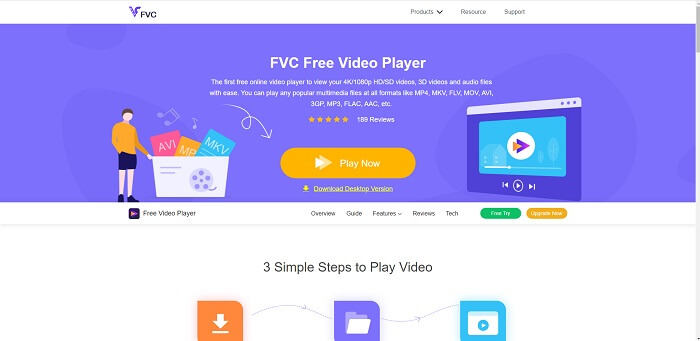
If you’re looking for the best alternative to QuickTime player online then this is for you. It doesn’t require you to sign-up or log-in and pay. Also, the amazing feature of it is that you can access it anytime anywhere with the help of internet connection without asking you if you are a robot and asking you to pinpoint if this is a fire hydrant, cars, bus, crosswalks, and more. FVC Free Video Player is here to change your game on watching your favorite videos and audio online. It is like a QuickTime player but online. No download needed and no need to worry it is malware free.
Pro
- Alat pengganti QuickTime online yang dapat Anda akses melalui web.
- Perekam pilihan terbaik melalui web. Selain itu, Anda tidak perlu mengunduh alat ini. Luncurkan saja, letakkan, dan tonton.
- Malware aman, tidak ada iklan di web dan saat bermain.
Kontra
- tergantung internet.
- Jika internet tidak stabil, Anda tidak dapat menikmati menonton file.
Bagian 2. Alternatif Prime Elite QuickTime Player untuk Mac dan Windows 10
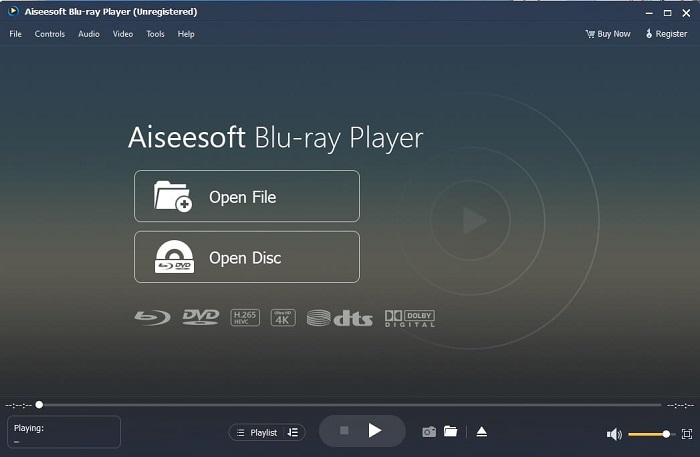
If the free online tool provides you a good quality on watching and listening to your favorite video and audio then this tool will change all of that. If you’re searching for a treasure that has been hidden for a long time. Then this is the time to let you know that searching for it is over because as of today you already found it. This tool is the best QuickTime player alternative for Windows 10 and Mac because it performs much better and in more file formats. Blu-ray Player is the lost treasure. If you’re looking for the media player that provides you with excellent performance to listen and watch your favorite video or song. Also, they say that every treasure you take, you must pay a price. It is the most common conception that this will cost you a lot because it is said that it is better than the QuickTime itself. But to tell you that, it is not. To be honest this tool is far more superior than the other media player that you will find in this article or in the web itself. It is a must try media player if you’re looking for the best like you’re watching from cinema’s quality.
Unduh GratisUntuk Windows 7 atau yang lebih baruUnduhan Aman
Unduh GratisUntuk MacOS 10.7 atau yang lebih baruUnduhan Aman
Pro
- Pemutar media kelas-S.
- Ini berfungsi dengan baik tanpa koneksi internet.
- Ini mendukung semua platform yang Anda tahu dan tidak tahu. Dengan kualitas yang lebih baik dalam video dan audio.
Kontra
- Itu perlu diunduh di PC atau Mac Anda.
- Anda akan dikenakan biaya $36.00.
Bagian 3. 4 Alternatif QuickTime Player Bermanfaat Lainnya
Daftar di bawah ini adalah contoh yang mungkin ingin Anda gunakan atau temui melalui web jika Anda mencari pengganti QuickTime. Karena dikatakan sebelumnya bahwa QuickTime adalah pemutar media default untuk Mac OS. Baca alternatif lain untuk QuickTime player untuk Mac dan Windows yang mungkin Anda gunakan untuk menonton video jika QuickTime tidak didukung pada platform Anda.
1. Pemutar Media VLC
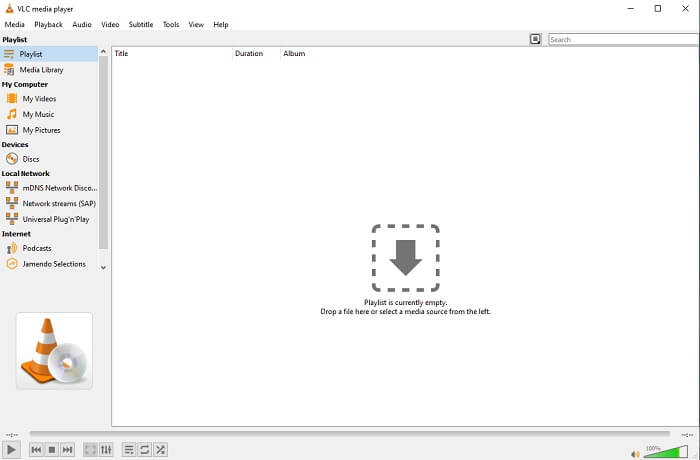
Alat ini membangun namanya sebagai pemutar media terbaik di seluruh web. Karena aksesibilitasnya, sebagian besar pengguna menggunakan ini sebagai pilihan pertama mereka. Juga, ia dapat memutar DVD, VCD, CD, dan lainnya tanpa menambahkan codec lagi. Sederhananya, ini adalah pemain yang cepat dan kelas-A.
Pro
- Salah satu pemutar media terbaik.
- Antarmuka yang sederhana.
- Alat offline perlu diunduh.
Kontra
- Beberapa format tidak dapat dimainkan.
- Anda akan menemukan beberapa bug yang belum diperbaiki.
2. Pemain KM

A QuickTime replacement for windows and mac that allows you to play different file formats with high quality one. Unlike VLC Media Player, WMV playback can be easily played using this KM Player. Also, it can play 3D video playback and do some of the editing.
Pro
- Pemutar media yang paling umum digunakan.
- Dikenal karena akselerasi perangkat kerasnya.
- Pemutaran video 3D.
Kontra
- Ini adalah spyware/adware.
- Itu dapat membuat sistem Anda lambat karena instalasi yang tidak dapat dihindari yang akan dibuatnya. jadi berhati-hatilah jika ingin mendownload software ini.
3. Pemain MP
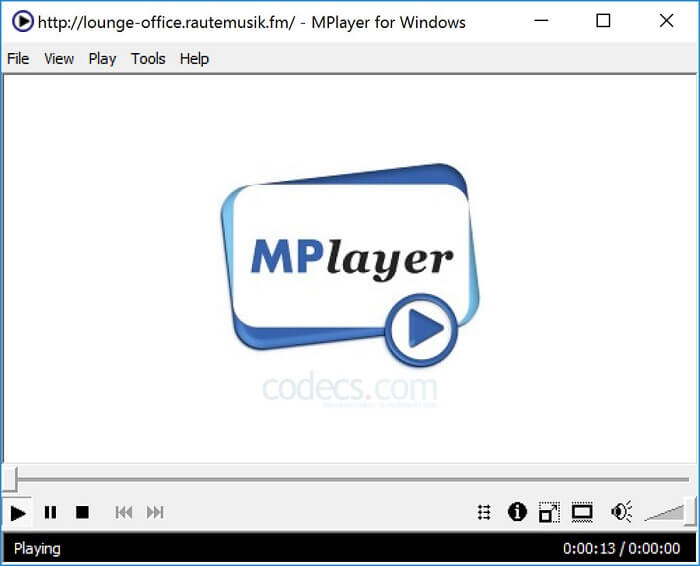
This tool allows the user to work with two separate windows. For example, the video window is separated from the main interface. MPlayer can play different formats. Also, it supports specially the files that have been recorded over the Ffmpeg.
Pro
- Alat langsung.
- tidak diperlukan codec tambahan.
- Tombol pintas.
Kontra
- Dalam beberapa kasus, file yang Anda putar ke pemutar media lain dapat diputar, tetapi jika Anda menggunakan ini, ada kemungkinan file tersebut tidak dapat diputar. Masih untuk alasan yang tidak diketahui.
- Kurangnya pemutaran direktori.
4. Perian
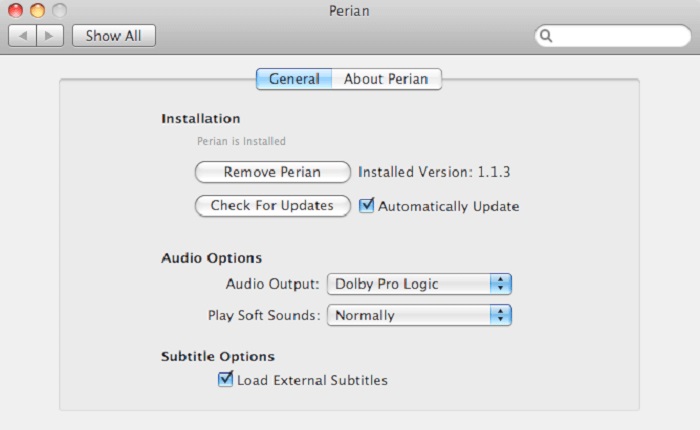
If you have an outdated QuickTime and still want to know what are the other options for you then this is for you. Perian is known as the Swiss knife you may use on your Mac operating system. If the old version of the QuickTime can’t play your desired format, then you may use this. Because it allows you to play more file formats in the QuickTime Player.
Pro
- Masih bekerja bahkan pada QuickTime yang sudah ketinggalan zaman.
- Mendukung lebih banyak pemutaran untuk versi QuickTime yang lebih lama.
- Format subtitle SSA dan SRT dari QuickTime masih didukung.
Kontra
- Ini tidak akan berfungsi pada versi modern QuickTime 10.
- Jika Anda menggunakan versi QuickTime dari 2012 maka ini tidak perlu digunakan. Karena QuickTime dapat memberikan lebih banyak lagi yang dapat diberikan oleh alat ini.
Bagian 4. FAQ tentang QuickTime Player
Apa yang dapat saya lakukan selain memutar video di QuickTime?
QuickTime also has these other features like recording, editing and trimming it, rearrange, rotate and you may as well share a video and images.
Apakah QuickTime memiliki versi pro?
Ya, itu juga memiliki versi pro. Seperti biasa, versi pro menyediakan lebih banyak fitur daripada versi gratis.
Apakah ada format file yang tidak dapat diputar jika Anda menggunakan QuickTime?
In some cases, MOV & MP4 are unplayable because they are complex codecs. Also, this is most commonly encountered if your QuickTime is the older version. So, the best solution is to convert MOV into MP4.
Kesimpulan
Now that you know what are the tools that can be used if you want a media player like QuickTime. As it is mentioned earlier, these different tools have their own specialty, common traits, and what separates them from other media players. But it is clearer that the best QuickTime player replacement or to be more specific the tool that can beat the QuickTime is the Blu-ray Player. It overpowers QuickTime players in all aspects, especially the availability of the tool and more. But maybe you're still thinking about why you need to buy this tool. Only reason is that it is far superior with the other tools you might find over the web or in other articles. So what are you waiting for? Watch like a boss by using this as your personal choice media player.
-
 Pemutar Video HD 1080p Terbaik untuk Windows/Mac/iOS/Android pada tahun 2025
 Jika Anda mencari pemutar video untuk menonton video definisi tinggi 1080p di komputer Anda, periksa pilihan pemutar video HD 1080p terbaik kami untuk Mac, Windows PC, iOS, dan Android.
-
 5 Metode yang Dapat Dilakukan untuk Memperbaiki QuickTime Tidak Dapat Membuka File MOV Umpan Komentar
 Format MOV terutama dibuat untuk pemutaran di QuickTime Player. Namun, terkadang Anda mungkin menemukan bahwa mereka tidak bermain di dalamnya. Pelajari cara memperbaiki QuickTime tidak akan memutar file MOV dari posting ini.
-
 Cara Mengonversi File MKV untuk Diputar di PS3 Dengan Lancar
 Ingin memutar video MKV di PS3 Anda? Namun, PS3 tidak dapat memutar file MKV secara langsung. Artikel ini akan menunjukkan kepada Anda cara mengonversi video MKV ke format video yang didukung PS3 untuk diputar di PS3 tanpa kerumitan.
