


 Video Converter Ultimate
 Screen Recorder
 Reparație video
 Descărcare sigură
Top 5 jucători VOB pentru Windows 10/8/7 PC și Mac
VOB (Video Object) nu este un format video popular precum MP4, AVI, vechiul RMVB sau chiar FLV folosit de YouTube. Este un format container folosit pe discurile DVD-Video. Un fișier VOB poate stoca videoclipuri, piste audio, subtitrări, meniuri DVD și conținut de navigare. De fapt, nu îți pasă de obicei de un format precum VOB până când nu te lovești de problema de fișiere neacceptate.
Formatul VOB nu poate fi deschis de mulți playere multimedia, dispozitive iOS/Android și instrumente de editare video. Windows Media Player nu va reda fișiere VOB pe un PC cu Windows 10. În același timp, nu poți vizualiza direct un fișier VOB pe Mac cu QuickTime Player. Atunci, cum redai fișiere VOB?

Ținând cont de nevoile tale, dorim să îți prezentăm 5 playere VOB excelente pentru PC cu Windows 10/8/7 și pentru Mac. Poți afla funcțiile cheie ale fiecărui player de fișiere VOB și apoi să îl alegi pe cel preferat.
Partea 1. VOB Player gratuit pentru Windows 10/8/7 PC și Mac
FVC Free Video Player este un instrument online foarte popular pentru redarea de fișiere video și audio, care te poate ajuta să redai orice fișier VOB atât pe PC cu Windows 10/8/7/XP/Vista, cât și pe Mac. Acest player gratuit de fișiere VOB îți poate oferi o redare VOB de înaltă calitate. Pe lângă VOB, suportă și alte formate video și audio, inclusiv MP4, AVI, MOV, MKV, FLV, WMV, 3GP, MXF, MPEG, RMVB, MP3, AAC, M4A, WMA, FLAC și altele.
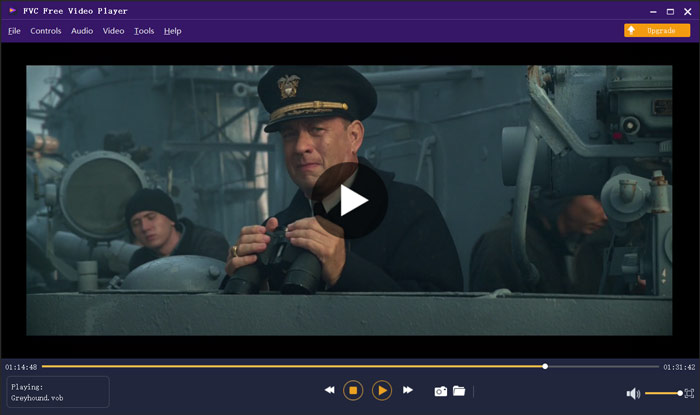
Acest player VOB nu necesită niciun alt codec sau plug-in pentru a reda videoclipurile dvs. VOB. Navigați la site-ul său oficial și instalați un fișier de lansare mic pentru prima dată, puteți reda în mod liber toate fișierele media cu ușurință. Acest player de fișiere VOB este adoptat cu tehnologia avansată de codare audio DTS-HD și Dolby TrueHD. Puteți obține o experiență sonoră extraordinară în timpul redării VOB.
Partea 2. Open Source VOB Player pentru Windows 10 și Mac - VLC Media Player
VLC media player este un player open source, complet funcțional, care îți permite să vizionezi fișiere VOB atât pe un PC cu Windows 10/8/7, cât și pe un Mac. De fapt, poate funcționa și ca aplicație de redare VOB pentru dispozitive Android și iOS. VLC media player este complet gratuit. Pe lângă VOB, VLC poate reda și fișiere media în formatele MP4, MOV, FLV, MKV, MOV, AAC, AC3, MP3 și altele. Când introduci un disc DVD în computer, VLC poate acționa ca un player standard de DVD VOB pentru a reda fișierul VOB pentru tine.
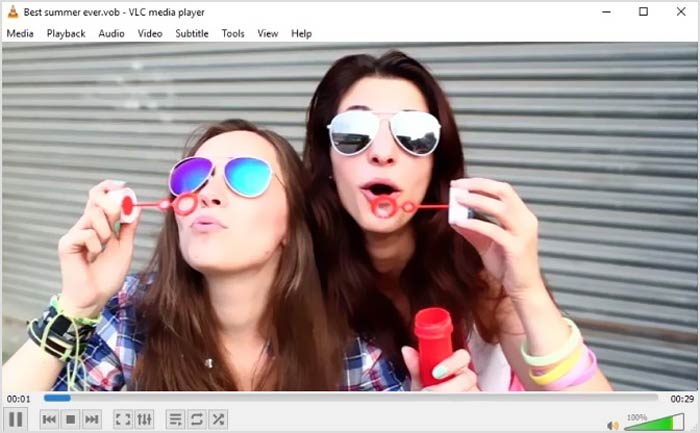
Ca player de fișiere VOB, VLC vă permite să accesați toate meniurile DVD, capitolele și alte conținuturi. Pentru a reda un fișier VOB cu VLC, ar trebui să îl instalați și să îl deschideți pe computer, apoi să importați videoclipul VOB pentru a începe redarea. Pe lângă funcția de redare de bază, playerul media VLC este, de asemenea, proiectat cu conversie, editare, înregistrare și alte funcții utile.
Partea 3. VOB File Player pentru Android / iOS / Windows / Mac - KMPlayer
KMPlayer este un alt software popular pentru redare video, care te poate ajuta să redai fișiere VOB. Are o gamă largă de formate video acceptate. KMPlayer are capabilitatea de a reda videoclipuri în formatele VOB, MPEG, MP4, WMV, MOV, AVI, OGG și altele. Poate funcționa ca un excelent player VOB pentru PC cu Windows și pentru Mac. În plus, KMPlayer oferă aplicații pentru a vizualiza VOB atât pe telefoane Android, cât și pe iPhone și iPad.
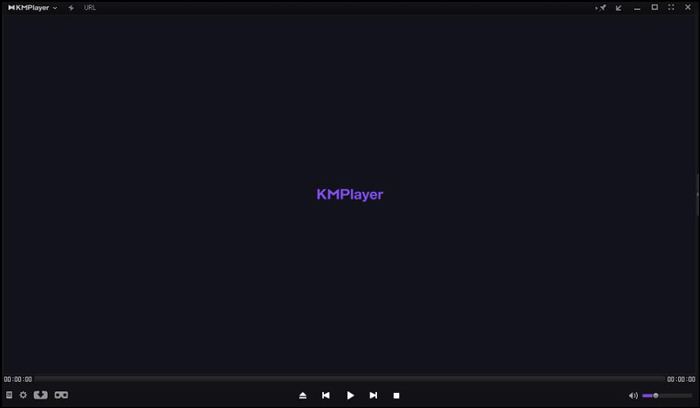
Acest player video VOB vă permite să creați și să gestionați propria listă de redare, să ajustați diverse setări de subtitrare, efecte audio personalizate cu egalizator și multe altele. KMPlayer poartă, de asemenea, căutarea, ar putea, redarea în rețea, temporizatorul și alte caracteristici. Acesta susține că vă poate oferi o redare video de înaltă rezoluție chiar și până la 4K.
Partea 4. VOB File Player pentru Windows 10 - Media Player final
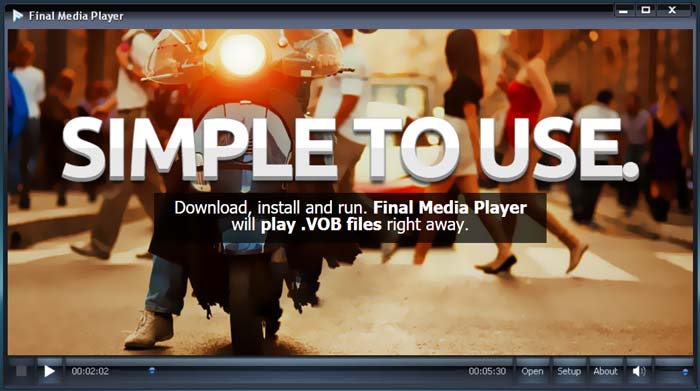
Final Media Player este un instrument de redare video pentru utilizatorii de Windows. Acceptă în mare măsură peste 80 de tipuri de fișiere audio și video. Nu este nevoie să instalezi alte codecuri obscure pentru redarea VOB. Îți permite să redai fișiere VOB pe un PC cu Windows 10 cu o calitate ridicată. Pe lângă VOB, suportă și 3GP, ASF, AVI, DIVX, FLV, M4V, MKV, MOV, MP4, MPEG, MPG, MV, MXF, RMVB, SWF, WMV, XMV, XVID și altele.
Partea 5. VOB Player pentru Mac și Windows 10/8/7 PC - 5KPlayer
5KPlayer este un player puternic pentru video și muzică, ce îți permite să redai fișiere VOB atât pe PC cu Windows 10, cât și pe Mac. Este un mix de player video, player muzical, streamer media compatibil AirPlay și DLNA și descărcător de videoclipuri. Ca player VOB accelerat hardware, îți garantează că poți vizualiza fișierele VOB cu o experiență vizuală și sonoră excelentă.
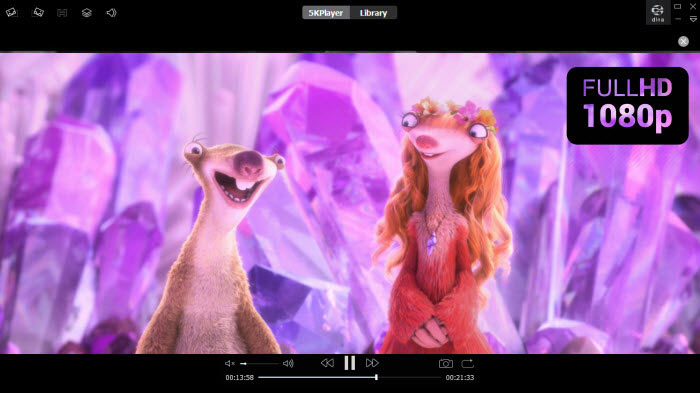
Acest player VOB vă oferă o pistă gratuită pentru diferite funcții. Dar trebuie să știți că 5KPlayer nu este un instrument de joc complet gratuit.
Partea 6. Întrebări frecvente despre VOB File Player
Cum se joacă fișiere VOB în Windows Media Player?
Așa cum s-a menționat mai sus, nu poți deschide direct fișiere VOB în Windows 10 cu Windows Media Player. Trebuie să instalezi codec‑ul VOB sau să convertești VOB în MP4 pentru redare.
Puteți edita fișiere VOB cu iMovie?
Nu. Formatul VOB nu poate fi acceptat de Mac, QuickTime Player și iMovie. Nu aveți voie să deschideți sau să editați un fișier VOB în iMovie.
Cum se convertește gratuit VOB în MP4?
Te poți baza pe convertorul gratuit VOB în MP4 online pentru a realiza conversia video cu ușurință. De asemenea, poate converti VOB în MOV pentru redarea videoclipurilor pe Mac.
Concluzie
În acest articol am vorbit în principal despre playerul VOB. Am întocmit o listă cu 5 dintre cele mai bune playere pentru fișiere VOB dintre care să alegi. Indiferent dacă cauți un player VOB pentru Windows 10, Mac sau dispozitiv Android/iOS, poți găsi cu ușurință unul potrivit.
-
 Ghid despre cum să convertiți MP4 în VOB pe computer
 Cum se convertește MP4 în VOB pe Windows PC și Mac? Pentru a rezolva această problemă, această postare va împărtăși cele mai bune 3 modalități de a vă ajuta să convertiți MP4 în VOB gratuit.
-
 Cele mai bune 8 playere MOV pentru PC și Mac pentru a reda fișiere video QuickTime MOV
 Aflați mai multe despre cele mai bune 8 playere MOV disponibile atât pentru Windows, cât și pentru Mac. Puteți alege cea dorită și potrivită pentru a reda fișiere MOV cu calitatea originală.
-
 8 cei mai buni jucători de fișiere MKV pentru a reda video MKV cu subtitrare pe Windows și Mac
 Când doriți să redați videoclipul MKV cu subtitrarea dorită, puteți afla mai multe despre cei mai buni 8 playere de fișiere MKV pentru PC / Mac și alegeți cel dorit în funcție de cerința dvs.
