


 Video Converter Ultimate
 Screen Recorder
 Reparație video
 Descărcare sigură
Cele mai bune aplicații de îndepărtare a filigranelor video pentru desktop și telefoane
Cauți o aplicație excelentă de eliminare a filigranului din videoclipuri pentru PC și telefon? Atunci acest articol merită citit. În zilele noastre, oamenii adoră să urmărească filme, clipuri video, highlights, prezentări și alte tipuri de conținut video pe internet, pe telefoane, la televizor și nu numai. Însă uneori, unele dintre videoclipurile tale preferate au un filigran. Din această cauză ajungi să fii iritat și dezamăgit, în loc să te bucuri de filmele sau videoclipurile tale preferate. În plus, nici măcar nu poți vedea complet imaginea video pe ecran. Din fericire, poți folosi programe software pentru a elimina filigranele din videoclipuri folosind computerul, iPhone-ul sau telefonul Android. De asemenea, cu ajutorul acestor aplicații, te poți bucura de vizionare fără să fii deranjat de elemente inutile pe ecran. Dacă vrei să afli care sunt aceste programe excelente și eficiente de eliminare a filigranului video pentru dispozitivele tale, citește acest articol până la final.

Partea 1: Cele mai bune dispozitive de îndepărtare a filigranelor video pentru PC și Mac
1. Video Converter Ultimate
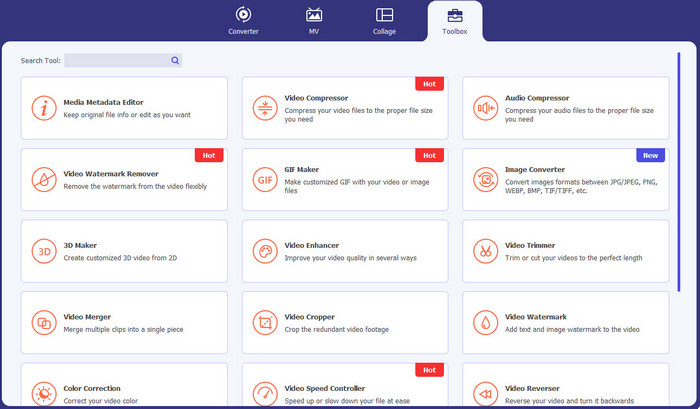
Video Converter Ultimate este aplicația pe care o poți folosi dacă vrei să elimini din videoclipuri elemente inutile, precum filigrane, texte, logo-uri și semnături. De asemenea, această aplicație este una dintre cele mai bune aplicații pentru eliminarea filigranului video pe care le poți utiliza. În plus, poți elimina filigranele fără pierderi de calitate. Mai mult, Video Converter Ultimate este o aplicație ușor de folosit și gratuită. Este disponibilă atât pe Mac, cât și pe Windows, ceea ce este foarte convenabil pentru utilizatori. În plus, acest software nu este de încredere doar pentru eliminarea filigranelor din videoclipuri. Video Converter Ultimate suportă diverse formate de fișiere, precum MP4, MKV, FLV, AVI, MOV și altele.
Descărcare gratuită pentru Windows 7 sau o versiune ulterioară Descărcare securizată
Descărcare gratuită pentru MacOS 10.7 sau o versiune ulterioară Descărcare securizată
Pro
- Perfect pentru incepatori.
- Procesul de îndepărtare este sigur și rapid.
- Disponibil pe Mac și Windows.
- Usor de utilizat.
- Poate converti diferite formate de fișiere.
Contra
- Pentru funcții mai avansate, achiziționați software-ul.
2. 123APPS
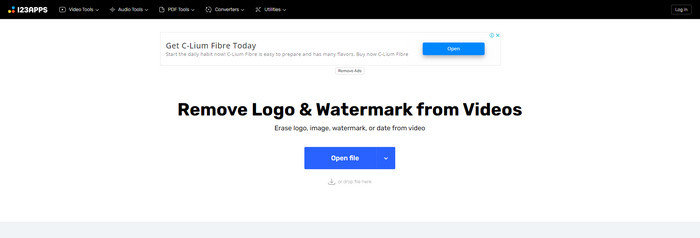
Dacă ești în căutarea unui instrument online gratuit pentru eliminarea filigranului din videoclipuri, poți folosi 123APPS. Acest instrument online poate elimina elemente inutile din videoclipuri, cum ar fi filigrane, logo-uri, texte și altele. În plus, această aplicație suportă diferite tipuri de formate de fișiere, precum MOV, AVI, WMV, MP4 și altele. De asemenea, 123APPS are o interfață intuitivă, ușor de utilizat. Poți elimina filigranele în doar câteva clicuri, ceea ce este potrivit pentru începători. Mai mult, instrumentul de editare video al acestei aplicații este rapid și receptiv; nu trebuie să descarci nimic pe computer. Totul este disponibil online. În plus, are și alte funcții de care te poți bucura, cum ar fi convertor video, convertor audio, convertor de imagini, tăiere videoclipuri, decupare, rotire, modificare volum, schimbare viteză video și multe altele. Totuși, procesul de salvare în această aplicație este foarte lent, iar zona în care se aflau filigranele devine neclară.
Pro
- Are un standard de protecție a datelor.
- Convenabil pentru utilizatori.
- Usor de utilizat.
Contra
- Nu poate funcționa fără o conexiune la internet.
- Procesul de salvare este prea lent.
- Caracteristici limitate.
3. Apowersoft Online Video Watermark Remover
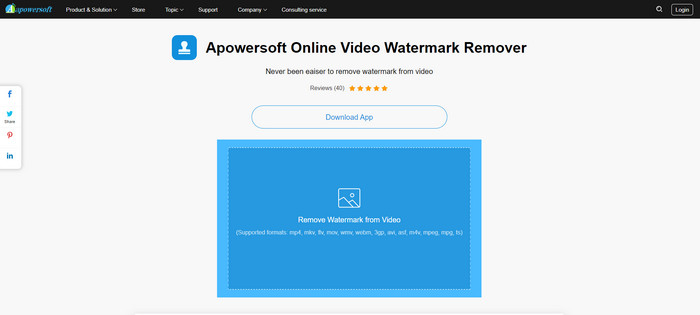
Dacă ești în căutarea unui alt instrument online remarcabil pe care îl poți folosi pentru a elimina filigranele din videoclipuri, Apowersoft Online Video Watermark Remover este una dintre cele mai bune aplicații. Folosind acest instrument online, poți elimina cu ușurință filigranele din videoclipuri. În plus, este o aplicație simplă și ușor de utilizat, ceea ce este foarte bine pentru începătorii care vor să elimine filigrane. Poți, de asemenea, să elimini filigranele din imagini folosind acest instrument, lucru foarte convenabil pentru utilizatori. Fiind un instrument online, nu este nevoie să descarci aplicația pe computer. Totuși, versiunea gratuită a acestei aplicații este foarte limitată și are o limită de dimensiune a fișierului de 50 Mb. De asemenea, încărcarea și eliminarea filigranelor de pe videoclipuri durează foarte mult.
Pro
- Fără risc de confidențialitate.
- Are o interfață simplă, care este bună pentru începători.
Contra
- Caracteristici limitate.
- Prea lung pentru a încărca și elimina filigranele.
4. UniConverter
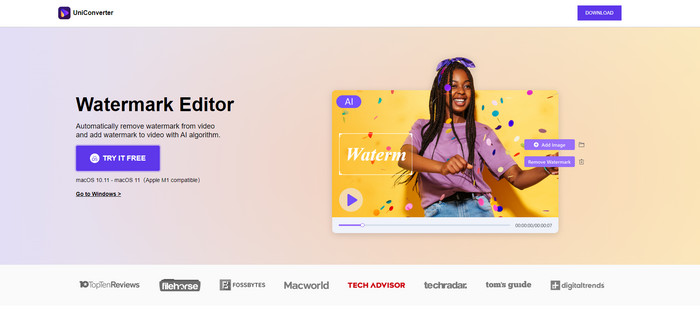
UniConverter este un alt cel mai bun software de îndepărtare a filigranelor video pe care îl puteți utiliza pe computerele dvs. Mac și Windows. Această aplicație poate fi folosită gratuit. UniConverter vă poate ajuta să eliminați unele părți deranjante din videoclipurile/filmele dvs., cum ar fi logo-uri, filigrane, text și multe altele. În plus, puteți întâlni și câteva funcții minunate pe care le puteți utiliza, cum ar fi convertor video și audio, compresor, editare audio și video, îmbinare video, eliminarea zgomotului, schimbarea fundalului video, editorul de filigran și multe altele. Cu toate acestea, versiunea de încercare gratuită a acestei aplicații este limitată în ceea ce privește caracteristicile. De asemenea, dacă doriți să achiziționați software-ul, trebuie să pregătiți o cantitate mare pentru că este costisitor.
Pro
- Ușor de folosit.
- Frumoasa interfata.
Contra
- Aplicația este scumpă.
- Caracteristici limitate pentru o încercare gratuită.
5. Movavi
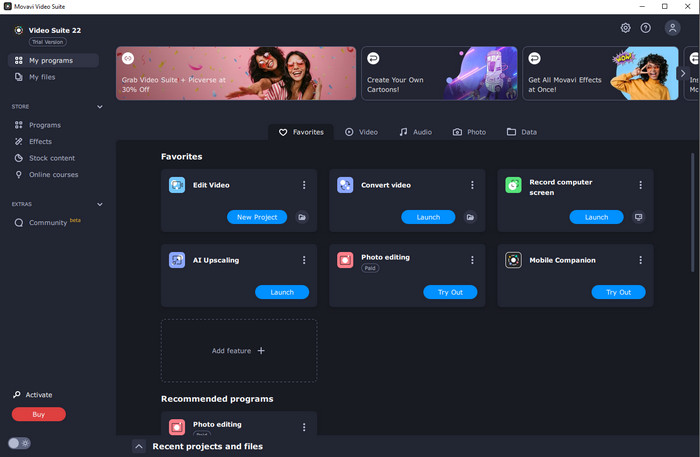
Presupunând că ești în căutarea unei aplicații excelente și de încredere pe care vrei să o folosești și să o cumperi pentru eliminarea filigranelor, cea mai bună alegere pe care o poți face este Movavi. Această aplicație este practică și utilă dacă vrei să elimini filigrane, logo-uri și altele din videoclipurile tale. Pe lângă eliminarea filigranelor din videoclipuri, Movavi are și instrumente de editare excelente și remarcabile, precum decuparea videoclipurilor, corecția culorilor și altele. Totuși, în ceea ce privește procesul de salvare, este foarte lent.
Pro
- Nu limitează accesul la funcții în timpul perioadei de încercare gratuită.
- Ușor de folosit.
- Potrivit pentru utilizatori avansați și începători.
- Are o interfață simplă.
Contra
- Există unele probleme legate de politica de rambursare.
- Trebuie să cumpărați aplicația pentru a vă bucura de utilizarea ei mai mult timp.
6. ManyCam
ManyCam este un alt program gratuit de eliminare a filigranului video pe care îl poți folosi pe computer. Dacă vrei să elimini filigranele din videoclipuri cu ajutorul acestui software, mai întâi trebuie să cumperi sau să activezi abonamentul în aplicația ManyCam. În acest fel, poți elimina filigranele din videoclipuri. În același timp, dacă salvezi videoclipuri din ManyCam, acestea nu vor avea filigran. În plus, poți folosi ManyCam pentru a transmite jocuri, a realiza tutoriale, a face broadcast și multe altele.
Pro
- Au mai multe funcții decât alte instrumente, cum ar fi fundal virtual, efecte de mască 3D etc.
- Perfect pentru jucători și streameri.
- Potrivit pentru utilizatorii avansați cărora le place editarea.
Contra
- Activarea abonamentului este foarte costisitoare.
- Nu este potrivit pentru începători.
- Unele caracteristici sunt complicate, cum ar fi setările straturilor și efectele.
Partea 2: Cele mai bune dispozitive de îndepărtare a filigranelor video pentru iOS și Android
1. Eraser video - Eliminați filigran
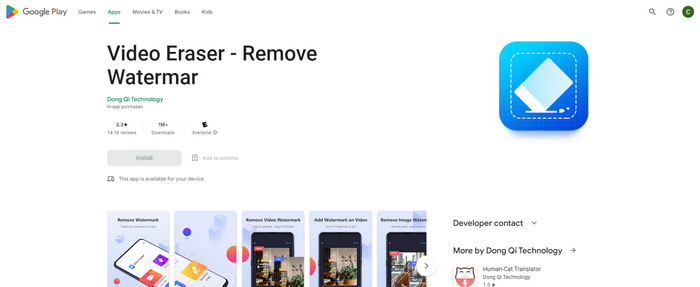
Dacă sunteți interesat de cea mai fiabilă și cea mai bună aplicație de îndepărtare a filigranelor video pentru Android, atunci aplicația pe care o puteți utiliza este Video Eraser. Această aplicație este un puternic eliminator de filigran. Vă ajută să ștergeți obiectele inutile din videoclipuri și imagini. Este, de asemenea, o aplicație ușor de utilizat, care este perfectă pentru începători. Puteți șterge filigranele în doar câțiva pași. În plus, editarea video are diferite instrumente pe care le puteți utiliza, cum ar fi adăugarea de text și pictograme la videoclipuri, decuparea videoclipurilor, tăierea videoclipurilor și multe altele. Partea bună este că puteți descărca această aplicație gratuit pe dispozitivul dvs. Android.
Pro
- Rapid și eficient.
- Simplu de utilizat, care este potrivit pentru utilizatorii noi.
- Au caracteristici grozave, cum ar fi eliminarea filigranelor din ambele videoclipuri si imagini.
Contra
- Dacă eliminați filigranele de pe videoclipuri, zona va deveni neclară.
2. FDCTool - Adăugați și eliminați filigran
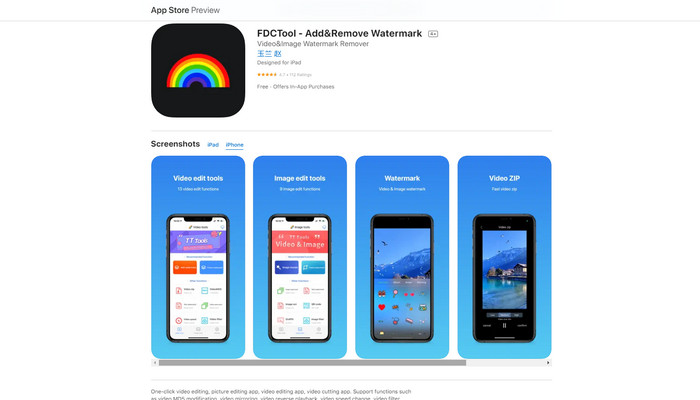
Dacă ești în căutarea unei alte aplicații excelente de eliminare a filigranului video pentru iPhone, poți folosi FDCTool. Te poate ajuta să ștergi din videoclipuri, filme și clipuri elementele care distrag atenția, precum filigrane, logo-uri, texte etc. În plus, are și funcții excelente, cum ar fi editare foto, editare video, tăiere video, adăugarea de text la un videoclip etc. În cele din urmă, cu ajutorul acestei aplicații fiabile, poți elimina orice filigran fără efort, prin câțiva pași simpli.
Pro
- Bun pentru utilizatorii noi.
- Rapid în ceea ce privește procesul de salvare.
- Eliminarea filigranelor fără pierderi de calitate.
Contra
- Are caracteristici limitate.
Partea 3: Întrebări frecvente despre Video Watermark Remover
Care este cel mai recomandat Video Watermark Remover?
Excelentul și recomandatul program de eliminare a filigranului video pe care îl poți folosi este Video Converter Ultimate. Îți permite să elimini elemente inutile precum logo-uri, texte, imagini și altele.
Pot elimina autocolante folosind dispozitive de îndepărtare a filigranelor video?
Da, desigur! Puteți elimina autocolantele de pe videoclipuri folosind dispozitive de îndepărtare a filigranelor video. Tot ce trebuie să faci este să cauți o aplicație grozavă cu dispozitiv de îndepărtare a filigranelor și să o folosești pentru a elimina autocolantele din videoclipurile tale.
Este sigur să eliminați filigranele online?
Da, este! Există instrumente online în care poți avea încredere. Majoritatea dispozitivelor de îndepărtare a filigranelor video online sunt sigure și sigure.
Concluzie
Eliminarea filigranelor din videoclipuri are un impact pozitiv asupra spectatorilor. Prin urmare, putem concluziona că programele de eliminare a filigranului video sunt esențiale. Ele fac videoclipul mai plăcut de urmărit și nu te lasă cu un sentiment de dezamăgire. În plus, dacă vrei să elimini filigranul din videoclipuri, cea mai bună aplicație pe care o poți folosi este Video Converter Ultimate.
-
 4 moduri eficiente de a elimina filigranele Tiktok din videoclipurile Tiktok
 Trebuie să eliminați filigranul Tiktok din videoclipurile dvs. Tiktok exportate? O poți face aici cu ajutorul instrumentelor pe care le prezentăm; o poți face cu ușurință.
-
 Cele mai bune 4 moduri de a elimina filigranul din GIF [Online și Offline]
 Trebuie să eliminați filigranul din GIF? Cu instrumentul din acest articol, veți învăța diferitele stiluri cu diferitele dispozitive de îndepărtare a filigranelor disponibile pe platforma dvs.
-
 Ce este filigran pe un videoclip și cum să îl adăugați sau să îl eliminați
 Vrei ce este un filigran, ce tipuri diferite și motivul pentru care fotografii adaugă unul? Ei bine, tot ce trebuie să faceți este să citiți acest articol.
