Başlamak
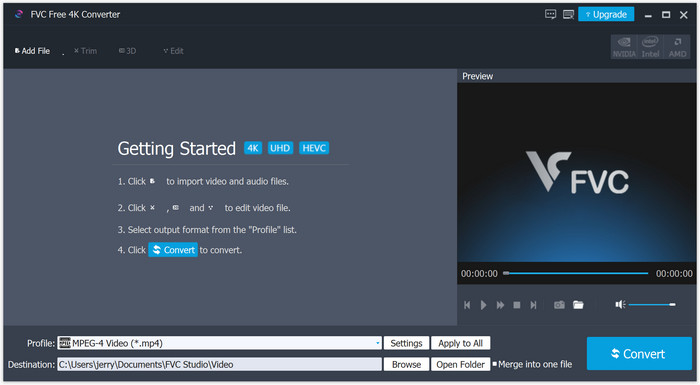
Ücretsiz bir 4K dönüştürücü arıyorsanız, FVC tarafından üretilen 4K dönüştürücü mutlaka denenmeli. 4K videoları istediğiniz gibi diğer dijital formatlara dönüştürmek için kullanabilirsiniz. 1080p/720p videoları 4K UHD'ye dönüştürmek ve daha iyi bir görsel deneyimin keyfini çıkarmak için de kullanabilirsiniz.
Indirin ve yükle
Programı Windows PC'nize indirebilirsiniz. İndirdikten sonra, lütfen yükleyiciyi açın ve programı bilgisayarınıza kurmak için ekrandaki talimatları izleyin.
Tercihler
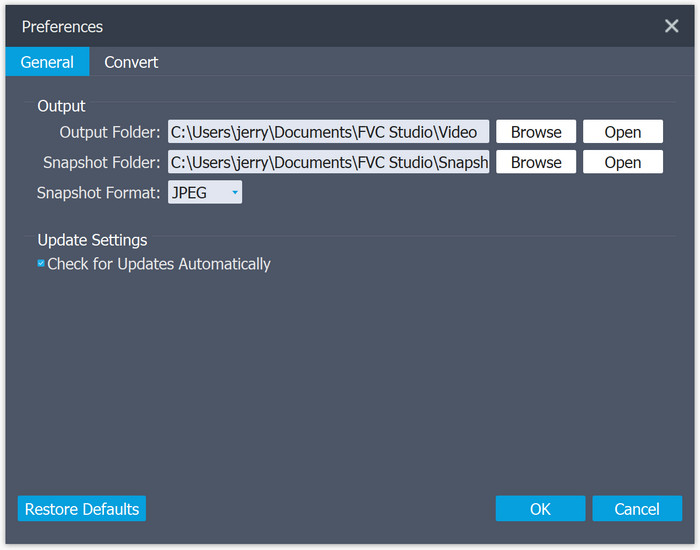
Tercihleri ihtiyacınıza göre ayarlayabilirsiniz. Sadece menü listesini açın ve Tercihler'i bulun. Daha sonra çıktı klasörünü değiştirebilirsiniz. Hatta dönüştürme ayarlarını kontrol edebilir ve değiştirebilirsiniz.
4K Videoları Dönüştür
Adım 1. Dönüştürmek istediğiniz dosyayı ekleyin
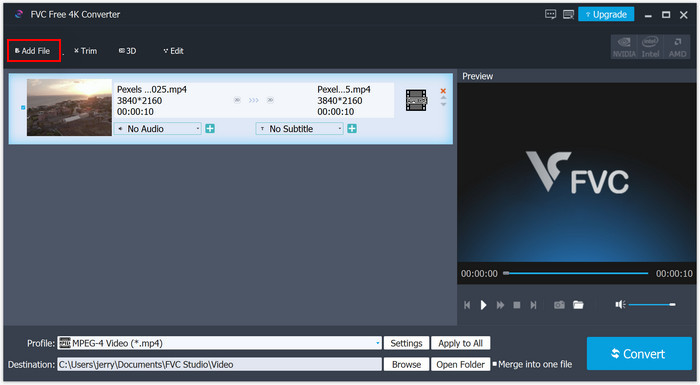
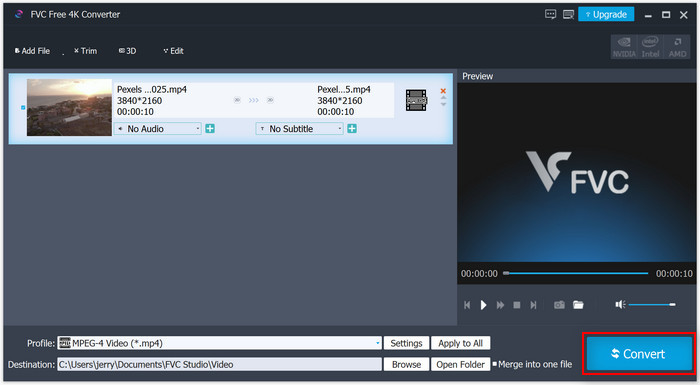
Programı yükledikten sonra açın. Arayüzün sol üst köşesindeki Dosya Ekle düğmesini bulun. Dönüştürmek istediğiniz dosyayı seçin. Dosyayı sağ tarafta önizleyebilirsiniz.
Adım 2. Çıktı Formatını Seçin
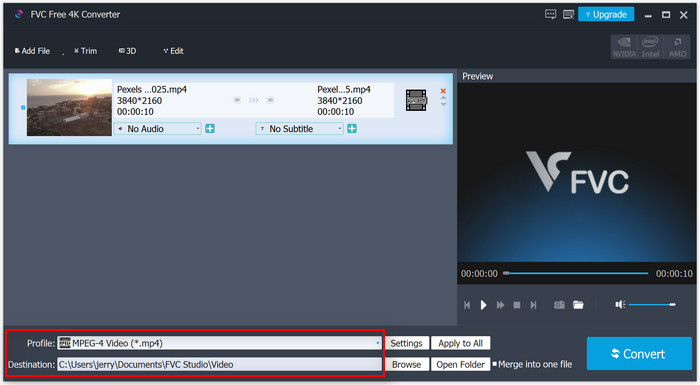
Dosyayı yükledikten sonra, Profil bölümünü açarak istediğiniz çıktıyı formatını seçebilirsiniz. Örneğin, çözünürlüğü artırmak istiyorsanız 4K formatını seçebilirsiniz. Veya, 4K videonuzu 4K desteklemeyen bazı cihazlarda oynatmak istiyorsanız genel video/ses formatlarını tercih edebilirsiniz.
Adım 3. Video Dönüştürmeyi Başlatın
Tüm ayarları tamamladıysanız, sağ köşedeki Dönüştür düğmesine tıklayın. Bir süre bekleyin; dönüştürme kısa sürede tamamlanacaktır.


 Video Dönüştürücü Ultimate
 Ekran kaydedicisi
 Video Onarımı

