


 Chuyển đổi video Ultimate
 Trình ghi màn hình
 Sửa chữa video
 Tải xuống an toàn
Ứng dụng xóa hình mờ video tuyệt vời nhất cho máy tính để bàn và điện thoại
Bạn đang tìm một ứng dụng xóa watermark video tuyệt vời cho máy tính và điện thoại của mình? Vậy thì bài viết này rất đáng để đọc. Ngày nay, mọi người thích xem phim, đoạn video ngắn, video highlight, trình chiếu và nhiều loại video khác trên internet, điện thoại, tivi, và hơn thế nữa. Tuy nhiên, đôi khi một số video yêu thích của bạn lại có watermark trên đó. Vì vậy, bạn trở nên khó chịu và thất vọng thay vì tận hưởng những bộ phim hoặc video yêu thích. Ngoài ra, bạn còn không thể xem trọn vẹn khung hình trên màn hình. May mắn thay, bạn có thể dùng các phần mềm để xóa watermark khỏi video trên máy tính, iPhone và điện thoại Android. Đồng thời, với những ứng dụng này, bạn có thể thoải mái xem video mà không bị quấy rầy bởi những chi tiết thừa trên màn hình. Nếu bạn muốn biết các trình xóa watermark video hiệu quả và xuất sắc cho thiết bị của mình, hãy đọc bài viết này đến cuối.

Phần 1: Trình xóa hình mờ video tốt nhất cho PC và Mac
1. Chuyển đổi video cuối cùng
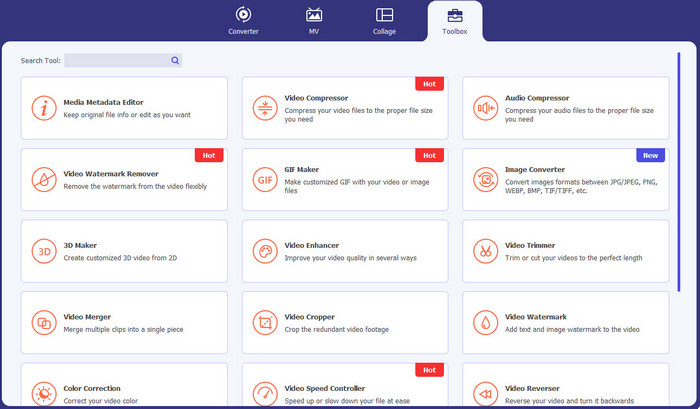
Video Converter Ultimate là ứng dụng bạn có thể dùng nếu muốn xóa những đối tượng không cần thiết khỏi video, như watermark, văn bản, logo và chữ ký. Bên cạnh đó, đây là một trong những ứng dụng xóa watermark video tốt nhất mà bạn có thể sử dụng. Hơn nữa, bạn có thể loại bỏ watermark mà không làm giảm chất lượng video. Ngoài ra, Video Converter Ultimate là một ứng dụng miễn phí, dễ sử dụng. Ứng dụng còn khả dụng trên cả Mac và Windows, rất tiện lợi cho người dùng. Hơn thế nữa, phần mềm này không chỉ đáng tin cậy trong việc xóa watermark trên video. Video Converter Ultimate còn hỗ trợ nhiều định dạng tệp như MP4, MKV, FLV, AVI, MOV và nhiều định dạng khác.
Tải xuống miễn phí cho Windows 7 trở lên. Tải xuống an toàn.
Tải xuống miễn phí cho MacOS 10.7 trở lên. Tải xuống an toàn.
Ưu điểm
- Hoàn hảo cho người mới bắt đầu.
- Quá trình loại bỏ an toàn và nhanh chóng.
- Có sẵn trên Mac và Windows.
- Dễ dàng sử dụng.
- Có thể chuyển đổi các định dạng tập tin khác nhau.
Nhược điểm
- Để có thêm các tính năng nâng cao, hãy mua phần mềm.
2. 123APPS
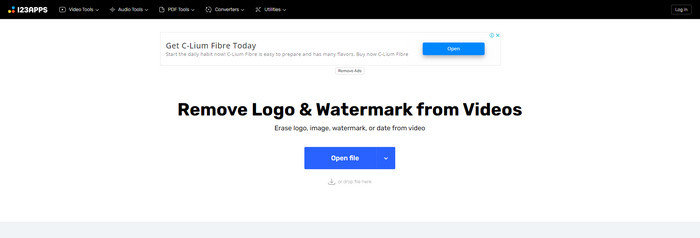
Nếu bạn đang tìm một công cụ xóa watermark video miễn phí trực tuyến, bạn có thể sử dụng 123APPS. Công cụ online này có thể xóa các đối tượng không cần thiết khỏi video, như watermark, logo, văn bản, và nhiều thứ khác. Ngoài ra, ứng dụng này hỗ trợ nhiều định dạng tệp khác nhau như MOV, AVI, WMV, MP4, v.v. Đồng thời, 123APPS có giao diện trực quan, dễ sử dụng. Bạn có thể xóa watermark chỉ với vài cú nhấp chuột, rất phù hợp cho người mới bắt đầu. Hơn nữa, công cụ chỉnh sửa video của ứng dụng này phản hồi nhanh và mượt, bạn không cần tải gì về máy tính; mọi thứ đều thực hiện online. Bên cạnh đó, nó còn có nhiều tính năng khác mà bạn có thể tận hưởng, như chuyển đổi video, chuyển đổi âm thanh, chuyển đổi hình ảnh, cắt video, crop, xoay, thay đổi âm lượng, thay đổi tốc độ video, và nhiều hơn nữa. Tuy nhiên, quá trình lưu video trên ứng dụng này khá chậm và vùng chứa watermark sau khi xử lý sẽ bị mờ.
Ưu điểm
- Có tiêu chuẩn bảo vệ dữ liệu.
- Thuận tiện cho người dùng.
- Dễ dàng sử dụng.
Nhược điểm
- Nó không thể hoạt động nếu không có kết nối internet.
- Quá trình lưu quá chậm.
- Các tính năng hạn chế.
3. Apowersoft Online Video Watermark Remover
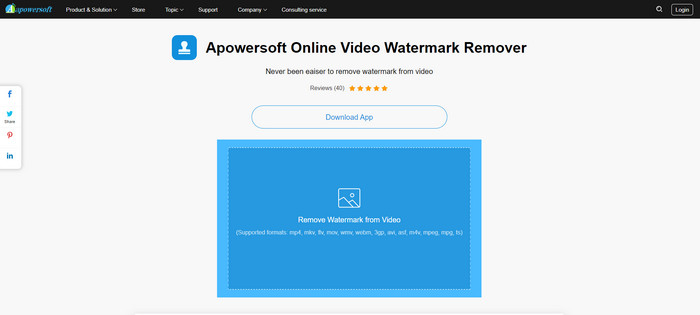
Nếu bạn đang tìm một công cụ online nổi bật khác để xóa watermark khỏi video, thì Apowersoft Online Video Watermark Remover là một trong những lựa chọn tốt nhất. Với công cụ trực tuyến này, bạn có thể xóa watermark khỏi video một cách dễ dàng. Ngoài ra, đây là một ứng dụng đơn giản, dễ sử dụng, rất phù hợp cho người mới bắt đầu muốn xóa watermark. Bạn cũng có thể xóa watermark trên hình ảnh bằng công cụ này, vô cùng tiện lợi cho người dùng. Vì là công cụ online nên bạn không cần tải và cài đặt phần mềm lên máy tính. Tuy nhiên, phiên bản miễn phí của ứng dụng bị giới hạn khá nhiều, và có giới hạn dung lượng tệp, chỉ 50Mb. Đồng thời, quá trình tải lên và xóa watermark trên video mất khá nhiều thời gian.
Ưu điểm
- Không có rủi ro về quyền riêng tư.
- Có giao diện đơn giản, tốt cho người mới bắt đầu.
Nhược điểm
- Các tính năng hạn chế.
- Quá lâu để tải lên và xóa hình mờ.
4. UniConverter
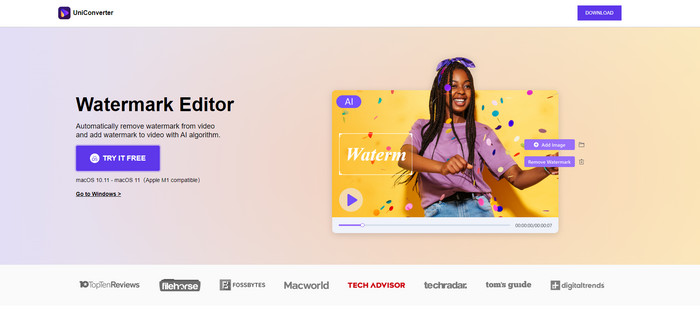
UniConverter là một phần mềm xóa hình mờ video tốt nhất khác mà bạn có thể sử dụng trên máy tính Mac và Windows của mình. Ứng dụng này có thể được sử dụng miễn phí. UniConverter có thể hỗ trợ bạn loại bỏ một số phần đáng lo ngại trên video / phim của bạn, chẳng hạn như biểu trưng, hình mờ, văn bản, v.v. Ngoài ra, bạn cũng có thể gặp một số tính năng tuyệt vời mà bạn có thể sử dụng, như trình chuyển đổi video và âm thanh, máy nén, chỉnh sửa âm thanh và video, hợp nhất video, loại bỏ tiếng ồn, thay đổi nền video, trình chỉnh sửa hình mờ, v.v. Tuy nhiên, phiên bản dùng thử miễn phí của ứng dụng này bị hạn chế về tính năng. Ngoài ra, nếu muốn mua phần mềm, bạn phải chuẩn bị một số lượng lớn vì rất tốn kém.
Ưu điểm
- Dễ sử dụng.
- Giao diện đẹp.
Nhược điểm
- Ứng dụng này là đắt tiền.
- Các tính năng hạn chế để dùng thử miễn phí.
5. Movavi
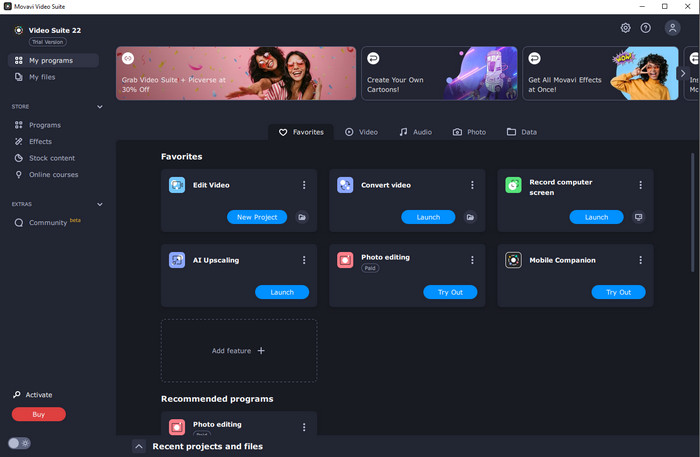
Giả sử bạn đang tìm một ứng dụng tuyệt vời và đáng tin cậy, sẵn sàng mua để xóa watermark, thì ứng dụng tốt nhất bạn có thể chọn là Movavi. Ứng dụng này rất thiết thực và hữu ích nếu bạn muốn xóa watermark, logo, và nhiều thành phần khác khỏi video. Bên cạnh việc xóa watermark trên video, Movavi còn tích hợp các công cụ chỉnh sửa tuyệt vời và nổi bật như cắt khung hình video, chỉnh màu, và nhiều tính năng khác. Tuy nhiên, về mặt lưu video, quá trình này khá chậm.
Ưu điểm
- Không giới hạn quyền truy cập vào các tính năng trong thời gian dùng thử miễn phí.
- Dễ sử dụng.
- Thích hợp cho người dùng nâng cao và người mới bắt đầu.
- Có một giao diện đơn giản.
Nhược điểm
- Có một số vấn đề liên quan đến chính sách hoàn lại tiền.
- Cần mua ứng dụng để thích sử dụng nó lâu hơn.
6. ManyCam
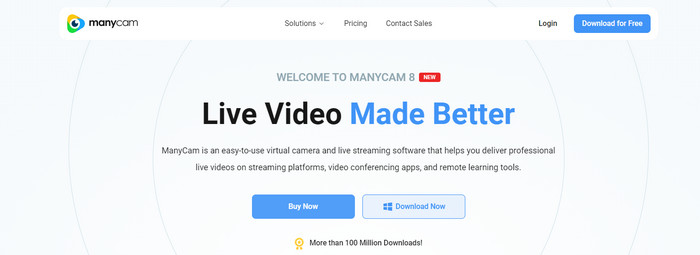
ManyCam là một phần mềm xóa watermark video miễn phí khác mà bạn có thể dùng trên máy tính. Nếu bạn muốn xóa watermark khỏi video bằng phần mềm này, trước tiên bạn phải mua hoặc kích hoạt gói đăng ký trong ứng dụng ManyCam. Bằng cách đó, bạn mới có thể xóa watermark khỏi video. Đồng thời, khi bạn lưu video bằng ManyCam, video của bạn sẽ không bị gắn watermark. Ngoài ra, bạn còn có thể dùng ManyCam để livestream game, làm video hướng dẫn, phát sóng, và nhiều hoạt động khác.
Ưu điểm
- Có nhiều tính năng hơn các công cụ khác như nền ảo, hiệu ứng mặt nạ 3D, v.v.
- Hoàn hảo cho các game thủ và người phát trực tuyến.
- Thích hợp cho người dùng nâng cao thích chỉnh sửa.
Nhược điểm
- Kích hoạt đăng ký là rất tốn kém.
- Không thích hợp cho người mới bắt đầu.
- Một số tính năng phức tạp, như cài đặt lớp và hiệu ứng.
Phần 2: Trình xóa hình mờ video tốt nhất cho iOS và Android
1. Video Eraser - Xóa hình mờ
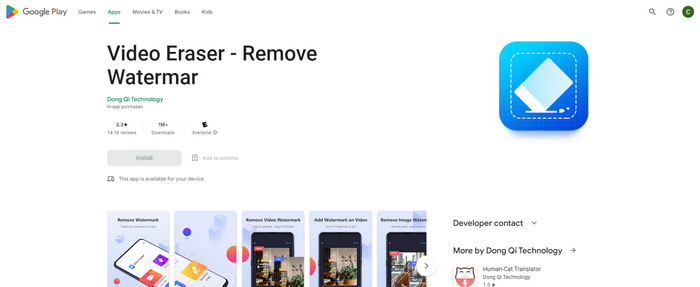
Nếu bạn quan tâm đến ứng dụng xóa hình mờ video đáng tin cậy nhất và tốt nhất cho Android, thì ứng dụng bạn có thể sử dụng là Video Eraser. Ứng dụng này là một loại bỏ hình mờ mạnh mẽ. Nó giúp bạn xóa các đối tượng không cần thiết khỏi video và hình ảnh của bạn. Nó cũng là một ứng dụng dễ sử dụng, hoàn hảo cho người mới bắt đầu. Bạn có thể xóa hình mờ chỉ trong một vài bước. Ngoài ra, chỉnh sửa video có các công cụ khác nhau mà bạn có thể sử dụng, chẳng hạn như thêm văn bản và biểu tượng vào video, cắt video, cắt video, v.v. Phần tuyệt vời là bạn có thể tải xuống ứng dụng này trên thiết bị Android của mình miễn phí.
Ưu điểm
- Nhanh chóng và hiệu quả.
- Sử dụng đơn giản, phù hợp với người dùng mới.
- Có các tính năng tuyệt vời, như xóa hình mờ khỏi cả hai video và hình ảnh.
Nhược điểm
- Khi xóa hình mờ trên video của bạn, khu vực này sẽ bị mờ.
2. FDCTool - Thêm và xóa hình mờ
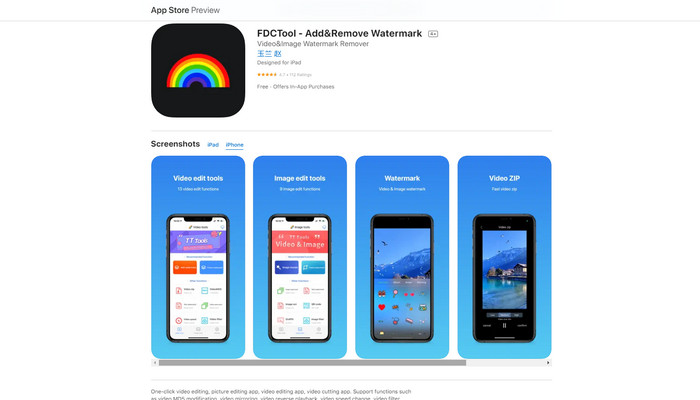
Nếu bạn đang tìm một ứng dụng xóa watermark video tốt khác cho iPhone, bạn có thể sử dụng FDCTool. Ứng dụng này sẽ giúp bạn xóa những chi tiết gây phân tâm khỏi video, phim và các đoạn clip như watermark, logo, văn bản, v.v. Hơn nữa, nó còn có các tính năng nổi bật như chỉnh sửa ảnh, chỉnh sửa video, cắt video, chèn chữ vào video, v.v. Cuối cùng, với ứng dụng đáng tin cậy này, bạn có thể xóa mọi watermark một cách dễ dàng chỉ với vài thao tác đơn giản.
Ưu điểm
- Tốt cho người dùng mới.
- Nhanh chóng về quy trình tiết kiệm.
- Loại bỏ hình mờ mà không làm giảm chất lượng.
Nhược điểm
- Nó có các tính năng hạn chế.
Phần 3: Những câu hỏi thường gặp về Video Watermark Remover
Video Watermark Remover được đề xuất nhiều nhất là gì?
Trình xóa watermark video hiệu quả và được khuyên dùng mà bạn có thể sử dụng là Video Converter Ultimate. Ứng dụng này cho phép bạn loại bỏ những đối tượng không cần thiết như logo, văn bản, hình ảnh, và nhiều thành phần khác.
Tôi có thể xóa hình dán bằng cách sử dụng trình xóa hình mờ video không?
Vâng tất nhiên! Bạn có thể xóa hình dán trên video của mình bằng cách sử dụng trình xóa hình mờ video. Tất cả những gì bạn phải làm là tìm kiếm một ứng dụng tuyệt vời với công cụ xóa hình mờ và sử dụng nó để xóa nhãn dán khỏi video của bạn.
Xóa hình mờ trực tuyến có an toàn không?
Vâng, đúng vậy! Có những công cụ trực tuyến mà bạn có thể tin tưởng. Hầu hết các trình xóa hình mờ video trực tuyến đều an toàn và bảo mật.
Phần kết luận
Việc xóa watermark khỏi video mang lại tác động tích cực cho người xem. Do đó, có thể kết luận rằng các trình xóa watermark video là rất cần thiết. Chúng giúp video của bạn hấp dẫn hơn và không khiến bạn thất vọng khi xem. Thêm vào đó, nếu bạn muốn xóa watermark khỏi video, ứng dụng tốt nhất mà bạn có thể sử dụng là Video Converter Ultimate.
-
 4 cách hiệu quả để xóa hình mờ Tiktok khỏi video Tiktok
 Bạn có cần xóa hình mờ Tiktok khỏi các video Tiktok đã xuất của mình không? Bạn có thể làm điều đó tại đây với sự trợ giúp của các công cụ mà chúng tôi trình bày; bạn có thể dễ dàng làm điều đó.
-
 4 cách tuyệt vời nhất để xóa hình mờ khỏi GIF [Trực tuyến và Ngoại tuyến]
 Bạn cần xóa hình mờ khỏi GIF? Với công cụ trong bài viết này, bạn sẽ tìm hiểu các kiểu khác nhau với các công cụ xóa hình mờ khác nhau có sẵn trên nền tảng của bạn.
-
 Hình mờ trên video là gì và cách thêm hoặc xóa nó
 Bạn có muốn biết hình mờ là gì, các loại khác nhau và lý do tại sao các nhiếp ảnh gia thêm một hình mờ không? Vâng, tất cả những gì bạn cần làm là đọc bài viết này.
