


 Video Converter Ultimate
 Gravadora de pantalla
 Reparació de vídeo
 Baixada segura
Top 5 reproductors VOB per a PC amb Windows 10/8/7 i Mac
VOB (Video Object) no és un format de vídeo popular com MP4, AVI, l’antic RMVB o fins i tot el FLV de YouTube. És un format contenidor dels discos DVD-Video. Un fitxer VOB pot emmagatzemar vídeos, pistes d’àudio, subtítols, menús de DVD i continguts de navegació. De fet, no et preocupes gaire per formats com el VOB fins que et trobes amb el problema de fitxer no compatible.
El format VOB no es pot obrir amb molts reproductors multimèdia, dispositius iOS/Android i eines d’edició de vídeo. El Reproductor de Windows Media no reprodueix fitxers VOB a Windows 10 PC. Alhora, no pots visualitzar directament un fitxer VOB al Mac amb el QuickTime Player. Aleshores, com reproduir fitxers VOB?

Tenint en compte la teva necessitat, t’agradaria presentar-te 5 excel·lents reproductors VOB per a PC amb Windows 10/8/7 i per a Mac. Pots conèixer les característiques clau de cada reproductor de fitxers VOB i després triar el que prefereixis.
Part 1. Reproductor VOB gratuït per a PC i Mac amb Windows 10/8/7
FVC Free Video Player és una eina molt popular de reproducció de vídeo i àudio en línia que et pot ajudar a reproduir qualsevol fitxer VOB tant en PC amb Windows 10/8/7/XP/Vista com en Mac. Aquest reproductor gratuït de fitxers VOB pot oferir-te una reproducció VOB d’alta qualitat. A més de VOB, també admet altres formats de vídeo i àudio, com ara MP4, AVI, MOV, MKV, FLV, WMV, 3GP, MXF, MPEG, RMVB, MP3, AAC, M4A, WMA, FLAC i més.
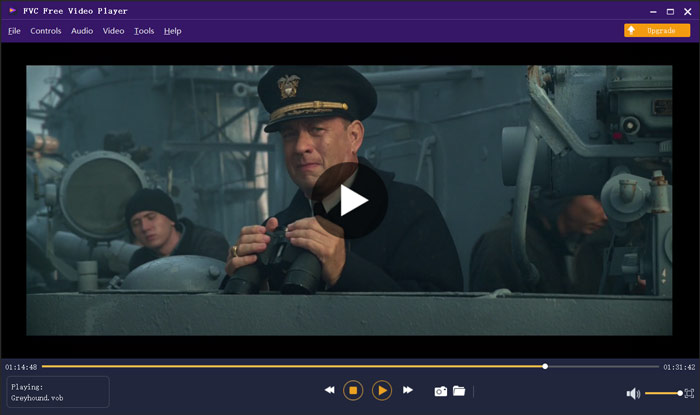
Aquest reproductor VOB no requereix cap altre còdec ni cap complement per reproduir els vostres vídeos VOB. Només cal que aneu al seu lloc oficial i instal·leu un petit fitxer de llançador per primera vegada, podreu reproduir lliurement tots els vostres fitxers multimèdia amb facilitat. Aquest reproductor de fitxers VOB s’adopta amb la tecnologia avançada de codificació d’àudio DTS-HD i Dolby TrueHD. Podeu obtenir una experiència sonora fantàstica mentre es reprodueix el VOB.
Part 2. Reproductor VOB de codi obert per a Windows 10 i Mac - VLC Media Player
VLC media player és un reproductor de codi obert i amb totes les funcions que et permet veure fitxers VOB tant en un PC amb Windows 10/8/7 com en un Mac. De fet, també pot funcionar com a aplicació reproductora de VOB per a dispositius Android i iOS. VLC media player és totalment gratuït. A més de VOB, VLC també és capaç de reproduir fitxers multimèdia en MP4, MOV, FLV, MKV, MOV, AAC, AC3, MP3 i més. Quan introdueixes un disc DVD a l’ordinador, VLC pot actuar com un reproductor VOB de DVD estàndard per reproduir-te el fitxer VOB.
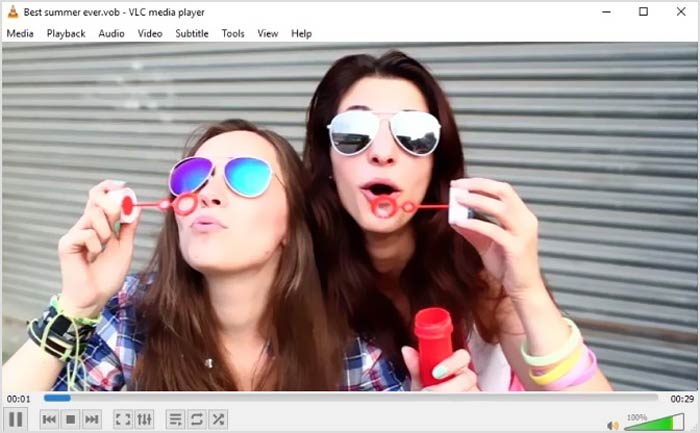
Com a reproductor de fitxers VOB, VLC us permet accedir a tots els menús, capítols i altres continguts del DVD. Per reproduir un fitxer VOB amb VLC, heu d’instal·lar-lo i obrir-lo a l’ordinador i, a continuació, importar el vídeo VOB per iniciar la reproducció. A més de la funció de reproducció bàsica, el reproductor multimèdia VLC també està dissenyat amb funcions de conversió, edició, gravació i altres útils.
Part 3. Reproductor de fitxers VOB per a Android / iOS / Windows / Mac: KMPlayer
KMPlayer és un altre programari de reproducció de vídeo popular que pot ajudar-te a reproduir fitxers VOB. Té un ampli ventall de compatibilitat amb formats de vídeo. KMPlayer és capaç de reproduir vídeos en VOB, MPEG, MP4, WMV, MOV, AVI, OGG i més. Pot funcionar com un excel·lent reproductor VOB per a PC amb Windows i per a Mac. A més, KMPlayer ofereix aplicacions perquè puguis veure VOB tant en un telèfon Android com en un iPhone i un iPad.
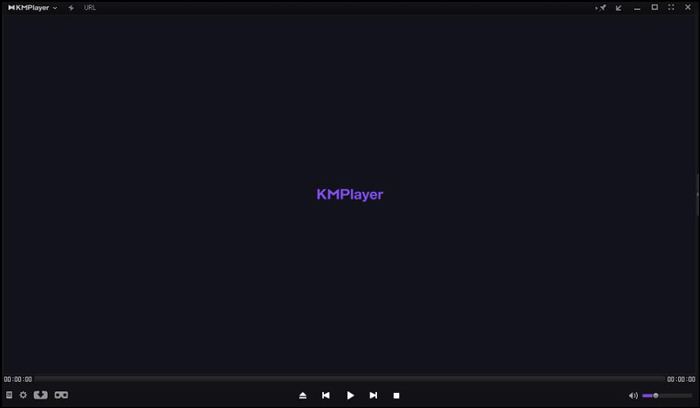
Aquest reproductor de vídeo VOB us permet crear i gestionar la vostra pròpia llista de reproducció, ajustar diversos paràmetres de subtítols, efectes d'àudio personalitzats amb equalitzador i molt més. KMPlayer també porta a terme la cerca, la possibilitat, la reproducció en xarxa, el temporitzador i altres funcions. Afirma que us pot oferir una reproducció de vídeo en alta resolució fins a 4K.
Part 4. Reproductor de fitxers VOB per a Windows 10: Reproductor multimèdia final
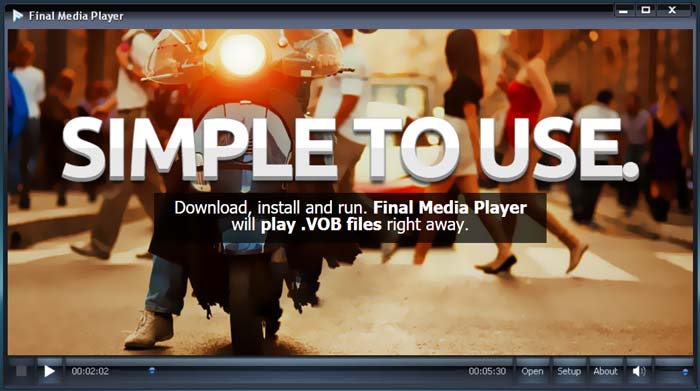
Final Media Player és una eina de reproducció de vídeo per a usuaris de Windows. Admet àmpliament més de 80 tipus de fitxers d’àudio i vídeo. No cal instal·lar altres còdecs desconeguts per reproduir VOB. Et permet reproduir fitxers VOB en un PC amb Windows 10 amb alta qualitat. A més de VOB, també admet 3GP, ASF, AVI, DIVX, FLV, M4V, MKV, MOV, MP4, MPEG, MPG, MV, MXF, RMVB, SWF, WMV, XMV, XVID i més.
Part 5. VOB Player per a Mac i Windows 10/8/7 PC - 5KPlayer
5KPlayer és un potent reproductor de vídeo i música que et permet reproduir fitxers VOB tant en PC amb Windows 10 com en Mac. És una combinació de reproductor de vídeo, reproductor de música, emissor multimèdia compatible amb AirPlay i DLNA i descarregador de vídeos. Com a reproductor de fitxers VOB amb acceleració per maquinari, garanteix que puguis visualitzar fitxers VOB amb una gran experiència visual i de so.
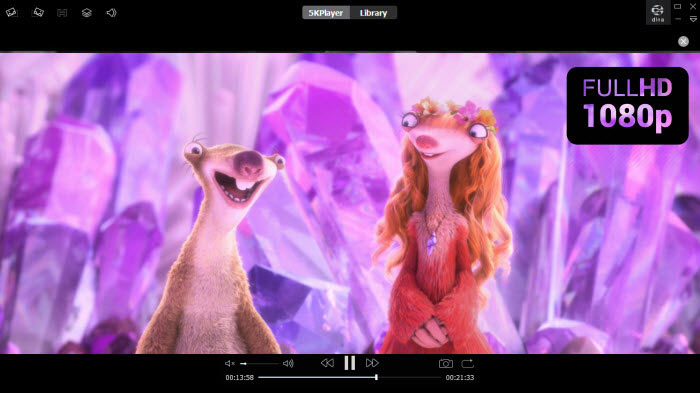
Aquest reproductor VOB us proporciona una pista gratuïta per a diverses funcions. Però heu de saber que 5KPlayer no és una eina de joc totalment gratuïta.
Part 6. Preguntes més freqüents del reproductor de fitxers VOB
Com es reprodueixen fitxers VOB al Windows Media Player?
Com s’ha esmentat abans, no pots obrir directament fitxers VOB a Windows 10 amb el Reproductor de Windows Media. Has d’instal·lar el còdec VOB o bé convertir VOB a MP4 per poder-los reproduir.
Podeu editar fitxers VOB amb iMovie?
El format VOB no pot ser compatible amb Mac, QuickTime Player i iMovie. No podeu obrir ni editar un fitxer VOB a iMovie.
Com es pot convertir gratuïtament VOB a MP4?
Pots confiar en el popular convertidor gratuït de VOB a MP4 en línia per fer la conversió de vídeo amb facilitat. També pot convertir VOB a MOV per reproduir el vídeo al Mac.
Conclusió
En aquesta publicació hem parlat principalment del reproductor VOB. Hem fet una llista dels 5 millors reproductors de fitxers VOB perquè en puguis triar. Tant si cerques un reproductor VOB per a Windows 10, Mac o dispositiu Android/iOS, podràs trobar fàcilment el que s’adapti a les teves necessitats.
-
 Guia sobre com convertir MP4 a VOB al vostre ordinador
 Com convertir MP4 a VOB en PC amb Windows i Mac? Per solucionar aquest problema, aquesta publicació compartirà tres millors maneres d'ajudar-vos a convertir MP4 a VOB de forma gratuïta.
-
 8 millors reproductors MOV per a PC i Mac per reproduir fitxers de vídeo QuickTime MOV
 Simplement obtingueu més informació sobre els 8 millors reproductors MOV disponibles per a Windows i Mac. Podeu triar el desitjat i adequat per reproduir fitxers MOV amb la qualitat original.
-
 8 millors reproductors de fitxers MKV per reproduir vídeo MKV amb subtítols a Windows i Mac
 Quan vulgueu reproduir el vídeo MKV amb el subtítol desitjat, podeu obtenir més informació sobre els 8 millors reproductors de fitxers MKV per a PC / Mac i triar el que vulgueu segons el vostre requisit.
