


 Video Converter Ultimate
 Gravadora de pantalla
 Reparació de vídeo
 Baixada segura
Les millors aplicacions d'eliminació de filigranes de vídeo per a escriptoris i telèfons
Esteu cercant una excel·lent aplicació de eliminació de marques d’aigua de vídeo per al vostre ordinador i telèfon? Aleshores val la pena llegir aquest article. Actualment, a la gent li agrada veure pel·lícules, videoclips, resums, presentacions i altres vídeos que poden trobar a internet, als telèfons, televisions i més. Però de vegades, alguns dels vostres vídeos favorits tenen una marca d’aigua. A causa d’això, us irriteu i us decebeu en comptes de gaudir de les vostres pel·lícules o vídeos preferits. A més, ni tan sols podeu veure tota la part del vídeo a la pantalla. Afortunadament, podeu utilitzar aplicacions de programari per eliminar marques d’aigua dels vostres vídeos amb l’ordinador, l’iPhone i els telèfons Android. A més, amb aquestes aplicacions, podeu gaudir de veure els vostres vídeos sense que us molestin objectes innecessaris a la pantalla. Si voleu conèixer aquests excel·lents i efectius eliminadors de marques d’aigua de vídeo per als vostres dispositius, llegiu aquest article fins al final.

Part 1: Millors eliminadors de filigrana de vídeo per a PC i Mac
1. Video Converter Ultimate
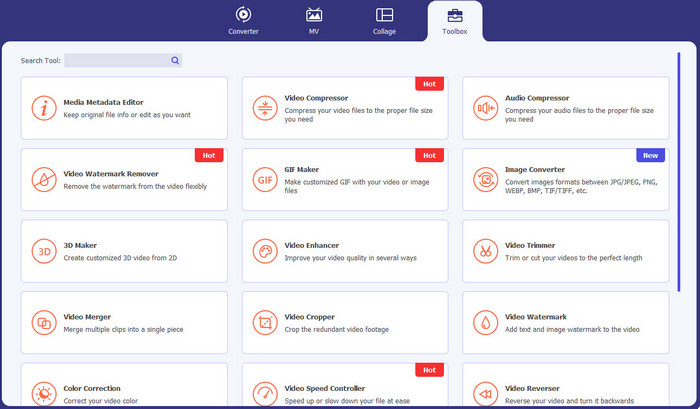
Video Converter Ultimate és l’aplicació que podeu utilitzar si voleu eliminar objectes innecessaris dels vostres vídeos, com ara marques d’aigua, text, logotips i signatures. A més, aquesta aplicació és una de les millors apps per eliminar marques d’aigua de vídeo que podeu aprofitar. A més a més, podeu eliminar les marques d’aigua sense perdre qualitat. A més, Video Converter Ultimate és una aplicació gratuïta i fàcil d’utilitzar. També és accessible a Mac i Windows, cosa que és molt convenient per als usuaris. A més, aquest programari no només és fiable per eliminar marques d’aigua dels vostres vídeos. Video Converter Ultimate admet diversos formats de fitxer, com MP4, MKV, FLV, AVI, MOV i més.
Descàrrega gratuïtaPer a Windows 7 o posteriorDescàrrega segura
Descàrrega gratuïtaPer a macOS 10.7 o posteriorDescàrrega segura
Pros
- Perfecte per a principiants.
- El procés d'eliminació és segur i ràpid.
- Disponible a Mac i Windows.
- Fàcil d'utilitzar.
- Pot convertir diversos formats de fitxer.
Contres
- Per obtenir funcions més avançades, compra el programari.
2. 123APPS
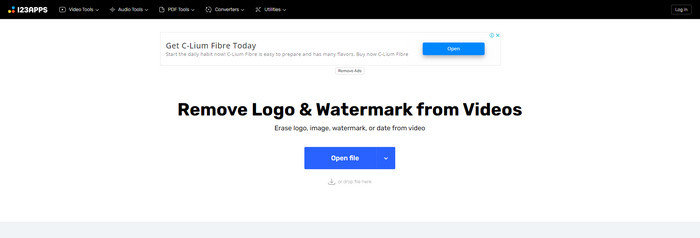
Si esteu cercant un eliminador de marques d’aigua a vídeo gratuït en línia, podeu utilitzar 123APPS. Aquesta eina en línia pot eliminar objectes innecessaris dels vostres vídeos, com marques d’aigua, logotips, textos i més. A més, aquesta aplicació admet diferents tipus de formats de fitxer com MOV, AVI, WMV, MP4 i més. A més, 123APPS té una interfície intuïtiva, que podeu utilitzar fàcilment. Podeu eliminar marques d’aigua amb només uns quants clics, cosa que és adequada per a principiants. A més, l’eina d’edició de vídeo d’aquesta aplicació és ràpida i responsiva; no cal descarregar res a l’ordinador. Tot està disponible en línia. A més a més, té més funcions que podeu gaudir, com un convertidor de vídeo, convertidor d’àudio, convertidor d’imatges, retallar vídeos, retallar (crop), girar, canviar el volum, canviar la velocitat del vídeo i més. Tanmateix, el procés de desament d’aquesta aplicació és massa lent i la zona de les marques d’aigua queda borrosa.
Pros
- Té un estàndard de protecció de dades.
- Convenient per als usuaris.
- Fàcil d'utilitzar.
Contres
- No pot funcionar sense connexió a Internet.
- El procés d'estalvi és massa lent.
- Característiques limitades.
3. Apowersoft Online Video Watermark Remover
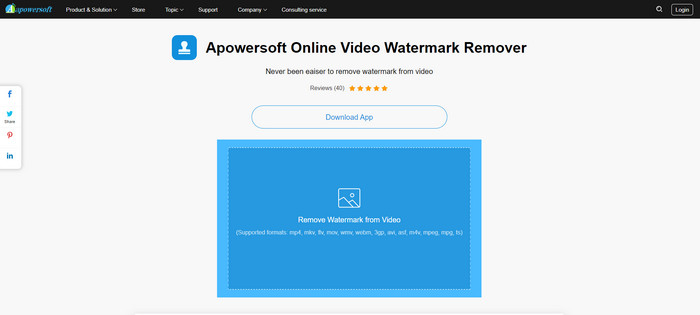
Si esteu cercant una altra eina en línia remarcable que pugueu utilitzar per eliminar marques d’aigua dels vostres vídeos, Apowersoft Online Video Watermark Remover és una de les millors aplicacions. Amb aquesta eina en línia, podeu eliminar fàcilment les marques d’aigua dels vostres vídeos. A més, és una aplicació senzilla i fàcil d’utilitzar, cosa que és bona per a principiants que volen eliminar marques d’aigua. També podeu eliminar marques d’aigua de les vostres imatges amb aquesta eina, cosa que és molt convenient per als usuaris. És una eina en línia, de manera que no cal descarregar l’aplicació a l’ordinador. No obstant això, la versió gratuïta d’aquesta aplicació és molt limitada i té una limitació de mida de fitxer de 50 Mb. A més, la càrrega i l’eliminació de les marques d’aigua dels vídeos triguen massa.
Pros
- Sense risc de privadesa.
- Té una interfície senzilla, que és bona per als principiants.
Contres
- Característiques limitades.
- Massa llarg per penjar i eliminar filigranes.
4. UniConverter
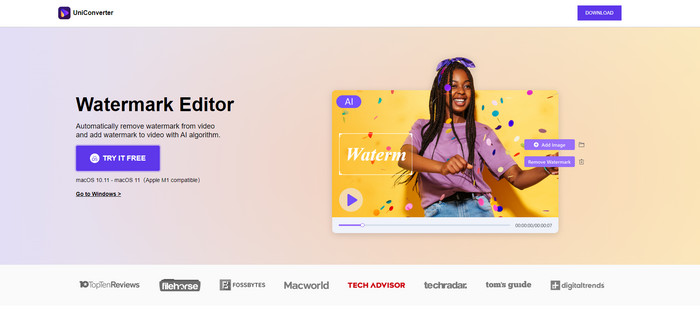
UniConverter és un altre millor programari d'eliminació de marques d'aigua de vídeo que podeu utilitzar als vostres ordinadors Mac i Windows. Aquesta aplicació es pot utilitzar de forma gratuïta. UniConverter us pot ajudar a eliminar algunes peces pertorbadores dels vostres vídeos/pel·lícules, com ara logotips, marques d'aigua, text i molt més. A més, també podeu trobar algunes funcions meravelloses que podeu utilitzar, com ara convertidor de vídeo i àudio, compressor, edició d'àudio i vídeo, fusió de vídeo, eliminació de soroll, canvi de fons de vídeo, editor de filigranes i molt més. Tanmateix, la versió de prova gratuïta d'aquesta aplicació està limitada en termes de funcions. A més, si voleu comprar el programari, heu de preparar una gran quantitat perquè és costós.
Pros
- Fàcil d'usar.
- Bona interfície.
Contres
- L'aplicació és cara.
- Funcions limitades per a una prova gratuïta.
5. Movavi
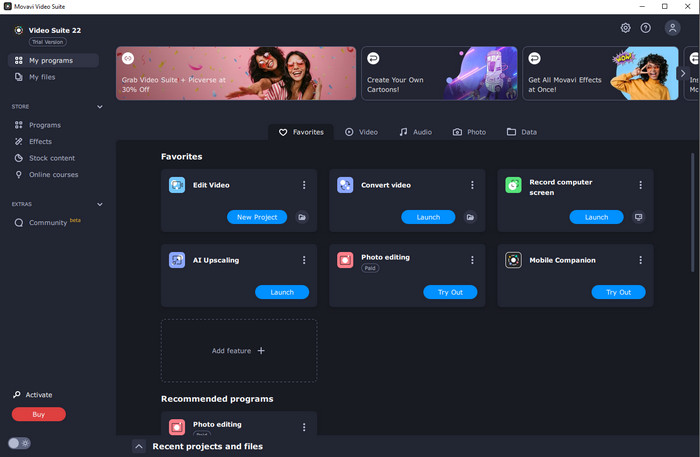
Suposem que esteu cercant una aplicació excel·lent i fiable que vulgueu utilitzar i comprar per eliminar marques d’aigua; aleshores la millor aplicació que podeu adquirir és Movavi. Aquesta aplicació és pràctica i útil si voleu eliminar marques d’aigua, logotips i més dels vostres vídeos. A part d’eliminar marques d’aigua dels vostres vídeos, Movavi també disposa d’eines d’edició excel·lents i remarcables en aquesta aplicació, com retallar vídeos, correcció de color i més. No obstant això, pel que fa al procés de desament, és massa lent.
Pros
- No limita l'accés a les funcions durant el període de prova gratuït.
- Fàcil d'usar.
- Apte per a usuaris avançats i principiants.
- Té una interfície senzilla.
Contres
- Hi ha alguns problemes relacionats amb la política de reemborsament.
- Cal comprar l'aplicació per gaudir-ne més temps.
6. ManyCam
ManyCam és un altre programari gratuït per eliminar marques d’aigua de vídeo que podeu utilitzar a l’ordinador. Si voleu eliminar marques d’aigua dels vostres vídeos amb aquest programari, primer heu de comprar o activar la subscripció a l’aplicació ManyCam. D’aquesta manera, podreu eliminar les marques d’aigua dels vostres vídeos. Al mateix temps, si deseu els vostres vídeos des de ManyCam, aquests no tindran marques d’aigua. A més, també podeu utilitzar ManyCam per retransmetre jocs, fer tutorials, emetre en directe i més.
Pros
- Teniu més funcions que altres eines com ara fons virtual, efectes de màscara 3D, etc.
- Perfecte per a jugadors i streamers.
- Adequat per a usuaris avançats que els agrada editar.
Contres
- Activar la subscripció és molt car.
- No apte per a principiants.
- Algunes funcions són complicades, com ara la configuració i els efectes de capes.
Part 2: Millors eliminadors de filigrana de vídeo per a iOS i Android
1. Esborrador de vídeo - Elimina la marca d'aigua
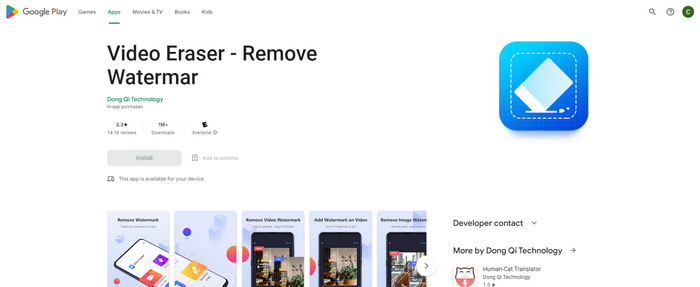
Si esteu interessats en l'aplicació més fiable i millor per eliminar la filigrana de vídeo per a Android, l'aplicació que podeu utilitzar és Video Eraser. Aquesta aplicació és un potent eliminador de filigranes. T'ajuda a esborrar objectes innecessaris dels teus vídeos i imatges. També és una aplicació fàcil d'utilitzar, perfecta per a principiants. Podeu esborrar les filigranes en només uns quants passos. A més, l'edició de vídeo té diferents eines que podeu utilitzar, com ara afegir text i icones als vídeos, retallar vídeos, retallar vídeos i molt més. La gran part és que podeu descarregar aquesta aplicació al vostre dispositiu Android de forma gratuïta.
Pros
- Ràpid i eficient.
- Fàcil d'utilitzar, que és adequat per a usuaris nous.
- Té grans característiques, com ara eliminant les marques d'aigua dels dos vídeos i imatges.
Contres
- En eliminar les marques d'aigua dels teus vídeos, l'àrea es tornarà borrosa.
2. FDCTool - Afegeix i elimina la marca d'aigua
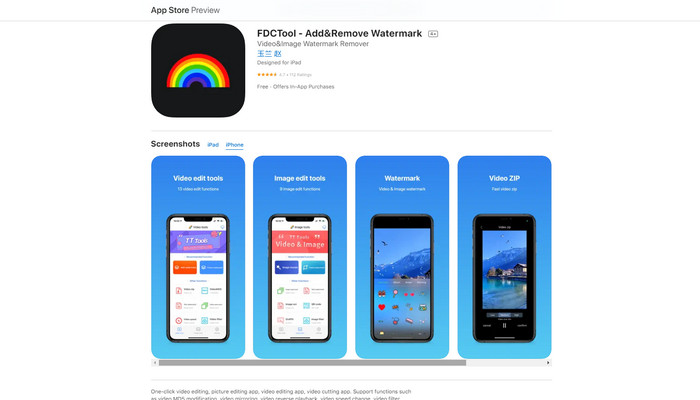
Si esteu cercant una altra de les millors apps per eliminar marques d’aigua de vídeo per al vostre iPhone, aleshores podeu utilitzar FDCTool. Us pot ajudar a esborrar objectes que distreuen dels vostres vídeos, pel·lícules i clips, com marques d’aigua, logotips, textos, etc. A més, també té funcions excel·lents, com edició d’imatges, edició de vídeo, tall de vídeo, afegir text a un vídeo, etc. Finalment, amb aquesta aplicació fiable, podeu eliminar qualsevol marca d’aigua fàcilment amb uns quants passos senzills.
Pros
- Bona per als nous usuaris.
- Ràpid pel que fa al procés d'estalvi.
- Eliminació de filigranes sense pèrdua de qualitat.
Contres
- Té funcions limitades.
Part 3: Preguntes freqüents sobre Video Watermark Remover
Quin és el Video Watermark Remover més recomanat?
L’excel·lent i recomanat eliminador de marques d’aigua de vídeo que podeu utilitzar és Video Converter Ultimate. Us permet eliminar objectes innecessaris com logotips, text, imatges i més.
Puc eliminar adhesius amb els eliminadors de filigrana de vídeo?
Sí, per suposat! Pots eliminar els adhesius dels teus vídeos mitjançant els eliminadors de filigrana de vídeo. Tot el que has de fer és buscar una aplicació fantàstica amb eliminador de filigrana i utilitzar-la per eliminar els adhesius dels teus vídeos.
És segur eliminar les marques d'aigua en línia?
Sí, ho és! Hi ha eines en línia en les quals pots confiar. La majoria dels eliminadors de filigranes de vídeo en línia són segurs i segurs.
Conclusió
Eliminar marques d’aigua dels vostres vídeos té un bon impacte en els espectadors. Per tant, podem concloure que els eliminadors de marques d’aigua de vídeo són essencials. Fan que el vostre vídeo sigui més atractiu de veure i no us farà sentir decebuts. A més, si voleu eliminar la marca d’aigua dels vostres vídeos, la millor aplicació que podeu fer servir és Video Converter Ultimate.
-
 4 maneres efectives d'eliminar les marques d'aigua de Tiktok dels vídeos de Tiktok
 Necessites eliminar la marca d'aigua de Tiktok dels teus vídeos de Tiktok exportats? Podeu fer-ho aquí amb l'ajuda de les eines que us presentem; pots fer-ho fàcilment.
-
 4 millors maneres d'eliminar la marca d'aigua del GIF [en línia i fora de línia]
 Necessites eliminar la marca d'aigua del GIF? Amb l'eina d'aquest article, aprendràs els diferents estils amb els diferents eliminadors de filigranes disponibles a la teva plataforma.
-
 Què és la marca d'aigua en un vídeo i com afegir-lo o eliminar-lo
 Vols saber què és una marca d'aigua, quins tipus diferents i la raó per la qual els fotògrafs afegeixen una? Bé, tot el que has de fer és llegir aquest article.
