


 Video Converter Ultimate
 Skærmoptager
 Video reparation
 Sikker download
Bedste Video Watermark Remover-applikationer til desktop og telefoner
Leder du efter en fremragende videovandmærkefjerner-applikation til din pc og telefon? Så er denne artikel værd at læse. I dag elsker folk at se film, videoklip, højdepunkter, slideshows og andre videoer, som de kan se på internettet, telefoner, fjernsyn og meget mere. Men nogle gange har nogle af dine yndlingsvideoer et vandmærke på sig. På grund af dette bliver du irriteret og skuffet i stedet for at nyde dine yndlingsfilm eller videoer. Desuden kan du ikke engang se hele delen af videoen på skærmen. Heldigvis kan du bruge softwareapplikationer til at fjerne vandmærker fra dine videoer ved hjælp af din computer, iPhone og Android-telefon. Og med disse applikationer kan du nyde at se dine videoer uden at blive forstyrret af unødvendige elementer på skærmen. Hvis du vil kende disse fremragende og effektive videovandmærkefjernere til dine enheder, så læs denne artikel helt til slutningen.

Del 1: Bedste videovandmærkefjernere til pc og Mac
1. Video Converter Ultimate
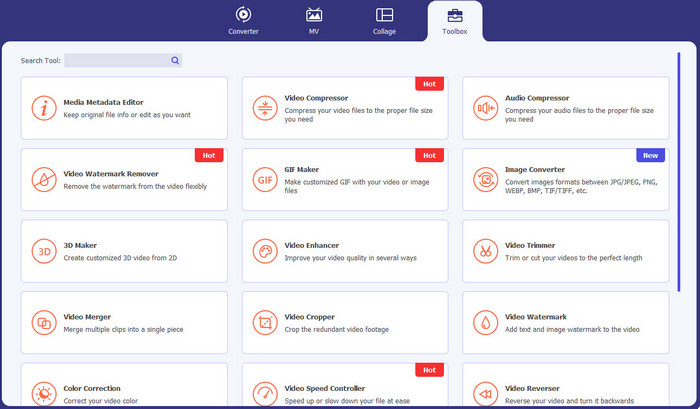
Video Converter Ultimate er applikationen, du kan bruge, hvis du vil fjerne unødvendige objekter fra dine videoer, såsom vandmærker, tekst, logoer og signaturer. Denne applikation er også en af de bedste apps til fjernelse af videovandmærker, du kan benytte. Derudover kan du fjerne vandmærker uden at miste kvalitet. Video Converter Ultimate er desuden en brugervenlig, gratis applikation. Den er også tilgængelig på Mac og Windows, hvilket er meget praktisk for brugerne. Desuden er denne software ikke kun pålidelig til at fjerne vandmærker fra dine videoer. Video Converter Ultimate understøtter forskellige filformater, såsom MP4, MKV, FLV, AVI, MOV og flere.
Gratis download til Windows 7 eller nyere Sikker download
Gratis download til MacOS 10.7 eller nyere Sikker download
Fordele
- Perfekt til begyndere.
- Fjernelsesprocessen er sikker og hurtig.
- Tilgængelig på Mac og Windows.
- Nem at bruge.
- Kan konvertere forskellige filformater.
Ulemper
- For mere avancerede funktioner, køb softwaren.
2. 123APPS
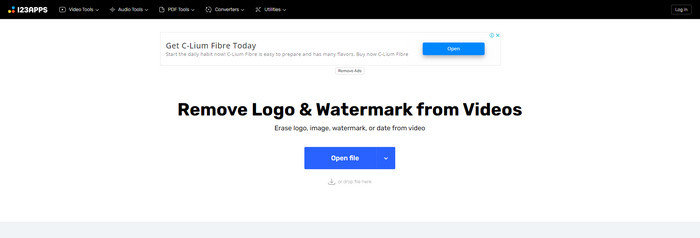
Hvis du leder efter en gratis online videovandmærkefjerner, kan du bruge 123APPS. Dette onlineværktøj kan fjerne unødvendige elementer fra dine videoer, såsom vandmærker, logoer, tekster og mere. Derudover understøtter denne applikation forskellige typer filformater som MOV, AVI, WMV, MP4 og flere. 123APPS har også en intuitiv brugerflade, som er let at bruge. Du kan fjerne vandmærker med blot nogle få klik, hvilket er velegnet til begyndere. Desuden er denne applikations video-redigeringsværktøj responsivt og hurtigt, og du behøver ikke at downloade noget på din computer. Alt er tilgængeligt online. Ydermere har den flere funktioner, du kan nyde, såsom videokonverter, lydkonverter, billedkonverter, trimning af videoer, beskæring, rotation, ændring af lydstyrke, ændring af videohastighed og mere. Dog er gemmeprocessen i denne applikation meget langsom, og området med vandmærkerne bliver sløret.
Fordele
- Har en databeskyttelsesstandard.
- Praktisk for brugerne.
- Nem at bruge.
Ulemper
- Det kan ikke fungere uden en internetforbindelse.
- Gemmeprocessen er for langsom.
- Begrænsede funktioner.
3. Apowersoft Online Video Vandmærke Remover
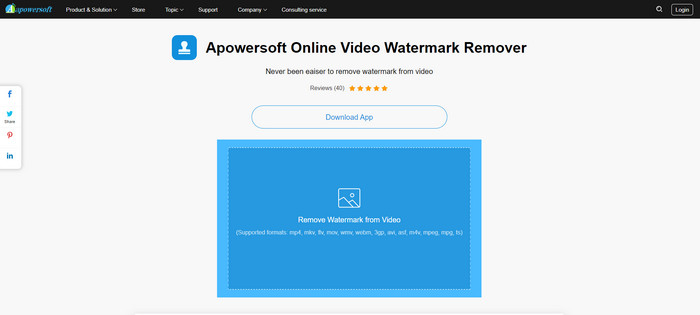
Hvis du er på udkig efter endnu et bemærkelsesværdigt onlineværktøj, du kan bruge til at fjerne vandmærker fra dine videoer, er Apowersoft Online Video Watermark Remover en af de bedste applikationer. Med dette onlineværktøj kan du let fjerne vandmærker fra dine videoer. Derudover er det en simpel og brugervenlig applikation, hvilket er godt for begyndere, der vil fjerne vandmærker. Du kan også fjerne vandmærker fra dine billeder med dette værktøj, hvilket er meget praktisk for brugerne. Det er et onlineværktøj, så du behøver ikke downloade applikationen på din computer. Dog er den gratis version af denne applikation meget begrænset og har en filstørrelsesgrænse på 50 MB. Derudover tager det alt for lang tid at uploade og fjerne vandmærkerne på videoerne.
Fordele
- Ingen privatlivsrisiko.
- Har en enkel grænseflade, som er god for begyndere.
Ulemper
- Begrænsede funktioner.
- For lang tid til at uploade og fjerne vandmærker.
4. UniConverter
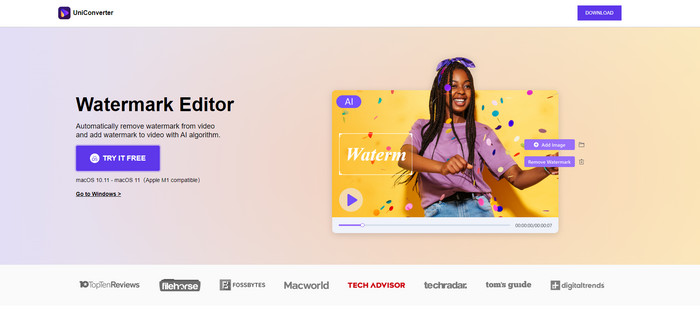
UniConverter er en anden bedste software til fjernelse af videovandmærke, du kan bruge på din Mac og Windows-computere. Denne applikation kan bruges gratis. UniConverter kan hjælpe dig med at fjerne nogle forstyrrende stykker på dine videoer/film, såsom logoer, vandmærker, tekst og mere. Derudover kan du også støde på nogle vidunderlige funktioner, du kan bruge, såsom video- og lydkonverter, kompressor, redigering af lyd og video, fletning af video, støjfjerner, ændring af videobaggrund, vandmærkeeditor og mere. Den gratis prøveversion af denne applikation er dog begrænset med hensyn til funktioner. Også, hvis du vil købe softwaren, skal du forberede et stort beløb, fordi det er dyrt.
Fordele
- Let at bruge.
- Fint interface.
Ulemper
- Ansøgningen er dyr.
- Begrænsede funktioner til en gratis prøveperiode.
5. Movavi
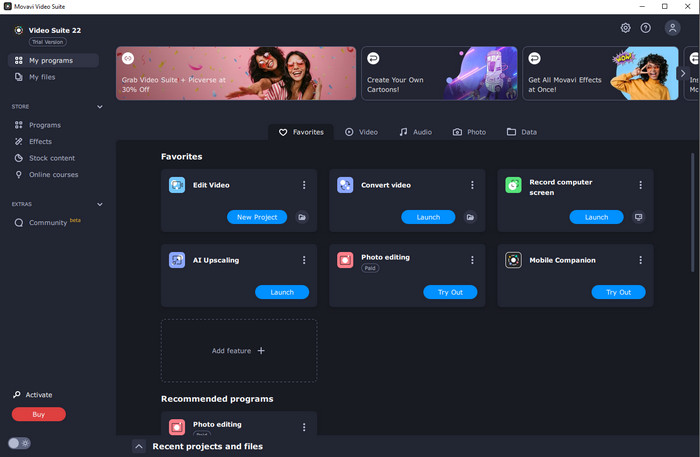
Hvis du leder efter en fremragende og pålidelig applikation, som du gerne vil bruge og købe til at fjerne vandmærker, er den bedste applikation, du kan købe, Movavi. Denne applikation er praktisk og nyttig, hvis du vil fjerne vandmærker, logoer og mere fra dine videoer. Udover at fjerne vandmærker fra dine videoer har Movavi også fremragende og bemærkelsesværdige redigeringsværktøjer i applikationen, såsom beskæring af videoer, farvekorrektion og mere. Men når det gælder gemmeprocessen, er den meget langsom.
Fordele
- Begrænser ikke adgangen til funktionerne i den gratis prøveperiode.
- Let at bruge.
- Velegnet til avancerede brugere og begyndere.
- Har en enkel grænseflade.
Ulemper
- Der er nogle spørgsmål vedrørende tilbagebetalingspolitikken.
- Skal købe applikationen for at nyde at bruge den længere.
6. ManyCam
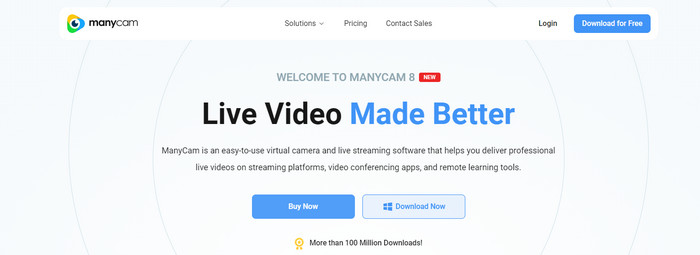
ManyCam er endnu en gratis software til fjernelse af videovandmærker, som du kan bruge på din computer. Hvis du vil fjerne vandmærker fra dine videoer med denne software, skal du først købe eller aktivere et abonnement i ManyCam-applikationen. På den måde kan du fjerne vandmærker fra dine videoer. Samtidig vil dine videoer ikke få vandmærker, når du gemmer dem fra ManyCam. Derudover kan du også bruge ManyCam til at streame spil, lave vejledninger, sende live og mere.
Fordele
- Har flere funktioner end andre værktøjer som virtuel baggrund, 3D-maskeeffekter osv.
- Perfekt til gamere og streamere.
- Velegnet til avancerede brugere, der kan lide redigering.
Ulemper
- Det er meget dyrt at aktivere abonnementet.
- Ikke egnet til begyndere.
- Nogle funktioner er komplicerede, såsom lagindstillinger og effekter.
Del 2: Bedste videovandmærkefjernere til iOS og Android
1. Video Eraser - Fjern vandmærke
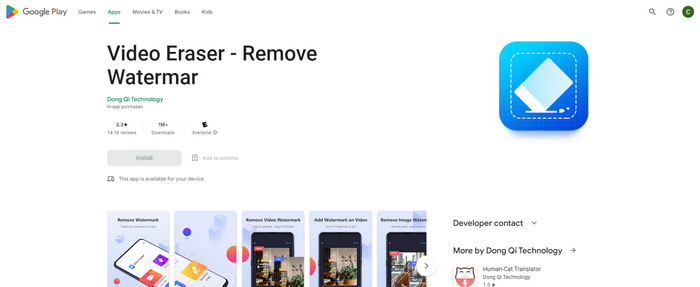
Hvis du er interesseret i den mest pålidelige og bedste app til fjernelse af videovandmærke til Android, så er den applikation, du kan bruge, Video Eraser. Denne applikation er en kraftfuld vandmærkefjerner. Det hjælper dig med at slette unødvendige objekter fra dine videoer og billeder. Det er også en letanvendelig applikation, som er perfekt til begyndere. Du kan slette vandmærker med nogle få trin. Derudover har videoredigering forskellige værktøjer, du kan bruge, såsom at tilføje tekst og ikoner til videoer, beskære videoer, trimme videoer og meget mere. Den store del er, at du er i stand til at downloade denne applikation på din Android-enhed gratis.
Fordele
- Hurtigt og effektivt.
- Enkel at bruge, hvilket er velegnet til nye brugere.
- Har gode funktioner, som fjernelse af vandmærker fra begge videoer og billeder.
Ulemper
- Når du fjerner vandmærkerne på dine videoer, bliver området sløret.
2. FDCTool - Tilføj og fjern vandmærke
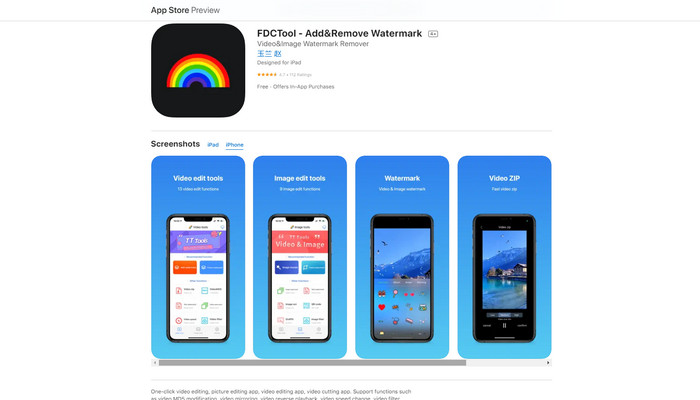
Hvis du leder efter endnu en god app til fjernelse af videovandmærker til din iPhone, kan du bruge FDCTool. Den kan hjælpe dig med at fjerne forstyrrende elementer fra dine videoer, film og klip, såsom vandmærker, logoer, tekster osv. Desuden har den også fremragende funktioner som billedredigering, videoredigering, videoklipning, tilføjelse af tekst til en video osv. Endelig kan du med denne pålidelige applikation fjerne enhver form for vandmærker uden besvær med nogle få enkle trin.
Fordele
- Godt for nye brugere.
- Hurtig med hensyn til spareprocessen.
- Fjernelse af vandmærker uden kvalitetstab.
Ulemper
- Den har begrænsede funktioner.
Del 3: Ofte stillede spørgsmål om Video Watermark Remover
Hvad er den mest anbefalede Video Watermark Remover?
Den fremragende og anbefalede videovandmærkefjerner, du kan bruge, er Video Converter Ultimate. Den giver dig mulighed for at fjerne unødvendige elementer som logoer, tekst, billeder og mere.
Kan jeg fjerne klistermærker ved hjælp af videovandmærkefjernere?
Ja selvfølgelig! Du kan fjerne klistermærkerne på dine videoer ved hjælp af videovandmærkefjernere. Alt du skal gøre er at lede efter en fantastisk applikation med vandmærkefjerner og bruge den til at fjerne klistermærkerne fra dine videoer.
Er det sikkert at fjerne vandmærker online?
Ja det er! Der er online værktøjer, som du kan stole på. De fleste af videovandmærkefjernerne online er sikre og sikre.
Konklusion
At fjerne vandmærker fra dine videoer har en positiv effekt på seerne. Derfor kan vi konkludere, at videovandmærkefjernere er vigtige. Det gør dine videoer mere engagerende at se, og du vil ikke føle dig skuffet. Derudover, hvis du vil fjerne vandmærket fra dine videoer, er den bedste applikation, du kan benytte, Video Converter Ultimate.
-
 4 effektive måder at fjerne Tiktok-vandmærker fra Tiktok-videoer
 Skal du fjerne Tiktok-vandmærket fra dine eksporterede Tiktok-videoer? Du kan gøre det her ved hjælp af de værktøjer, vi præsenterer; du kan sagtens gøre det.
-
 4 bedste måder at fjerne vandmærket fra GIF [Online & Offline]
 Skal du fjerne vandmærke fra GIF? Med værktøjet i denne artikel lærer du de forskellige stilarter med den forskellige vandmærkefjerner, der er tilgængelig på din platform.
-
 Hvad er vandmærke på en video og hvordan man tilføjer eller fjerner det
 Vil du vide, hvad der er et vandmærke, hvilke forskellige typer og grunden til, at fotografer tilføjer et? Nå, alt hvad du skal gøre er at læse denne artikel.
