


 ビデオコンバーター究極
 スクリーンレコーダー
 ビデオ修復
ビデオ修復
 安全なダウンロード
モバイル デバイスにダウンロードする必要がある最高の写真カラー エンハンサー アプリ [無料]
画像を処理する際、色は被写体を見ている観客や視聴者に魅力的に見せるうえで非常に重要です。すべてのピクセルには、それぞれ対応する色情報があります。どれほど良い写真を撮影できたとしても、観客に驚くようなビジュアルを見せるために、さらに加工が必要になることがあります。幸いなことに、Android や iOS でも調整が可能で、本記事では各ストアからダウンロードできるおすすめアプリを紹介します。撮影した写真をより細部まで美しく仕上げたいなら、この記事を読み、今すぐ写真色補正アプリをダウンロードしてみてください。

パート 1. Playstore と Appstore でダウンロードできるトップ 4 の写真カラー エンハンサー
EnhanceFox - AI フォトエンハンサー 12+
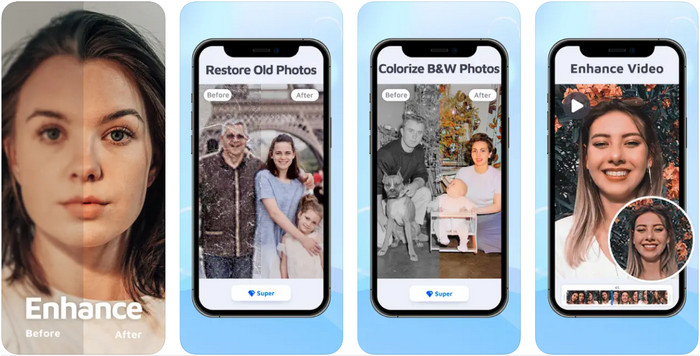
この写真色補正アプリは、iOS にダウンロードしてグラフィックデザインの微調整に使うことができます。EnhanceFoxは、ユーザーが撮影した画像を、元の仕上がりより洗練されたものにするチャンスを提供します。画像編集の初心者であっても、このアプリの使い方をすぐに習得し、これまで以上に美しい写真に仕上げられるでしょう。また、このツールの AI の助けを借りれば、ぼやけた写真を高解像度に変換することも可能です。無料版も利用できますが、アプリの機能をすべて使うには Pro 版を購入する必要があります。
長所
- アプリは iOS に無料でダウンロードできます。
- 画像を修復して見栄えの良いものに変換します。
- このアプリは AI に対応しています。
短所
- 無料版では一部の機能が利用できません。
- 画像を処理するには、インターネット接続が必要です。
Remini - AI フォトエンハンサー 4+
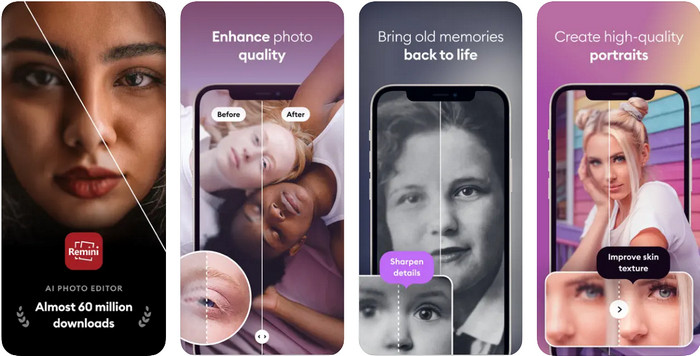
Reminiは、iOS と Android のどちらにもダウンロードできる、最も人気のある写真色補正アプリの一つです。画像の補正力の高さから、両プラットフォームで多くのユーザーの注目を集めています。搭載された編集機能と AI 技術のサポートにより、ヴィンテージ写真を一瞬で蘇らせることができます。さらに、自撮りを使用する前に美顔加工を施すことも可能です。有料アプリではありますが、週単位・月単位・年単位など、好みのサブスクリプションタイプを選択できます。
長所
- 顔写真を滑らかで滑らかな画像に変えます。
- 画像の失われた色を AI 技術で修復します。
- このアプリの設定を変更して、イメージを美しくします。
短所
- このアプリの各機能の価格には、追加の支払いがあります。
- サブスクリプションの終了後、サブスクリプション料金が自動的に更新されます。
Colorized - 古い写真に色を付ける
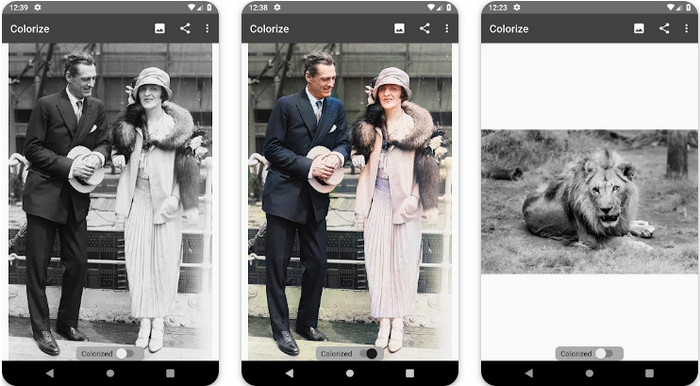
Colorizeは、Android デバイスにダウンロードできる高機能スキャナーアプリで、画像から失われた色を補正したり、古い写真を修復したりできます。このアプリの編集機能を使えば、アプリ側でサポートされていない写真でも、目の色をきれいに強調する方法を学べます。Photomyne 技術により、白黒写真をカラー写真に変換することも可能です。アプリはとてもわかりやすく、初めて画像編集をする人でも驚くほど簡単に使えます。ただし、ここまで紹介してきた他のアプリと同様、機能を利用するにはアプリ内課金が必要です。
長所
- フォトマインで白黒画像に自動で色をつけていきます。
- 構築されているため、プロもそうでない人も簡単にこのソフトウェアを使用できます。
- このアプリの着色設定は、他の画像着色アプリよりもはるかに優れています。
短所
- 画像に色を追加すると、いくつかのスポットが失われます。
- 処理時に画像を自動的にトリミングします。
- 制限を回避するには、アプリを購入する必要があります。
Photoshop Express フォトエディター
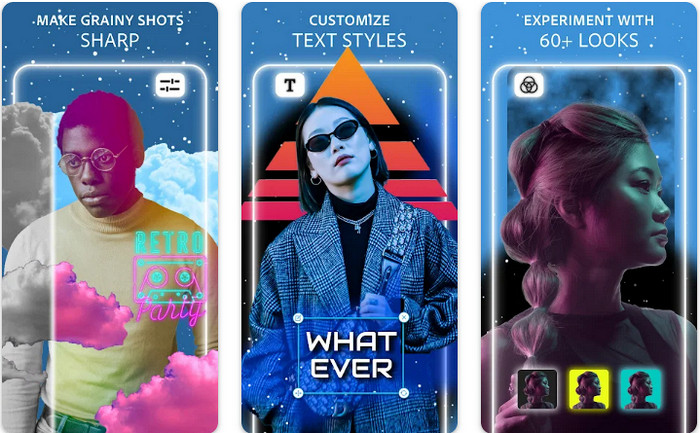
Photoshop Express Photo Editorは、何百万人ものプロや編集者が、画像をHD 画質に変換するために使用しているプロ用ソフトのミニ版です。この高機能な写真色補正版 Photoshop は、Android と iOS の両方で利用可能です。問題を解決できるのか?はい、しかも簡単にできます。前述のとおり、このアプリは Photoshop と見た目のインターフェースは異なりますが、編集機能はよく似ています。撮影したすべての画像の PPI を追加・調整することで、非常にディテールの細かい出力を提供してくれます。ただし、このアプリはやや扱いが難しく、使い方を学ぶために時間を割く必要があるかもしれません。それでも、これ一つで必要な機能が揃う、非常に完成度の高いソフトウェアパッケージです。
長所
- デスクトップだけでなく、モバイルデバイスにもソフトウェアをダウンロードできます。
- 写真に適用できるプロの編集機能をサポートしています。
- どちらもプロフェッショナルな出力を提供するため、Photoshop と類似点があります。
- ここでは、他のアプリでは提供できない多くの種類の編集を行うことができます。
短所
- このアプリは、他のアプリ内購入に比べて高価になる可能性があります。
- 他の小さな問題を改善する必要があります。
パート2. ダウンロードしなくてもいいおすすめの写真画質加工ツール【Webサービス】
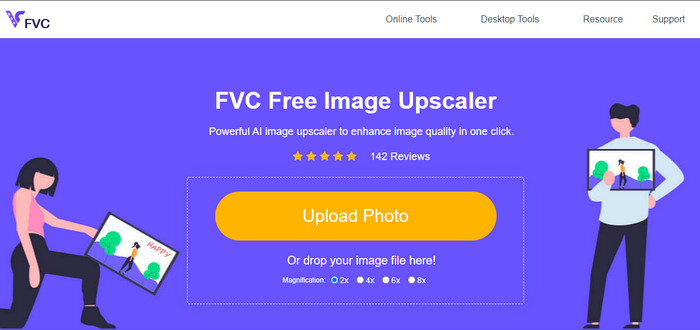
FVC Free Image Upscalerを使えば、何も購入せずに問題を解決できます。この写真画質向上ツールはウェブ上で利用できるため、使用前にインストールする必要はありません。それだけでなく、強力な人工知能編集機能により、画像の問題点を自動で検出してすぐに修正してくれます。前述の他のアプリと比べても、これはワンクリックで使える最も手軽な画質向上ツールと言えるでしょう。写真をアップロードし、拡大倍率を変更するだけで、強化された画像を手に入れられます。このツールを使う場合は、細かい調整や複雑な設定は不要です。試してみたいですか?リンクをクリックすれば、直接このアップスケーラーの公式サイトへアクセスできます。
パート 3. Photo Color Enhancer に関する FAQ
写真カラー エンハンサーを使用するにはプロになる必要がありますか?
十分に開発されたソフトウェアを使用している場合は、専門家ではなく、その機能と画像への機能についてのアイデアを持っている必要があります。ただし、簡素化されたソフトウェアがあります。つまり、AI がサポートされています。微調整を行う必要がない場合もあれば、必要な場合もあります。初心者の場合、ゲームを本格的な強化にステップアップする前に、使いやすいソフトウェアを使用する必要があります。
色を改善すると画像はどうなりますか?
色が十分に発達した画像は、色の少ない画像と比較して、より詳細でシャープになります。低品質がサポートされている写真と比較して、それらのピクセルは見えません。
最適な画像の色の組み合わせをサポートする画像形式は?
JPEG と PNG は 1600 万色をサポートし、さまざまな目的に使用できる最高の画像形式の 1 つです。ただし、HEIC は 2 つの画像形式に比べて高度なビットをサポートしています。
結論
私たちがレビューするアプリの中で、どの写真カラーエンハンサーを選びますか?さて、私たちが追加したすべての情報を使用して、デバイスにダウンロードする必要があるアプリをすばやく見つけることができます.長所と短所は異なりますが、写真の色をすばやく改善できます。
-
 使用する必要のあるすべてのWebブラウザ用の上位7ピクセルエンハンサー
 最適なピクセル エンハンサーを知りたい場合は、この投稿をご覧ください。この記事では、すべての Web ブラウザーに最適な 7 つの写真ピクセル エンハンサーを一覧表示します。
-
 最高のフォトリサイザーアプリオンライン、オフライン、Android、iPhone
 最高の写真サイズ変更アプリは何ですか?ページをクリックして、ファイルの補正やサイズ変更に使用できる最も強力な写真リサイズ アプリのトップ 5 を確認してください。
-
 トップ7の最高のオンラインおよびオフライン写真引伸機
 Windows または Mac デバイスで最高のパフォーマンスを発揮する写真引き伸ばし機について知りたいですか?この投稿を読んで、試してみる価値のある最高の写真引き伸ばし機を知ってください。
