


 ビデオコンバーター究極
 スクリーンレコーダー
 ビデオ修復
ビデオ修復
 安全なダウンロード
デスクトップおよび電話用の最高のビデオ透かし除去アプリケーション
PCやスマートフォンで使える優れた動画用ウォーターマーク除去アプリをお探しですか?それなら、本記事は読む価値があります。近年、多くの人がインターネットやスマホ、テレビなどで映画、動画クリップ、ハイライト、スライドショーなど、さまざまな動画を楽しんでいます。しかし、お気に入りの動画にウォーターマークが入っていることがあります。そのせいで、好きな映画や動画を楽しむどころか、イライラしたりがっかりしたりしてしまいます。また、画面上で動画の一部が見えなくなってしまうこともあります。幸いなことに、パソコン、iPhone、Androidスマートフォン向けのソフトウェアアプリを使えば、動画からウォーターマークを削除できます。これらのアプリを利用すれば、画面上の不要なオブジェクトに邪魔されることなく動画を視聴できます。お使いのデバイスで使える優秀で効果的な動画ウォーターマーク除去ツールを知りたい方は、ぜひ最後までお読みください。

パート 1: PC および Mac 用の最高のビデオ透かし除去ツール
1.ビデオコンバーターアルティメット
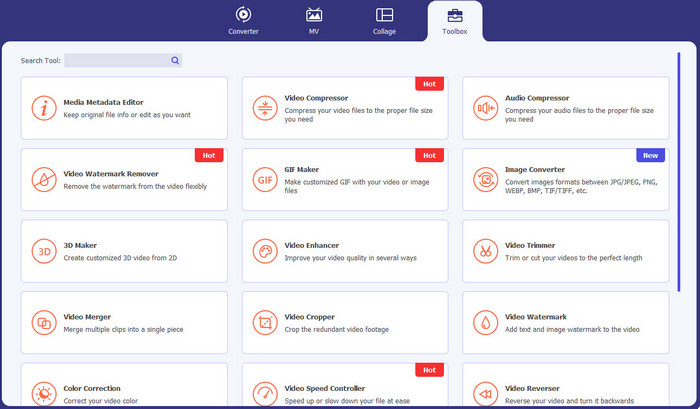
Video Converter Ultimateは、ウォーターマーク、テキスト、ロゴ、署名など、動画内の不要なオブジェクトを削除したいときに使えるアプリケーションです。また、このアプリケーションは、活用できる最高クラスの動画用ウォーターマーク除去アプリの一つです。さらに、画質を落とさずにウォーターマークを削除できます。加えて、Video Converter Ultimateは使いやすく、無料で利用できます。MacとWindowsの両方に対応しているため、ユーザーにとって非常に便利です。加えて、このソフトウェアは動画からウォーターマークを消すだけでなく、多くの機能を備えています。Video Converter UltimateはMP4、MKV、FLV、AVI、MOVなど、さまざまなファイル形式をサポートしています。
無料ダウンロードWindows 7 以降に対応安全なダウンロード
無料ダウンロードMacOS 10.7 以降に対応安全なダウンロード
長所
- 初心者に最適です。
- 削除プロセスは安全かつ迅速です。
- Mac と Windows で利用できます。
- 使いやすい。
- さまざまなファイル形式を変換できます。
短所
- より高度な機能については、ソフトウェアを購入してください。
2. 123APPS
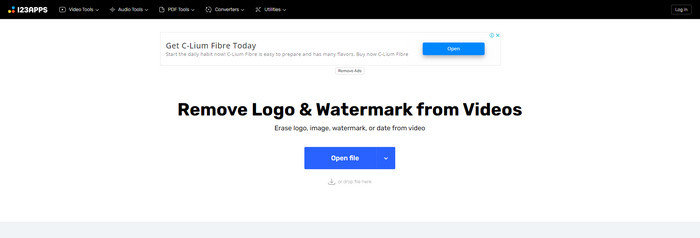
オンラインで無料の動画用ウォーターマーク除去ツールを探しているなら、123APPSを利用できます。このオンラインツールは、ウォーターマークやロゴ、テキストなど、動画内の不要なオブジェクトを削除可能です。さらに、このアプリケーションはMOV、AVI、WMV、MP4など、さまざまなファイル形式に対応しています。123APPSは直感的なインターフェースを備えており、簡単に操作できます。数回のクリックだけでウォーターマークを削除できるため、初心者にも適しています。加えて、このアプリケーションの動画編集ツールは動作が速くレスポンシブで、PCに何かをダウンロードする必要もありません。すべてオンラインで完結します。さらに、動画コンバーター、音声コンバーター、画像コンバーター、トリミング、クロップ、回転、音量変更、再生速度変更など、多くの機能を備えています。ただし、このアプリケーションは保存処理に時間がかかり、ウォーターマーク部分のエリアがぼやけてしまうという欠点があります。
長所
- データ保護基準があります。
- ユーザーにとって便利です。
- 使いやすい。
短所
- インターネットに接続しないと操作できません。
- 保存プロセスが遅すぎます。
- 限定機能。
3. Apowersoft オンライン動画透かし除去ツール
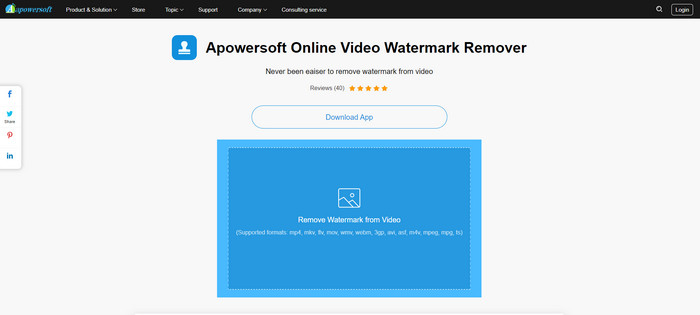
動画からウォーターマークを削除するために使える、もう一つの優れたオンラインツールを探しているなら、Apowersoft Online Video Watermark Removerは最適なアプリケーションの一つです。このオンラインツールを使えば、動画からウォーターマークを簡単に削除できます。シンプルで使いやすいアプリケーションなので、ウォーターマークを消したい初心者にも向いています。さらに、このツールを使えば画像からウォーターマークを削除することもでき、ユーザーにとって非常に便利です。オンラインツールであるため、PCにアプリケーションをダウンロードする必要もありません。ただし、このアプリケーションの無料版は機能がかなり制限されており、ファイルサイズは50MBまでという制限があります。また、動画のアップロードやウォーターマーク削除に時間がかかりすぎるという難点があります。
長所
- プライバシーのリスクはありません。
- シンプルなインターフェースで初心者にも優しい。
短所
- 限定機能。
- ウォーターマークのアップロードと削除に時間がかかりすぎます。
4.ユニコンバーター
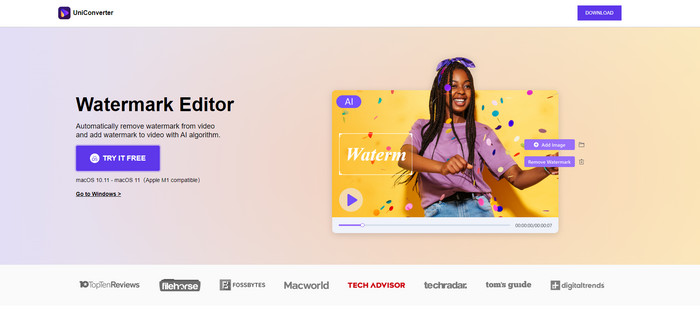
UniConverter は、Mac および Windows コンピューターで使用できるもう 1 つの最高のビデオ透かし除去ソフトウェアです。このアプリケーションは無料で使用できます。 UniConverter は、ロゴ、透かし、テキストなど、動画や映画の邪魔な部分を取り除くのに役立ちます。さらに、ビデオとオーディオのコンバーター、コンプレッサー、オーディオとビデオの編集、ビデオのマージ、ノイズ リムーバー、ビデオの背景の変更、透かしエディターなど、使用できるいくつかの素晴らしい機能に遭遇することもあります。ただし、このアプリケーションの無料試用版は機能が制限されています。また、ソフトウェアを購入したい場合、費用がかかるため多めに用意する必要があります。
長所
- 使いやすい。
- 素敵なインターフェース。
短所
- アプリケーションは高価です。
- 無料トライアルのための限定機能。
5.モバビ
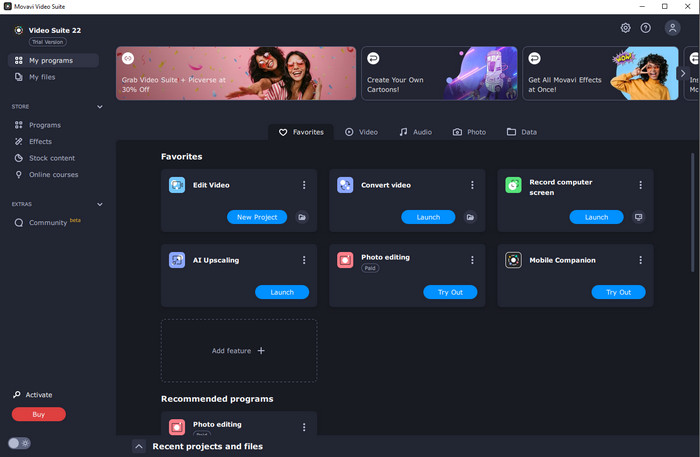
ウォーターマーク削除のために、購入して使える優れた信頼性の高いアプリケーションを探しているなら、最もおすすめなのがMovaviです。このアプリケーションは、動画からウォーターマークやロゴなどを削除したい場合に実用的で役立ちます。さらに、ウォーターマークを削除するだけでなく、動画のクロップやカラー補正など、優れた編集機能も搭載されています。ただし、保存処理に関してはかなり時間がかかるというデメリットがあります。
長所
- 無料試用期間中の機能へのアクセスは制限されません。
- 使いやすい。
- 上級ユーザーと初心者に適しています。
- シンプルなインターフェースを備えています。
短所
- 返金ポリシーに関していくつかの問題があります。
- より長くご利用いただくには、アプリの購入が必要です。
6.メニーカム
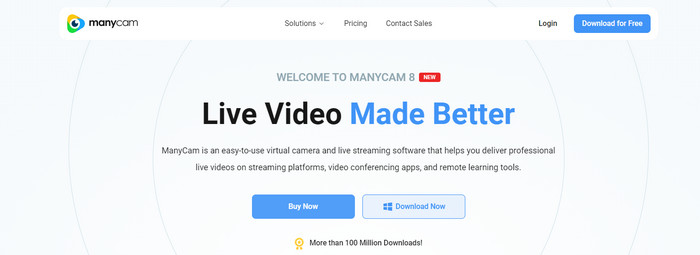
ManyCamは、PCで利用できるもう一つの無料動画用ウォーターマーク除去ソフトウェアです。このソフトで動画からウォーターマークを削除したい場合は、まずManyCamアプリケーションのサブスクリプションを購入または有効化する必要があります。そうすることで、動画からウォーターマークを削除できるようになります。同時に、ManyCamで動画を保存する際も、ウォーターマークが入らなくなります。さらに、ManyCamはゲーム配信、チュートリアル動画の作成、ライブ配信などにも利用できます。
長所
- バーチャル背景、3D マスク効果など、他のツールよりも多くの機能を備えています。
- ゲーマーやストリーマーに最適です。
- 編集が好きな上級者向けです。
短所
- サブスクリプションの有効化には非常にコストがかかります。
- 初心者には適していません。
- レイヤー設定や効果など、一部の機能は複雑です。
パート 2: iOS および Android 向けの最高のビデオ透かし除去ツール
1. ビデオ消しゴム - 透かしを削除
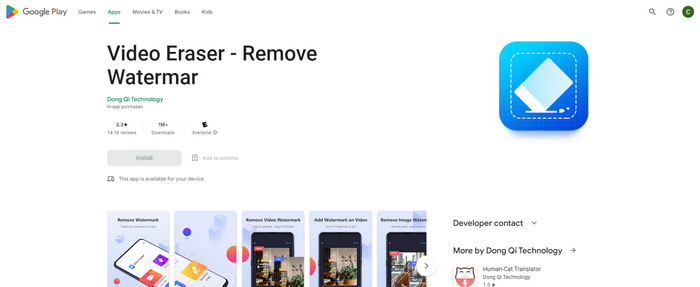
Android 向けの最も信頼性が高く、最高のビデオ透かし除去アプリに興味がある場合、使用できるアプリケーションは Video Eraser です。このアプリケーションは、強力な透かし除去ツールです。ビデオや画像から不要なオブジェクトを消去するのに役立ちます。また、初心者にも最適な使いやすいアプリケーションです。わずか数ステップで透かしを消去できます。さらに、ビデオ編集には、ビデオへのテキストやアイコンの追加、ビデオのトリミング、ビデオのトリミングなど、使用できるさまざまなツールがあります。素晴らしい点は、このアプリケーションを Android デバイスに無料でダウンロードできることです。
長所
- 高速かつ効率的。
- 使いやすく、新しいユーザーに適しています。
- 次のような優れた機能を備えています 両方のビデオから透かしを削除する と画像。
短所
- 動画の透かしを削除すると、その領域がぼやけます。
2. FDCTool - 透かしの追加と削除
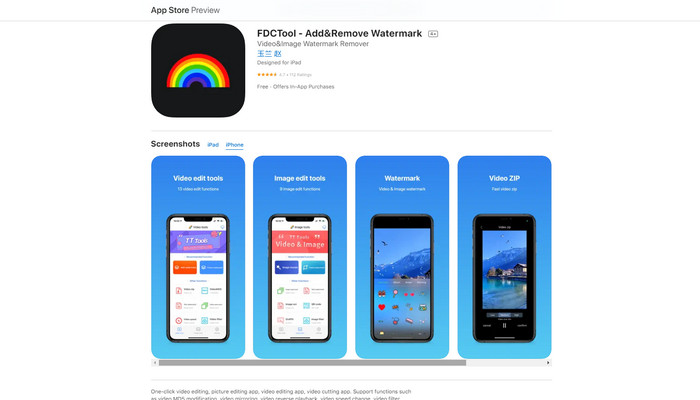
iPhone向けの優れた動画用ウォーターマーク除去アプリを探しているなら、FDCToolを利用できます。このアプリは、ウォーターマークやロゴ、テキストなど、動画・映画・クリップ内の気になるオブジェクトを消すのに役立ちます。加えて、画像編集、動画編集、動画カット、動画へのテキスト追加など、優れた機能も搭載しています。最後に、この信頼性の高いアプリケーションを使えば、わずか数ステップの簡単な操作で、あらゆるウォーターマークを手間なく削除できます。
長所
- 新しいユーザーに適しています。
- 保存プロセスの点で高速です。
- 品質を損なうことなく透かしを削除します。
短所
- 機能が制限されています。
パート 3: Video Watermark Remover に関するよくある質問
最も推奨されるビデオ透かし除去ツールは何ですか?
おすすめの優秀な動画用ウォーターマーク除去ツールはVideo Converter Ultimateです。ロゴ、テキスト、画像などの不要なオブジェクトを簡単に取り除けます。
ビデオ透かしリムーバーを使用してステッカーを削除できますか?
はい、もちろん!ビデオ透かしリムーバーを使用して、ビデオのステッカーを削除できます。あなたがしなければならないのは、透かしリムーバーを備えた優れたアプリケーションを探し、それを使用してビデオからステッカーを削除することだけです.
透かしをオンラインで削除しても安全ですか?
はい、そうです!信頼できるオンライン ツールがあります。オンラインのビデオ透かしリムーバーのほとんどは、安全で安全です。
結論
動画からウォーターマークを削除することは、視聴者にとって良い効果をもたらします。したがって、動画用ウォーターマーク除去ツールは重要であるといえます。動画をより魅力的で見やすくし、がっかりせずに楽しめるようにしてくれます。さらに、動画からウォーターマークを削除したい場合に最も活用しやすいアプリケーションはVideo Converter Ultimateです。
-
 TiktokビデオからTiktok透かしを削除する4つの効果的な方法
 エクスポートしたTiktokビデオからTiktok透かしを削除する必要がありますか?私たちが提示するツールの助けを借りて、ここでそれを行うことができます。あなたはそれを簡単に行うことができます。
-
 GIFから透かしを削除する4つの最良の方法[オンラインおよびオフライン]
 GIFから透かしを削除する必要がありますか?この記事のツールを使用すると、プラットフォームで使用可能なさまざまな透かし除去機能を使用してさまざまなスタイルを学習できます。
-
 ビデオの透かしとは何ですか?それを追加または削除する方法
 透かしとは何か、さまざまな種類、そして写真家が透かしを追加する理由を知りたいですか?さて、あなたがする必要があるのはこの記事を読むことだけです。
