


 Video Converter Ultimate
 Scherm opnemer
 Videoreparatie
 Beveiligde download
Wat zijn de beste QuickTime-vervangingen die beschikbaar zijn in alle software (gratis en betaald)
QuickTime Player is de lokale mediaspeler in het systeem van de Mac. Het is inderdaad de beste gratis mediaspeler van Apple, maar deze mediaspeler is niet beschikbaar op andere besturingssystemen, zoals Windows en dergelijke. Daarom hebben Mac‑gebruikers moeite om te kiezen wat de beste QuickTime‑spelervervanging is die ze zouden moeten gebruiken. Zonder verder oponthoud zal dit artikel je overtuigend laten zien wat de verschillende tools inhouden en welke andere alternatieven je kunt gebruiken om video’s te bekijken met dezelfde efficiëntie als QuickTime biedt. Lees verder om meer te weten te komen over deze mediaspelers.

Deel 1. De beste QuickTime-vervanging online
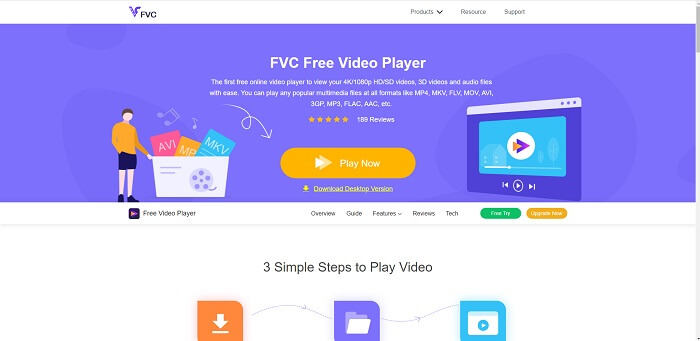
Als je op zoek bent naar de beste alternatief voor QuickTime Player online, dan is dit iets voor jou. Je hoeft je niet aan te melden of in te loggen en niets te betalen. Bovendien is een geweldig kenmerk dat je er altijd en overal toegang toe hebt met behulp van een internetverbinding, zonder dat je telkens hoeft te bewijzen dat je geen robot bent of afbeeldingen van brandkranen, auto’s, bussen, oversteekplaatsen enzovoort hoeft aan te klikken. FVC Free Video Player gaat jouw kijkervaring van je favoriete video’s en audio online veranderen. Het is als een QuickTime Player, maar dan online. Geen download nodig en maak je geen zorgen: het is vrij van malware.
Voordelen
- Een online QuickTime-vervangingstool die u via internet kunt openen.
- Beste keuze recorder via het web. U hoeft de tool ook niet te downloaden. Start het gewoon, plaats het en bekijk het.
- Malware veilig, geen advertenties op internet en tijdens het spelen.
Nadelen
- Internetafhankelijk.
- Als het internet onstabiel is, kun je niet genieten van het bekijken van het bestand.
Deel 2. Het Prime Elite QuickTime Player-alternatief voor Mac en Windows 10
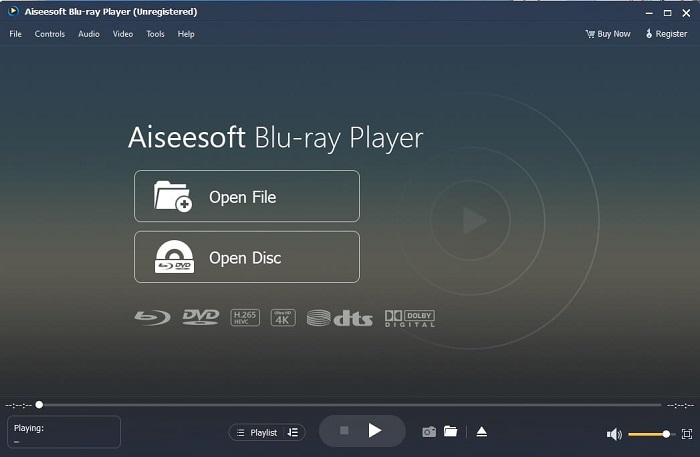
Als de gratis online tool je al een goede kwaliteit biedt bij het kijken en luisteren naar je favoriete video’s en audio, dan zal deze tool alles nog verder verbeteren. Als je op zoek bent naar een schat die lange tijd verborgen is geweest, dan is dit het moment om je te vertellen dat je zoektocht voorbij is, want vanaf vandaag heb je hem gevonden. Deze tool is het beste QuickTime‑alternatief voor Windows 10 en Mac, omdat hij veel beter presteert en meer bestandsindelingen ondersteunt. Blu-ray Player is die verloren schat. Als je op zoek bent naar een mediaspeler die je uitstekende prestaties biedt om naar je favoriete video of nummer te kijken en te luisteren: men zegt vaak dat je voor elke schat die je vindt een prijs moet betalen. De meest voorkomende gedachte is dat dit je veel zal kosten, juist omdat hij beter zou zijn dan QuickTime zelf. Maar om je te vertellen: dat is niet zo. Eerlijk gezegd is deze tool veel superieurder dan de andere mediaspelers die je in dit artikel of op het internet in het algemeen zult vinden. Het is een mediaspeler die je absoluut moet uitproberen als je het beste zoekt, alsof je met bioscoopkwaliteit kijkt.
Gratis downloadenVoor Windows 7 of laterVeilige download
Gratis downloadenVoor macOS 10.7 of laterVeilige download
Voordelen
- S-klasse mediaspeler.
- Het werkt prima zonder internetverbinding.
- Het ondersteunt alle platforms die u wel en niet kent. Met meer kwaliteit in video en audio.
Nadelen
- Het moet worden gedownload op uw pc of Mac.
- Het kost je $36,00.
Deel 3. Andere 4 handige alternatieven voor QuickTime Player
De onderstaande lijst zijn de voorbeelden die u misschien wilt gebruiken of tegenkomt via internet als u op zoek bent naar een vervanging voor QuickTime. Omdat het eerder zei dat QuickTime de standaard mediaspeler is voor Mac OS. Lees de andere alternatieven voor QuickTime Player voor Mac en Windows die u waarschijnlijk gebruikt om video te bekijken als QuickTime niet wordt ondersteund op uw platform.
1. VLC-mediaspeler
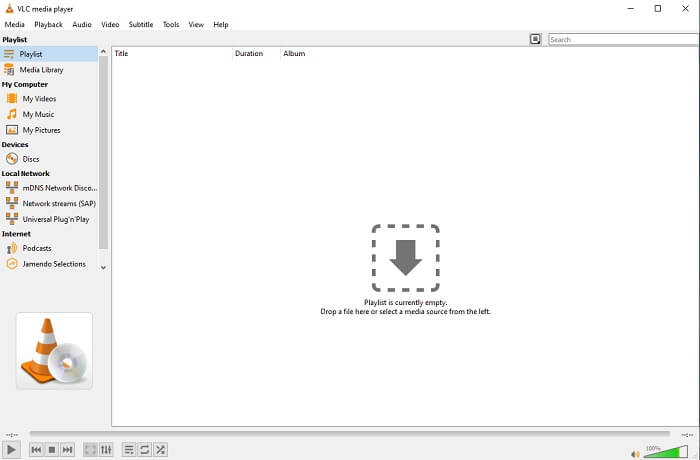
Deze tool bouwt zijn naam op als de beste mediaspeler op het hele internet. Vanwege de toegankelijkheid gebruiken de meeste gebruikers dit als hun eerste keuze. Het kan ook dvd's, vcd's, cd's en meer afspelen zonder codecs toe te voegen. Om het simpel te houden, het is een snelle en A-klasse speler.
Voordelen
- Een van de beste mediaspelers.
- Eenvoudige interface.
- Offline tools moeten worden gedownload.
Nadelen
- Sommige formaten kunnen niet worden afgespeeld.
- U zult enkele bugs tegenkomen die nog niet zijn opgelost.
2. KM-speler

Een QuickTime‑vervanging voor Windows en Mac waarmee je verschillende bestandsformaten in hoge kwaliteit kunt afspelen. In tegenstelling tot VLC Media Player kan WMV‑weergave gemakkelijk worden afgespeeld met deze KM Player. Ook kan hij 3D‑video’s afspelen en enkele bewerkingsfuncties uitvoeren.
Voordelen
- Meest gebruikte mediaspeler.
- Bekend om zijn hardwareversnelling.
- 3D-video afspelen.
Nadelen
- Het is een spyware/adware.
- Het kan uw systeem traag maken vanwege de onvermijdelijke installatie die het zal maken. dus wees voorzichtig als u deze software wilt downloaden.
3. MP-speler
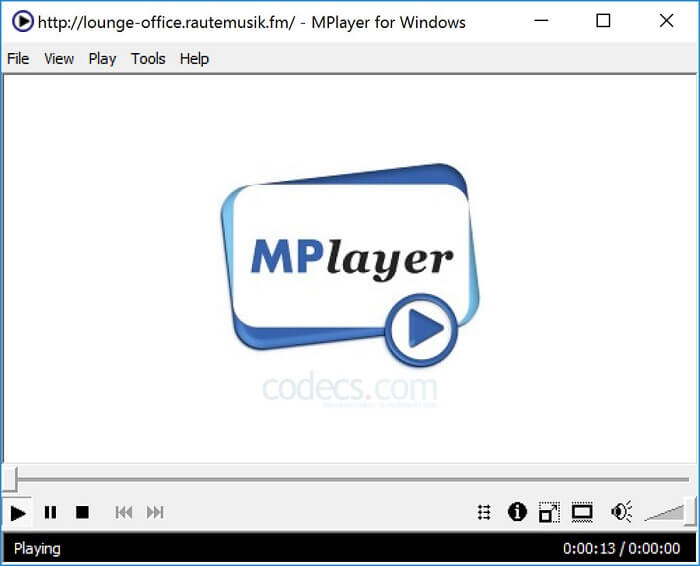
Met deze tool kan de gebruiker met twee afzonderlijke vensters werken. Zo is bijvoorbeeld het videovenster losgekoppeld van de hoofdinterface. MPlayer kan verschillende formaten afspelen. Bovendien ondersteunt hij in het bijzonder bestanden die zijn opgenomen met Ffmpeg.
Voordelen
- Spot-on tool.
- er is geen extra codec nodig.
- Sneltoetsen.
Nadelen
- In sommige gevallen kunnen de bestanden die u afspeelt op de andere mediaspeler worden afgespeeld, maar als u dit gebruikt, bestaat de mogelijkheid dat het niet wordt afgespeeld. Het is nog om onbekende redenen.
- Gebrek aan directoryweergave.
4. Perian
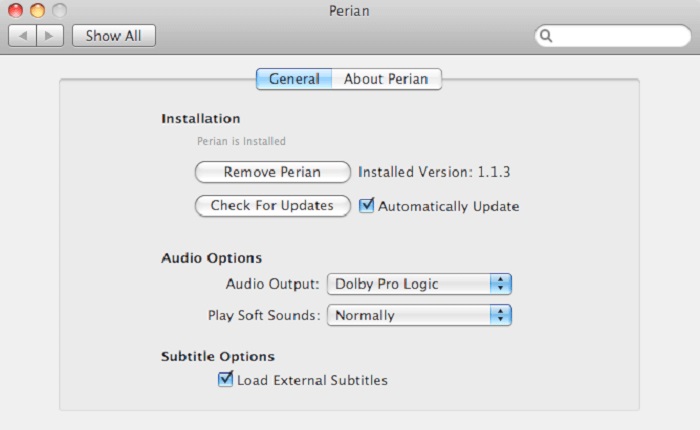
Als je een verouderde versie van QuickTime hebt en nog steeds wilt weten welke andere opties je hebt, dan is dit iets voor jou. Perian staat bekend als het Zwitsers zakmes dat je op je Mac‑besturingssysteem kunt gebruiken. Als de oude versie van QuickTime je gewenste formaat niet kan afspelen, kun je dit gebruiken, omdat het je in staat stelt om meer bestandsformaten in QuickTime Player af te spelen.
Voordelen
- Werkt nog steeds, zelfs op verouderde QuickTime.
- Ondersteunt meer afspelen voor oudere QuickTime-versies.
- SSA- en SRT-ondertitelingsindelingen van QuickTime worden nog steeds ondersteund.
Nadelen
- Het werkt niet op de moderne versie van QuickTime 10.
- Als u een versie van QuickTime uit 2012 gebruikt, hoeft u deze niet te gebruiken. Omdat QuickTime kan bieden wat deze tool nog meer kan bieden.
Deel 4. Veelgestelde vragen over QuickTime Player
Wat kan ik anders doen dan video afspelen op QuickTime?
QuickTime heeft ook andere functies, zoals opnemen, bewerken en inkorten, herschikken, roteren en je kunt bovendien video’s en afbeeldingen delen.
Heeft QuickTime er een pro-versie van?
Ja, er is ook een pro-versie van. Zoals gewoonlijk biedt de pro-versie meer functies dan de gratis versie.
Is er een niet-afspeelbaar bestandsformaat als je QuickTime gebruikt?
In sommige gevallen zijn MOV- en MP4‑bestanden niet afspeelbaar omdat het complexe codecs zijn. Dit komt ook vaak voor wanneer je een oudere versie van QuickTime gebruikt. De beste oplossing is daarom om MOV naar MP4 te converteren.
Gevolgtrekking
Nu je weet welke tools je kunt gebruiken als je een mediaspeler zoals QuickTime wilt, is het – zoals eerder vermeld – duidelijk dat deze verschillende tools elk hun eigen specialiteiten, overeenkomsten en onderscheidende kenmerken ten opzichte van andere mediaspelers hebben. Maar het is nog duidelijker dat de beste QuickTime‑spelervervanging, of om specifieker te zijn, de tool die QuickTime kan overtreffen, de Blu-ray Player is. Hij is QuickTime Player in alle opzichten de baas, vooral wat betreft de beschikbaarheid van de tool en meer. Misschien vraag je je nog steeds af waarom je deze tool zou moeten kopen. De enige reden is dat hij veel superieurder is dan andere tools die je op het web of in andere artikelen zult vinden. Waar wacht je nog op? Kijk als een baas door dit te gebruiken als jouw persoonlijke mediaspeler bij uitstek.
-
 Beste 1080p HD-videospeler voor Windows/Mac/iOS/Android in 2025 Reactiesfeed
 Als je op zoek bent naar een videospeler om 1080p high-definition video's op je computer te bekijken, bekijk dan onze selectie van de beste 1080p HD-videospelers voor Mac, Windows PC, iOS en Android.
-
 5 werkbare methoden om QuickTime te repareren Kan MOV-bestanden niet openen Reactiesfeed
 MOV-indeling is voornamelijk gemaakt voor afspelen in QuickTime Player. Soms zul je echter merken dat ze er niet in spelen. Leer hoe u QuickTime kunt repareren, er worden geen MOV-bestanden uit dit bericht afgespeeld.
-
 MKV-bestanden converteren om soepel op PS3 te spelen
 Wil je MKV-video's afspelen op je PS3? PS3 kan MKV-bestanden echter niet rechtstreeks afspelen. Dit artikel laat je zien hoe je MKV-video's kunt converteren naar door PS3 ondersteunde video-indelingen om ze probleemloos op PS3 af te spelen.
