


 Video Converter Ultimate
 Nagrywarka ekranu
 Naprawa wideo
Dowiedz się, jak usunąć znak wodny B612 ze swoich obrazów
B612 or Camera B612 is a photo or video editing app that many millennials use. It is a known camera app because it has many features to offer. In addition to that, it is known as one of the most popular selfie camera apps available on the PlayStore. It is also easy to use; you can search for the filter you want to use and easily take a snap. However, whenever you take a selfie or shoot a video using the B612 camera, it leaves a watermark on your photo or video. So, if you want to remove that annoying watermark from your photos, we have the best solutions for you. Below, you will learn how to remove B612 watermarks from your images.

Część 1. Metody 5 dotyczące usuwania znaku wodnego B612 z obrazów
B612 pozostawia znak wodny na Twoim obrazie, ponieważ chce promować swoją aplikację wśród innych osób. Uniemożliwia również użytkownikom kopiowanie lub posiadanie obrazu wytwarzanego przez B612. Jednak wiele osób chce usunąć znak wodny ze swoich selfie lub filmów. Dlatego przeczytaj dokładnie tę część, jeśli chcesz dowiedzieć się, jak usunąć znak wodny B612.
Bezpłatne usuwanie znaków wodnych FVC
FVC Free Watermark Remover is one of the known online watermark removers you can access on all web browsers, like Google, Firefox, and Safari. With its straightforward user interface, many beginners prefer using this tool. In addition, it supports many image formats, such as PNG, JPG, JPEG, BMP, and more. You also don’t need to be anxious about the safety of your data because it guarantees the safety of your privacy. Moreover, it is 100% free to use. Also, you can use selection tools (polygonal, lasso, and brush) to remove the watermark on your images. So, if you want to have a B612 image without a watermark, follow the steps below.
Jak usunąć znak wodny B612 z obrazu:
Step 1. Open your browser and type FVC Free Watermark Remover on your search box. You can also go directly to their page by clicking the provided link.
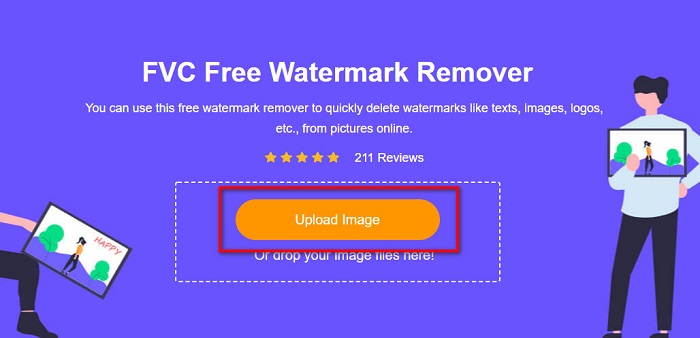
Step 2. On the main software interface, click the Upload Image button. Your device folders will appear where you will select your B612 image.
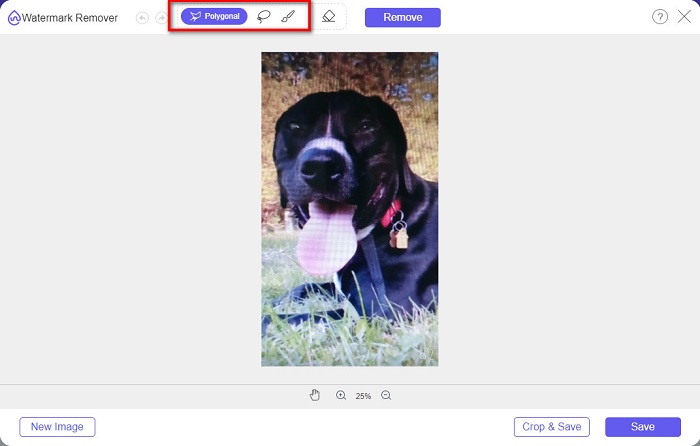
Step 3. After uploading your image, select the selection tool you want to use to remove the watermark on your B612 image. You can choose between a Polygonal tool, Lasso, or Brush.
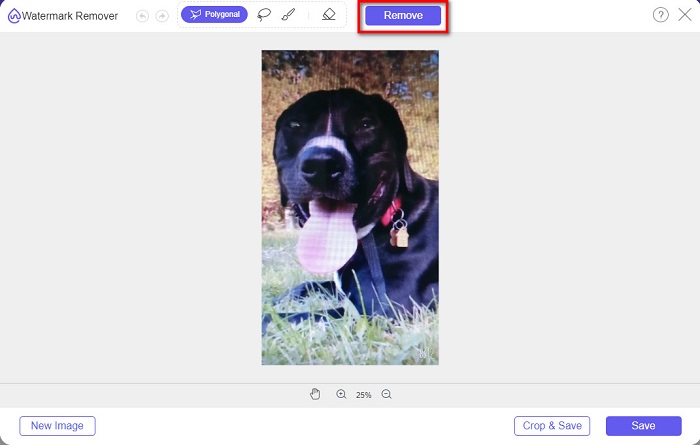
Step 4. Next, trace the watermark on your image. Usually, the B612 watermark is placed in the lower right corner of your image. Then, click the Remove button.
Step 5. Click the Save button to save your output image on your device. And that’s it! You will see that your image has no B612 watermark on it.
Usuwanie znaków wodnych
Watermark Remover is also an online watermark remover that enables you to remove the B612 watermark on your photo easily. With its easy-to-use user interface, it is easy to use this tool. Moreover, it also has an option to remove watermarks on your videos. This tool is also effective in removing unwanted objects from your photo. And you can use it as a Fiverr watermark remover. However, it contains ads that might distract you.
Step 1. Search Watermark Remover on your browser, and go to their main page. Then, on the main interface, select the Photo Watermark Remover option.
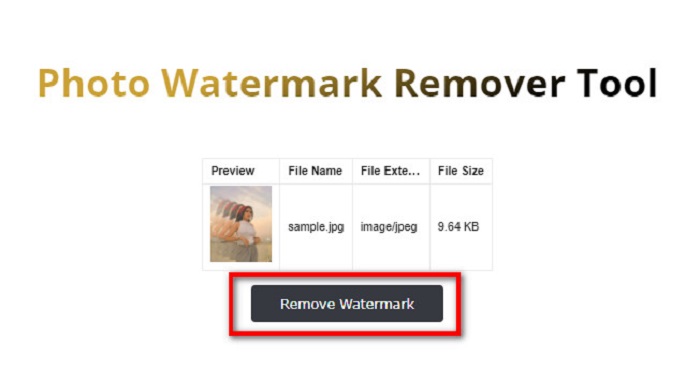
Step 2. And then, click the upload icon to import your B612 image. Wait for your image to upload, then click the Remove Watermark button.
Step 3. A captcha tab will appear where it will require you to install one app. After that, you will see that the watermark on your image is removed.
ZdjęcieŚmieszne
Another online watermark remover that you must try is PhotoFunny watermark remover. PhotoFunny is a popular online tool that easily removes any watermark on your images, including the B612 watermark. It also supports the most known image formats, such as PNG, JPEG, and JPG. The downside is that when your internet connection is slow, it has a slow uploading process, taking too much of your time. Nevertheless, many people still use this tool to remove watermarks on images.
Jak usunąć znak wodny B612 za pomocą narzędzia do usuwania znaków wodnych PhotoFunny:
Step 1. Search the PhotoFunny watermark remover on the browser, then go to their main page.
Step 2. On the main interface, click the Upload Photo button. And then, you will be led to a new interface.
Step 3. And then, tick the Select Image button to upload the B612 image that you want to remove the watermark.
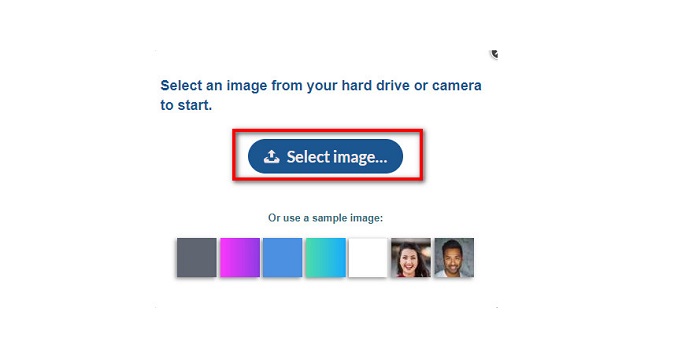
Step 4. After uploading your image, click the Next button to remove the watermark on your image.
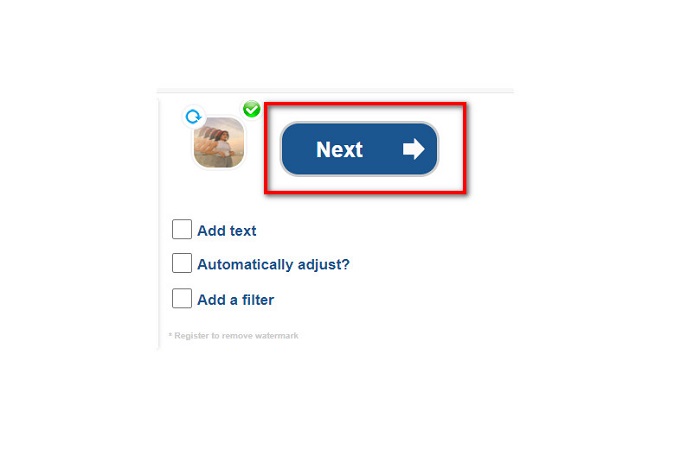
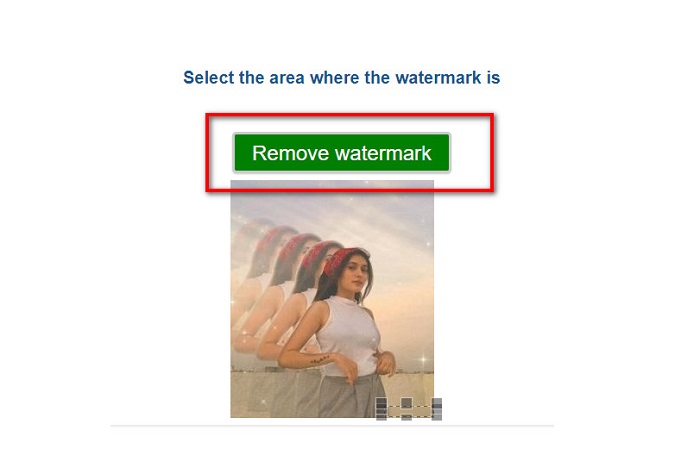
Step 5. On the next software interface, you will see the preview of your image and then click the Next Step button. And then put the remover area on the B612 watermark. Click the Remove Watermark to finish the process.
Usuwanie znaków wodnych.io
Watermark Remover.io is another online tool that you must try. This online watermark remover has an easy-to-use interface, making it a user-friendly tool. It also supports the most standard image formats, like PNG, JPEG, JPG, and WEBP. Furthermore, you can access it on almost all web browsers, including Google and Firefox. One of the advantages of this online tool is its area prediction process. So, once you upload the image, it will automatically remove the watermark on your image. However, it sometimes does not detect the watermarks that are too small.
Jak usunąć znak wodny B612 za pomocą Watermark Remover.io:
Step 1. Search Watermark Remover.io on your browser. Then on the resulting page, go to their main page. And then, on the main interface, click the Upload Image button.
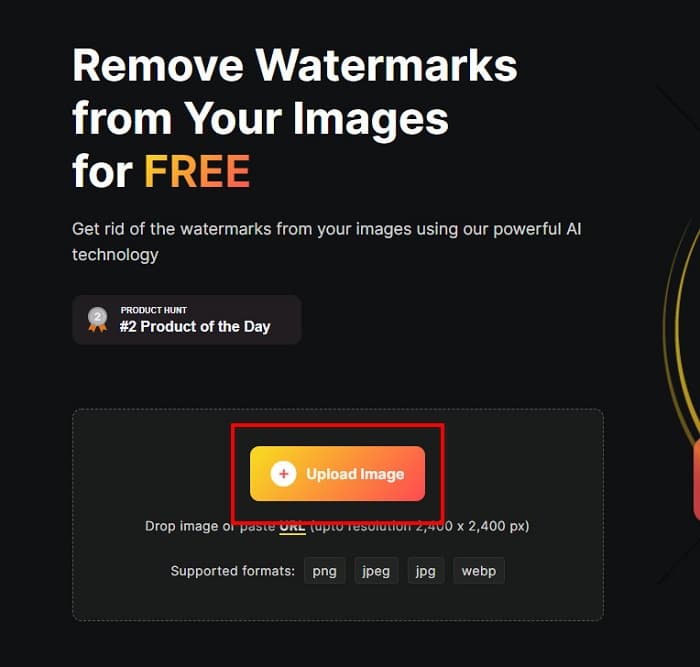
Step 2. A new tab will prompt on your screen, where you will select the B612 image you want to upload and then click Open.
Step 3. And then, Watermark Remover.io will automatically remove the watermark on your image. Click the Download Image button to save the output image on your device.
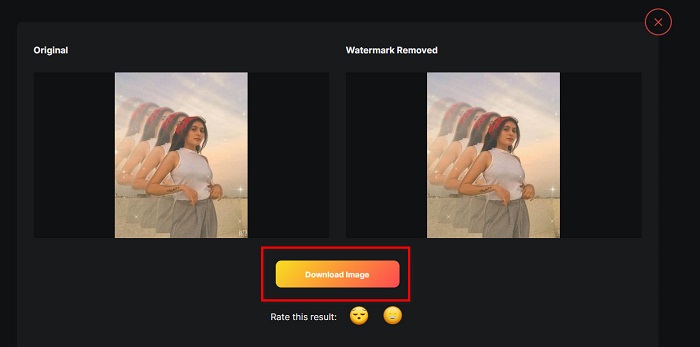
And that’s it! Using the amazing watermark removers above, you can effortlessly remove the B612 watermark from your image. Click here to learn how to remove Coub watermarks.
Część 2. Często zadawane pytania dotyczące usuwania znaku wodnego B612
Czy możesz usunąć znaki wodne B612 z filmów B612?
Yes. You can remove the B612 watermarks on your videos. Some applications allow you to easily remove watermarks on videos, like FVC Video Converter Ultimate, which many professionals use.
Jak zapisać zdjęcie na B612?
B612 does not automatically save pictures in your gallery. Press the download icon to save your image in your gallery. This process also allows you to save space for your device.
Czy mogę usunąć logo online?
Na szczęście narzędzia online umożliwiają usunięcie dowolnego znaku wodnego (logo, tekstu, obrazu) ze zdjęcia. Jednym z najbardziej polecanych narzędzi jest FVC Free Watermark Remover.
Wniosek
The presented methods above will help you remove B612 watermarks quickly. So, it is your choice which among them is worth using. But if you want the most recommended and easy-to-use online tool, use FVC Free Watermark Remover.
-
 Proste sposoby na usunięcie znaku wodnego ze zdjęć ukończenia szkoły
 Chcesz poznać najlepsze sposoby usuwania znaków wodnych ze zdjęć ukończenia szkoły? Czytając ten artykuł, będziesz mógł wiedzieć, jak łatwo usunąć znaki wodne ze zdjęć gradowych.
-
 Jak usunąć znak wodny Lomotif za pomocą tych niesamowitych narzędzi
 Czy chcesz dowiedzieć się, jak usunąć znak wodny Lomotif ze swojego filmu? Przeczytaj ten artykuł, aby poznać najwybitniejsze metody usuwania go online i offline.
-
 Jak usunąć turystów ze zdjęć za pomocą narzędzi do usuwania znaków wodnych?
 Jak usunąć turystów ze zdjęć? Jeśli chcesz dowiedzieć się, jak usunąć niechciane rzeczy ze swojego zdjęcia, te narzędzia Ci pomogą. Przeczytaj ten artykuł, aby dowiedzieć się więcej.
