


 Video Converter Ultimate
 Nagrywarka ekranu
 Naprawa wideo
Jakie są najlepsze zamienniki QuickTime dostępne we wszystkich programach (bezpłatne i płatne)
QuickTime Player jest domyślnym odtwarzaczem multimediów w systemie Mac. To faktycznie najlepszy darmowy odtwarzacz Apple, ale jego dostępność jest ograniczona wyłącznie do tego systemu operacyjnego. Nie działa na przykład w systemie Windows i innych. Dlatego użytkownicy Maca mają trudności z wyborem, jaki jest najlepszy zamiennik QuickTime Playera, którego powinni używać. Bez dalszych wstępów, ten artykuł dostarczy ci wystarczających informacji o samych narzędziach oraz o innych alternatywach, których możesz użyć do oglądania materiałów z taką samą skutecznością, jaką zapewnia QuickTime. Czytaj dalej, aby dowiedzieć się więcej o tych odtwarzaczach multimediów.

Część 1. Najlepsza wymiana QuickTime online
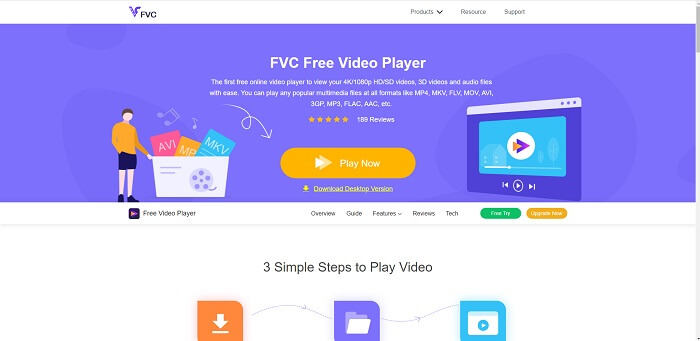
Jeśli szukasz najlepszego zamiennika QuickTime Playera online, to jest coś dla ciebie. Nie musisz się rejestrować, logować ani płacić. Co więcej, jego ogromną zaletą jest to, że możesz z niego korzystać o każdej porze i w każdym miejscu, mając jedynie dostęp do internetu – bez sprawdzania, czy jesteś robotem i klikania na hydranty, samochody, autobusy, przejścia dla pieszych i tym podobne. FVC Free Video Player całkowicie odmieni sposób, w jaki oglądasz ulubione filmy i słuchasz audio online. To jak QuickTime Player, ale w wersji online. Nie wymaga pobierania i możesz być spokojny – jest wolny od złośliwego oprogramowania.
Plusy
- Internetowe narzędzie wymiany QuickTime, do którego można uzyskać dostęp przez Internet.
- Najlepszy rejestrator wyboru w Internecie. Ponadto nie musisz pobierać narzędzia. Po prostu uruchom, umieść i obejrzyj.
- Ochrona przed złośliwym oprogramowaniem, brak reklam w sieci i podczas gry.
Cons
- Zależny od Internetu.
- Jeśli internet jest niestabilny, nie możesz cieszyć się oglądaniem pliku.
Część 2. Alternatywa Prime Elite QuickTime Player dla komputerów Mac i Windows 10
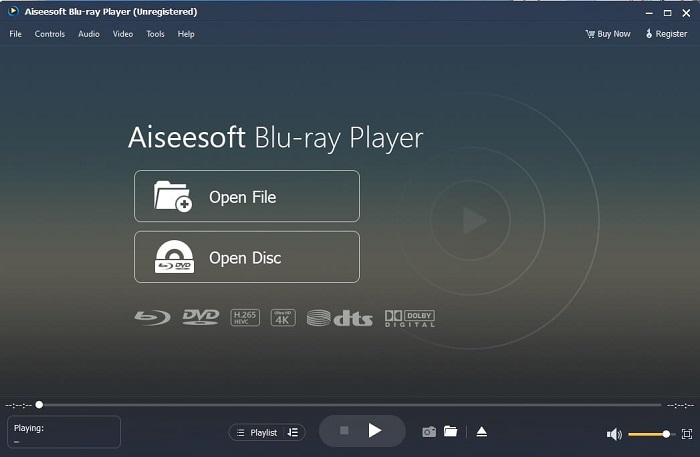
Jeśli darmowe narzędzie online zapewnia ci dobrą jakość oglądania i słuchania ulubionych filmów i nagrań audio, to to narzędzie zmieni wszystko. Jeśli szukasz skarbu ukrytego od dawna, to właśnie nadszedł czas, aby powiedzieć ci, że twoje poszukiwania dobiegły końca, bo dziś już go znalazłeś. To narzędzie to najlepsza alternatywa dla QuickTime Playera na Windows 10 i Mac, ponieważ działa znacznie lepiej i obsługuje więcej formatów plików. Blu-ray Player jest tym zaginionym skarbem. Jeśli szukasz odtwarzacza multimedialnego, który zapewni doskonałą jakość odtwarzania twoich ulubionych filmów i piosenek, to właśnie on. Mówi się, że za każdy skarb trzeba zapłacić cenę. Najczęstsze wyobrażenie jest takie, że skoro jest lepszy niż sam QuickTime, to będzie bardzo drogi. Jednak tak nie jest. Szczerze mówiąc, to narzędzie jest o wiele bardziej zaawansowane niż inne odtwarzacze multimedialne, które znajdziesz w tym artykule lub w internecie. To odtwarzacz, który koniecznie musisz wypróbować, jeśli zależy ci na jakości jak w kinie.
Darmowe pobieranieDla Windows 7 lub nowszegoBezpieczne pobieranie
Darmowe pobieranieDla macOS 10.7 lub nowszegoBezpieczne pobieranie
Plusy
- Odtwarzacz multimedialny klasy S.
- Działa dobrze bez połączenia z Internetem.
- Obsługuje wszystkie platformy, które znasz i których nie znasz. Z wyższą jakością obrazu i dźwięku.
Cons
- Wymaga pobrania na komputer PC lub Mac.
- Będzie cię to kosztować $36.00.
Część 3. Inne 4 przydatne alternatywy dla odtwarzacza QuickTime
Poniższa lista to przykłady, których możesz chcieć użyć lub napotkać w Internecie, jeśli szukasz zamiennika dla QuickTime. Ponieważ powiedziano wcześniej, że QuickTime jest domyślnym odtwarzaczem multimedialnym dla systemu Mac OS. Przeczytaj inne alternatywy dla odtwarzacza QuickTime dla komputerów Mac i Windows, których prawdopodobnie możesz użyć do oglądania wideo, jeśli QuickTime nie jest obsługiwany na Twojej platformie.
1. Odtwarzacz multimedialny VLC
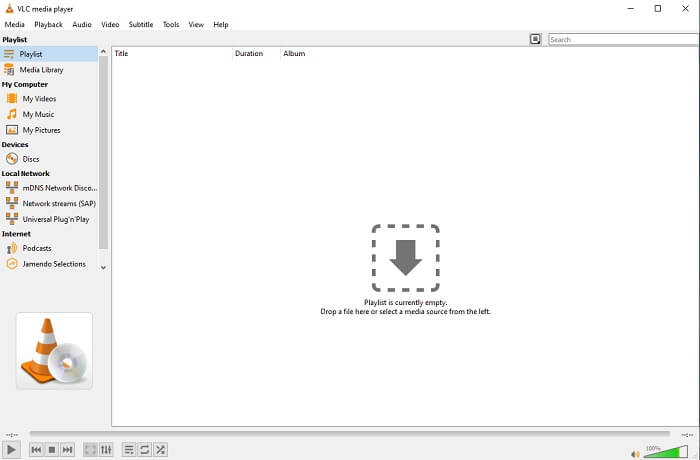
To narzędzie buduje swoją nazwę najlepszego odtwarzacza multimedialnego w całej sieci. Ze względu na jego dostępność większość użytkowników używa go jako pierwszego wyboru. Ponadto może odtwarzać płyty DVD, VCD, CD i inne bez dodawania kolejnych kodeków. W dużym uproszczeniu jest to szybki odtwarzacz klasy A.
Plusy
- Jeden z najlepszych odtwarzaczy multimedialnych.
- Prosty interfejs.
- Należy pobrać narzędzia offline.
Cons
- Niektórych formatów nie można odtwarzać.
- Napotkasz kilka błędów, które nie zostały jeszcze naprawione.
2. Gracz KM

Zamiennik QuickTime dla Windows i Mac, który pozwala odtwarzać różne formaty plików w wysokiej jakości. W przeciwieństwie do VLC Media Player, pliki WMV można bez problemu odtwarzać w KM Playerze. Dodatkowo obsługuje on odtwarzanie wideo 3D i umożliwia podstawową edycję.
Plusy
- Najczęściej używany odtwarzacz multimedialny.
- Znany ze swojej akceleracji sprzętowej.
- Odtwarzanie wideo 3D.
Cons
- Jest to oprogramowanie szpiegujące/adware.
- Może spowolnić twój system z powodu nieuniknionej instalacji, którą wykona. więc bądź ostrożny, jeśli chcesz pobrać to oprogramowanie.
3. MPlayer
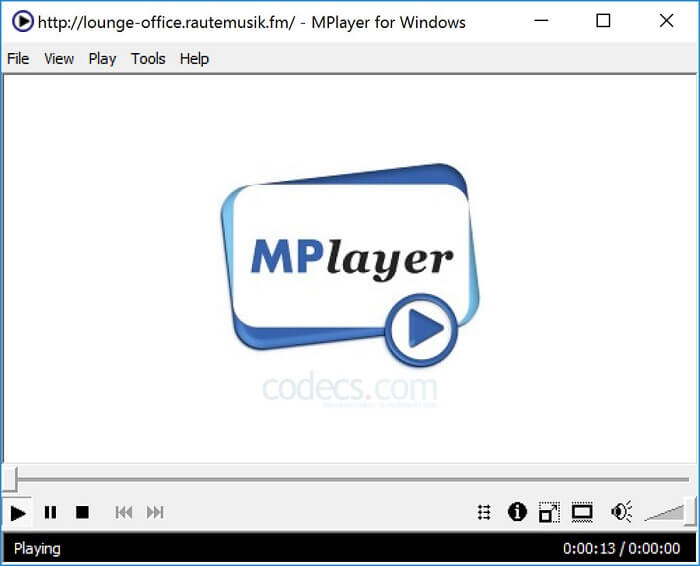
To narzędzie pozwala użytkownikowi pracować w dwóch oddzielnych oknach. Na przykład okno wideo jest oddzielone od głównego interfejsu. MPlayer potrafi odtwarzać różne formaty. Co więcej, szczególnie dobrze radzi sobie z plikami nagranymi przy użyciu Ffmpeg.
Plusy
- Narzędzie punktowe.
- nie jest potrzebny żaden dodatkowy kodek.
- Klawisze skrótu.
Cons
- W niektórych przypadkach można odtwarzać pliki odtwarzane w innym odtwarzaczu multimedialnym, ale jeśli go użyjesz, istnieje możliwość, że nie będzie on odtwarzany. To wciąż z nieznanych powodów.
- Brak odtwarzania katalogu.
4. Perian
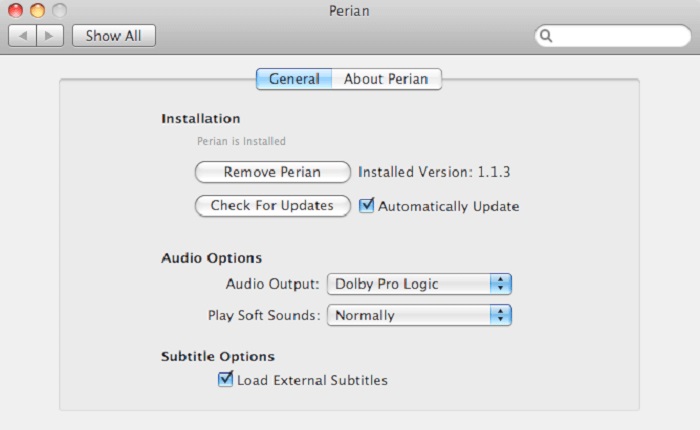
Jeśli masz przestarzałą wersję QuickTime i chcesz poznać inne możliwości, to rozwiązanie jest dla ciebie. Perian jest znany jako szwajcarski scyzoryk, którego możesz użyć w systemie Mac. Jeśli stara wersja QuickTime nie potrafi odtworzyć żądanego formatu, możesz sięgnąć po to narzędzie, ponieważ pozwala odtwarzać więcej formatów plików w QuickTime Playerze.
Plusy
- Nadal działa nawet na przestarzałym QuickTime.
- Obsługuje więcej odtwarzania dla starszych wersji QuickTime.
- Format napisów SSA i SRT z QuickTime nadal jest obsługiwany.
Cons
- Nie będzie działać na nowoczesnej wersji QuickTime 10.
- Jeśli używasz wersji QuickTime z 2012 roku, nie ma potrzeby jej używać. Ponieważ QuickTime może zapewnić to, co to narzędzie może zapewnić jeszcze więcej.
Część 4. Często zadawane pytania dotyczące programu QuickTime Player
Co mogę zrobić poza odtwarzaniem wideo w QuickTime?
QuickTime oferuje również inne funkcje, takie jak nagrywanie, edytowanie i przycinanie, zmiana kolejności, obracanie, a także udostępnianie filmów i obrazów.
Czy QuickTime ma jego wersję pro?
Tak, ma również wersję pro. Jak zwykle wersja pro zapewnia więcej funkcji niż wersja darmowa.
Czy istnieje nieodtwarzalny format pliku, jeśli używasz QuickTime?
W niektórych przypadkach pliki MOV i MP4 mogą być nieodtwarzalne, ponieważ używają złożonych kodeków. Najczęściej zdarza się to w przypadku starszych wersji QuickTime. Najlepszym rozwiązaniem jest więc konwersja MOV do MP4.
Wniosek
Teraz, gdy znasz już narzędzia, których możesz użyć, jeśli chcesz mieć odtwarzacz multimediów podobny do QuickTime, warto przypomnieć: każde z nich ma swoje specjalizacje, cechy wspólne i elementy, które je odróżniają od innych odtwarzaczy. Jednak coraz wyraźniej widać, że najlepszy zamiennik QuickTime Playera, a mówiąc dokładniej – narzędzie, które może pokonać QuickTime, to Blu-ray Player. Przewyższa QuickTime pod każdym względem, szczególnie jeśli chodzi o dostępność i nie tylko. Być może wciąż zastanawiasz się, dlaczego miałbyś kupić to narzędzie. Jedyny powód jest taki, że jest ono znacznie lepsze od innych rozwiązań, jakie możesz znaleźć w sieci lub w innych artykułach. Na co więc czekasz? Oglądaj jak szef, używając go jako swojego domyślnego odtwarzacza multimediów.
-
 Najlepszy odtwarzacz wideo HD 1080p dla systemów Windows/Mac/iOS/Android w 2025 r. Komentarze
 Jeśli szukasz odtwarzacza wideo do oglądania filmów w wysokiej rozdzielczości 1080p na komputerze, sprawdź nasze typy najlepszych odtwarzaczy wideo HD 1080p na komputery Mac, Windows PC, iOS i Android.
-
 5 praktycznych metod naprawy QuickTime nie może otworzyć plików MOV Kanał komentarzy
 Format MOV jest tworzony głównie do odtwarzania w programie QuickTime Player. Czasami jednak może się okazać, że oni w nim nie grają. Dowiedz się, jak naprawić QuickTime nie odtwarza plików MOV z tego posta.
-
 Jak płynnie konwertować pliki MKV do gry na PS3?
 Chcesz odtwarzać filmy MKV na swoim PS3? Jednak PS3 nie może bezpośrednio odtwarzać plików MKV. W tym artykule dowiesz się, jak bezproblemowo przekonwertować filmy MKV na obsługiwane formaty wideo PS3.
