


 视频转换大师
 屏幕录影大师
 视频修复
视频修复
 安全下载
安全下载2022 年您必须拥有的终极图像质量降低器
借助各种可以免费访问的社交媒体网站,我们可以轻松上传多张图片,把正在发生在我们身上的事分享到整个互联网。可惜的是,当你把图片发到这些网站上时,画质往往会变差,尤其是当你的图片质量高于平台默认标准时。你可能正打算直接把图上传到网站,但先别急!我们会教你一个小秘诀,至少可以减轻平台对图片施加的压缩,那就是:先降低图片质量。本文将为你介绍几款最佳的图片画质压缩工具,帮助你解决这个问题。请仔细阅读以下内容,以便选择最适合你的工具。

第 1 部分。 轻松降低图像质量必须知道的图像质量降低器 [评论]
ReduceImages.com
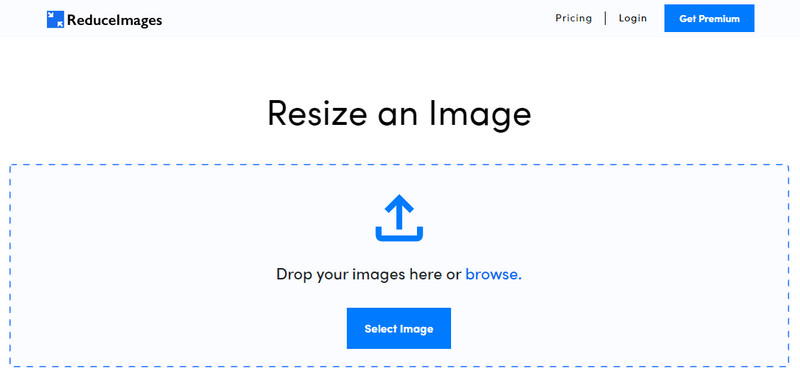
ReduceImages.com 是一个广受欢迎的在线解决方案,你可以用它来降低图片质量,使之更符合网站标准。好在这是一个网页版工具,因此无需下载安装文件,只要在你设备上的任意浏览器中搜索它的名字就能开始使用。此外,你还能在这里调整上传的 JPG、PNG 和 GIF 图像尺寸。虽然这个在线工具可以免费使用,但也存在一些可能让人不太满意的缺点,尤其是当你想要批量处理文件或不喜欢广告时。如果你有预算,也可以购买付费方案,起步价格为 $ 3.99。
优点
- 免费使用,无需安装。
- 如果需要,您可以在此处调整图像大小。
- 将透明图像的背景更改为黑白。
- 每个人都可以立即弄清楚如何使用它。
缺点
- 免费版有一些广告。
- 它不能在免费版本上进行批处理。
疯子
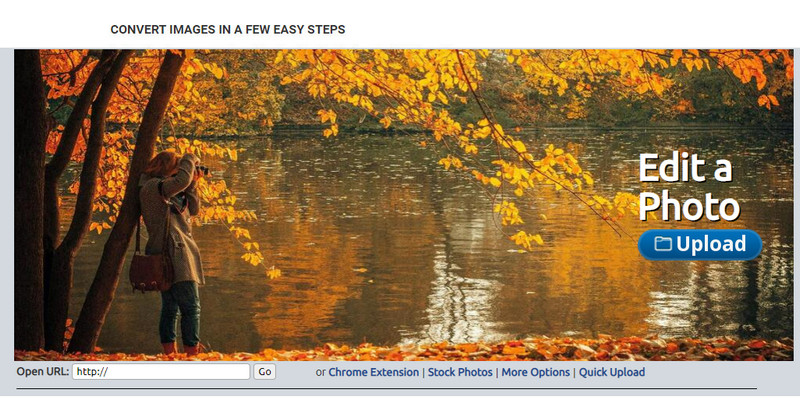
Lunapic 是一个超级易用的工具,界面风格类似于 Paint 图形界面,可以根据你的需求降低图片质量和分辨率。由于它和 Windows 设备上广为人知的画图工具(Paint)很相似,所以你会很快上手。虽然你可以依靠它来优化你想要的图片质量,但它只支持 JPEG 格式,不支持其他格式。如果图片尚未下载,只需复制图片的 URL,就可以在这里上传你想要调整的图片。和前面提到的工具一样,它是网页版工具,无需下载安装即可使用。
优点
- 直观的用户界面,可让您轻松控制质量。
- 支持预览窗格查看调整后的图像质量。
- 您可以复制并粘贴要上传的图像的 URL。
- 它是免费的,并且不支持高级版本。
缺点
- 支持的格式只有 JPEG。
- GUI 已过时,需要进行一些调整。
EzGIF
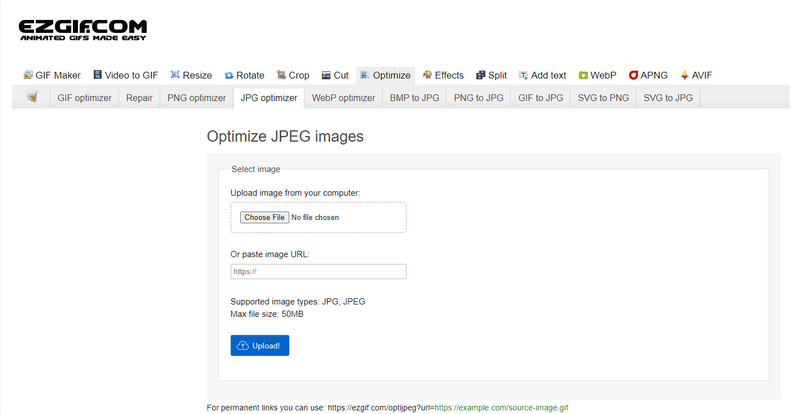
EzGIF 可以成为你的低画质图片制作工具,简单来说,就是帮助你优化在此上传图片的质量。它原本以 GIF 修复工具而闻名,但现在也可以在需要时调整 JPEG、WebP 和 PNG 的画质。相比前面提到的两个工具,它在网络上作为网页工具存在的时间更久、知名度更高,也因此更受欢迎。它提供了实用而有效的解决方案,你能很快学会如何使用。不过,尽管它如此好用,仍然无法一次上传并处理多个文件。此外,它也不支持 JPEG 或 JPG、PNG、WebP 和 GIF(静态或动态)以外的图片格式上传。
优点
- 它支持许多功能,例如调整质量、增强、转换等等。
- 您可以在不同的网络浏览器上自由访问和使用它。
- 在此处优化您的图像,并在导出前在预览窗格中查看结果。
- 更改图像质量后不会添加水印。
缺点
- 它的图形用户界面需要一些调整。
- 它不支持其他图像格式,如 BMP、SVG、HEIF 等。
- 不支持上传批量图片。
Adobe Photoshop
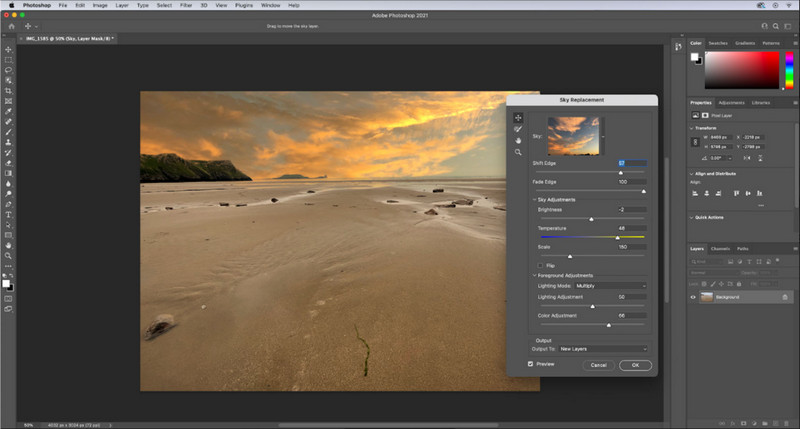
Adobe Photoshop 简直可以说是降低图片质量的“作弊码”,因为它在图像处理方面的能力首屈一指。借助它,你可以导入任意照片,并对图像的算法和参数进行调整。很多人都偏爱使用这种专业级工具,因为它具备大量其他市场或线上编辑器所不具备的高级功能。优秀工具与一般工具之间是有差别的,而 Photoshop 正好能体现这种差距。当然,不少用户也会因为它功能强大、界面复杂而上手困难。如果这是你第一次使用这款软件,可能会觉得有一定学习门槛。总的来说,相比前面提到的三款工具,这是你能用到的最专业的图像编辑器。
优点
- 它提供了其他在线图像编辑器所没有的独有功能。
- 它提供了其他在线图像编辑器所没有的独有功能。
- 迄今为止,它是执行专业图像编辑的最佳选择。
- 一个紧凑且功能齐全的工具,您可以在不同的设备上下载。
缺点
- 初次使用的用户很难找到如何使用它。
- 免费试用后,您必须购买计划才能继续使用它。
第 2 部分。奖励:如何使用 Web 上的顶级图像升级器使低质量图像更高
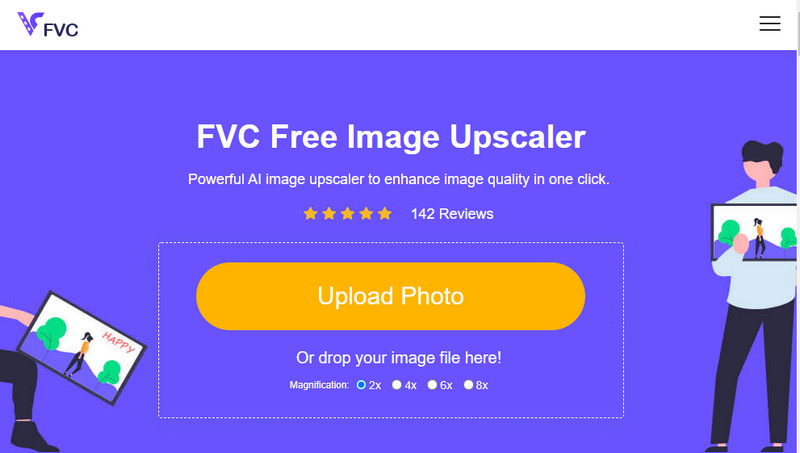
你是否曾经把图片压得太狠,变得像马赛克一样模糊或像素化,后来又想恢复到原有画质?如果是这样,你可以使用FVC Free Image Upscaler。这个在线工具可以通过分析图片算法、调整画质,并根据 AI 检测结果对图片进行放大,从而帮你完成修复。使用这款工具你能获得多方面优势,比如:放大效果极佳、无需安装、安全易用,并且提供 24 小时在线客服支持。此外,你可以上传 JPEG/JPG、PNG、BMP、SVG 等多种格式,在这里提升图片分辨率。即便你之前没有刻意降低过图片质量,只是单纯想整体提升画质,也同样可以使用这款软件。点击工具名称并上传你想要放大的图片,即可马上开始使用!
第 3 部分。有关如何降低图像质量的常见问题解答
改变质量会使文件变小吗?
不会。如果你只是调整了图片的像素数并将其降低,图片的显示效果会受到影响,但文件大小本身并不会因此改变。这里有几款优秀的像素增强工具,你可以试一试。
为什么我的图像在降低质量后比特率会发生变化?
更改图像质量后,您将在导出后看到比特率发生显着变化,尤其是在更改图像分辨率时。
为什么动画 GIF 在降低质量后会变成静态?
您使用的降低质量的程序允许您上传动画 GIF,但无法导出动画 GIF,因此结果将变成静态 GIF。图像扩展将保持原样,但动画不会。
结论
您可以使用我们添加的四个软件来选择您的图像质量降低器,您可以在网络上下载和访问这些软件。如果您阅读这篇文章很开心,如果您给这五颗星打分,我们将不胜感激。
-
 前 7 名最佳在线和离线照片放大镜
 想了解适用于您的 Windows 或 Mac 设备的性能最佳的照片放大机吗?阅读这篇文章,了解值得尝试的最佳照片放大机。
-
 不容错过的 4 大离线和在线 GIF 放大镜
 如果您正在寻找最好的 GIF 放大镜,这篇文章适合您。我们列出了适用于您计算机的性能最佳的在线和离线 GIF 放大器。
-
 适用于计算机的最佳在线和离线照片调整器应用程序
 正在为您的桌面寻找最佳的照片调整器应用程序?我们列出了您应该尝试的性能最佳的在线和离线照片调整器应用程序。
