


 視頻轉換大師
 屏幕錄影大師
 影片修復
影片修復
 安全下載
安全下載在 Android 和平板電腦上轉換或播放 MOV 格式的最佳方法
It is a well-known fact that the MOV format is developed by Apple Inc. So, it is not new to us that android devices can’t play this type of format because it is not supported by their local media player. Can MOV files be played on android? Yes, it can be played over to your android device, if you use third-party tools like in the list below, or convert them to a playable format to your device. Moreover, this article provides enough information for you to determine what kind of method you should use to play your unplayable MOV format on your Android devices. This is only for the android and tablet users. To know more about these methods, you must continue reading the article for it entails the different media players and converters you may use.

方法 1。 適用於 Android 的最佳免費 MOV 播放器應用程序觀看 MOV 視頻
這裡有一些最好的免費 MOV 播放器,您可以使用它們在您的 android 設備上支持 MOV 文件。
1. 適用於 Android 的 VLC
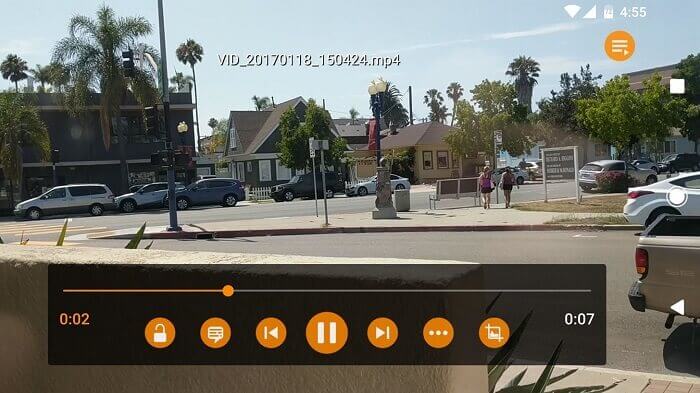
A media player that supports almost all the different media formats to be played on all platforms. It is able to play your MOV format on your android device, just by downloading the application over the play store. VLC for Android is very renowned because of its media player available in PC and Mac. It already built a reputation as the best media player of all time. Thanks to all the users who use this application to play their movies, videos, audio files and many more. It can also decode files on most platforms. Although it is codec dependent it suffers from some bug related problems over the other file formats. But it is a great choice to watch and listen to your media file.
優點
- 媒體播放器的簡單界面。
- 適用於所有平台。
- 內置均衡器。
缺點
- 有些錯誤沒有修復。
- 它不是為了成為音樂播放器而構建的。所以,它需要由你來組織。
2. MPV 安卓
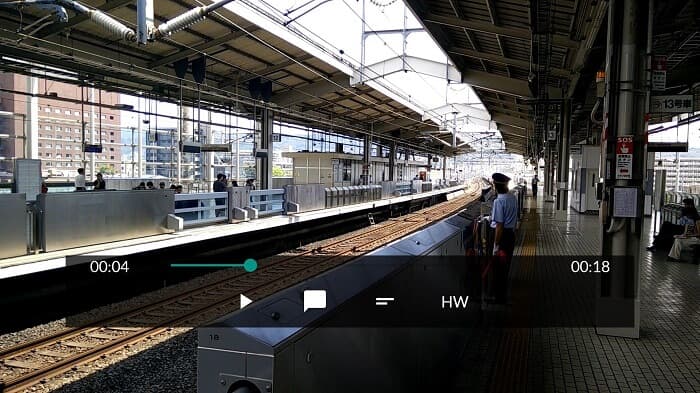
MPV android is a well-known media player on android used by a million users over the Play Store. It also has streamlined CLI options.
優點
- 最新的安卓媒體播放器。
- 偉大的 HDR 播放器。
- 基於 libmpv 的媒體播放器。
缺點
- 缺乏特色。比如,放大和縮小,甚至不能倒帶和快進。
- 用戶界面很無聊。
3. MX 播放器
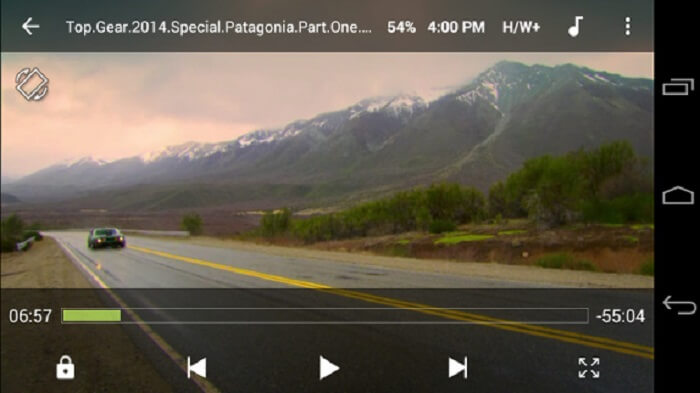
MX Player is the best choice for its simple interface and powerful video optimization.
優點
- 高級功能,如放大、縮小和平移。
- 兒童鎖。
- 字幕支持。
缺點
- 廣告無法管理並且變得更加煩人。
- 播放某些視頻時遇到問題。
4. 公里播放器
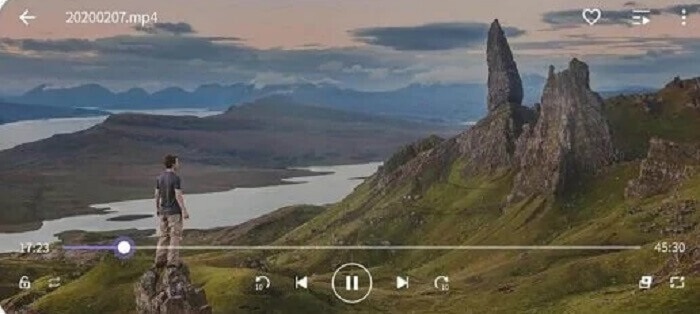
KM Player provides 10 different subtitle formats. So, you can enjoy watching and reading the subtitles.
優點
- 一個完美的播放工具。
- 它提供書籤。
- 顏色調整:亮度、色調、飽和度、伽馬信息和對比度。
缺點
- 在應用程序內購買。
- 出於某種原因,其中一些需要使用外部編解碼器。
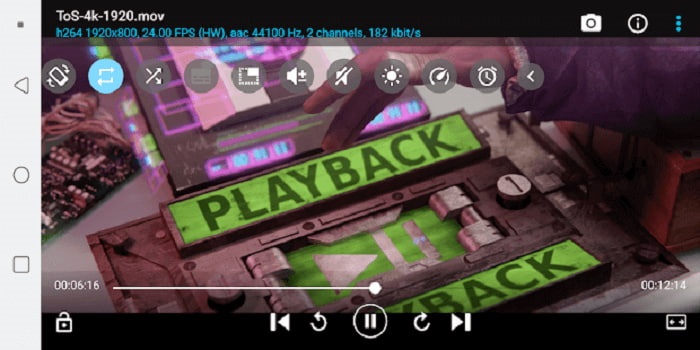
5. BS 播放器免費
BS Player Free is known as the best free android media player over the play store. It provides hardware acceleration for better performance.
優點
- 提高加載速度並減少電池消耗。
- 鎖屏功能。避免不必要的調整,尤其是在孩子們正在觀看的情況下。
- 多核支持。
缺點
- 如果後台中斷,應用程序將停止播放。
- 在某些時候視頻和音頻不同步。
方法 2. 將 MOV 轉換為 Android 支持的格式以方便播放
而不是將媒體播放器下載到您的 android 設備並佔用一些空間。為什麼不將其轉換為可在您的設備上播放的新格式?這是您可以信賴的最佳 MOV 轉換器,可在 Android 上產生最佳輸出。
1. 使用 FVC 免費在線視頻轉換器

Convert your MOV file to a playable format over the internet with the lightning speed of downloading and uploading. FVC Free Online Video Converter is an online tool that helps users to convert their unplayable format to a new format. So, the file can be played over to your local media player. As said before, Android doesn’t support MOV file format because the format is developed by Apple. So, instead of downloading applications that are provided above you may as well convert it to Android compatible formats instead.
優點
- FVC 提供的免費在線工具。
- 它可以通過互聯網連接訪問。
- 可以將您的文件格式轉換為新格式。但沒有那麼多的高級版本。
缺點
- 如果您失去連接,轉換將被中斷。
- 緩慢的互聯網意味著緩慢的轉換。
2. 使用 Video Converter Ultimate
Using the free version may help you to deliver the format you want. What if your internet connection is poor? And you already need to play the media file right now. What should you do? This problem is most commonly encountered by the users over the internet. So, instead of using the free version why don’t you try the Video Converter Ultimate maybe you’re thinking why you need this tool. There are a lot of reasons why you need this tool but I’ll provide 3 reasons why.
首先,即使您沒有互聯網連接,它也可以轉換,基本上它不依賴於互聯網。其次,您還可以將幾乎所有的視音頻文件轉換為新格式而不會丟失任何數據。與在線工具不同的是,如果連接中斷,轉換將停止,或者您可能會因為尚未完成而丟失數據。最後,它對每個人都是負擔得起的,而且用戶友好。這個工具不需要你的一百或數千美元,但它只有$55.20。它的另一個功能是,您還可以根據需要對媒體文件進行編輯和更多操作。
優點
- 與免費的在線工具不同。即使沒有互聯網連接,它也可以轉換任何文件。
- 在 200 多種音頻和視頻格式之間進行選擇。
- 適用於所有不同平台且無惡意軟件。
缺點
- 付費使用工具。
- 它需要將其下載到您的 Windows PC 或 Mac 上。
第 3 部分。 關於 MOV Android 的常見問題解答
MOV 是最好的媒體格式嗎?
如果您是想要製作高質量視頻或音頻格式的專業編輯,那麼這適合您。
是否有可能合併兩個 MOV 文件?
To combine two different MOV files you may use a merger tool to combine MOV video files.
我可以使用 MOV 文件格式在 YouTube 上上傳我的視頻嗎?
YouTube is the biggest online video sharing site that you find on the web. In some cases, people use it to earn money by creating videos of themselves like vlogging, cooking, teaching, and more. But YouTube only supports known file formats like MP4, AVI, WMV, MPEG, FLV, 3GP, and WebM. So if your recording is in the format of MOV then you must convert MOV to MP4, or other YouTube supported formats to post it and share it to the world.
結論
To add up, the MOV file is only dedicated to the Apple user. But in this case, there are other ways to play or convert your MOV media files into a playable one. But remember it doesn’t mean that you must download a media player to your android to play the file. You may also convert it with the help of the Video Converter Ultimate. Instead of downloading these media players, why don’t you try to convert it so that you will not need these players and play it on your local media player.
-
 在 OBS Studio 和替代工具評論源上錄製藍光
 通過這些有用的簡單步驟和提示,了解如何在 OBS 工作室和其他替代品上錄製藍光。繼續閱讀並讓'深入了解細節。
-
 使用 VLC 翻錄和錄製 DVD 以數字化可播放格式的過程
 VLC 支持多種音頻-視頻壓縮文件格式,包括在 DVD 中錄製。只需保持滾動,直到最後進行更多討論和細節。
-
 如何使用最佳 MPEG 錄像機錄製 MPEG 視頻的先機
 MPEG 4 是一種存儲數字中間媒體數據的格式。並且有許多可用的工具支持錄製 MPEG 視頻。因此,讓's 深入挖掘更多細節。
