


 Video Converter Ultimate
 Gravadora de pantalla
 Reparació de vídeo
Apreneu quins són els diferents reproductors AVI que podeu utilitzar per reproduir fitxers .AVI
A tots ens encanta mirar pel·lícules, k-dramas, temporades i més. Així doncs, en lloc de transmetre el vídeo al lloc web, tendim a descarregar el fitxer per evitar temps de càrrega a la pantalla. A més, és difícil reproduir fitxers AVI al teu reproductor multimèdia perquè aquest format necessita ser comprimit. Després de comprimir el fitxer, hauràs de descarregar el codificador que has fet servir, cosa una mica feixuga. Per solucionar aquest problema et presentem aquests diferents reproductors de vídeo AVI que pots fer servir per reproduir fitxers .avi. Tria quina eina de les que t’assenyalem a continuació per arreglar el problema. Continuem explorant les solucions disponibles al web o mitjançant programes.

Part 1. Millor reproductor de fitxers AVI en línia
Reproductor de vídeo gratuït FVC
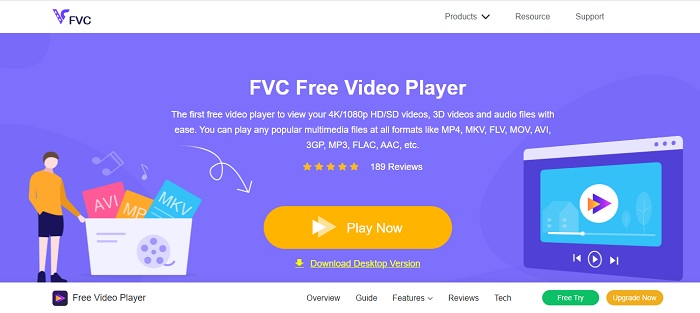
Si descarregar el reproductor de fitxers AVI no és el teu fort, aleshores has de considerar fer servir el FVC Free Video Player. Aquesta eina és lliure d’anuncis, per tant, si hi accedeixes des del teu navegador no veuràs publicitat. A més, l’eina és gratuïta i fàcil d’accedir. La majoria d’usuaris la fan servir per reproduir fitxers AVI a l’ordinador. Però l’eina no admet la majoria de formats i còdecs. Tot i així, és la millor eina que hi ha. Per tant, si vols accedir a aquesta eina gratuïta que t’ofereix FVC, segueix els passos següents per saber com reproduir fitxers .avi en línia.
Pas 1. Per anar al lloc web principal del reproductor AVI en línia has de fer clic en aquest enllaç.
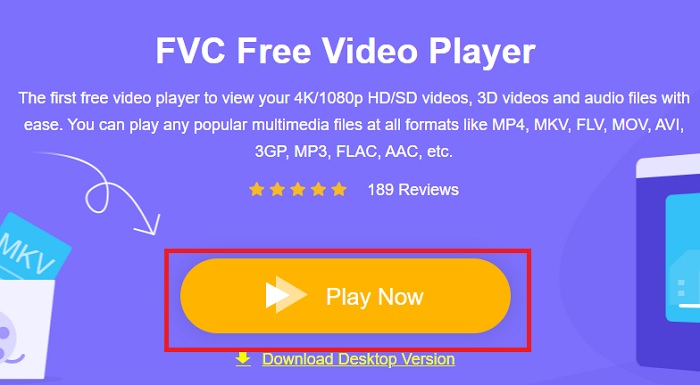
Pas 2. Fes clic a Play Now per començar i iniciar el reproductor multimèdia en línia.
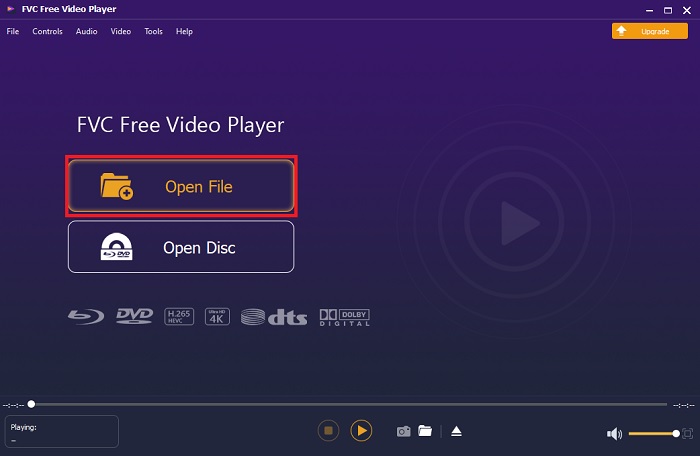
Pas 3. Prem Open File i localitza el fitxer AVI que vols reproduir. Després fes clic a Open per començar a veure el fitxer.
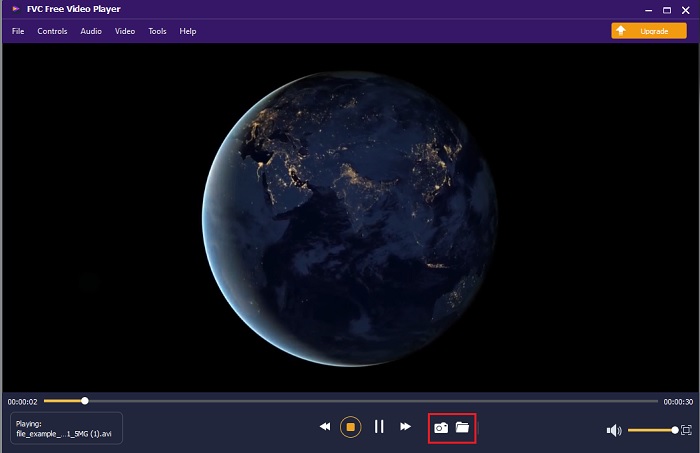
Pas 4. Mentre el fitxer AVI es reprodueix a la pantalla, també pots fer captures de pantalla si ho desitges. Fes clic a la carpeta per veure la captura que acabes de fer.
Pas 5. Per reproduir un altre fitxer AVI o qualsevol altre fitxer de vídeo, només cal que repeteixis els passos presentats aquí i gaudeixis.
Part 2. 4 dels millors reproductors de fitxers AVI fora de línia
1. Reproductor de Blu-ray FVC
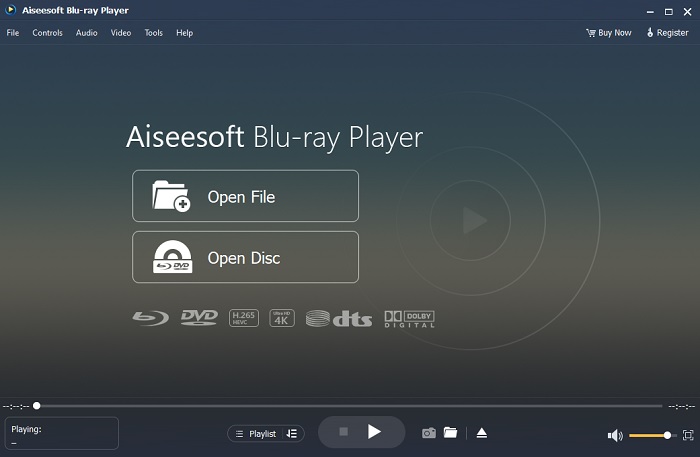
Si vols tenir una sensació més cinematogràfica mentre mires el teu vídeo, aleshores has de fer servir el Blu-ray Player. A diferència de qualsevol altre reproductor AVI, aquesta eina s’ha fet popular entre molts usuaris arreu del món. A més, aquesta eina té funcions similars a les d’altres reproductors multimèdia. Però, quines són les principals diferències respecte als altres? En primer lloc, aquesta eina admet i reprodueix molts formats. En segon lloc, el reproductor multimèdia pot reproduir vídeos encara que la descàrrega no s’hagi completat. Finalment, els CD, DVD o Blu-ray que introdueixis a la unitat òptica també es poden reproduir aquí. Així doncs, pots aconseguir una experiència semblant a mirar una pel·lícula a l’ordinador sense pagar gaire descarregant aquesta eina.
Descàrrega gratuïtaPer a Windows 7 o posteriorDescàrrega segura
Descàrrega gratuïtaPer a macOS 10.7 o posteriorDescàrrega segura
Pros
- Admet més formats que els altres reproductors multimèdia que s'enumeren aquí.
- Mireu o escolteu els pocs detalls sobre el fitxer encara que les dades es perdin o es trenquin. A més, si reprodueixes vídeo aquí, et sentiràs com si estiguessis en un cinema.
- Pot ajustar l'efecte de vídeo de to, saturació, brillantor, contrast i raigs gamma.
Contres
- Aquesta eina es paga però no és cara.
- Reproductor multimèdia descarregable a la vostra unitat.
2. FileHorse
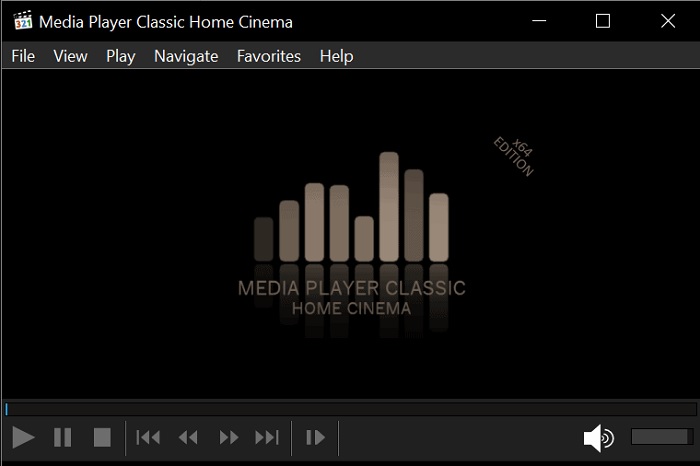
File Horse és una recopilació de diferents eines al seu lloc web. Tot i que aquest reproductor AVI per a Mac i Windows és fàcilment accessible, el lloc web de l’eina té molts anuncis. Per tant, vés amb compte de no fer-hi clic per evitar obrir pestanyes noves de llocs innecessaris. A més, aquests anuncis tan pesats poden fer que tot el sistema vagi una mica lent.
Pros
- Conté diferents solucions per als problemes.
- És com el cercador d'eines.
- Descarrega les eines aquí de forma gratuïta.
Contres
- Els anuncis molestos es troben a tot el lloc web.
- El patró de descàrrega de l'eina és una mica rígid. Tot i que té un botó de descàrrega, heu de triar una versió de l'eina que voleu descarregar.
3. Reproductor multimèdia VLC
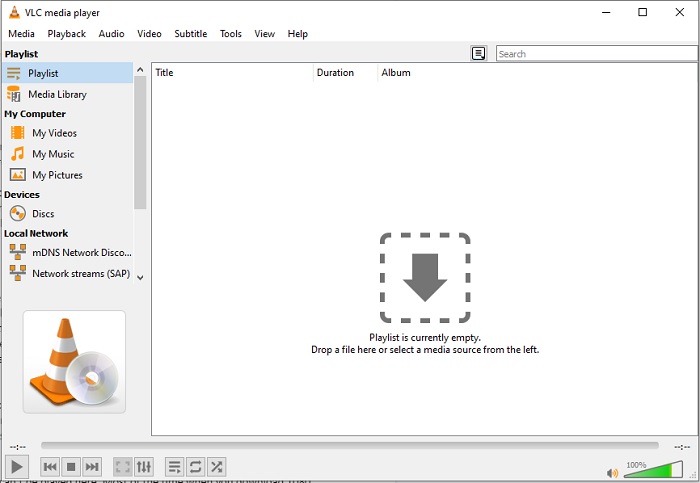
Si busques el reproductor de vídeo AVI més conegut, aleshores VLC Media Player n’és el nom. La majoria de nosaltres ja fem servir VLC per reproduir i veure vídeos als nostres dispositius. Tot i que és el reproductor multimèdia més usat d’aquesta llista, l’eina encara pateix molts errors i alguns formats no es poden reproduir a causa de problemes amb el codi. A més, vam provar de reproduir-hi fitxers AVI. El vídeo es reproduïa bé al principi, però al cap d’una estona vam començar a trobar alguns problemes.
Pros
- L'eina més utilitzada per veure i reproduir vídeos.
- Admet la majoria dels formats i còdecs per jugar en aquest programari.
- També podeu fer la conversió aquí amb un format de fitxer de suport limitat.
Contres
- Algunes reproduccions de vídeo no es poden reproduir aquí. La majoria de les vegades quan descarregueu 1080 píxels de vídeos a Internet i els reproduïu aquí. La qualitat dels vídeos es reduirà a 720 px.
- La majoria dels formats coneguts que es reprodueixen aquí tenen problemes de funcionament com AVI i MOV.
4. Reproductor de Windows Media
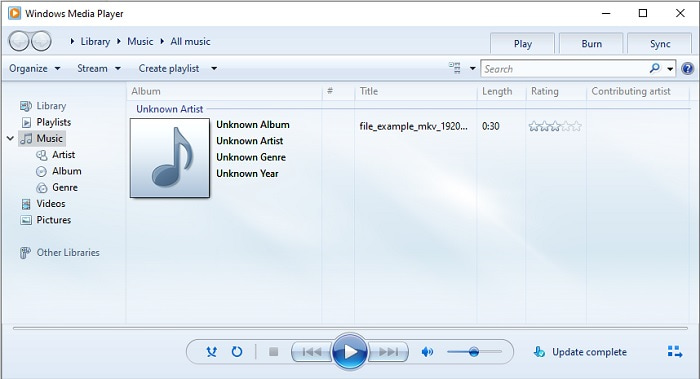
El reproductor AVI per defecte a Windows 10 és el Windows Media Player. La majoria de formats desenvolupats per Microsoft, com AVI, s’hi reprodueixen molt bé. Però aquesta eina té problemes per reproduir altres formats creats per tercers, com MOV. A més, si reprodueixes un format que tingui un còdec especial, hauràs de descarregar un altre programari només per poder veure el vídeo, ja que admet pocs còdecs i, en conseqüència, pocs formats.
Pros
- No cal baixar-lo perquè ja està instal·lat al vostre escriptori.
- És molt més fàcil d'utilitzar que VLC.
- La complexitat de l'eina no és tan difícil en comparació amb el VLC.
Contres
- Només està disponible a Windows. Per tant, si sou un usuari de Mac, no podeu utilitzar l'eina principal.
- Falta de suport de còdec i format procedent de l'eina.
Part 3. Preguntes freqüents sobre AVI Player
Com reproduir fitxers .avi a Android?
Primer descarrega un reproductor AVI per a Android. Quan busquis una aplicació de reproductor multimèdia a Play Store, hi haurà moltes opcions entre les quals pots triar per reproduir fitxers .avi als teus dispositius Android.
El format AVI és el format més ideal?
AVI és un dels millors formats que podeu utilitzar per emmagatzemar fitxers multimèdia en brut però d'alta qualitat. Però el format no està comprimit, per la qual cosa és ideal per convertir AVI a un nou format amb còdec. Per tant, per saber més sobre el convertidor AVI, feu clic a aquest enllaç per anar a un article nou que se centra a parlar dels millors convertidors.
Per què els meus vídeos AVI no es poden reproduir als meus telèfons Android?
Hi ha alguns malentesos força habituals sobre per què els fitxers AVI no es poden reproduir al teu telèfon. Per tant, per saber quin és el problema al teu telèfon Android has de conèixer el motiu i aprendre com solucionar-ho. Anem, doncs, a descobrir per què els vídeos no es reprodueixen als telèfons Android.
Conclusió
Per concloure, en aquest article hem parlat de moltes solucions per arreglar els problemes amb AVI. Però hi ha una eina que ofereix el millor resultat visual com a reproductor multimèdia. El FVC Blu-ray Player proporciona una sensació més de cinema o d’iMax que la resta de reproductors multimèdia. Així doncs, per què t’hauries de conformar amb una eina de classe A si pots tenir un producte de classe S com el FVC Blu-ray Player?.
-
 op 4 millors reproductors VOB per a mòbils Android per a diferents usos
 Quan descarregueu vídeos VOB i vulgueu veure'ls a Android, podeu triar el més adequat entre els 4 reproductors VOB principals següents en aquest article.
-
 Guia excepcional sobre com reproduir fitxers MOV en dispositius mòbils Android
 Teniu un problema per què els vostres fitxers MOV no es reprodueixen al reproductor multimèdia Android? A continuació, llegiu aquest article, us proporcionarà 2 mètodes diferents per arreglar fitxers MOV i fer-los reproduir.
-
 Millor reproductor de vídeo HD de 1080p per a Windows / Mac / iOS / Android el 2021
 Si esteu buscant un reproductor de vídeo per veure vídeos d'alta definició de 1080p al vostre ordinador, consulteu la nostra selecció dels millors reproductors de vídeo HD de 1080p per a Mac, Windows PC, iOS i Android.
