


 Video Converter Ultimate
 Bildschirm recorder
 Videoreparatur
Erfahren Sie, welche verschiedenen AVI-Player Sie zum Abspielen von .AVI-Dateien verwenden können
All of us love to watch movies, k-dramas, seasons, and more. So, instead of streaming the video to the website, we tend to download the file to avoid loading on screen. Moreover, having AVI files is hard to play on your media player because this format needs to be compressed. After you compress the file, you will need to download the encoder you use which is a bit of a hassle. So, to fix this problem we presented to you this different AVI Media Player you can use to play .avi files. Choose which tool the aid below to fix the problem. So, let's continue exploring the available solutions on the web or program.

Teil 1. Bester Online-AVI-Dateiplayer
FVC Free Video Player
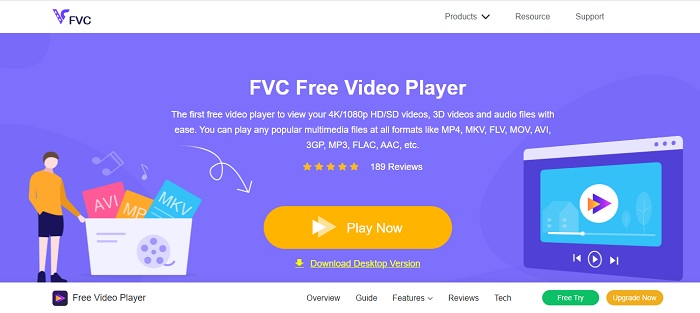
If downloading the AVI file player is not your forte then you must consider using the FVC Free Video Player. This tool is ad free, so if you access the tool on your search engine expect to see no ads. Because the tool is free and easy to access. Most of the users use this to play AVI files on their computer. But the tool doesn't support most of the formats and codecs. Still, it is the best tool in town. So, if you want to access this free tool brought to you by FVC, then follow the steps below to know how to play .avi files online.
Step 1. To go on the main website of the AVI player online you must click this link.
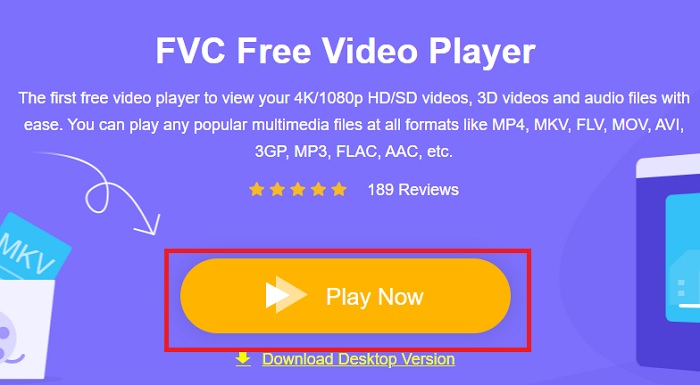
Step 2. Click Play Now to start and launch the media player online.
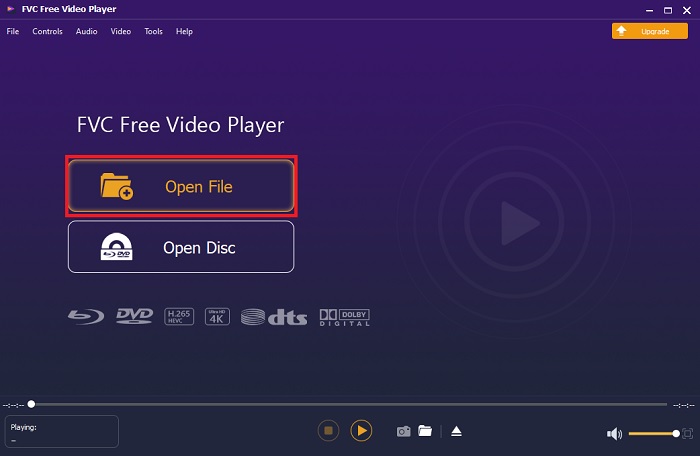
Step 3. Press the Open File and locate the AVI file you want to be played. Then click open to start watching the file.
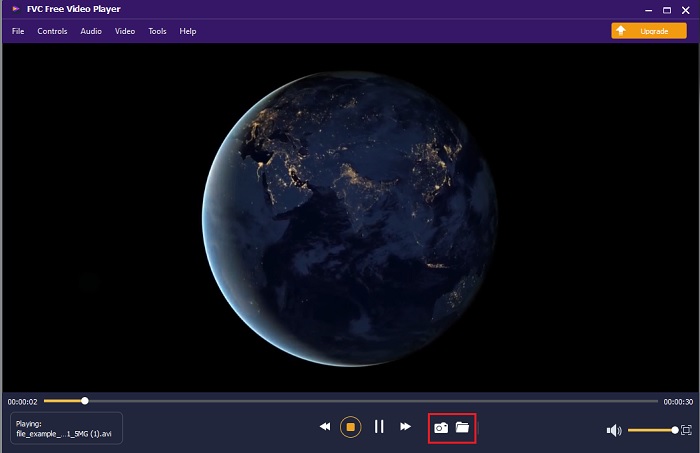
Step 4. While the AVI file plays on your screen you can also take screenshots if you want as well. Click the folder to look at the screen capture you just did.
Step 5. To play another AVI file or any other video file just repeat the steps presented in here and just enjoy it.
Teil 2. 4 der besten Offline-AVI-Datei-Player
1. FVC-Blu-ray-Player
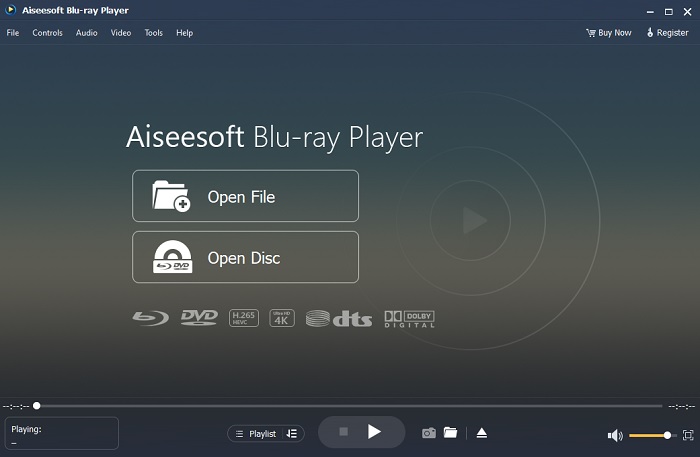
If you want to have a cinematic vibe while watching your video then you must use Blu-ray Player. Unlike any AVI player this tool became popular to a lot of users in the entire world. Also, this tool has a similar feature like the other media player. But what are the main differences from the other? First of all, this tool has a lot of formats to support and play with. Second, the media player can be played even if the download is not completed. Last, the CDs, DVDs, or Blu-ray you insert on the optical disc drive can be played here also. So, achieve something like watching a movie on your computer without paying a lot by downloading this tool.
Kostenloser DownloadFür Windows 7 oder höherSicherer Download
Kostenloser DownloadFür macOS 10.7 oder höherSicherer Download
Vorteile
- Es unterstützt mehr Formate als die anderen hier aufgeführten Mediaplayer.
- Sehen oder hören Sie sich die wenigen Details der Datei an, auch wenn die Daten verloren gehen oder geknackt werden. Auch wenn Sie hier ein Video abspielen, werden Sie sich wie in einem Kino fühlen.
- Kann den Videoeffekt von Farbton, Sättigung, Helligkeit, Kontrast und Gammastrahlen anpassen.
Nachteile
- Dieses Tool ist kostenpflichtig, aber nicht teuer.
- Herunterladbarer Mediaplayer auf Ihr Laufwerk.
2. FileHorse
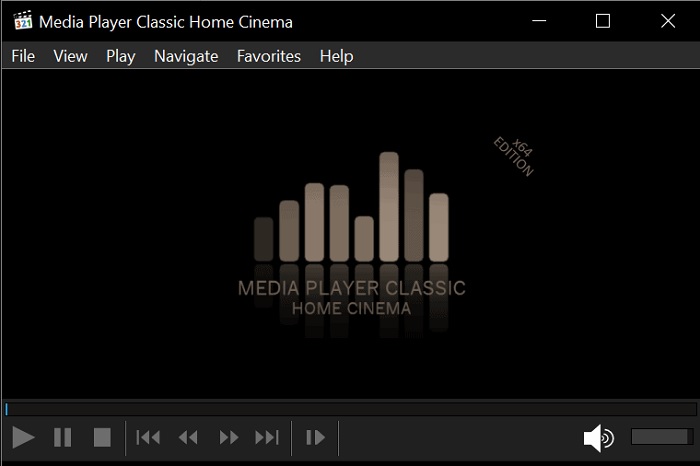
File Horse is a compilation of different tools on its website. Although this AVI player for Mac and Windows can be accessed easily. Still the website of the tool has a lot of ads on it. So, be careful not to click them to avoid opening a new tab of the unnecessary website. Also, the pesky ads in here can make your entire system a bit lag.
Vorteile
- Es enthält verschiedene Lösungen für die Probleme.
- Es ist wie die Suchmaschine für Werkzeuge.
- Laden Sie die Tools hier kostenlos herunter.
Nachteile
- Lästige Anzeigen sind überall auf der Website zu finden.
- Das Download-Muster für das Tool ist etwas schwergängig. Obwohl es über eine Download-Schaltfläche verfügt, müssen Sie eine Version des Tools auswählen, das Sie herunterladen möchten.
3. VLC Media Player
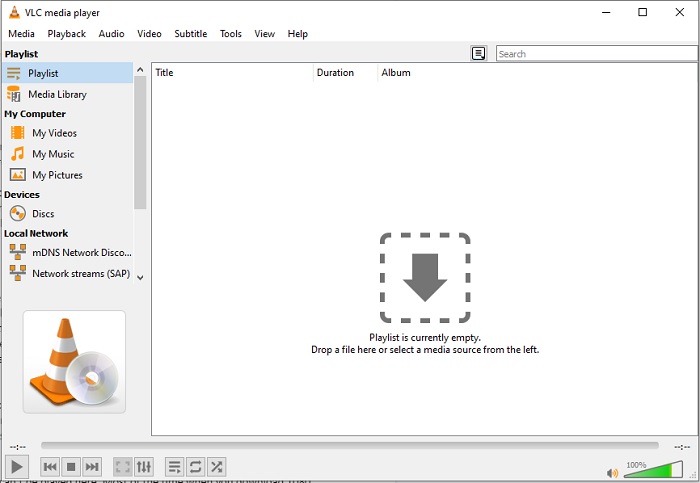
If you're looking for the most renowned AVI video player then VLC Media Player is the name of it. Most of us already use VLC to play and watch videos on our devices. Although this is the most used media player in this list. Still, the tool encounters a lot of bugs and unplayed format because of the code malfunction. Another thing, we test to play AVI files here. The video played well in the beginning but when we take more time and time there are some problems we encounter already.
Vorteile
- Das am häufigsten verwendete Tool zum Ansehen und Abspielen von Videos.
- Unterstützt die meisten Formate und Codecs für die Wiedergabe mit dieser Software.
- Sie können hier auch eine Konvertierung mit eingeschränktem Unterstützungsdateiformat durchführen.
Nachteile
- Einige Videowiedergaben können hier nicht wiedergegeben werden. Meistens, wenn Sie Videos mit 1080 px über das Internet herunterladen und hier abspielen. Die Qualität der Videos wird auf 720 px reduziert.
- Die meisten der hier abgespielten bekannten Formate stoßen auf Fehlfunktionen wie AVI und MOV.
4. Windows Media Player
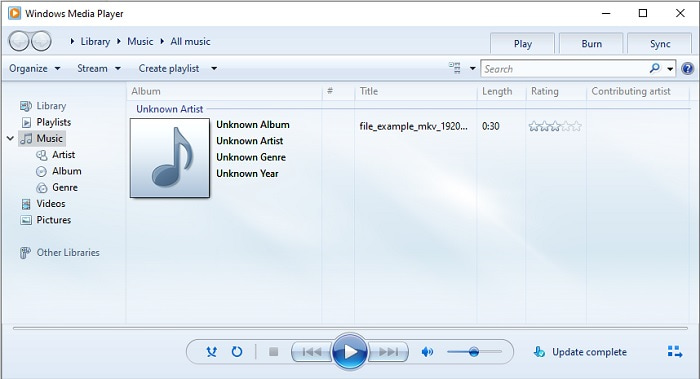
The default AVI player for Windows 10 is the Windows Media Player. Most of the Microsoft developed formats are great if you play it here, like AVi. But this tool has a problem playing other formats that have been created by others like MOV. Also, if you play a format that has an encoded codec then expect to download another software to just play that video. Because it supports less codecs with less formats as well.
Vorteile
- Kein Download erforderlich, da es bereits auf Ihrem Desktop installiert ist.
- Es ist viel einfacher zu bedienen als VLC.
- Die Komplexität des Tools ist im Vergleich zum VLC nicht so schwer.
Nachteile
- Es ist nur unter Windows verfügbar. Wenn Sie also ein Mac-Benutzer sind, können Sie das Haupttool nicht verwenden.
- Fehlende Codec- und Formatunterstützung durch das Tool.
Teil 3. Häufig gestellte Fragen zum AVI Player
Wie spiele ich .avi-Dateien auf Android ab?
First download AVI player on Android. When you search for a media player app on Play Store, there will be a lot of options you can choose to play the .avi file on your Android devices.
Ist das AVI-Format das ideale Format?
AVI ist eines der besten Formate, die Sie verwenden können, um rohe und dennoch hochwertige Mediendateien darauf zu speichern. Da das Format jedoch unkomprimiert ist, ist es ideal, AVI mit Codec in ein neues Format zu konvertieren. Um mehr über den AVI-Konverter zu erfahren, klicken Sie auf diesen Link, um zu einem neuen Artikel zu gelangen, der sich auf die besten Konverter konzentriert.
Warum können meine AVI-Videos nicht auf meinen Android-Handys abgespielt werden?
There are some most common misconceptions about why AVI files can’t be played on your phone. So, to determine what is the problem on your Android phone you must know the reason and learn how to fix it. So, let's go and know why videos aren't playing on your Android phones.
Fazit
To conclude, in this article we talk about a lot of solutions to fix the AVI problems. But there is one tool that provides the best visual output as a media player. The FVC Blu-ray player provides more cinema or iMax vibes than the other media player. So, why do you want to settle on a class-A tool if you can have an S-class produced by the FVC Blu-ray Player.
-
 op 4 Beste VOB-Player für Android-Handys für verschiedene Verwendungen
 Wenn Sie VOB-Videos herunterladen und sie auf Android ansehen möchten, können Sie aus den folgenden Top-4-VOB-Playern in diesem Artikel den am besten geeigneten auswählen.
-
 Außergewöhnliche Anleitung zum Abspielen von MOV-Dateien auf Android-Mobilgeräten
 Haben Sie ein Problem, warum Ihre MOV-Dateien nicht auf Ihrem Android Media Player abgespielt werden? Dann lesen Sie diesen Artikel, er bietet Ihnen 2 verschiedene Methoden, um MOV-Dateien zu reparieren und abspielbar zu machen.
-
 Bester 1080p HD-Videoplayer für Windows/Mac/iOS/Android im Jahr 2021
 Wenn Sie nach einem Videoplayer suchen, um 1080p-High-Definition-Videos auf Ihrem Computer anzusehen, sehen Sie sich unsere Auswahl der besten 1080p-HD-Videoplayer für Mac, Windows PC, iOS und Android an.
