


 Video Converter Ultimate
 Skjermopptaker
 Videoreparasjon
 Sikker nedlasting
Hva er de beste QuickTime -erstatningene som er tilgjengelige i all programvare (gratis og betalt)
QuickTime Player er den lokale mediespilleren i Mac-systemet. Det er faktisk den beste gratis mediespilleren fra Apple, men mediespilleren er ikke tilgjengelig på andre operativsystemer, som for eksempel Windows. Derfor har Mac‑brukere vanskeligheter med å velge hvilken som er den beste QuickTime‑erstatningen de bør bruke. Uten videre om og men vil denne artikkelen gi deg tilstrekkelig informasjon om verktøyene selv, og hvilke andre alternativer du kan bruke for å se på video med samme effektivitet som QuickTime kan tilby. Les videre for å lære mer om disse mediespillerne.

Del 1. Den beste QuickTime -erstatningen på nettet
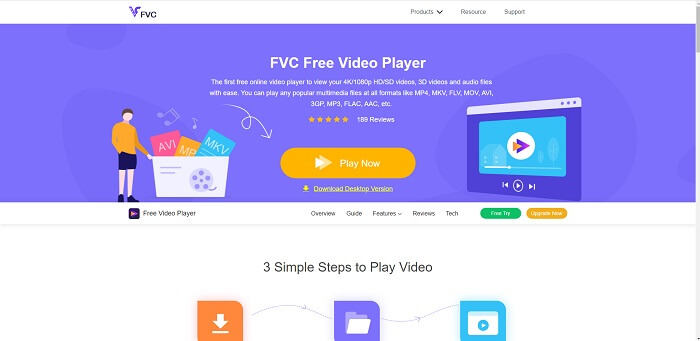
Hvis du leter etter det beste alternativet til QuickTime Player på nettet, er dette noe for deg. Du trenger ikke registrere deg, logge inn eller betale. En fantastisk egenskap er også at du kan få tilgang til den når som helst og hvor som helst med hjelp av en internettforbindelse, uten at du blir spurt om du er en robot eller må klikke på bilder av brannhydrant, biler, busser, fotgjengerfelt og lignende. FVC Free Video Player er her for å endre måten du ser favorittvideoene og ‑lydfilene dine på nettet. Det er som en QuickTime‑spiller, men på nett. Ingen nedlasting nødvendig, og du trenger ikke bekymre deg – den er fri for skadelig programvare.
Fordeler
- Et online QuickTime -erstatningsverktøy som du kan få tilgang til på nettet.
- Beste valgopptaker over nettet. Du trenger heller ikke laste ned verktøyet. Bare start den, plasser den og se den.
- Sikker malware, ingen annonser på nettet og mens du spiller.
Ulemper
- Internettavhengig.
- Hvis internett er ustabilt, kan du ikke like å se filen.
Del 2. Prime Elite QuickTime Player -alternativet for Mac og Windows 10
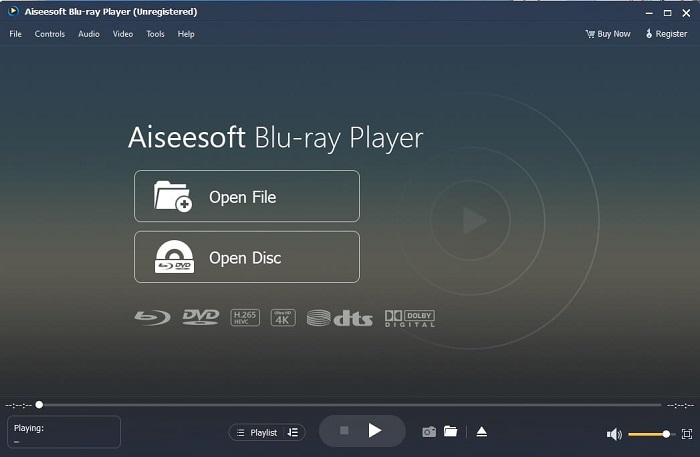
Hvis det gratis nettverktøyet gir deg god kvalitet når du ser og lytter til favorittvideoene og ‑lydene dine, vil dette verktøyet overgå alt. Hvis du har lett etter en skatt som har vært skjult lenge, er tiden inne til å fortelle deg at letingen er over, for i dag har du allerede funnet den. Dette verktøyet er den beste QuickTime‑erstatningen for Windows 10 og Mac fordi det yter mye bedre og støtter flere filformater. Blu‑ray Player er den tapte skatten. Hvis du er ute etter en mediespiller som gir deg fremragende ytelse når du ser og lytter til favorittvideoen eller ‑sangen din, er dette verktøyet for deg. Mange vil tro at enhver skatt har en pris, og at dette derfor må være dyrt, siden det sies å være bedre enn selve QuickTime. Men det stemmer ikke. For å være ærlig er dette verktøyet langt mer overlegent enn andre mediespillere du finner i denne artikkelen eller på nettet generelt. Det er en mediespiller du absolutt bør prøve hvis du er ute etter den beste opplevelsen, som å se film med kinokvalitet.
Gratis nedlastingFor Windows 7 eller nyereSikker nedlasting
Gratis nedlastingFor macOS 10.7 eller nyereSikker nedlasting
Fordeler
- S-klasse mediespiller.
- Det fungerer fint uten internettforbindelse.
- Den støtter alle plattformene du kjenner og ikke kjenner. Med mer kvalitet i video og lyd.
Ulemper
- Den må lastes ned til din PC eller Mac.
- Det vil koste deg $36.00.
Del 3. Andre 4 Nyttige QuickTime Player -alternativer
Listen nedenfor er eksemplene du kan bruke eller støte på på nettet hvis du søker etter en erstatning for QuickTime. Fordi det sa før at QuickTime er standard mediespiller for Mac OS. Les de andre alternativene til QuickTime -spiller for Mac og Windows du sannsynligvis vil bruke til å se video hvis QuickTime ikke støttes på plattformen din.
1. VLC Media Player
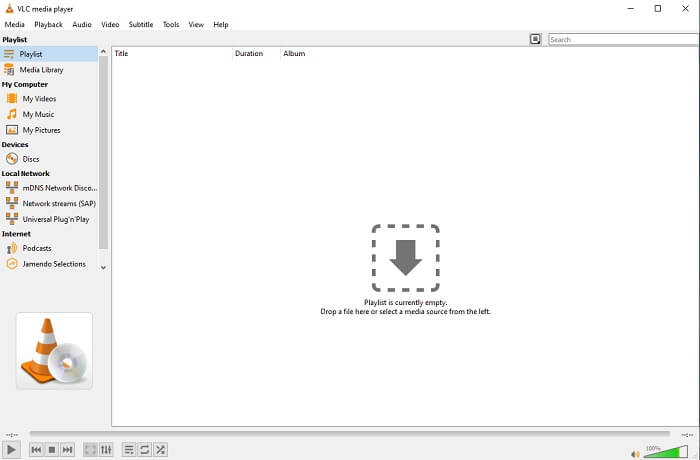
Dette verktøyet bygger navnet sitt som den beste mediespilleren på hele nettet. På grunn av tilgjengeligheten bruker de fleste brukerne dette som sitt førstevalg. Den kan også spille DVD, VCD, CD og mer uten å legge til flere kodeker. For å gjøre det enkelt, er det en rask og A-klasse spiller.
Fordeler
- En av de beste mediespillerne.
- Enkelt grensesnitt.
- Frakoblede verktøy må lastes ned.
Ulemper
- Noen formater kan ikke spilles av.
- Du vil støte på noen feil som ikke er løst ennå.
2. KM -spiller

En QuickTime‑erstatning for Windows og Mac som lar deg spille av ulike filformater i høy kvalitet. I motsetning til VLC Media Player kan WMV‑avspilling enkelt håndteres med KM Player. Den kan også spille av 3D‑video og utføre noe enkel redigering.
Fordeler
- Mest brukte mediespiller.
- Kjent for maskinvareakselerasjonen.
- 3D -videoavspilling.
Ulemper
- Det er en spyware/adware.
- Det kan gjøre systemet tregt på grunn av den uunngåelige installasjonen det vil gjøre. så vær forsiktig hvis du vil laste ned denne programvaren.
3. MPlayer
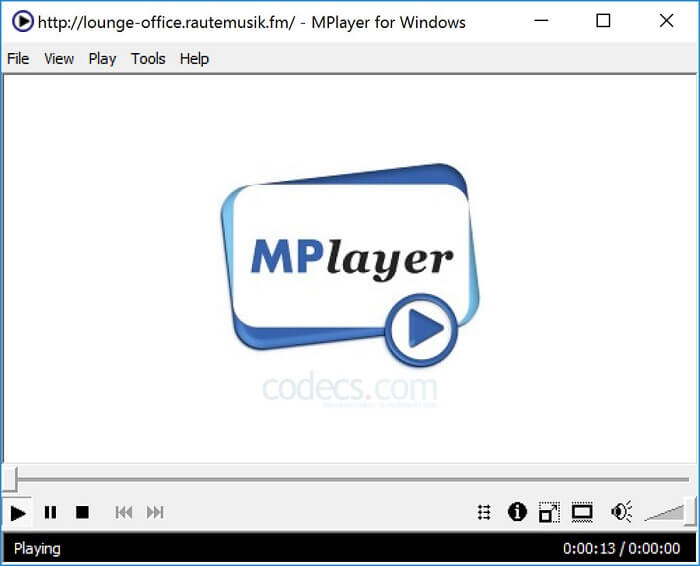
Dette verktøyet lar brukeren arbeide med to separate vinduer. For eksempel er videovinduet adskilt fra hovedgrensesnittet. MPlayer kan spille av forskjellige formater. I tillegg støtter den spesielt filer som er tatt opp via FFmpeg.
Fordeler
- Spot-on verktøy.
- ingen ekstra kodek er nødvendig.
- Snarveier.
Ulemper
- I noen tilfeller kan filene du spiller til den andre mediespilleren spilles av, men hvis du bruker dette er det en mulighet for at den ikke spilles av. Det er fortsatt av ukjente årsaker.
- Mangel på avspilling av kataloger.
4. Perian
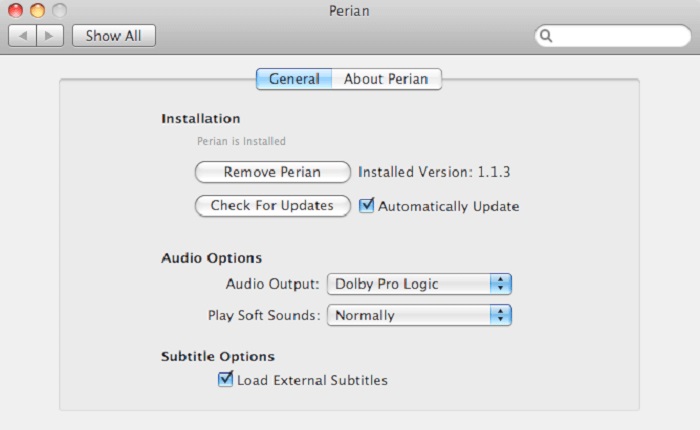
Hvis du har en utdatert versjon av QuickTime og fortsatt vil vite hvilke andre alternativer du har, er dette noe for deg. Perian er kjent som lommekniven du kan bruke på Mac‑operativsystemet ditt. Hvis den gamle versjonen av QuickTime ikke kan spille av formatet du ønsker, kan du bruke dette. Det gjør at du kan spille av flere filformater i QuickTime Player.
Fordeler
- Jobber fortsatt selv på utdatert QuickTime.
- Støtter mer avspilling for eldre versjoner av QuickTime.
- SSA- og SRT -undertekstformat fra QuickTime støttes fortsatt.
Ulemper
- Det vil ikke fungere på den moderne versjonen av QuickTime 10.
- Hvis du bruker en versjon av QuickTime fra 2012, er dette ikke nødvendig å bruke. Fordi QuickTime kan tilby det dette verktøyet kan tilby enda mer.
Del 4. Vanlige spørsmål om QuickTime Player
Hva kan jeg gjøre annet enn å spille av video på QuickTime?
QuickTime har også andre funksjoner som opptak, redigering og trimming, omorganisering, rotering, og du kan dessuten dele videoer og bilder.
Har QuickTime en pro -versjon av den?
Ja, den har også en pro -versjon av den. Som vanlig gir pro -versjonen flere funksjoner enn gratisversjonen.
Er det et fil som ikke kan spilles av hvis du bruker QuickTime?
I noen tilfeller kan MOV og MP4 ikke spilles av fordi de bruker komplekse kodeker. Dette oppstår oftest hvis QuickTime‑versjonen din er gammel. Den beste løsningen er derfor å konvertere MOV til MP4.
Konklusjon
Nå som du vet hvilke verktøy som kan brukes hvis du vil ha en mediespiller som ligner QuickTime, er det som tidligere nevnt klart at disse ulike verktøyene har sine egne spesialiteter, fellestrekk og egenskaper som skiller dem fra andre mediespillere. Men det er tydelig at den beste QuickTime‑erstatningen, eller mer spesifikt verktøyet som kan slå QuickTime, er Blu‑ray Player. Den overgår QuickTime‑spilleren på alle områder, særlig når det gjelder tilgjengelighet og mer. Men kanskje du fortsatt lurer på hvorfor du skal kjøpe dette verktøyet. Den eneste grunnen er at det er langt mer overlegent enn andre verktøy du kan finne på nettet eller i andre artikler. Så hva venter du på? Se film som en sjef ved å bruke dette som din personlige mediespiller.
-
 Beste 1080p HD-videospiller for Windows/Mac/iOS/Android i 2025-kommentarer
 Hvis du leter etter en videospiller for å se 1080p HD-videoer på datamaskinen din, sjekk våre valg av de beste 1080p HD-videospillerne for Mac, Windows PC, iOS og Android.
-
 5 brukbare metoder for å fikse QuickTime Kan ikke åpne MOV -filer Kommentarer feed
 MOV -format er hovedsakelig laget for avspilling i QuickTime Player. Noen ganger kan du imidlertid oppdage at de ikke spiller i den. Lær hvordan du fikser QuickTime spiller ikke MOV -filer fra dette innlegget.
-
 Hvordan konvertere MKV -filer til spill på PS3 jevnt
 Vil du spille MKV -videoer på PS3? PS3 kan imidlertid ikke spille av MKV -filer direkte. Denne artikkelen viser deg måter å konvertere MKV -videoer til PS3 -støttede videoformater for å spille på PS3 uten problemer.
