


 Video Converter Ultimate
 Gravador de ecrã
 Reparo de vídeo
 Secure Download
Redutores de qualidade de imagem definitivos que você deve ter em 2022
Uploading multiple images and sharing what's happening to us all over the internet became easy with the help of different social media sites that we can access for free. Sadly, images turn into lousy quality when you post them on these websites, especially if your image quality is higher than the standard. You might think of uploading your image on the website, but stop first! For we will teach you a secret that you can do to at least reduce the compression applied to the image, and that is by lowering the quality. This post will present the best image quality reducers you can use to aid the problem. Read the following details carefully to help you determine the tool you use.

Parte 1. Redutores de qualidade de imagem que você deve conhecer para diminuir a qualidade de imagem facilmente [Revisão]
ReduceImages.com
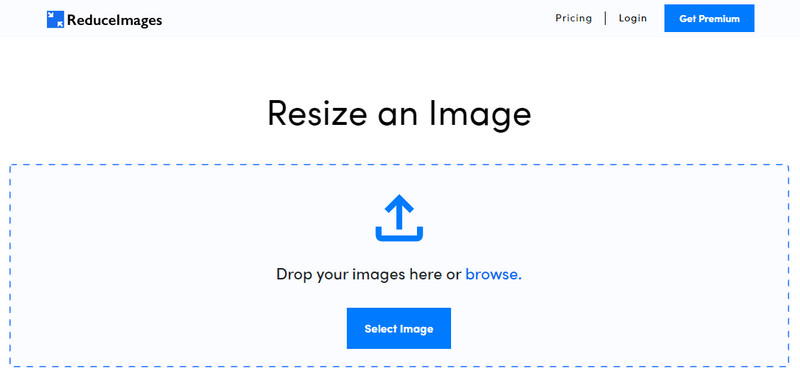
ReduceImages.com is a popular online solution you can use to lower image quality to make it suitable for the website standard. Luckily, this is an online tool, so you wouldn’t have to download files; you can start using this app in any browser you have on your device by searching its name. Plus, you can resize the JPG, PNG, and GIF you upload here. Though you can use this online tool for free, some drawbacks could frustrate you, especially if you want to work in a batch or don't like the ads. If you have spare change, you can purchase the plan; it supports a starting price of $ 3.99.
Prós
- Livre para usar e sem necessidade de instalação.
- Você pode redimensionar a imagem aqui se quiser.
- Altere o fundo de uma imagem transparente para preto e branco.
- Todos podem descobrir como usar isso em nenhum momento.
Contras
- Existem alguns anúncios na versão gratuita.
- Ele não pode fazer processamento em lote na versão gratuita.
Lunapic
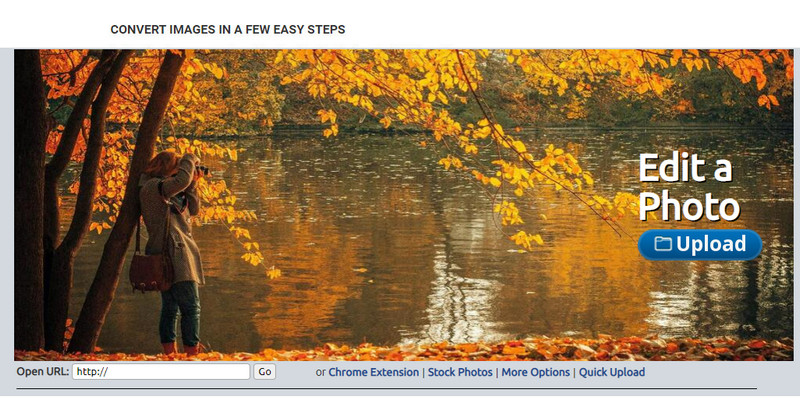
Lunapic is a super easy-to-use tool to decrease image quality to your desired resolution resembling Paint GUI. You can get familiar with the online tool because of the similarities it brings to the infamous Paint on Windows devices. Even though you can depend on this tool to optimize the image quality you want, the format it only supports is JPEG and nothing else. By copying the URL of the image you want, you can upload the image you wish to adjust here if it is not yet downloaded. Like the first tool, you wouldn’t need to download this tool to use, for it is available on the web.
Prós
- Interface de usuário intuitiva que permite manipular a qualidade facilmente.
- O painel de visualização é suportado para visualizar a qualidade de imagem ajustada.
- Você pode copiar e colar o URL da imagem que deseja enviar.
- É gratuito e não suporta a versão premium.
Contras
- O formato suportado é apenas JPEG.
- A GUI está desatualizada e precisa de alguns ajustes.
EzGIF
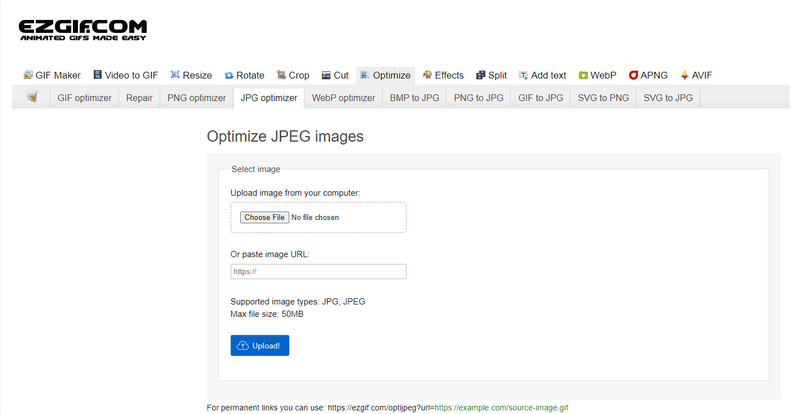
EzGIF can be your low-quality image maker, or to make it simple, it can optimize the quality of the images you uploaded here. Known for being a GIF fixer, but can now be used to change the JPEG, WebP, and PNG quality if needed. This tool is more popular than the other two we mentioned above because of its efficiency and duration of being a web tool on the internet. It offers a practical yet effective solution that you can easily manage to master on it. You can’t upload and process multiple files here despite being a favorable tool. As well as, you can’t upload images that aren’t JPEG or JPG, PNG, WebP and GIF, static or animated.
Prós
- Ele suporta muitos recursos, como ajustar a qualidade, aprimorar, converter e muito mais.
- Você pode acessá-lo e usá-lo livremente em diferentes navegadores da web.
- Otimize sua imagem aqui e veja o resultado no painel de visualização antes de exportar.
- Não adiciona uma marca d'água após alterar a qualidade da imagem.
Contras
- A interface gráfica do usuário precisa de alguns ajustes.
- Não suporta outros formatos de imagem como BMP, SVG, HEIF e outros.
- O upload de imagens em lote não é compatível.
Adobe Photoshop
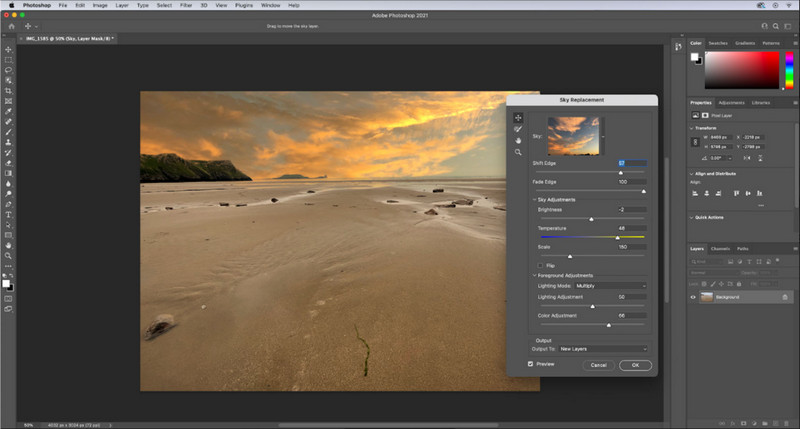
Adobe Photoshop is a cheat code on how to lower the quality of an image for it the best on the job of transforming the image. With it, you can upload any photos here and adjust the algorithm of the picture. Everyone loves to use a professional tool because it is full of advanced features that you can't find on other editors on the market or online. There’s a difference between a best and an A-okay tool, and this tool will tell you. Needless to say, some users are having trouble mastering it because of its robust and heavy UI. So, if this is your first time using this software, you might have difficulties using it. Overall, this tool is the most professional image editor you can use that the first three tools we mentioned don't have.
Prós
- Ele fornece recursos exclusivos que o outro editor de imagens online não possui.
- Ele fornece recursos exclusivos que o outro editor de imagens online não possui.
- É de longe a melhor escolha para realizar edição de imagem profissional.
- Uma ferramenta compacta e cheia de recursos que você pode baixar em diferentes dispositivos.
Contras
- Os usuários iniciantes estão tendo problemas para descobrir como usá-lo.
- Você deve adquirir um plano para continuar a usá-lo após a avaliação gratuita.
Parte 2. Bônus: Como aumentar a imagem de baixa qualidade com o melhor upsclaer de imagem na Web
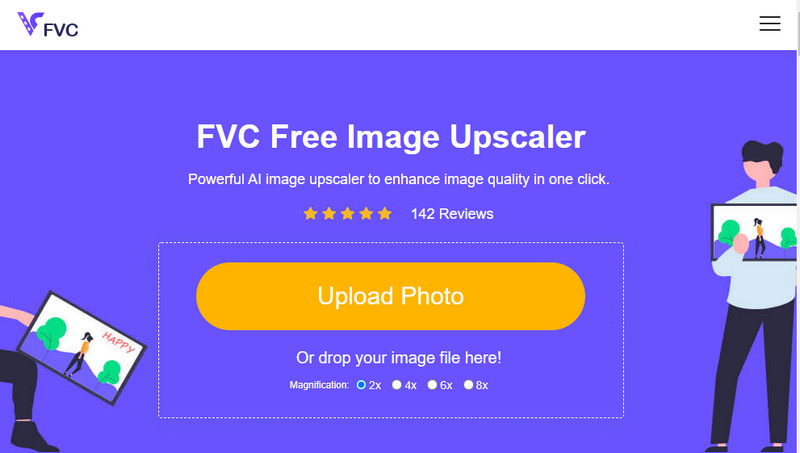
Have you ever made a low-quality image that turns out pixelated or blurry and wants to revert it to the original quality? If so, you can use the FVC Free Image Upscaler. This online solution can finish the job for you by tracing the algorithm on the image, adjusting the quality, and upscaling it based on the detected by the AI. You can get advantages once you use this tool, like performing the best on upscaling, no installation, being safe and easy to use, and having 24-hour customer service support that could help you. Also, you can upload the JPEG/JPG, PNG, BMP, SVG, and many more to increase image resolution here. Moreover, you can still use this software even though you didn’t lower the quality of it and just want to improve the overall quality. Start using the tool by clicking the name and uploading the image you want to upscale immediately!
Parte 3. Perguntas frequentes sobre como reduzir a qualidade de uma imagem
A alteração da qualidade diminui o tamanho do arquivo?
No, it won’t. If you have adjusted the pixels of the image and made it lower, the image's appearance will be affected, but not the file size. Here are some of the best pixel enhancers you can have a try.
Por que a taxa de bits da minha imagem mudou depois de diminuir a qualidade?
Depois de alterar a qualidade da imagem, você verá uma mudança significativa na taxa de bits depois de exportá-la, significativamente ao alterar a resolução da imagem.
Por que o GIF animado se transforma em estático depois de diminuir a qualidade?
O programa que você usa para diminuir a qualidade permite que você carregue o GIF animado, mas não pode exportar um GIF animado, então o resultado se transformará em um GIF estático. A extensão da imagem permanecerá como está, mas a animação não.
Conclusão
Você pode escolher seu redutor de qualidade de imagem com os quatro softwares que adicionamos que você pode baixar e acessar na web. Se você se divertir lendo este artigo, agradeceríamos muito se você classificasse este cinco estrelas.
-
 Os 7 melhores ampliadores de fotos online e offline
 Quer conhecer os ampliadores de fotos com melhor desempenho para o seu dispositivo Windows ou Mac? Leia este post para conhecer os melhores ampliadores de fotos que valem a pena experimentar.
-
 Os 4 principais ampliadores de GIF offline e online que você não deve perder
 Este post é para você que está procurando os melhores ampliadores de GIF. Listamos os ampliadores de GIF online e offline de melhor desempenho para o seu computador.
-
 Melhores aplicativos de redimensionamento de fotos online e offline para computador
 Procurando os melhores aplicativos de redimensionamento de fotos para sua área de trabalho? Listamos os aplicativos de redimensionamento de fotos online e offline de melhor desempenho que você deve experimentar.
