


 Video Converter Ultimate
 Gravador de ecrã
 Reparo de vídeo
Expresse melhor suas emoções com o Top 8 GIF Maker Online no PC e Mac
A primeira coisa que vem à nossa mente quando falamos sobre GIFs é a comédia. Essas imagens de vídeo simples podem transformar nossa mensagem de texto simples em uma melodia mais viva. Assim, os GIFs se tornaram populares hoje em dia porque mostram algumas das emoções exageradas que queremos que o mundo veja. Mas é realmente mais fácil adicionar GIFs à sua mensagem para expressar melhor suas emoções. Mas nem todos os GIFs da Internet fornecem as emoções específicas que você deseja transmitir. Portanto, ter GIFs enganosos pode transmitir sua mensagem com a intenção errada. Mas, em vez de pesquisar na Internet ou depender de seus aplicativos de mensagens, por que você não cria seu próprio GIF?

In fact, it is easy to make one. If you're searching for the best GIF maker online then you are in the right place. So, you must pay attention to the lists below. And know which is the one that creates the best GIF that you may use to express your emotions or as well help the other users who are having trouble finding the best GIF to show their emotions. Learning how to create your own GIFs and help others is like hitting two birds with one stone. So, without any more explanations let us explore what are these best and how to use them correctly to create an exceptional GIF. The list below provides the top 8 GIF makers you might encounter on the web for free.
Topo 1. Conversor de vídeo online grátis
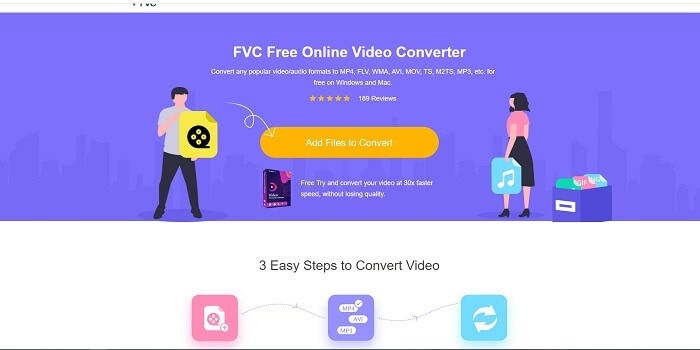
If you're looking for an exceptional GIF maker online then this is for you and read carefully to know more about it. FVC free online video converter This tool is a web-based tool you may likely find on the internet. The best way to create GIFs from videos is to convert them into GIF format. Maybe you think is it truly possible to create GIFs with a converter instead of a maker? Then the answer is a yes. This is the easier way to create a GIF. But this tool is not like any other converter or maker in the list below. Unlike the other tools over the internet, this tool provides the fastest and fail-proof converter you might like to use. No limitation on converting which means you can convert all of the video or audio you want with an internet connection. The file size also is not limited to how many MB's only and all of the quality output this tool provides is incredible.
But did you know that this tool also provides an unrivaled premium version. It is also known as the father of all converters. Its name is Video Converter Ultimate. This tool gives the user a much better experience in converting with the fast conversion it provides and premium prestige features, as well as converting it with all of the different formats you may know. Unlike any other tools available in this list and on the web. The Ultimate Converter is the best GIF maker tool to convert any video file into a GIF. Also, you can add your personal touch to the GIF to make it more expressive. The conversion speed of the format to GIF is 30x faster than the online tool and 100x faster than the converter or the GIF maker below. You may use it by installing it in your drive. Although it is a pay-to-use tool it will not cost you too much. And, it is indeed a multi-purpose converter, especially on GIF. So, no need to expect less because this tool is much more than a converter.
Free DownloadFor Windows 7 or laterSecure Download
Free DownloadFor MacOS 10.7 or laterSecure Download
Mas, por enquanto, vamos nos concentrar na ferramenta online gratuita deste software. Portanto, para fornecer a você a evidência de que esta ferramenta online é muito eficaz na conversão, você deve seguir estas etapas simples abaixo. Se você tiver alguma dúvida sobre isso. Mas, para dizer a você, nem todos os recursos do Converter Ultimate estão aqui na ferramenta online, mas eles produzem um formato realmente surpreendente.
Step 1. To start the tool, you must click the link to proceed to the main website of FVC.
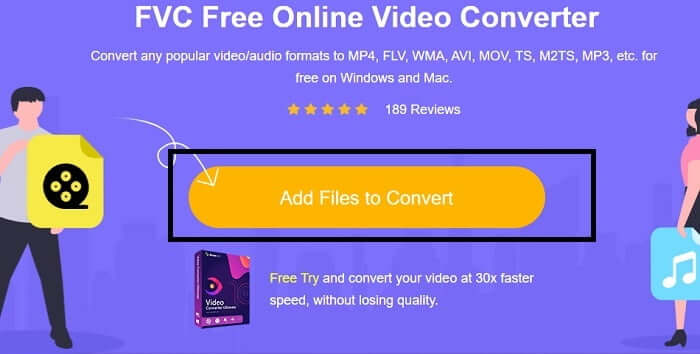
Step 2. Click Add Files to Convert and Allow to launch the converter.
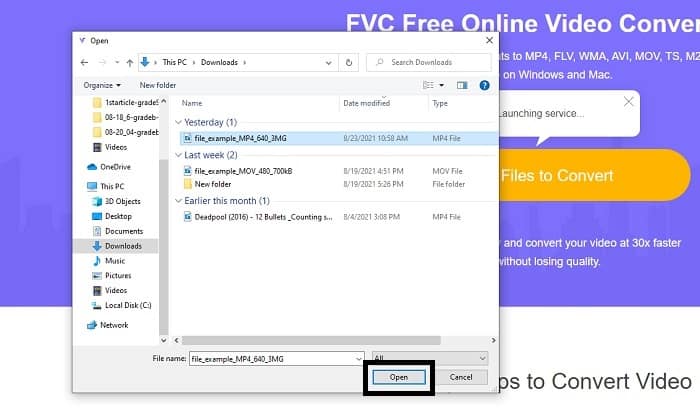
Step 3. If a file explorer like this shows on your screen, then you are doing great. Find and click the video file you want to convert and hit Open.
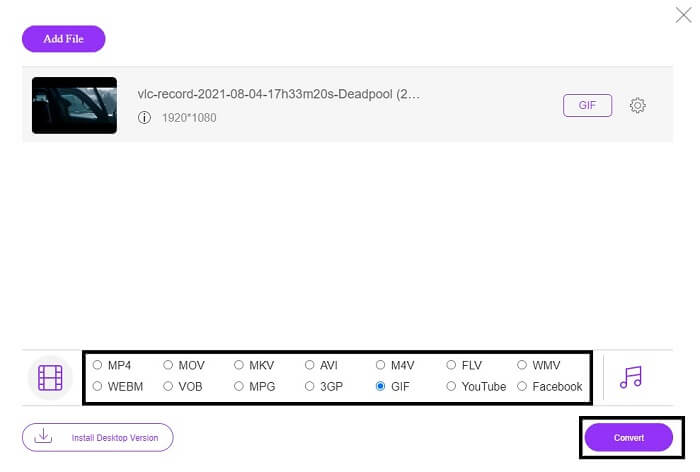
Step 4. Change the file format to GIF. For additional information, you can also convert your video or audio into a more suitable format you want. If everything is ready to go, click the Convert to start the conversion. Click where you want the final output to be.
Step 5. If your conversion is already finished. Your file explorer will show up on your screen and find the final output. Then enjoy it.
Top 2. Ezgif
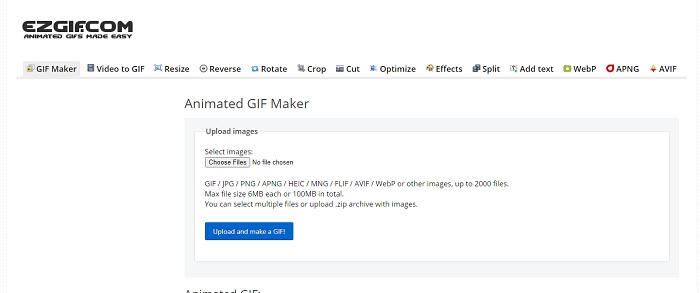
One of the best GIF makers online is Ezgif. You can basically do a GIF with this tool to enhance, resize, crop, optimize, add text, and other options. It also converts video into a GIF format only. Though the features of this tool are a lot, all of the features are separate from one another. So, instead of doing it in one interface, you need to jump to the first and to the other just by creating and editing. It is troublesome to use this tool, especially since you can't drag-and-drop for an easier way to upload. But despite all of that it is still one of the online makers.
Top 3. Imgflip
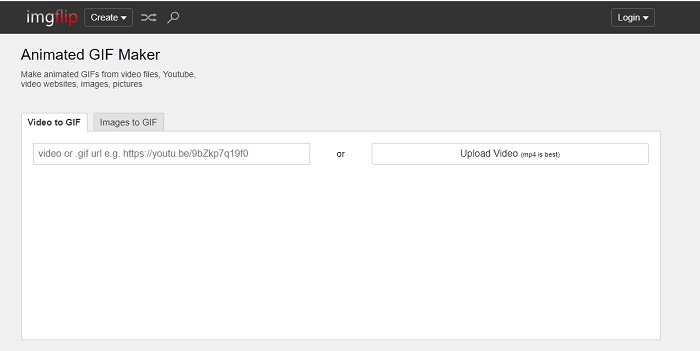
Online gif maker from video and link that provides a great chance on making a GIF then this is for you. Imgflip can help you to make a meme, GIF, or chart and it is doing well for its job. It also provides simple editing on your GIF as well. But the highest pixel it can provide is 360 on free and the premium is 480. So, it only means that if your video is 1080 or 4k then the quality of your final output will become more degraded rather than expected.
4. Visme
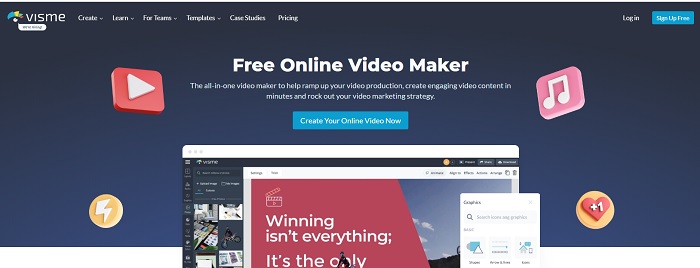
Esta ferramenta permite que você se torne mais detalhado em seu GIF. Visme é conhecido porque fornece um criador de vídeo mais detalhado. Além disso, essa ferramenta precisa que sua conta esteja conectada para que você possa usá-la. Você pode usar o Facebook, Gmail ou se inscrever em seu site. Portanto, se você é um fã da privacidade de dados, essa ferramenta não é uma ótima escolha. Embora o login nesta ferramenta não vaze informações sobre você, alguns de nós não querem fornecer informações importantes sobre nós porque queremos que nossos dados sejam mais privados e para nossa segurança. Mas não precisa se preocupar, pois em nenhum caso essa ferramenta vazará sua privacidade.
Top 5. FreeGIFMaker.me
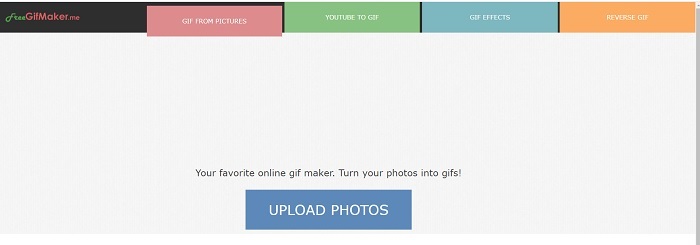
Se você está procurando um link de vídeo para conversor de GIF, então este é para você. É especificamente compatível apenas com links de vídeo da plataforma do YouTube. FreeGIFMaker. pode fazer um vídeo simples para conversão de GIF. Mas também fornece imagens para GIF, edite seu GIF e GIF reverso. Embora esta ferramenta forneça o recurso mais comum que um criador de GIF deve fornecer, ainda não é um dos melhores, mas pode ser colocada na lista dos 30 principais criadores de GIF. Os recursos listados estão em partes diferentes, portanto, em vez de produzir uma saída final GIF com edição, você precisará ir depois de um para o outro para apenas fazer a edição que deseja.
Topo 6. Faça um Gif
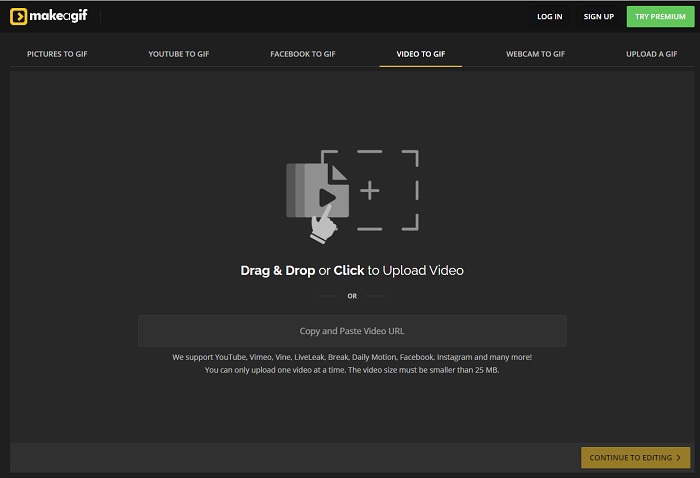
Another online GIF maker that you already encounter on the web. This Make A Gif gives the user a more serene interface if you like a darker vibe then this tool is one of them. This tool is flexible indeed because it focuses on making GIFs whether it is a picture, Facebook video, YouTube video, your video, and also webcam video. But the video you should always insert should be less than 25MB so if you want a long GIF then this is not for you to choose but if you want a short like 10 seconds then this is for you.
7. Editor de imagens online
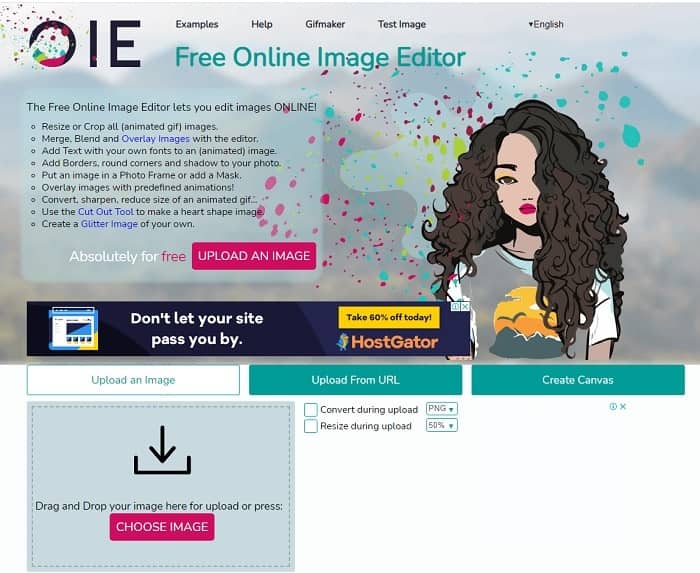
Esta ferramenta permite que você edite sua imagem e a transforme em um formato GIF. O Editor de imagens online permite que você crie um GIF usando suas imagens. Além disso, oferece animações e recursos de ferramenta de edição simples. Mas é mais difícil criar um GIF com esta ferramenta porque você precisa gastar seu tempo criando um. Portanto, se você é novo na criação de um GIF, essa ferramenta pode ser boa, mas não a melhor para você. É como se você estivesse criando um GIF no photoshop, mas muito pior por causa da própria ferramenta. Embora a página principal da Web seja excelente, a interface da ferramenta é tão simples que se torna mais entediante olhar continuamente. Parece que ninguém ainda está atualizando a interface. Mas, apesar disso, é uma ótima escolha se você deseja criar um GIF com imagens.
Top 8. Kapwing
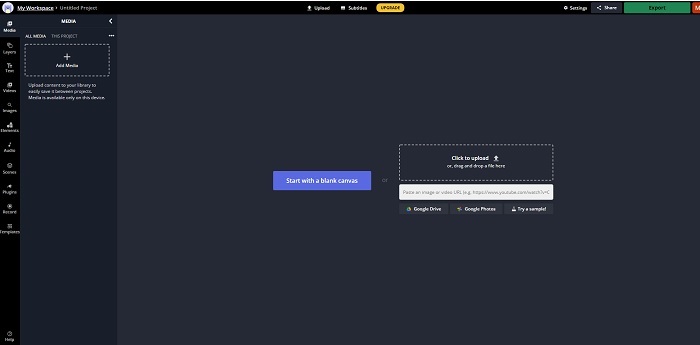
This tool is another free online GIF maker. This tool will give you the vibes of photoshop but online. Kapwing helps you to create your own gif with video or images you provide. Even though the name is not too good to hear or seems to be not real. But it is a great choice for an online animated gif maker. This tool is not a converter but a GIF maker. You can also share the final output over the major applications like FB, Twitter, and Instagram. Despite being easy to GIF, the exporting of the video is a lot slower unlike any other tool in the list. So, if you have a slow internet connection, it is still okay to use this but expect to wait a much longer time to produce the final output. The maximum limit of the video you should upload to it is less than 60 seconds to store a great quality. If you don't have a background in photoshop then this tool might be hard for you to use.
Perguntas frequentes sobre o criador de GIF on-line
Por que os GIFs se desenvolvem?
No final de 1987, um cientista da computação americano chamado Steve Wilhite, que trabalhava para a CompuServe, teve um problema porque queria exibir uma imagem em movimento enquanto economizava espaço, então desenvolveram o GIF. Com base também em sua declaração de que é pronunciado como JIF e não GIF, mas a grafia é GIF com pronúncia G suave. Embora ambos estejam com a grafia correta.
Posso usar o Photoshop para converter meu arquivo em GIF?
Sim, você pode converter MPG para GIF usando o Photoshop ou qualquer formato conhecido para GIF.
É possível converter MP4 em GIF?
Yes, you can convert MP4 into GIF or convert any video format to GIF as well.
Conclusão
Depois de toda a discussão, agora está mais claro que todas as ferramentas são capazes de fazer o formato GIF. Embora tenham diferentes habilidades como funcionam, como convertê-lo em um GIF, fazer um GIF, vincular a GIF ou imagens em GIF. Mas todas as ferramentas têm suas próprias qualidades únicas, mas uma delas - FVC Video Converter Ultimate é a melhor escolha. Isso não é apenas melhor para fazer GIFs, mas também dá a você a oportunidade de converter, mesclar, fazer uma colagem, MV e muito mais. Embora você não possa acessar os recursos da versão premium online, ela está sempre aberta para você testar, experimentar ou fazer uma conversão online com a versão gratuita. O Video Converter Ultimate é o melhor de todos não só na conversão como se diz. Você também pode usar sua magia para criar uma bela saída sem limites. Portanto, nunca coloque nenhum limite em sua habilidade, porque esta ferramenta é fácil, simples, mas cria resultados majestosos.
-
 (Guia) Como converter vídeos M4V em GIFs animados no Windows / Mac
 Se você deseja fazer arquivos GIF animados de seus vídeos M4V favoritos, você pode aprender sobre 2 maneiras fáceis e eficientes de converter vídeos M4V em GIFs com configurações personalizadas.
-
 WebM para GIF - 3 conversores gratuitos de WebM para GIF para criar seus próprios GIFs
 O WebM é um GIF? Como transformar um vídeo em GIF? Existe algum conversor gratuito de WebM para GIF? Esta postagem compartilha 3 maneiras gratuitas de ajudá-lo a converter WebM em GIF.
-
 Como converter vídeos MKV em GIFs animados sem Photoshop / FFmpeg
 Depois de baixar e assistir a filmes MKV em seu computador, você pode querer compartilhar alguns momentos maravilhosos com amigos ou na Internet como GIFs. Neste artigo, você pode aprender sobre as 2 maneiras mais fáceis de converter MKV em GIF.
