


 Video Converter Ultimate
 Gravador de ecrã
 Reparo de vídeo
Os 5 melhores reprodutores de vídeo MOV gratuitos para dispositivos Android e tablet
This Apple proprietary file format is not supported over your Android device. Because it is restricted to play on your device, it is only dedicated for QuickTime players only. But you still want to watch it because it contains your wedding, jamming session, montages, recorded business meetings, teacher discussions, and many more. Instead of buying a Mac pro to play the video, why don't you continue reading this article. To know what is the best android app to play MOV file format. Another advantage of it, this will lessen your expenses because all of the tools that will be introduced here are free. So, no need to worry and just relax, this write-up got your back. To know more about this application available via your android phone then you must continue reading below. More detailed information is next, so let the ball rolling and keep up your pace on reading.

Parte 1. 5 melhores aplicativos confiáveis disponíveis na Play Store para reproduzir arquivos MOV no Android
Na lista abaixo estão os 5 espetaculares que você pode usar para reproduzir seu arquivo MOV não reproduzível no seu dispositivo. Todas as informações adicionais desta ferramenta de terceiros precisam ser baixadas antes que você possa usá-las.
1. VLC para Android
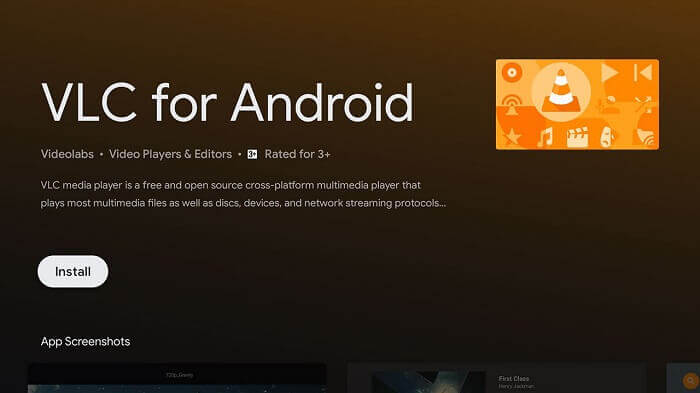
Is the most popular media player among all of the others in the list. It became one of the most trusted media players available in all devices whether it a PC, Mac, IOs, Android, Linux and more. This tool almost supports all of the files that are known in the entire web. So, if you're looking for the best then this must be your first choice because VLC for Android is the powerful player available in the Play store.
2. MPlayer Video Player para todos os formatos Full HD 4K
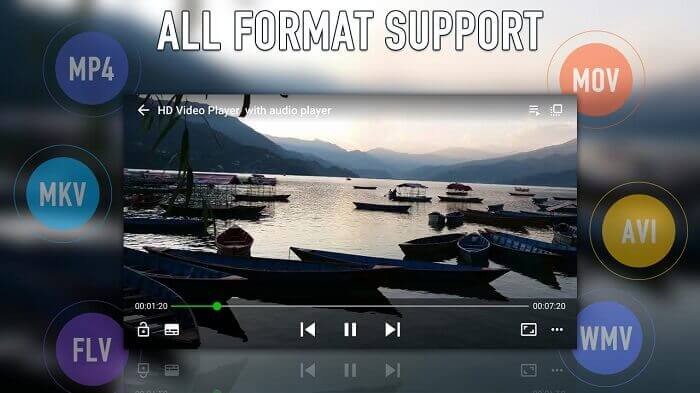
Another media player you can find on your Play store, is this MPlayer supports almost all of the available formats just like the VLC and also it provides 4k video quality. You can also play a video in the background just by using this application. Also, it has this mirror mode on the play screen.
3. UPlayer o player de vídeo em todos os formatos
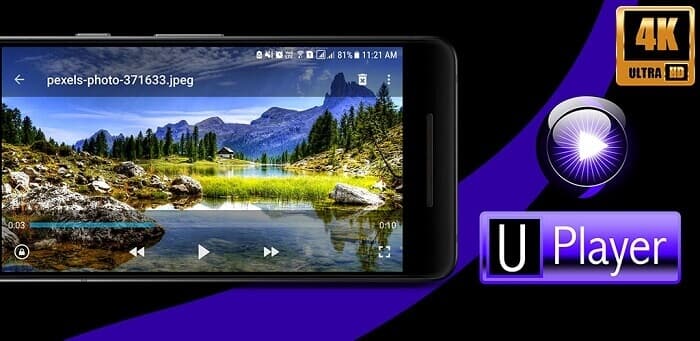
Just like the first 2 media players it also supports different types of formats, specially MOV. As it is mentioned earlier all of this app is a free MOV player for android devices and this is one of them. The best feature that makes a difference is that it has a beautiful user interface. But despite its beauty it can also find and delete files using Duplicate Video Finder. So, it is a win for you because you saved space and also you save time finding all of this duplicated video.
4. KMPlayer-Reprodutor de vídeo e reprodutor de música
In its description it claims that this is the perfect playback tool. KMPlayer helps users who are having trouble to play videos with subtitles. One of the best features of this tool is that you can create your own video and music playlist. So, it will take less time to play and find what you want to watch or listen to.
5. Reprodutor FX: Reprodutor de vídeo completo
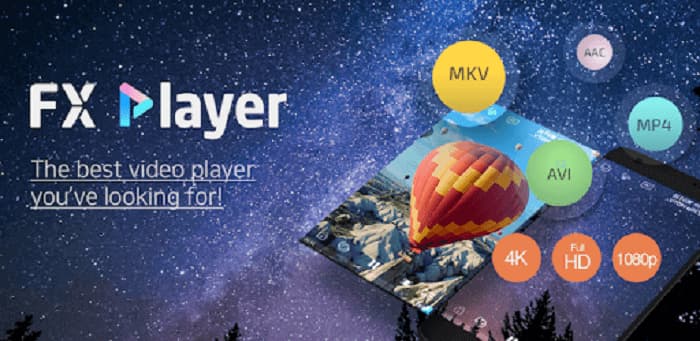
Outro player de vídeo multifuncional disponível no Android. Mas a diferença é que ele pode reproduzir vídeos já no seu telefone e até mesmo em rede. Quer ouvir o último videoclipe popular sem pagar? Baixar vídeos pela internet? Converter e extrair um áudio no formato MP3? É realmente uma ferramenta que guarda o melhor para o final. Além disso, o nome é realmente real, é um player de vídeo completo que você sempre desejou, mas cuidado com os anúncios.
Parte 2. A melhor maneira alternativa de reproduzir MOV no Android
If downloading a third media player like in the list above is not your forte. Then this alternative way must be your great choice. Instead of downloading, why don't you try to convert it with the help of FVC Online Video Converter. This tool will solve your problem, especially if your videos or audios are not supported in your local media player. Convert any type of file format to your desire with ease. If you want to know more about the tool itself then you must continue reading below. It provides steps on how to convert a file properly. Read and follow the instructions carefully to achieve the success you always wanted.
Step 1. Click this link and a website will be open if it says FVC Video Online Converter then you're on the right track.
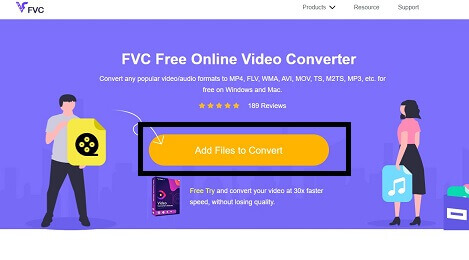
Step 2. To convert video, Click the Add Files to Convert and your file explorer will open choose which video you want to convert. Additional information, to convert it successfully make sure that you have a stable internet connection.
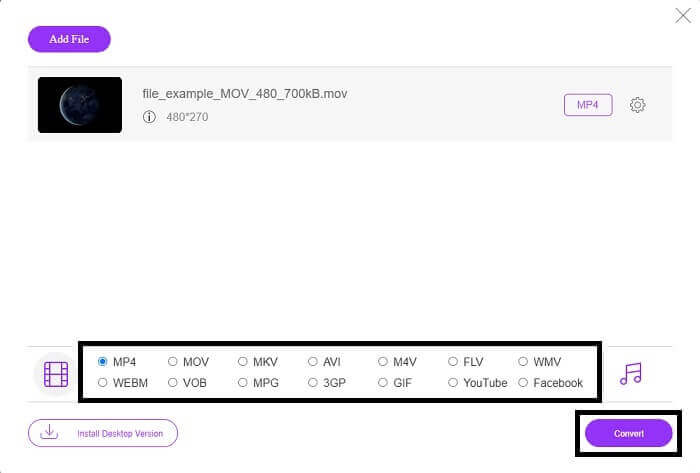
Step 3. After placing your MOV video file, choose between the video and audio format you want to be the output of the new output. If you're ready to convert, click the Convert button to the final output and to start the conversion. Although, this process will be depending on how big your file is. So, if your file is a bigger file then you must wait a couple of minutes to be processed correctly. Don't worry this conversion process is safe so no need to worry because no data or code will be lost.
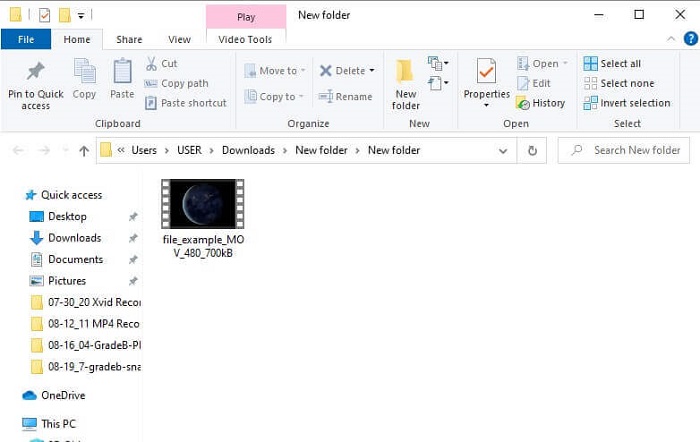
Step 4. If conversion is already done. To check it, go to the folder you create or locate it in your file explorer to check the final output. And now enjoy your playable file format.
Parte 3. Perguntas frequentes sobre aplicativos Android que suportam arquivos MOV
Por que não consigo reproduzir meus arquivos MOV no meu telefone Android?
The reason why you can't watch a video on your device is because of these reasons. Click the link to know what are these reasons.
O formato MOV é bom?
MOV is a good file format with high-quality playback. Although sometimes you may get into trouble playing this file, you can choose to convert MOV into MP4, or other popular file formats using an online tool like FVC Free Online Video Converter.
Qual arquivo MOV de compactação usa com ou sem perdas?
Ele usa um formato de arquivo com perdas para armazenar seu vídeo corretamente.
Conclusão
As we conclude, this article provides you with the best MOV video player for the Android can be found on Play store. So, no need to worry about buying a new device just to play the video. Instead of paying to buy or pay someone to play it, why don't you try to use your magic. This unplayable MOV file will be playable because of these 5 best applications. As it is mentioned what are the best features of each individual, it also showcases the unique features of each tool. So, if you forgot again in the future how to play MOV files then you must definitely rely on this write up because it provides strong evidence and only talks about facts.
-
 8 melhores jogadores MOV para reproduzir arquivos QuickTime MOV com qualidade original
 Saiba mais sobre os 8 melhores reprodutores MOV disponíveis para Windows e Mac. Você pode escolher o desejado e apropriado para reproduzir arquivos MOV com a qualidade original.
-
 2 maneiras fáceis de converter arquivos MOV para FLV no Windows / Mac
 Como converter MOV para FLV gratuitamente? Aqui estão os melhores conversores de vídeo para desktop e online para converter seu arquivo MOV para FLV em segundos, sem pagar um centavo.
-
 5 métodos viáveis para corrigir o QuickTime não pode abrir arquivos MOV
 O formato MOV é criado principalmente para reprodução no QuickTime Player. No entanto, às vezes você pode achar que eles não jogam nele. Saiba como corrigir o QuickTime não reproduzirá arquivos MOV desta postagem.
