Iniciar
Se você deseja desfrutar de filmes 3D em casa, pode confiar no FVC Free 3D Converter para ajudá-lo a adicionar efeitos 3D aos seus vídeos 2D sem problemas. Você também pode usá-lo para ajustar o efeito 3D de vídeos 3D. Ele ainda permite que você faça o downgrade de um filme 3D para 2D.
Baixe e instale
Para baixar o programa, acesse a página oficial para obter a versão mais recente. Quando o download terminar, clique duas vezes no pacote de instalação e siga as instruções na tela para instalar o programa em seu PC com Windows.
Preferências
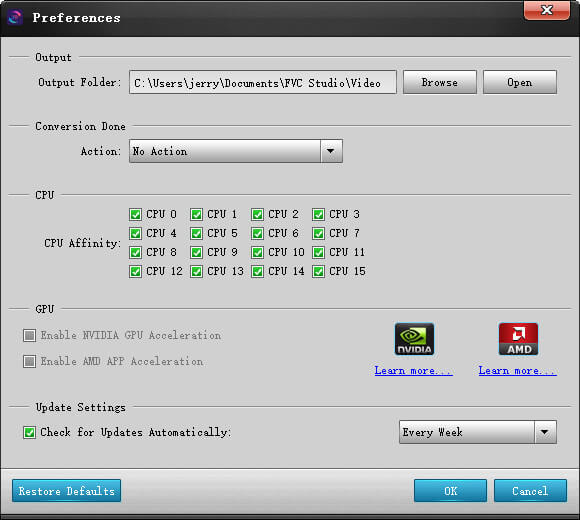
If you need to change the location to save the output file, you can simply open the Preferences in the Tools menu. You can also check the CPU/GPU and adjust the update settings as you want.
Converter vídeos 3D
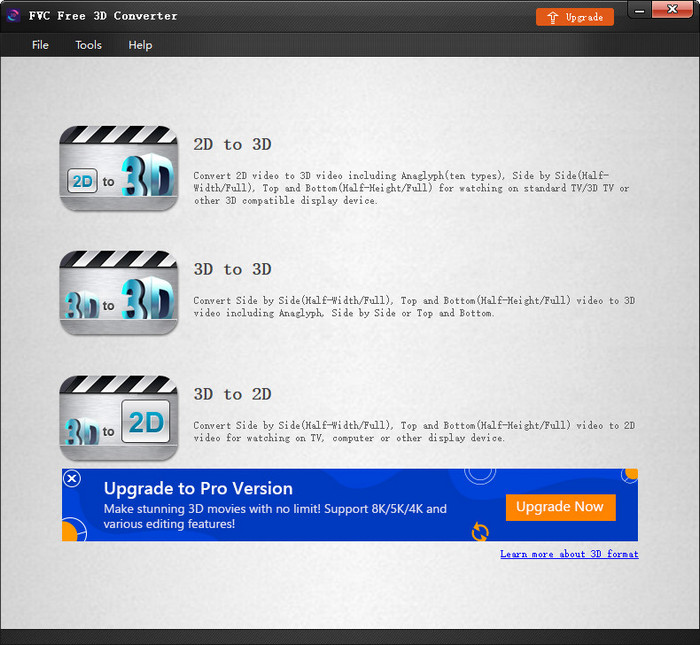
Inicie o programa em seu computador. Na interface principal, você verá 3 opções para converter vídeos 3D: 2D para 3D, 3D para 3D e 3D para 2D. Você pode selecionar qualquer um com base em sua necessidade.
Converter 2D para 3D
Step 1. Upload 2D Video
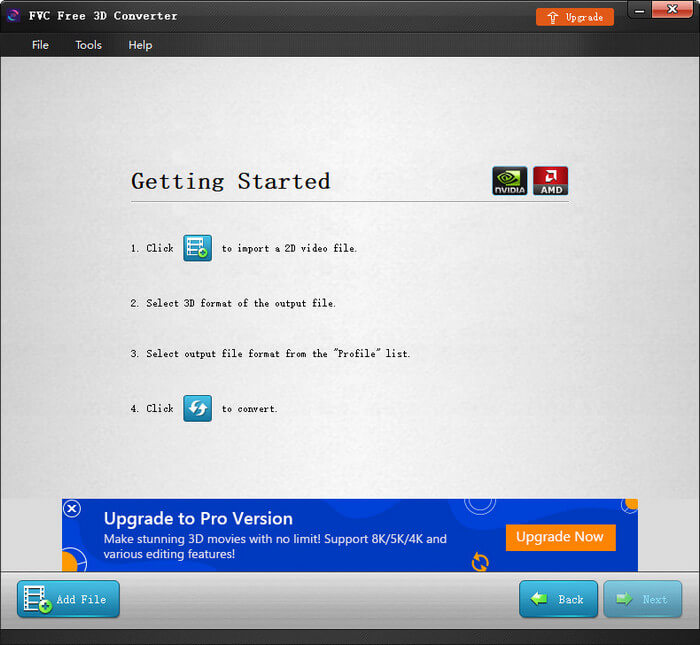
If you choose to convert 2D videos to 3D, you can then click the Add File button in the left corner and upload the 2D video file that you want to convert.
Step 2. Adjust 3D Settings
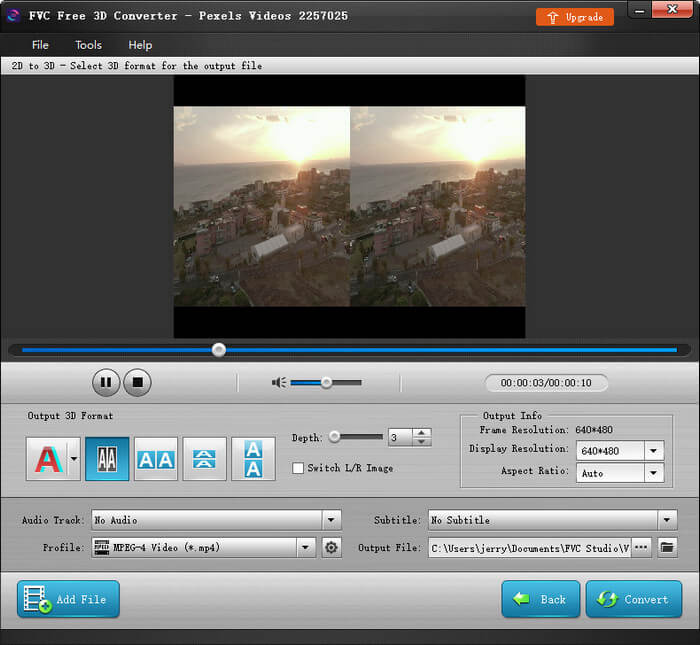
Depois de fazer o upload do arquivo, você pode visualizar o vídeo em tempo real. Selecione o modo 3D desejado. Você também pode ajustar a profundidade e alternar a imagem L/R com facilidade. Depois disso, você pode ajustar a resolução e a proporção do arquivo de saída.
Step 3. Start Video Conversion
Once you are done setting, just click the Convert button. The conversion will start right away.
Converter 3D para 3D
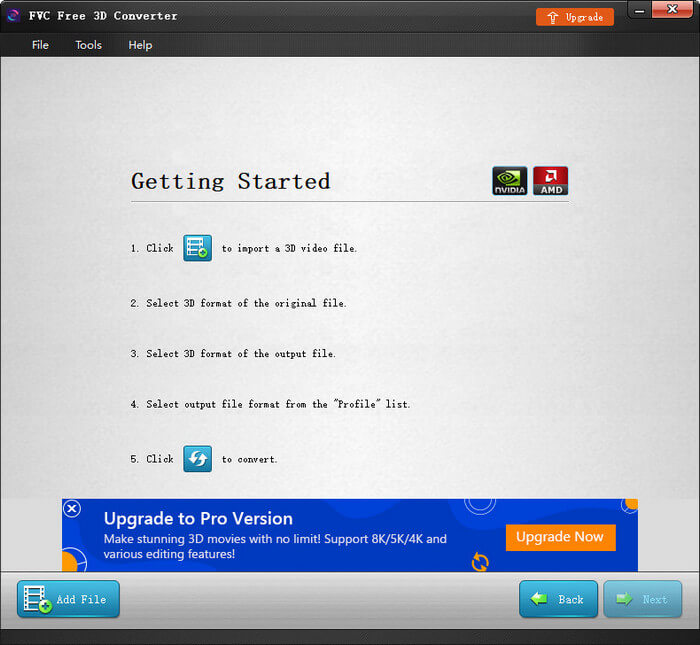
Step 1. Import 3D Video
To change the 3D mode of the current 3D video file, please select to convert 3D videos to 3D. Still, you need to click the Add File button in the left corner and import the 3D video file.
Step 2. Check Original Info
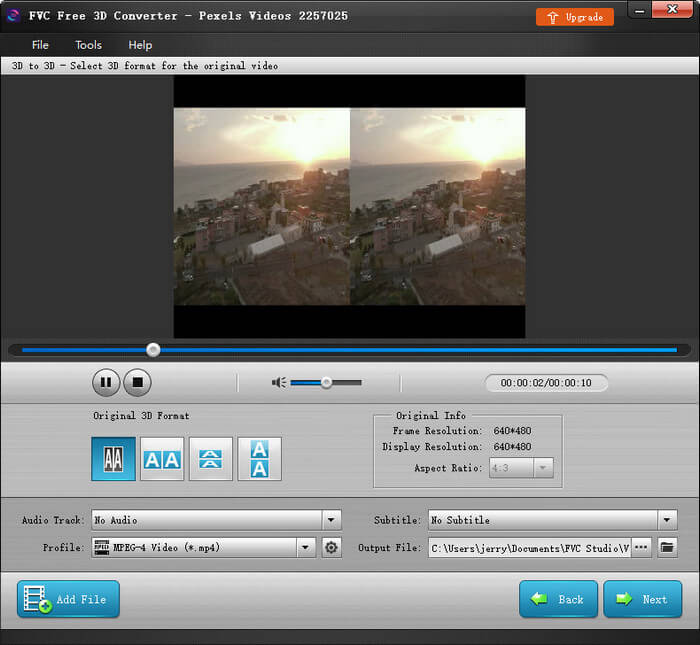
You can then check the original info of the 3D video. If there is no issue, just click the Next button and enter the next interface.
Step 3. Start 3D Conversion
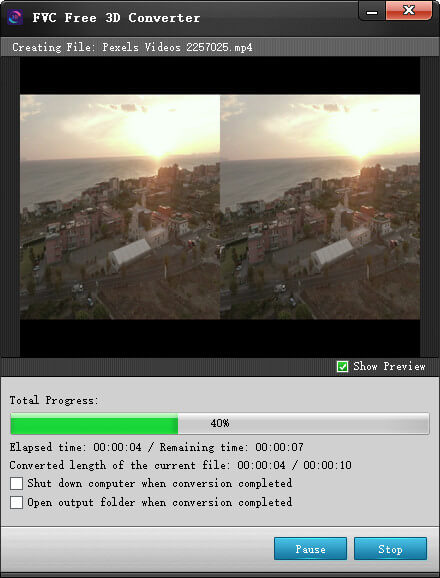
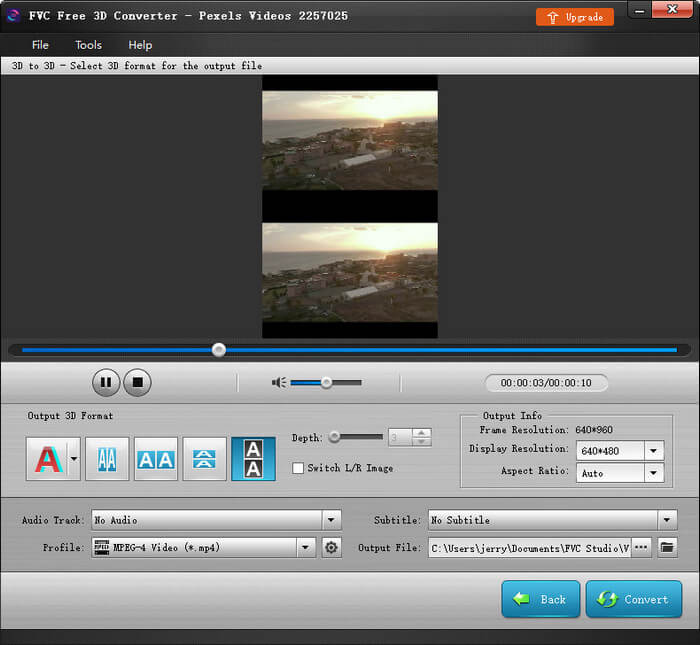
Likewise, you can change the current 3D mode to another as you like. And the depth, L/R image, and resolution are also adjustable. Click Convert if you finish all the settings. Then wait for a while, and you will get the video you want.
Converter 3D para 2D
Step 1. Upload 3D Video
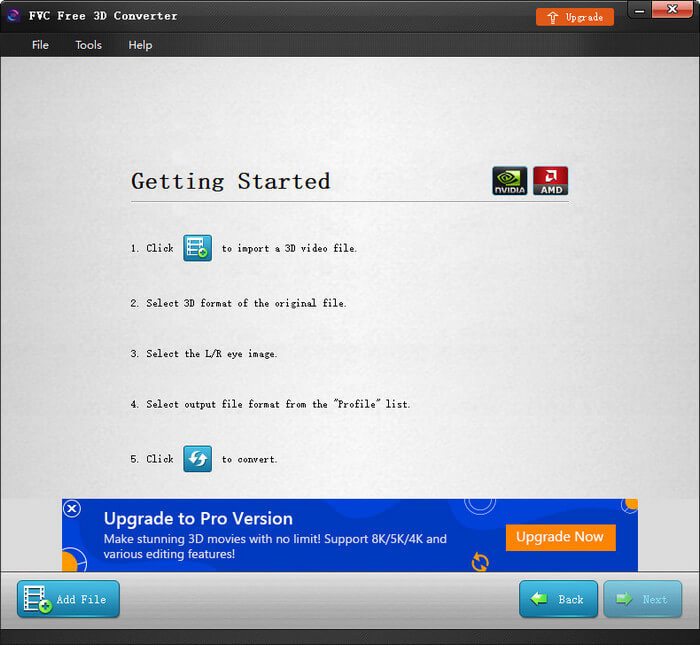
If you want to downgrade a 3D video to 2D, you can pick the 3D to 2D mode in the end. After that, click the Add File button to upload the 3D file.
Etapa 2. Converter 3D em 2D
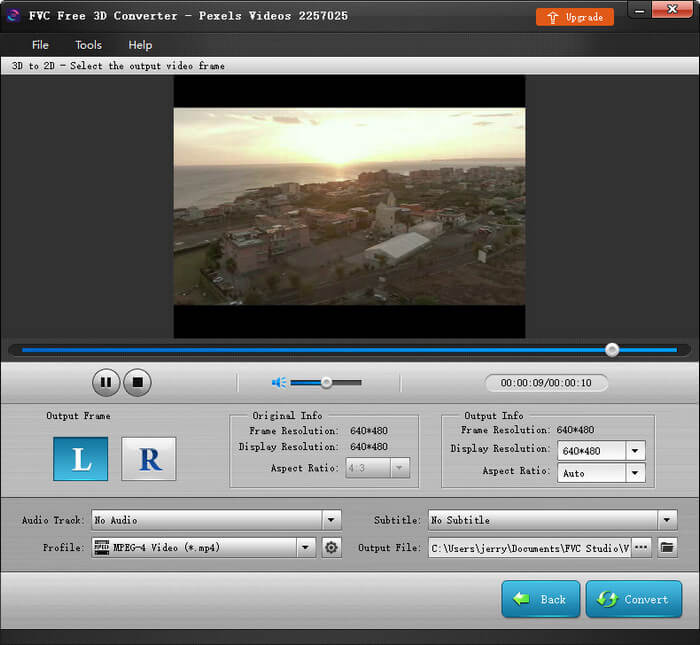
Step 2. Convert 3D to 2D
After checking the original info of the 3D video, please click the Next button. Pick either the Left image or the Right image as the output image according to your need. You can also adjust the resolution and aspect ration easily. Then click the Convert button to start converting 3D to 2D.


 Video Converter Ultimate
 Gravador de ecrã
 Reparo de vídeo

