


 Video Converter Ultimate
 Gravador de ecrã
 Reparo de vídeo
4 dos melhores conversores de PNG para GIF disponíveis online e offline
PNG is a type of image format and it is known to be the successor of GIFs. In this current time, it looks more likely to happen. Because the PNG supports a lot of colors and it is much better in visuals than the GIF, however PNGs can't perform what GIFs can do. So, in this article let's learn how to convert PNG to GIF with the help of the tools presented below. Without further ado, let's now proceed to the tools below.

Parte 1. Como converter PNG para GIF com o Top 3 Online Grátis
1. Conversão
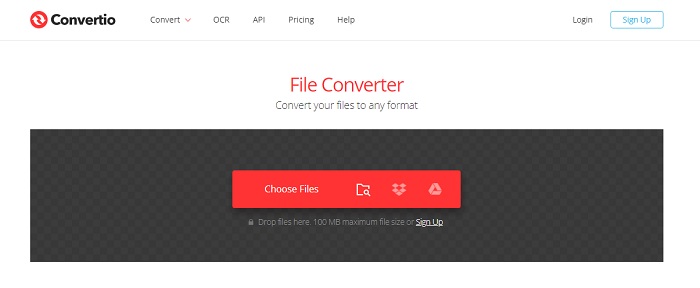
One of the best online tools you can use for free if you have an internet connection, Convertio. This webtool can help you to change PNG to GIF as easy as one-two-three. However, this tool can't change your PNG into animated series images like the GIF but the format can be changed in here. Also, if you change the PNG into the format of GIF the file size becomes lower and more compressed. So here below are presented steps on how to change the format of your image to GIF. Follow them accordingly as we proceed.
Step 1. Search the Convertio.io on your search engine then open it.
Step 2. Click the Choose File and locate the file on the folder then click open to insert it.

Then click the drop-down button to change the format to GIF.
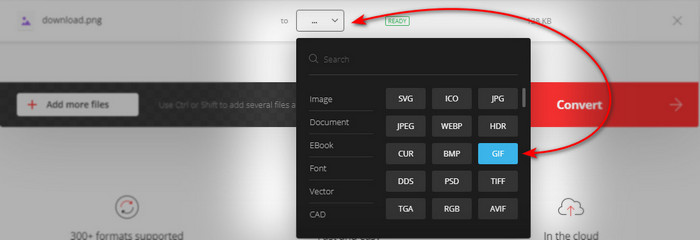
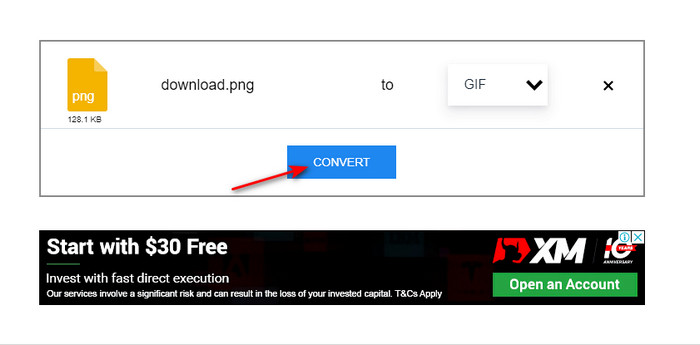
Step 3. Press the Convert button to start the process and download to save it on your drive.

2.Qualquer Conv
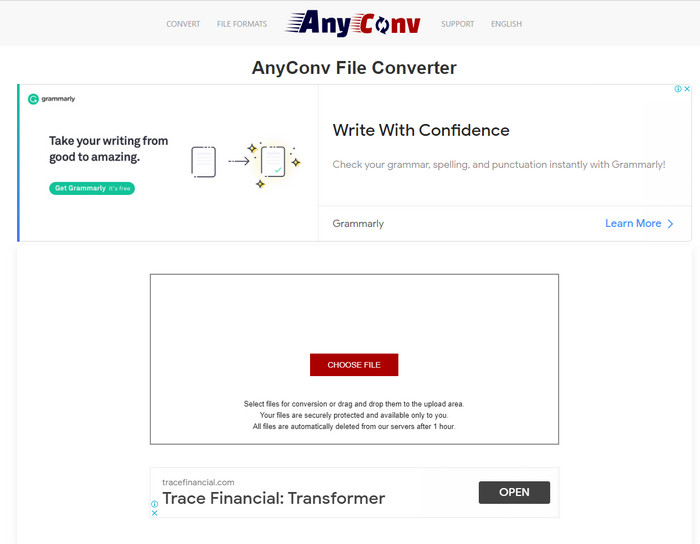
Anyconv is a great webtool you can use to change animated PNG to GIF easily and effectively. The interface of the webtool is not the best yet it is not that bad also. Although the tool can help you there are a lot of pesky ads on its website which are annoying. Because the ads are much bigger than the tool itself. Nevertheless, after the conversion is done the file will be deleted on the web because it values your privacy. But the tool supports a small variety of formats compared to the Convertio. So, if you want to try how to use this tool then follow the steps.
Step 1. Open your browser and search the Anyconv website.
Step 2. Click the Choose File then locate the file to the folder and click open.
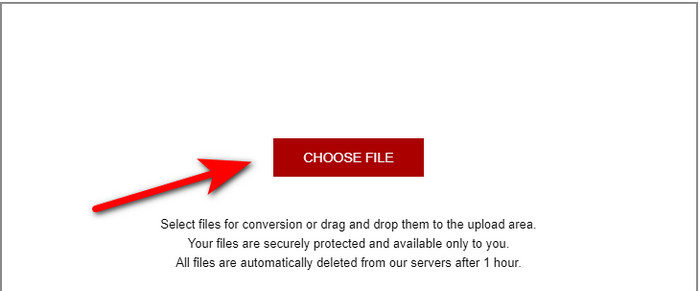
Step 3. Change the format by clicking the drop-down button and locate the GIF.
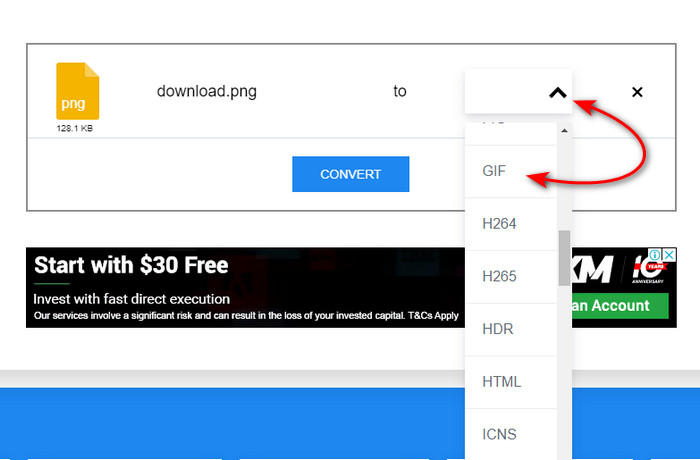
Then click Convert to start the uploading and click download.
3.Converter grátis. com
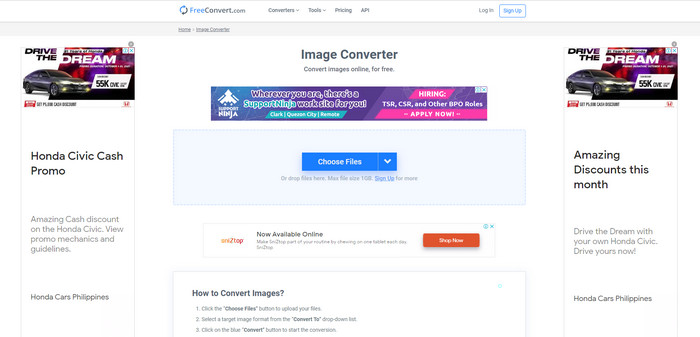
Another webtool on the list that might impress you is the Free convert. com. Because it is a well built-in intuitive webtool you can access on the web for free. The interface of it has a lot of pesky ads that can annoy you. However, the tool has an instruction provided below on how to convert using the Free convert. com unlike the other two tools. Also just like the other web tool this tool can't do an animated series of GIFs because it is not supported. So, if you want to know how this tool functions then follow the steps provided below.
Step 1. Search the Free convert.com to your search engine to open the main website of it.
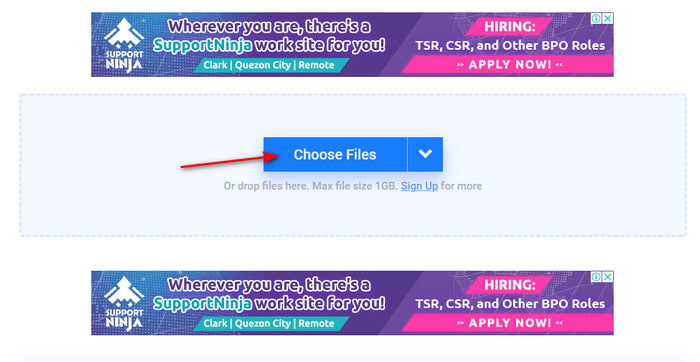
Step 2. Click the Choose File and a file folder will show next to your screen. Locate the PNG file and click open to insert the file.
Step 3. Change the format by clicking the Convert to drop down button then choose GIF format.
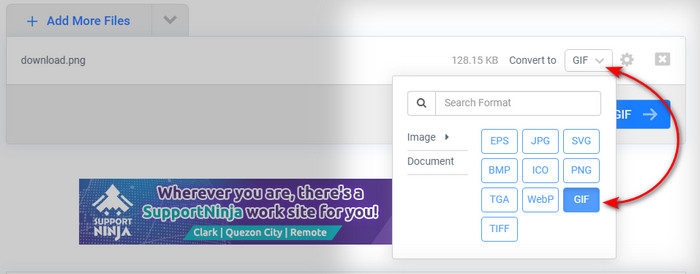
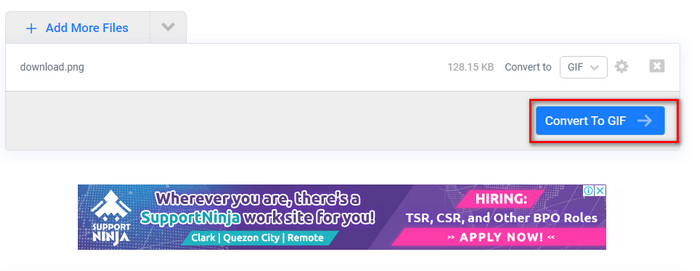
To download the file, click the Convert to GIF and wait for several minutes if the file is done click the Download GIF.
Parte 2. Melhor maneira de converter vários PNGs em um GIF
Unlike the web tool above, they can't produce animated motion images like the Video Converter Ultimate. Because one of the features of the phenomenal converter is the GIF Maker that helps you to make PNG sequences to GIF format. And a lot of users are already satisfied with the final output they achieve when they use this tool. So, if you want to be satisfied with your GIF then try to use this tool. Even though you are not a pro you can still achieve the phenomenal GIF you want to have. So, to proceed, follow the steps indicated below carefully.
Steps on how to use the GIF Maker of the Video Converter Ultimate
Step 1. Download the tool to your hard drive and install it next then launch the tool.
Free DownloadFor Windows 7 or laterSecure Download
Free DownloadFor MacOS 10.7 or laterSecure Download
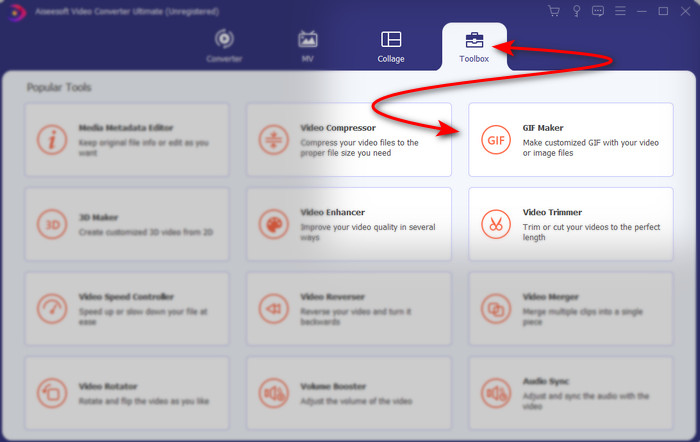
Step 2. Then proceed by clicking the Toolbox and look for the GIF Maker.
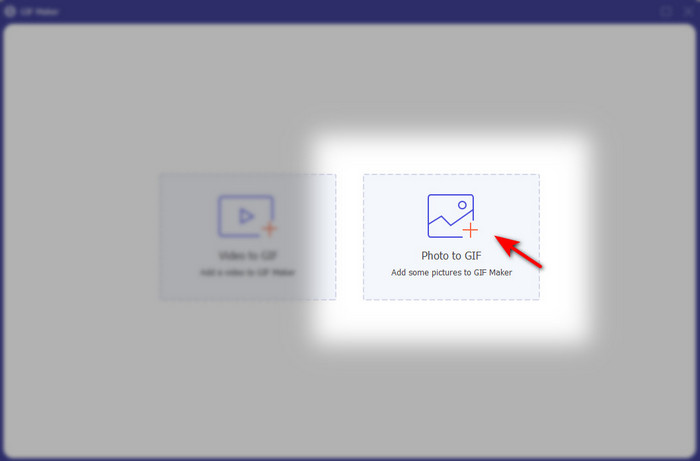
Step 3. Then to add the files click the Photos to GIF and select on the folder the PNG files you want to convert and click open.
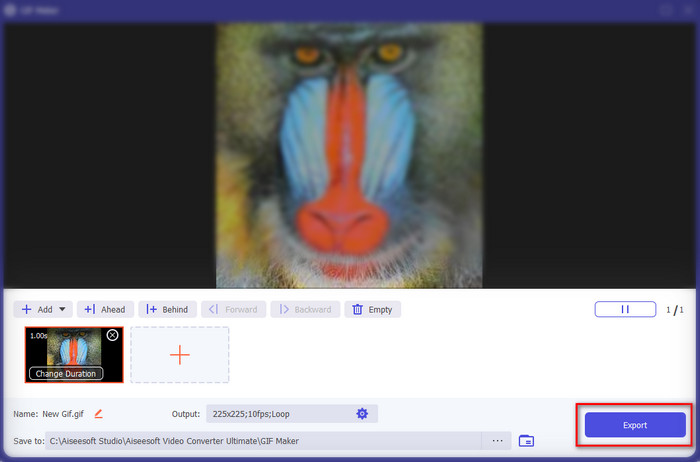
Step 4. Output Settings will show to your screen and adjust the final output and click OK. To do a batch convert PNG to GIF then click the + sign, remember that the final output will become an animated GIF. However, if you want to convert a single PNG conversion then click the Export button to save the final output to your drive.
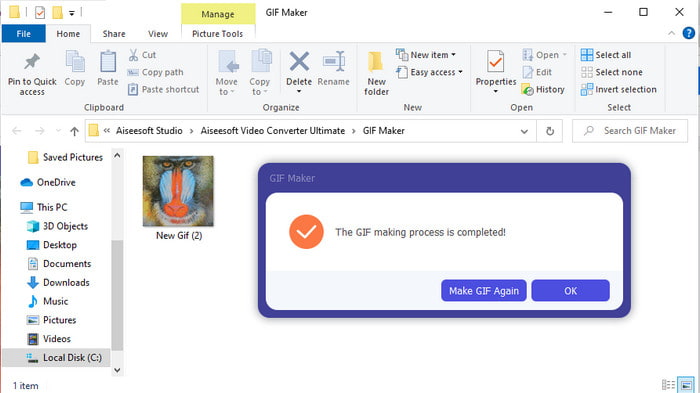
Step 5. Wait for a few seconds and a folder will show next to your screen. Click the file on the folder to watch and share it later.
Parte 3. Perguntas frequentes sobre PNG para GIF
Por que PNG tem melhor qualidade que GIFs?
É simplesmente porque o PNG suporta 16,8 milhões de combinações de cores com transparência de 1 bit, ao contrário do GIF, que suporta apenas 256 cores sem canais alfa. No entanto, as cores dos GIFs são muito mais compactadas se formos compará-las com o PNG. Além disso, o tamanho do arquivo GIF é muito menor que o formato PNG.
Posso transformar um JPG em GIF?
Absolutamente sim. Se você quiser saber o que é JPG e como transformar JPG em GIF, clique neste link para prosseguir para um novo site.
Se eu converter PNG para GIF, a transparência dele será removida?
Você não precisa se preocupar porque PNG e GIF suportam transparência de 1 cor. Portanto, se você converter PNG para GIF, espere que a transparência não mude, não importa o quê.
Conclusão
And now that we are at the end, we hope that this article helps you to determine how to convert the image format to a GIF. However, there is one tool that can save an animated series of images like the GIF and that is the phenomenal Video Converter Ultimate. This tool will help you in a lot of situations especially on GIFs. So, if you want to make a beautiful GIF then follow the steps above and download this software right now.
-
 [Guia] Como converter vídeos M4V em GIFs animados no Windows / Mac
 Se você deseja fazer arquivos GIF animados de seus vídeos M4V favoritos, você pode aprender sobre 2 maneiras fáceis e eficientes de converter vídeos M4V em GIFs com configurações personalizadas.
-
 WebM para GIF - 3 conversores gratuitos de WebM para GIF para criar seus próprios GIFs
 O WebM é um GIF? Como transformar um vídeo em GIF? Existe algum conversor gratuito de WebM para GIF? Esta postagem compartilha 3 maneiras gratuitas de ajudá-lo a converter WebM em GIF.
-
 Como converter vídeos MKV em GIFs animados sem Photoshop / FFmpeg
 Depois de baixar e assistir a filmes MKV em seu computador, você pode querer compartilhar alguns momentos maravilhosos com amigos ou na Internet como GIFs. Neste artigo, você pode aprender sobre as 2 maneiras mais fáceis de converter MKV em GIF.
