


 Video Converter Ultimate
 Gravador de ecrã
 Reparo de vídeo
 Secure Download
Melhor método para converter ou reproduzir formatos MOV no Android e tablets
It is a well-known fact that the MOV format is developed by Apple Inc. So, it is not new to us that android devices can’t play this type of format because it is not supported by their local media player. Can MOV files be played on android? Yes, it can be played over to your android device, if you use third-party tools like in the list below, or convert them to a playable format to your device. Moreover, this article provides enough information for you to determine what kind of method you should use to play your unplayable MOV format on your Android devices. This is only for the android and tablet users. To know more about these methods, you must continue reading the article for it entails the different media players and converters you may use.

Método 1. Melhores aplicativos de player MOV gratuitos para Android para assistir a vídeos MOV
Aqui estão alguns dos melhores players MOV gratuitos que você pode usar que suportam arquivos MOV no seu dispositivo Android.
1. VLC para Android
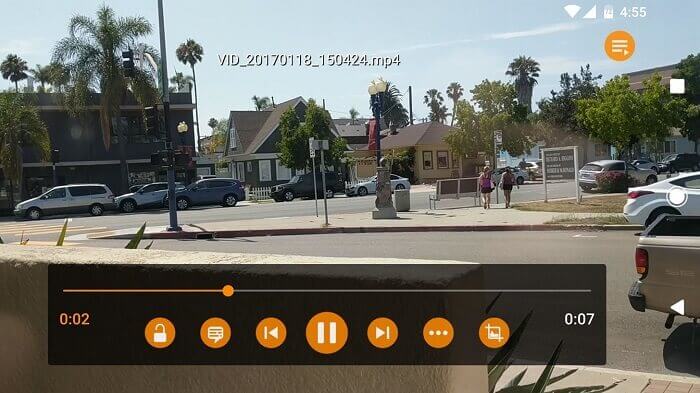
A media player that supports almost all the different media formats to be played on all platforms. It is able to play your MOV format on your android device, just by downloading the application over the play store. VLC for Android is very renowned because of its media player available in PC and Mac. It already built a reputation as the best media player of all time. Thanks to all the users who use this application to play their movies, videos, audio files and many more. It can also decode files on most platforms. Although it is codec dependent it suffers from some bug related problems over the other file formats. But it is a great choice to watch and listen to your media file.
Prós
- Interface simples para um media player.
- Disponível em todas as plataformas.
- Equalizador embutido.
Contras
- Alguns bugs não são corrigidos.
- Não é construído para ser um player de música. Então, ele precisa ser organizado por você.
2. MPV android
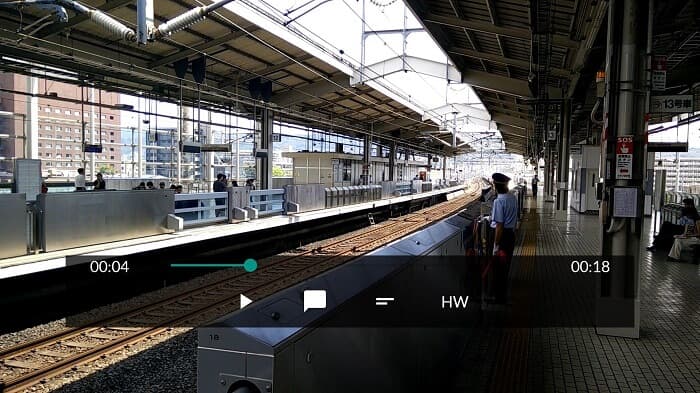
MPV android is a well-known media player on android used by a million users over the Play Store. It also has streamlined CLI options.
Prós
- Reprodutor de mídia Android atualizado.
- Grande leitor de HDR.
- Media player baseado em libmpv.
Contras
- Falta de funcionalidades. Tipo, aumentar e diminuir o zoom e não pode nem retroceder e avançar.
- A interface do usuário é chata.
3. MX Player
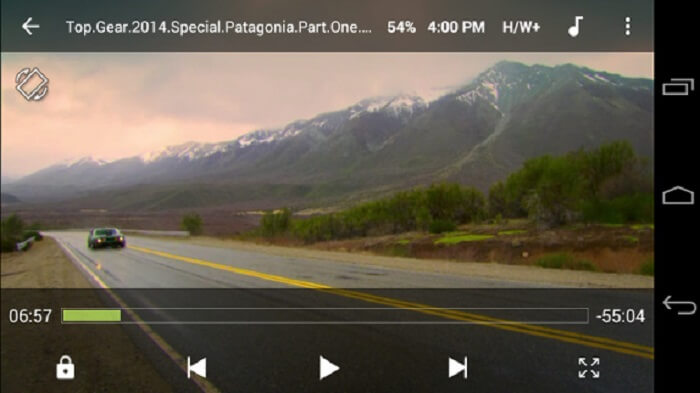
MX Player is the best choice for its simple interface and powerful video optimization.
Prós
- Recursos avançados como zoom in, zoom out e pan.
- Bloqueio infantil.
- Suporte a legendas.
Contras
- Os anúncios não são gerenciáveis e se tornam mais irritantes.
- Tendo problemas para reproduzir alguns dos vídeos.
4. Jogador KM
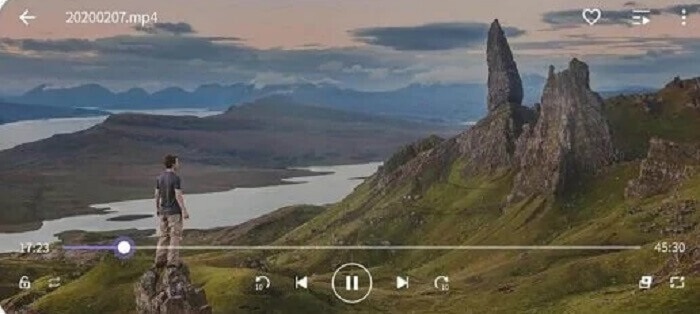
KM Player provides 10 different subtitle formats. So, you can enjoy watching and reading the subtitles.
Prós
- Uma ferramenta de reprodução perfeita.
- Ele fornece marcação.
- Ajuste das cores: brilho, matiz, saturação, informações de gama e contraste.
Contras
- Compra no aplicativo.
- Por alguma razão, alguns deles precisam usar um codec externo.
5. BS Player Gratuito
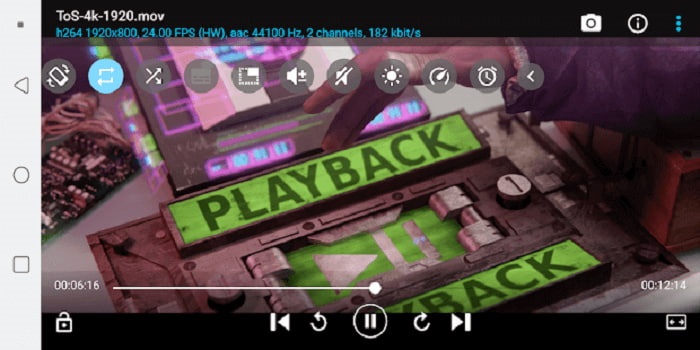
BS Player Free is known as the best free android media player over the play store. It provides hardware acceleration for better performance.
Prós
- Aumente sua velocidade no carregamento e faça menos consumo de bateria.
- Recurso de tela de bloqueio. Para evitar ajustes desnecessários, especialmente se as crianças estiverem assistindo.
- Suporte a vários núcleos.
Contras
- Os aplicativos param de ser reproduzidos se houver uma interrupção em segundo plano.
- Em algum momento, os vídeos e o áudio ficam fora de sincronia.
Método 2. Converta MOV para formatos compatíveis com Android para fácil reprodução
Em vez de baixar um media player para o seu dispositivo Android e consumir algum espaço. Por que você não converte para um novo formato que possa ser reproduzido no seu dispositivo? Aqui está o melhor conversor MOV em que você pode confiar que produz a melhor saída reproduzível no Android.
1. Use o Conversor de Vídeo Online Gratuito FVC

Convert your MOV file to a playable format over the internet with the lightning speed of downloading and uploading. FVC Free Online Video Converter is an online tool that helps users to convert their unplayable format to a new format. So, the file can be played over to your local media player. As said before, Android doesn’t support MOV file format because the format is developed by Apple. So, instead of downloading applications that are provided above you may as well convert it to Android compatible formats instead.
Prós
- Ferramenta online gratuita fornecida pela FVC.
- Pode ser acessado com conexão à internet.
- Pode converter seu formato de arquivo em um novo formato. Mas não como muitas das versões premium.
Contras
- Se você perder a conexão, a conversão será interrompida.
- Internet lenta significa conversão lenta.
2. Use o Video Converter Ultimate
Using the free version may help you to deliver the format you want. What if your internet connection is poor? And you already need to play the media file right now. What should you do? This problem is most commonly encountered by the users over the internet. So, instead of using the free version why don’t you try the Video Converter Ultimate maybe you’re thinking why you need this tool. There are a lot of reasons why you need this tool but I’ll provide 3 reasons why.
Primeiro, ele pode converter mesmo se você não tiver uma conexão com a Internet, basicamente não depende da Internet. Em segundo lugar, você também pode converter quase todos os arquivos de áudio e vídeo em um novo formato sem perda de dados. Ao contrário da ferramenta online, se a conexão estiver sendo interrompida, a conversão será interrompida ou você também poderá encontrar perda de dados porque ainda não foi concluída. Por fim, é acessível para todos e também fácil de usar. Esta ferramenta não precisa de centenas ou milhares do seu dinheiro, mas é apenas $55.20. Outro recurso dele é que você também pode editar e muito mais o seu arquivo de mídia, se quiser.
Free DownloadFor Windows 7 or laterSecure Download
Free DownloadFor MacOS 10.7 or laterSecure Download
Prós
- Ao contrário da ferramenta online gratuita. Ele pode converter qualquer arquivo mesmo sem conexão com a internet.
- Escolha entre mais de 200 formatos de áudio e vídeo.
- Disponível em todas as diferentes plataformas e livre de malware.
Contras
- Ferramenta de pagamento para uso.
- Requer que seja baixado no seu PC Windows ou Mac.
Parte 3. Perguntas frequentes sobre MOV Android
O MOV é o melhor formato de mídia?
Se você é um editor profissional que deseja produzir um formato de vídeo ou áudio de alta qualidade, isso é para você.
Existe a possibilidade de mesclar dois arquivos MOV?
To combine two different MOV files you may use a merger tool to combine MOV video files.
Posso usar o formato de arquivo MOV para enviar meus vídeos no YouTube?
YouTube is the biggest online video sharing site that you find on the web. In some cases, people use it to earn money by creating videos of themselves like vlogging, cooking, teaching, and more. But YouTube only supports known file formats like MP4, AVI, WMV, MPEG, FLV, 3GP, and WebM. So if your recording is in the format of MOV then you must convert MOV to MP4, or other YouTube supported formats to post it and share it to the world.
Conclusão
To add up, the MOV file is only dedicated to the Apple user. But in this case, there are other ways to play or convert your MOV media files into a playable one. But remember it doesn’t mean that you must download a media player to your android to play the file. You may also convert it with the help of the Video Converter Ultimate. Instead of downloading these media players, why don’t you try to convert it so that you will not need these players and play it on your local media player.
-
 Grave Blu-ray no OBS Studio e Feed de comentários de ferramentas alternativas
 Saiba como gravar Blu-ray no OBS Studio e outros substitutos com estas etapas e dicas úteis e simples. Continue lendo e vamos mergulhar nos detalhes.
-
 Processo para ripar e gravar DVD com VLC para digitalizar feed de comentários de formato reproduzível
 O VLC oferece suporte a vários formatos de arquivo compactados de áudio e vídeo, incluindo a gravação em DVDs. Apenas mantenha a bola rolando para mais discussão e detalhes até o final.
-
 Como gravar vídeos MPEG com o feed de comentários dos melhores gravadores MPEG
 O MPEG 4 é um tipo de formato que armazena dados de mídia digital. E existem muitas ferramentas disponíveis que suportam a gravação de vídeos MPEG. Portanto, vamos aprofundar em mais detalhes.
