


 视频转换大师
 屏幕录影大师
 视频修复
视频修复
 安全下载
安全下载关于您可以毫不费力地使用的 HEIC 转换器的终极评论
全球每天拍摄超过 45 亿张图像。通常,一个人平均每天拍摄近 20 张快照。凭借其在全球范围内的巨大影响力,我们中的大多数人又迈出了一步,以更好的质量存储图像,就像 Apple 将标准图像格式更改为 HEIC 时所做的那样。这种图像格式可以包含高质量的照片,但尺寸小于 JPG 或 PNG。因此,通过改进压缩,如果图像文件采用这种格式,我们中的许多人可以在 iOS 驱动器上节省更多空间。结果,该格式在每个 iOS 11 和 macOS High Sierra 上变得流行。
无论格式做得多好,一旦将文件传到其他设备上,你大概率还是打不开它。在这种情况下,一个转换工具往往更实用。为了解决这个问题,请继续阅读本文,我们将为你介绍五款可以免费使用、也可以付费购买完整版的HEIC 转换器。保持阅读节奏,你将在不到 7 分钟内掌握解决问题所需的全部信息。

第 1 部分。 Web 上提供的前 3 名免费 HEIC 转换器
FVC免费HEIC到JPG转换
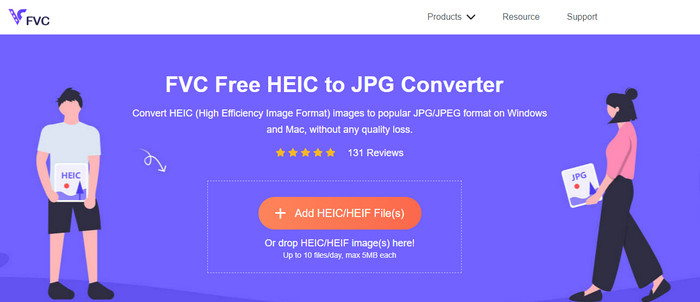
FVC Free HEIC to JPG Converter 为你提供了一款简单高效的免费在线 HEIC 转换器。借助这个网页工具,你只需将文件拖放到网页上即可完成上传,无需手动启动转换流程,它会自动开始转换。尽管该在线工具暂不支持批量转换,它仍然被视为你必须了解的一流在线转换器之一。与一些会降低图像转换后画质的工具不同,这款工具不会降低 HEIC 文件的质量,在你将其转换为 JPG 之后,画质仍能保持同一水平。
也许你在想,如果你使用这个工具,是否需要下载额外的文件,比如安装程序?幸运的是,在使用它时,您无需在驱动器上下载安装程序并在现场使用它。无需设置,因为该工具可在您喜欢的浏览器上访问,这与市场上可用的其他转换器不同。尽管该工具在您的 HEIC 文件上运行良好,但功能有限;这提供了每天的大小和转换。假设您决定使用在线转换器。单击上面的链接以查看其整洁性和整体外观。
JPGHEIC.com
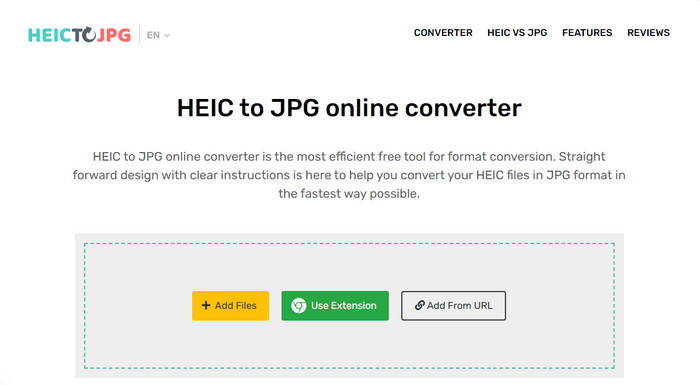
JPGHEIC.com 的工作方式与我们上文介绍的 HEIC 图片转换器类似。但这款工具的亮点在于:它对使用次数和文件大小都没有限制。通过此工具,你可以轻松将媒体文件拖放到主站页面上完成添加。此外,你还可以使用 URL,将要转换的 HEIC 图片链接添加进来,然后转换为 JPG 格式。虽然该工具拥有官方网站,你也可以选择使用 Chrome 扩展程序,相比每次访问主站,用扩展来访问更加方便。网页版和扩展版的功能与特性几乎没有差别。
尽管是免费转换器,但您可能会不小心点击并打开一些烦人的广告。因此,请确保您避免点击它们以防止打开可能包含病毒的广告。使用此工具后,您在此处上传的文件将在一个小时后被删除。您可以在文件完全删除之前在此网络工具上访问它们。
Freeconvert.com
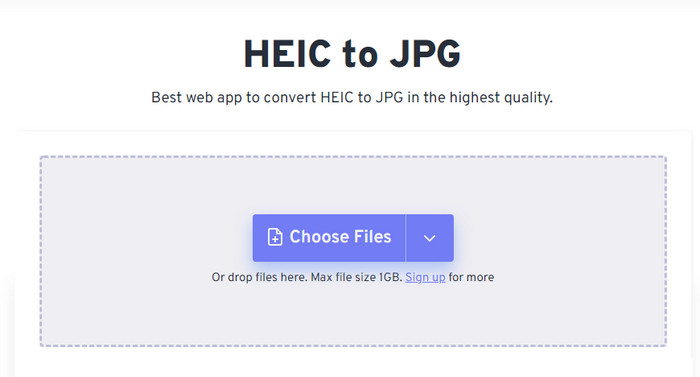
Freeconvert.com 是一款使用起来非常省心的 HEIC 文件在线转换器,你可以在常用浏览器中直接使用,并支持拖放操作以便更轻松地添加 HEIC 文件。与前面介绍的在线转换器不同,这个工具不仅支持将图片输出为 JPG,还能导出为 BMP、PNG、TIFF、WebP 等格式。尽管网页工具本身表现不错,但在使用中仍然存在一些限制可能会让人有点困扰,特别是文件大小方面。不过,它所支持的单文件大小上限为 1 GB,远远大于你在本文或网上其他工具中常见的限制。
除了支持的文件大小和转换之外,您还可以更改尺寸、压缩和删除 HEIC 文件上的元数据。这是使用该工具的优点之一;更重要的是,如果您想手动操作它们。尽管它具有使其更好的附加功能,但该工具的转换速度并没有我们预期的那么快。
第 2 部分。可在 Windows 和 Mac 上下载的前 2 个付费 HEIC 转换器
Aiseesoft HEIC 转换器 – Windows 和 Mac 上的最佳 HEIC 转换器
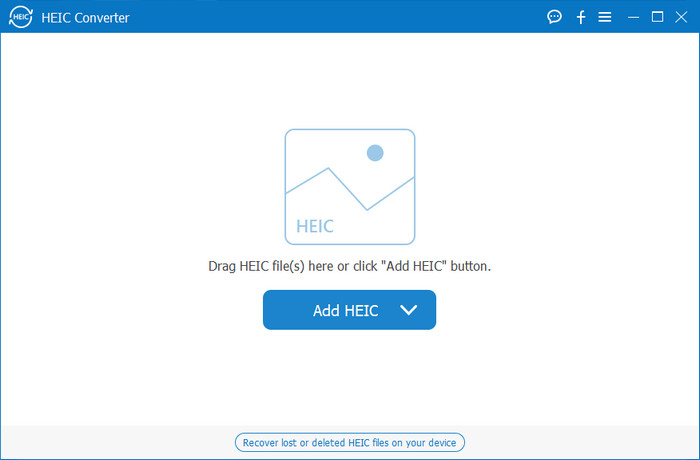
在 Windows 10/11 和 Mac 上,如果配备一款专业的 HEIC 转换器,例如 Aiseesoft HEIC Converter,一切就能变得非常顺畅。它是这两大操作系统上都非常值得优先选择的一款转换工具。只要订阅这款软件,你就能体验到极具特色且高速的转换过程。上传 HEIC 文件后,当你将格式转换为 JPG 时,你几乎看不到任何差别。无论你是否是专业用户,这都是一款可以放心依赖的工具,帮助你转换 HEIC 文件并大幅提高成功率。
除了闪电般的转换速度,如果您愿意,我们还可以降低质量并将存储在 HEIC 上的 EXIF 数据保存为 JPG。性能方面,转换速度,简单的用户界面和其他固化功能,该工具在图像转换方面没有任何不足之处。使用该工具后,您可以在此处上传所有 HEIC 文件,直到您满意为止。要了解有关此工具支持的功能的更多信息,请阅读以下内容。
功能特色:
◆ 支持将多个HEIC文件同时转换为JPG格式。
◆ 每个图像文件的文件大小在此工具中不是问题。
◆ 质量损失不会成为问题,因为工具保持了相同的质量。
◆ 凭借其令人自豪的转换速度,立即转换您的文件。
◆ 在您的 Windows 或 Mac 上使用该软件。
TunesBro HEIC 转换器
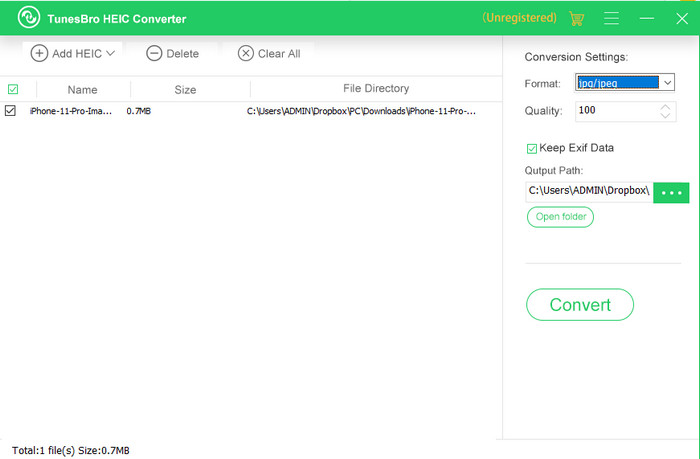
TunesBro HEIC Converter 是一款颇为知名的 HEIC 转换器,你可以在 Windows 和 Mac 上下载使用。和前面介绍的付费转换器一样,它可以在无需连接互联网的情况下,将 HEIC 图片转换为其他格式且不损失原始画质。即便你不是专业用户,也可以轻松上手使用这款工具,因为它的界面设计直观易懂。甚至有些知名转换器在整体功能性和转换性能上都难以与之竞争。不过,如果将它与 Aiseesoft HEIC Converter 相比,TunesBro 的价格会更高一些,但与市面上其他部分转换器相比,它的定价仍算更实惠。
许多用户发现用作个人转换器有点贵;它之所以昂贵,是因为它支持可以帮助您进行转换的功能。如果您打算将 HEIC 转换为标准格式,您可能希望将其作为预算紧张的用户的最后选择。但是,如果您想拥有一个用户友好的批处理转换器,请在您的桌面上下载该工具。
第 3 部分。哪一个是最好的? 5 款 HEIC 转换器的比较表
| 特征 | FVC免费HEIC到JPG转换 | JPGHEIC.com | Freeconvert.com | Aiseesoft HEIC 转换器 | TunesBro HEIC 转换器 |
| 转换速度 | 快速 | 有点慢 | 有点慢 | 最快的 | 快速 |
| 转换多个 HEIC 文件 |  | | |  | |
| 转换后保留元数据 | | | | | |
| 方便使用的 | | | | | |
| 互联网依赖 | | | | | |
第 4 部分。关于 HEIC 转换器的常见问题解答
为什么转换 HEIC 很慢?
如果您使用需要互联网的工具,则必须检查您的互联网连接,但如果您的互联网稳定,则问题出在您使用的工具上。您可以联系您使用的工具支持的客户服务。假设它没有,那么我们建议您更换转换器。但如果它是一个离线工具,那么你使用的那个工具没有硬件加速或快速转换。因此,在选择离线转换器之前,您必须查看一些有关其速度和可靠性的文章。
为什么不支持 HEIC?
它本身不受支持的原因之一是当前使用了压缩类型。 HEIC 支持的压缩是一种现代有损压缩,并非所有设备都支持。因此,在这种情况下选择转换器尤为重要。
HEIC 是否仅在 iOS 上可用?
就目前而言,这种图像格式是最新的,并将成为您在每个 iOS 11 及更高版本上捕获的图像的标准格式。但很快,该格式也将在 Android 和 Windows 上可用,因为它是可以存储比 JPG 更小的高质量图片的最佳格式之一。
结论
可以说,选择一款 HEIC 转换器是非常有必要的,尤其当你经常收到 HEIC 格式的图片时更是如此。前文我们提到过 HEIC 格式本身很出色,而通过上面的介绍你也可以看到,在文件大小和画质方面,它确实比 JPG 更具优势。既然你已经读完这篇文章,现在就该根据自己的需求来选择适合的工具了——无论你偏好在线版还是离线版,两种方式都不错。但从多方面来看,Aiseesoft HEIC Converter 的表现更胜一筹。可以考虑在电脑上购买并下载安装这款工具,充分体验它提供的完整功能。
-
 使用 6 种有效的离线和在线方式将 HEIC 转换为 JPG
 您想知道如何将 HEIC 转换为 JPG 吗?在这种情况下,我们添加了 6 种在线和离线方式,您可以使用它们来完全完成和处理此任务。
-
 2025 年精选 5 款最佳 HEIC 转 JPG 转换器
 使用 HEIC 到 JPC 转换器,您可以轻松地将图像格式更改为便携式 JPG。想知道这5个工具是什么?阅读这篇文章。
-
 使用 2025 年 4 大改进方法将 HEIC 转换为 PDF
 要了解有关最佳 HEIC 到 PDF 转换器的更多信息,您可以下载此 2025。您可以阅读这篇文章,因为我们对它们进行了评论。
