


 视频转换大师
 屏幕录影大师
 视频修复
视频修复了解可用于播放 .AVI 文件的不同 AVI 播放器有哪些
我们都喜欢看电影、韩剧、剧集等等。所以很多时候,我们不会选择在网站上直接在线视频,而是倾向于把视频文件下载下来,以避免在线播放时的卡顿。此外,AVI 文件在普通播放器中也不太容易直接播放,因为这种格式通常需要先压缩。压缩完成后,你还得下载相应的编码器才能播放,过程比较麻烦。为了解决这个问题,我们为你介绍几款不同的AVI 媒体播放器,可以专门用来播放 .avi 文件。看看下面这些工具,选择一个来帮你解决问题。现在就继续一起探索网络上或软件中的可用解决方案吧。

第 1 部分。 最佳在线 AVI 文件播放器
FVC免费视频播放
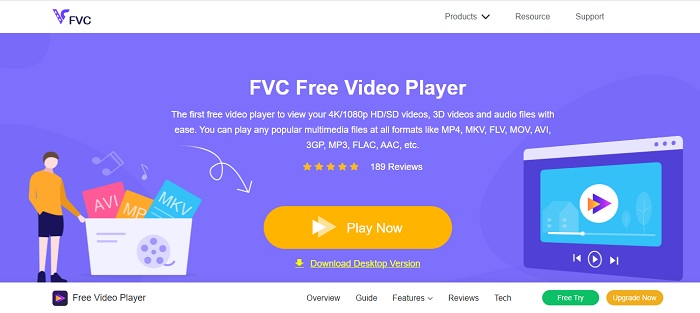
如果你不太想下载专门的 AVI 文件播放器,那你可以考虑使用 FVC Free Video Player。这个工具没有广告,所以你在浏览器中打开它时不会看到恼人的广告。它完全免费,而且访问简单方便,因此大多数用户都会用它在电脑上播放 AVI 文件。不过,这个工具对格式和编码的支持并不算特别全面。即便如此,它依旧可以说是目前非常好用的工具之一。如果你想使用由 FVC 提供的这款免费工具,请按照下面的步骤学习如何在线播放 .avi 文件。
步骤 1. 要进入这款在线 AVI 播放器的主页面,你需要点击这个链接。
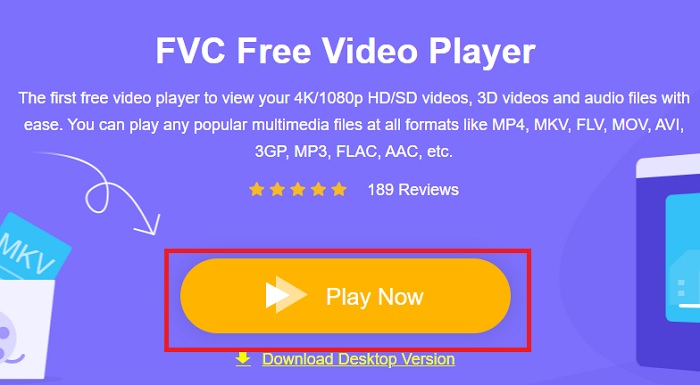
步骤 2. 点击Play Now,即可开始并启动在线媒体播放器。
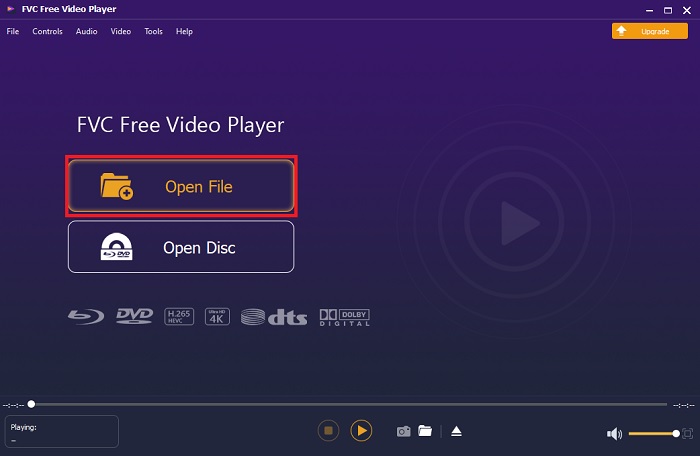
步骤 3. 点击Open File(打开文件),然后找到你想播放的 AVI 文件。接着点击open(打开)即可开始观看。
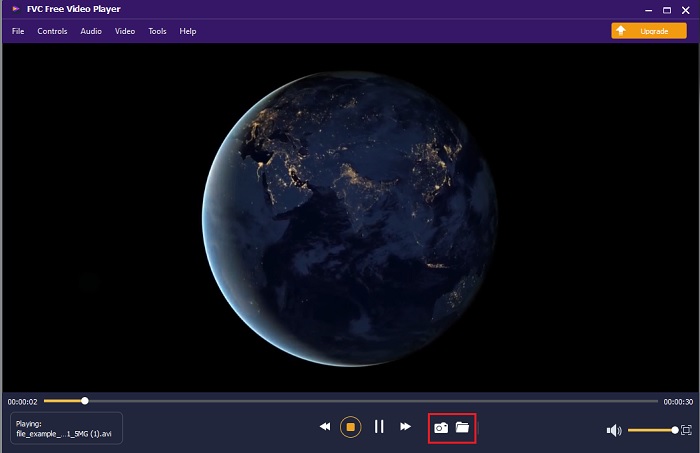
步骤 4. 在屏幕上播放 AVI 文件的同时,如果你愿意,你也可以进行截图。点击文件夹图标即可查看刚刚截取的画面。
步骤 5. 如果你想播放另一段 AVI 文件或其他视频文件,只需重复这里介绍的步骤,然后尽情享受即可。
第 2 部分。 4 款最佳离线 AVI 文件播放器
1. FVC 蓝光播放器
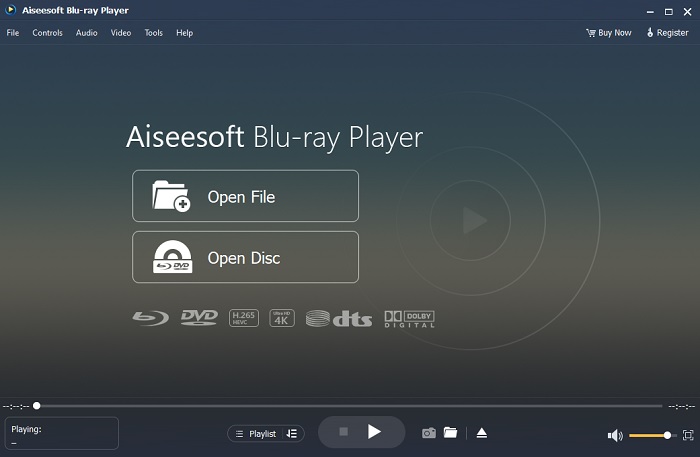
如果你想在观影时拥有更强的影院氛围,那你一定要试试 Blu-ray Player。与一般的AVI 播放器不同,这款工具在全球范围内非常受欢迎。同时,它也具备其他媒体播放器常见的功能。那么,它与其他播放器的主要区别是什么呢?首先,它支持并可播放的格式种类非常多。第二,视频尚未完全下载完成时,就可以开始播放。最后,你放入光驱中的 CD、DVD 或蓝光光盘也可以在这里播放。通过下载这款软件,你就能在电脑上获得类似影院看电影的体验,而不需要花费太多钱。
优点
- 它支持比此处列出的其他媒体播放器更多的格式。
- 即使数据丢失或破解,也可以观看或收听有关文件的一些细节。此外,如果您在这里播放视频,您会感觉就像在电影院一样。
- 可以调整色调、饱和度、亮度、对比度和伽马射线的视频效果。
缺点
- 这个工具是付费的,但并不昂贵。
- 可下载到您的驱动器的媒体播放器。
2. 文件马
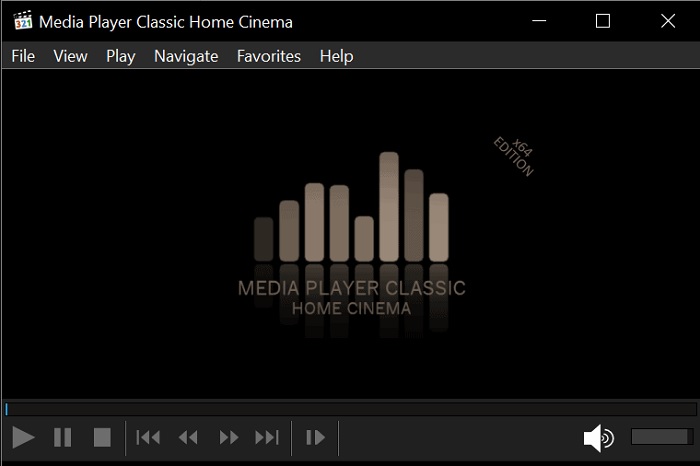
File Horse 是一个汇集了多种工具的网站。尽管这个适用于 Mac 的 AVI 播放器以及 Windows 版本都可以很方便地获取,但该网站上有大量广告。因此使用时要小心,避免误点广告而不断打开无用的新标签页。此外,这些烦人的广告还有可能让你的系统变得有些卡顿。
优点
- 它包含针对问题的不同解决方案。
- 它就像工具的搜索引擎。
- 在此处免费下载工具。
缺点
- 讨厌的广告遍布整个网站。
- 该工具的下载模式有点僵硬。虽然它有一个下载按钮,但您需要选择要下载的工具版本。
3. VLC媒体播放器
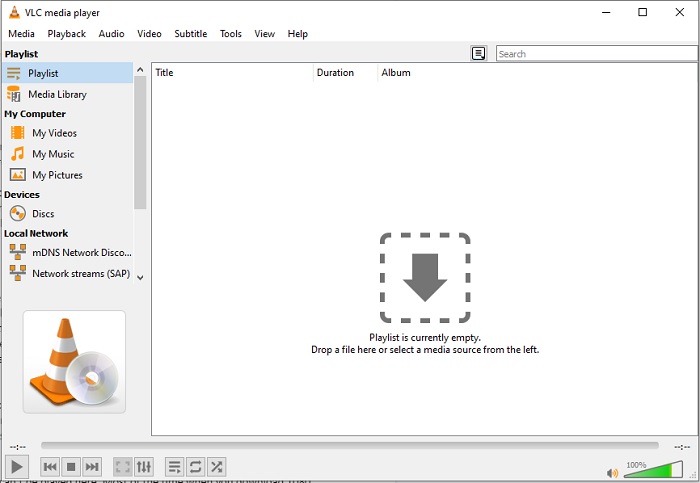
如果你在寻找最知名的AVI 视频播放器,那么VLC Media Player就是那个名字。我们大多数人已经在手机或电脑上使用 VLC 来播放和观看视频。虽然在本列表中它是使用最广泛的媒体播放器,但该工具仍然会遇到不少错误与无法播放的格式问题,往往是由编码出错导致的。另外,我们也在 VLC 中测试了播放 AVI 文件:一开始视频播放很流畅,但时间一长,我们便陆续遇到一些播放问题。
优点
- 最常用的观看和播放视频的工具。
- 支持大多数格式和编解码器在此软件上播放。
- 您也可以在此处使用有限的支持文件格式进行转换。
缺点
- 此处无法播放某些视频播放。大多数情况下,当您通过互联网下载 1080 像素的视频并在此处播放时。视频的质量将降低到 720 像素。
- 此处播放的大多数已知格式都会遇到 AVI 和 MOV 等故障。
4. 视窗媒体播放器
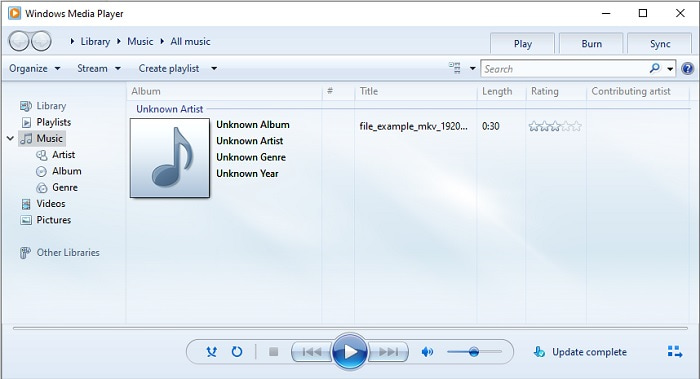
Windows 10 默认的AVI 播放器是Windows Media Player。如果是微软自家开发的格式,比如 AVI,在这个播放器中播放效果通常很好。但对于其他厂商制作的格式,比如 MOV,它的兼容性就比较差了。而且,如果你要播放的是带有特定编码格式的视频文件,那就得另外下载相关软件才能播放,因为它本身支持的编码和格式都比较有限。
优点
- 无需下载,因为它已安装在您的桌面上。
- 它比 VLC 更容易使用。
- 与 VLC 相比,该工具的复杂性并不难。
缺点
- 它仅在 Windows 上可用。因此,如果您是 Mac 用户,则无法使用主工具。
- 缺乏来自该工具的编解码器和格式支持。
第 3 部分。 有关 AVI 播放器的常见问题解答
如何在 Android 上播放 .avi 文件?
首先在 Android 手机上下载AVI 播放器。当你在 Play 商店搜索媒体播放器应用时,会出现很多选项供你选择,用来在 Android 设备上播放 .avi 文件。
AVI 格式是最理想的格式吗?
AVI 是您可以用来在其上存储原始但高质量媒体文件的最佳格式之一。但该格式是未压缩的,因此使用编解码器将 AVI 转换为新格式是理想的。因此,要了解有关 AVI 转换器的更多信息,请单击此链接转到一篇重点讨论最佳转换器的新文章。
为什么我的 AVI 视频不能在我的 Android 手机上播放?
关于为什么 AVI 文件无法在手机上播放,其实有一些常见的误解。要判断你的 Android 手机上到底出现了什么问题,你必须先了解原因并学会解决方法。现在就来看看为什么视频无法在 Android 手机上播放。
结论
总之,在本文中我们介绍了多种解决 AVI 播放问题的办法。但在众多工具中,有一款在画面表现上尤为出色,那就是 FVC Blu-ray Player。相较于其他媒体播放器,它可以带来更接近影院或 IMAX 的观影氛围。那么,既然可以使用 FVC Blu-ray Player 打造出的 S 级体验,为什么还要满足于普通的 A 级工具呢?
-
 op 4 适用于不同用途的 Android 手机最佳 VOB 播放器
 当您下载 VOB 视频并想在 Android 上观看它们时,您可以从本文的以下 4 个 VOB 播放器中选择最合适的一个。
-
 关于如何在 Android 移动设备上播放 MOV 文件的特殊指南
 有一个问题,为什么您的 MOV 文件无法在您的 android 媒体播放器上播放?然后,阅读本文,它将为您提供 2 种不同的方法来修复 MOV 文件并使其可播放。
-
 2021 年适用于 Windows/Mac/iOS/Android 的最佳 1080p 高清视频播放器
 如果您正在寻找视频播放器来在计算机上观看 1080p 高清视频,请查看我们为 Mac、Windows PC、iOS 和 Android 精选的最佳 1080p 高清视频播放器。
