


 Video Converter Ultimate
 Gravador de ecrã
 Reparo de vídeo
 Secure Download
Revisão final sobre o conversor HEIC que você pode usar sem esforço
Existem mais de 4,5 bilhões de imagens tiradas todos os dias em todo o mundo. Regularmente, uma pessoa tirava quase 20 snaps por dia, em média. Com sua vasta influência em todo o mundo, a maioria de nós deu mais um passo para armazenar a imagem em melhor qualidade, como a Apple fez quando mudou o formato de imagem padrão para HEIC. Esse formato de imagem pode conter uma foto de alta qualidade, mas em tamanho menor que o JPG ou PNG. Assim, com sua compactação aprimorada, muitos de nós podem economizar mais espaço em nossa unidade iOS se o arquivo de imagem estiver nesse formato. Como resultado, o formato tornou-se popular em todos os iOS 11 e macOS High Sierra.
Regardless of how good the format is, you probably won't open the file if you transfer it to other devices. More likely, a converter can become handy in this type of situation. To solve this problem, proceed on reading this article as we showcase the five HEIC converters you can use for free and purchase them on both ends. Keep the ball rolling to have the information you will need to solve it in less than 7 minutes.

Parte 1. Os 3 principais conversores HEIC gratuitos disponíveis na Web
FVC Free HEIC to JPG Converter
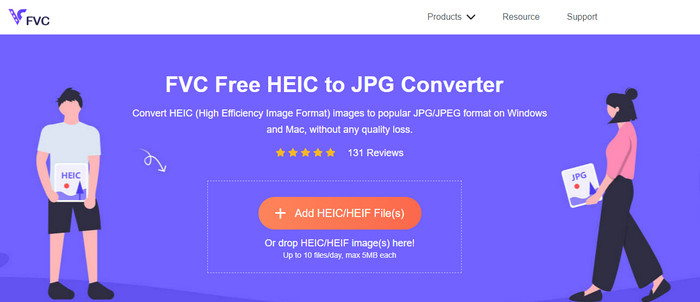
FVC Free HEIC to JPG Converter offers you a simple and effective free HEIC converter you can use on the web. With this web tool, you can easily drag and drop the file on the website to upload the file; no need to start the conversion process of your file because it will automatically start. Even though this web-based tool doesn't support batch conversion, it is still considered one of the top-notch online converters you must know. Unlike another converter that degrades the quality of the image you convert on them, this tool will not degrade the quality of your HEIC file, and it will keep the same rate after you convert it into JPG.
Talvez você esteja se perguntando se você usa essa ferramenta, precisa baixar arquivos adicionais, como o instalador? Felizmente, ao usar isso, você não precisará baixar o instalador em sua unidade e usá-lo no local. Nenhuma configuração é necessária porque a ferramenta é acessível em seu navegador favorito, ao contrário dos outros conversores disponíveis no mercado. Mesmo que a ferramenta funcione perfeitamente em seu arquivo HEIC, há uma funcionalidade limitada; isso fornece em tamanho e conversão diária. Suponha que você decidiu usar o conversor online. Clique no link acima para ver sua limpeza e as perspectivas gerais.
JPGHEIC.com
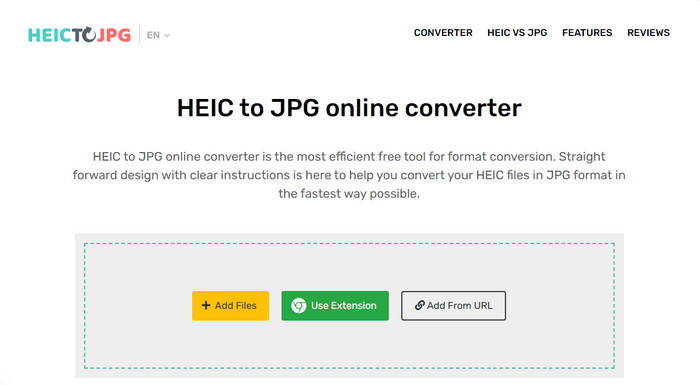
JPGHEIC.com is working the same as the HEIC image converter we introduced above. But what makes the tool impressive is that the web tool doesn't have a limitation on how many times you want to use it and the file size. You can easily add the media file by dragging and dropping it on the main website with this tool. Also, you can use a URL to upload the link of the HEIC image you want to convert into a JPG format. Although the tool has an official website, you can also either use the Chrome extension for an easier way to access it than visiting the main website. The functions and features of the web converter and the extension aren't far from each other.
Apesar de ser um conversor gratuito, existem alguns anúncios irritantes que você pode clicar e abrir acidentalmente. Portanto, evite clicar neles para evitar a abertura de anúncios que possam conter vírus. Depois de usar esta ferramenta, o arquivo que você carregou aqui será excluído após uma hora. Você pode acessá-los antes que o arquivo seja excluído completamente nesta ferramenta da web.
Freeconvert.com
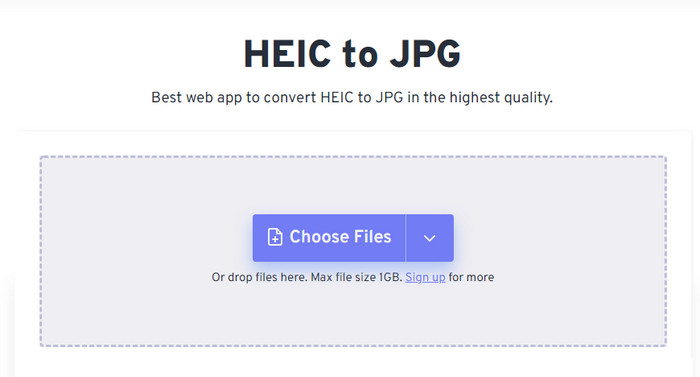
Freeconvert.com is a trouble-free HEIC file converter you can use on your favorite web browser that supports drag and drop functions for an easier way to add HEIC files. Unlike the online converter we add above, this tool supports more than JPG as an image output; you can also export it as BMP, PNG, TIFF, WebP, etc. Although the web tool seems great, certain limitations could be annoying regarding this, especially the file size. But the file size it supports is 1 GB which is far more enormous than the other web tool you can find on the web or in this article.
Além de seu tamanho de arquivo suportado e conversão, você pode alterar a dimensão, compactação e remover os metadados em seu arquivo HEIC. É uma das vantagens do uso da ferramenta; mais importante, se você quiser manipulá-los manualmente. Embora tenha recursos adicionais que o tornam melhor, a velocidade de conversão desta ferramenta não é tão rápida quanto esperávamos.
Parte 2. Os 2 principais conversores HEIC pagos para download no Windows e Mac
Aiseesoft HEIC Converter – Melhor conversor HEIC no Windows e Mac
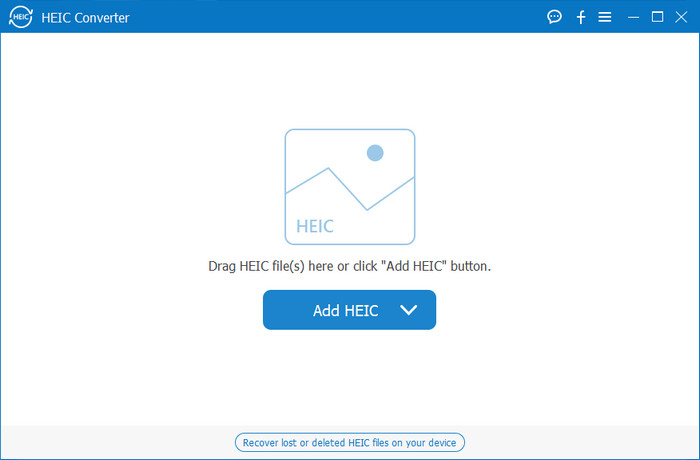
Everything can be smooth as possible with a professional HEIC converter on Windows 10/11 and Mac, like the Aiseesoft HEIC Converter. It is the top converter you should choose for both operating systems. By subscribing to the software, you can have the most unique and super-fast converting process you will ever experience. Once you've uploaded your HEIC file, you will see no difference once you convert the format into JPG. Whether you are a pro or not, this is the perfect tool you can rely on to convert your HEIC file and ensure that success is at reach.
Além da velocidade de conversão relâmpago, também podemos ter a capacidade de diminuir a qualidade, se você quiser, e salvar os dados EXIF armazenados em seu HEIC para JPG. Em termos de desempenho, velocidade na conversão, interface de usuário direta e outras funções solidificadas, nada mais que esta ferramenta não marque em relação à conversão de imagens. Depois de aproveitar a ferramenta, você pode fazer upload de todos os arquivos HEIC aqui até ficar satisfeito. Para saber mais sobre os recursos que esta ferramenta suporta, leia o conteúdo abaixo.
Features:
◆ Ele suporta a conversão de vários arquivos HEIC em um formato JPG simultaneamente.
◆ O tamanho do arquivo de cada arquivo de imagem não é um problema nesta ferramenta.
◆ Uma perda de qualidade não será um problema porque a ferramenta mantém a mesma qualidade.
◆ Com sua velocidade de conversão orgulhosa, converta seus arquivos rapidamente.
◆ Disponibilize o software em seu Windows ou Mac.
Conversor TunesBro HEIC
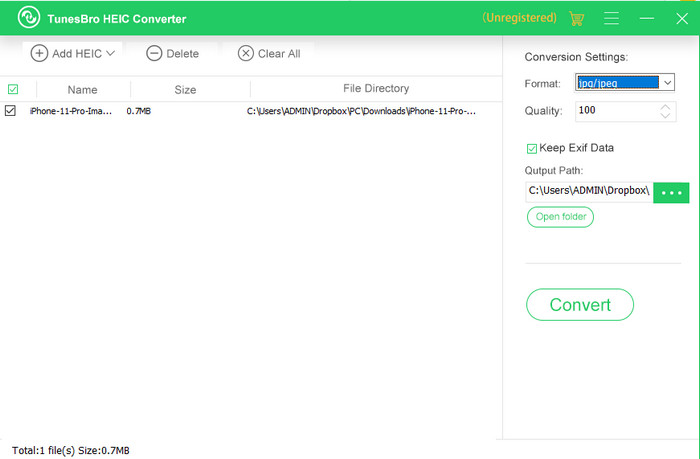
TunesBro HEIC Converter is a well-known HEIC converter that you might download on your Windows and Mac. Like the paid converter we introduced, you can convert your HEIC image here without losing the original quality even if you don’t have an internet connection with this tool. Although you aren’t a professional, you can easily manage using the tool because of its intuitive interface. Even some popular converters couldn’t compete with the tool's whole functionality and performance in converting. However, the tool price is higher than the Aiseesoft HEIC Converter if we were to compare both their prices. But it is still cheaper than the other converter.
Muitos usuários acham um pouco caro usar como conversor pessoal; a razão por que é caro é porque ele suporta recursos que podem ajudá-lo na conversão. Se você pretende converter o HEIC em um formato padrão, talvez queira escolhê-lo como a última opção para usuários com orçamento apertado. Mas se você quiser ter um conversor de lote fácil de usar, baixe a ferramenta em seu desktop.
Parte 3. Qual é o melhor? Tabela de comparação para os 5 conversores HEIC
| Recursos | FVC Free HEIC to JPG Converter | JPGHEIC.com | Freeconvert.com | Conversor Aiseesoft HEIC | Conversor TunesBro HEIC |
| Velocidade de conversão | Rápido | Pouco lento | Pouco lento | O mais rápido | Rápido |
| Converter vários arquivos HEIC |  | | |  | |
| Manter metadados após a conversão | | | | | |
| Amigo do usuário | | | | | |
| Dependente da Internet | | | | | |
Parte 4. Perguntas frequentes sobre conversores HEIC
Por que a conversão de HEIC é lenta?
Se você estiver usando uma ferramenta que precisa de internet, você deve verificar sua conexão com a internet, mas se sua internet estiver estável, o problema está na ferramenta que você está usando. Você pode entrar em contato com o atendimento ao cliente que a ferramenta que você está usando suporta. Suponha que não tenha, então sugerimos que você altere o conversor. Mas se for uma ferramenta offline, essa ferramenta que você está usando não possui aceleração de hardware ou conversão rápida. Portanto, antes de escolher um conversor offline, você deve verificar alguns artigos sobre sua velocidade e confiabilidade.
Por que o HEIC não é suportado?
Uma das razões pelas quais não há suporte nativo é que o tipo de compactação é usado atualmente. A compactação suportada pelo HEIC é uma compactação com perdas moderna que nem todos os dispositivos suportam. Portanto, a escolha de um conversor é especialmente importante nesse tipo de situação.
O HEIC está disponível apenas no iOS?
Por enquanto, esse formato de imagem é atual e será o formato padrão para a imagem que você capturar em todos os iOS 11 e posteriores. Mas em breve, o formato também estará disponível no Android e no Windows, pois é um dos melhores formatos que pode armazenar uma imagem de alta qualidade com menos tamanhos que o JPG.
Conclusão
We can all agree that choosing a HEIC converter is a must, especially if you are the image receiver with a HEIC format. Earlier, we said that the format is great, and so far, it has already been confirmed that it is a better option than the JPG, file size, and quality. As you complete reading this article, it is time to choose the tool that will suit you, choose whether you want an online or offline. Both of them are great, but the Aiseesoft HEIC Converter is better in many ways. Check the tool out by purchasing and downloading it on your desktop and enjoy its full function.
-
 Converta HEIC para JPG com as 6 maneiras eficazes offline e online
 Você quer saber como converter HEIC para JPG? Nesse caso, adicionamos 6 maneiras online e offline que você pode usar para concluir e lidar completamente com essa tarefa.
-
 5 das melhores escolhas de conversores HEIC para JPG em 2025
 Com o conversor HEIC para JPC, você pode alterar facilmente o formato da imagem para um JPG portátil. Quer saber quais são essas 5 ferramentas? Leia este artigo.
-
 Converta HEIC para PDF usando as 4 principais maneiras aprimoradas em 2025
 Para saber mais informações sobre o melhor conversor HEIC para PDF, você pode baixar este 2025. Você pode ler este artigo, pois fornecemos uma análise sobre eles.
