


 Video Converter Ultimate
 Gravador de ecrã
 Reparo de vídeo
iPhone Video Converter: Compatibility, Adjust Frame Rate, and More
The videos on our iPhones are commonly stored as MOV files. This is the best file format that you can have if you want to maximize the full experience of watching the video from your iPhone. Yet, users sometimes need to convert these videos to edit the raw file, play with other devices, or easily share with other people. Thus, this article will help you do the process with ease using the best iPhone video converters. Take a look at the important details you need to know in this article. Read now as you start your discovery.

How We Test and Review
There are four amazing video converting tools for iPhone videos in this article. We tested them considering some factors to measure their greatness. In line with that, here are the main factors in testing them:
- • Effectiveness and Quality. We tested their effectiveness and quality by seeing the results they gave.
- • Affordability and Accessibility. We also reviewed their price list and how users will access them.
- • Compatibility and Versatility. We checked if the tool has an online tool, an application, or is only available in.
Comparison Table
| Ferramenta | Disponibilidade da plataforma | Built‑in Apple Presets | Preço |
| FVC Free Video Converter Online | Safari browser for iPhone, iPad, and desktop. | Não. | Sem custos. |
| CapCut Mobile Video Converter | iOS & Android app. | Limited (optimized export for iPhone). | Free with in‑app purchases. |
| HandBrake iPhone Profiles | Windows, macOS, and Linux only. | Yes (official iPhone/iPad presets) | Free, open‑source. |
| FreeConvert Online iPhone Tool | Safari/Chrome/Edge browsers. | Não. | Free tier (premium subscription for larger files). |
Best iPhone Video Converters for Seamless Playback
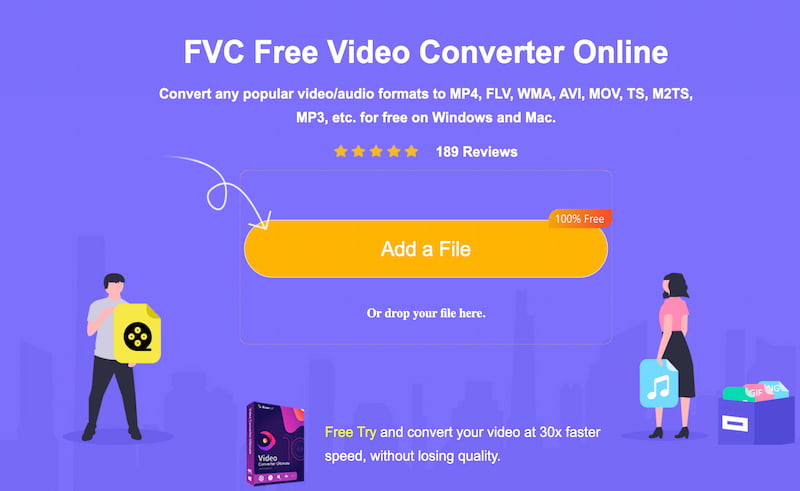
Tool 1: FVC Free Video Converter Online
This article gives you the most effective, efficient, and high-quality tool for converting iPhone video with ease. This Amazon tool is called FVC Video Converter Online. First and foremost, this tool will not require you to install an application on your iPhone to complete the process. Here, all you need to do is access it with your Safari browser. With that, this tool comes with a clean interface for an easy method of using it. Despite all of that, the tool still gives you the best quality output you need. Use it now for free.
Prós
- Online tool with easy accessibility.
- High-quality output for your iPhone video.
- No installation process needed.
- It is free and available on any browser on your iPhone.
Contras
- No advanced editing tools available.
- Full features come with the software version.
Tool 2: CapCut Mobile Video Converter
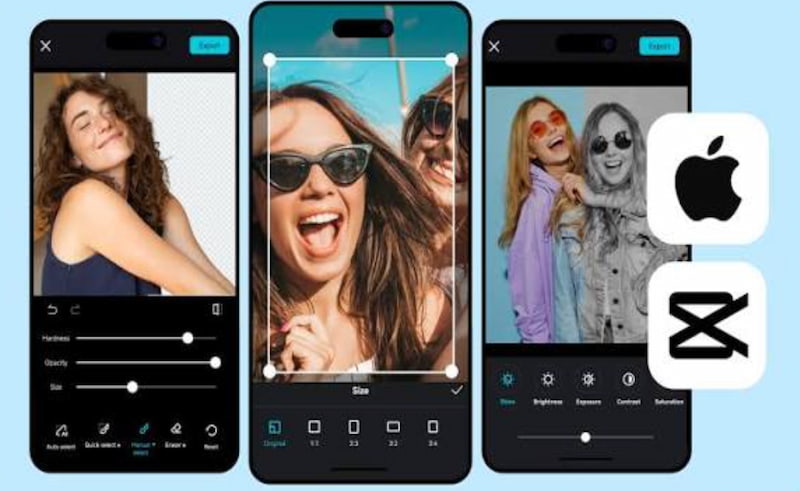
The next tool is popular in the field of video editing. CapCut mobile editor application is available on the App Store. Although this is an editing tool, it also offers help in converting the video on iPhone into a new file format. Here, you need to follow the steps for uploading the video before editing, then saving it in a new format. This application is great because it offers you chances to modify the videos before saving them. In addition, it supports up to 4K and 60 fps video.
Prós
- It is equipped with advanced editing features.
- The app supports up to 4K resolution output.
- Suporta vários formatos de arquivo.
- Super-fast conversion process.
Contras
- Installation of the application is needed.
- Full features are available with its premium subscription.
- It might be overwhelming with novice users.
Tool 3: HandBrake with Official iPhone Profiles
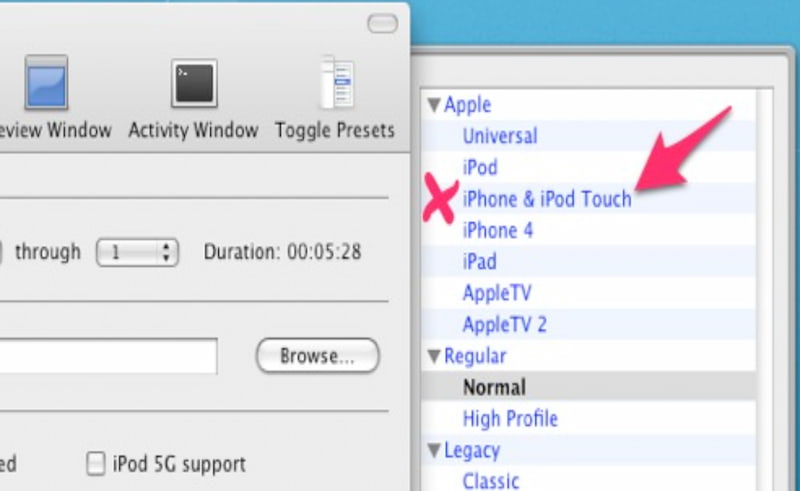
Third on the list is HandBrake. This is a trusted tool because of its open-source and free service with iPhone preset settings. Although the tool is desktop-based, it can ensure you a compatible and high-quality playback output for your iOS devices.
Prós
- This is an open-source tool.
- It offers iPhone profiles for compatibility.
- Enjoy highly customizable options.
- Reliable performance.
Contras
- This requires you to use a desktop tool.
- The interface may be technical for novice users.
Tool 4: FreeConvert Online iPhone Tool
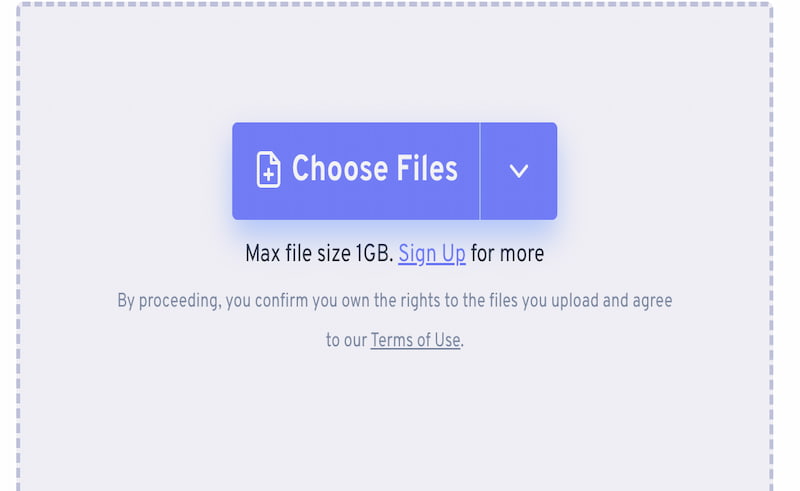
The fourth tool is another online tool. This is called the FreeConvert Online Tool that you can also access in your Safari browser. One of the features that this tool promises is its flexible format support. It is kind of similar to FVC, yet the process is slower compared to it. Good thing, you do not need to install an application either.
Prós
- No installation process needed.
- It has wide format support.
- Drag-and-drop process available.
- Free-tier tool available.
Contras
- The free version comes with size limitations.
- Advanced features are expensive.
How to Convert Videos for iPhone (Step-by-Step)
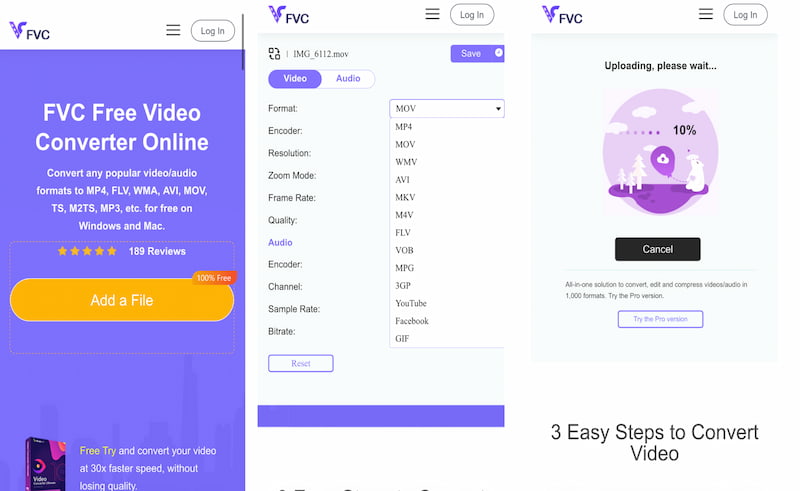
Let us now guide you through the easy process of converting iPhone videos using the incredible tool FVC Video Converter Online. Please see the simple steps below:
Step 1. Access the incredible online tool of FVC using your Safari browser. On the interface, click the Add a File button.
Step 2. Select the video you want to convert from your iPhone.
Step 3. Set the file format to your preferred format. Click the Save button to save it.
FAQs about Best iPhone Video Converters
What video format does the iPhone normally support?
Your iPhone device normally supports MP4, MOV, and M4V formats for your video files. These videos also come with H.264 or HEVC video codecs. In terms of audio codecs, it supports AAC. All of these elements are the reasons why you get smooth playback without the need to convert.
Is it safe to use an online tool for converting video for iPhone?
A: Yes. There are still online video converters that offer a one hundred percent safe process. One of these tools is the FVC Video Converter Online. It protects your file from any unnecessary risks.
Can I play non-Apple format video on my device?
Yes. Your iPhone supports a wide variety of file formats when it comes to playing videos. Yet, some editing processes will require you to convert the video format on your iPhone for better results.
Conclusão
In conclusion, we can now see that converting iPhone videos is very easy to do because we have available tools now that can help you. We have seen four amazing tools here which offer diverse features yet serve one purpose: to help you convert those videos for better quality. If you are looking for a recommendation, many users love to use FVC Video Converter Online because of its effectiveness, quality, and safety features. Use it now for free and discover everything that it can offer you.
-
 Best 3 AMV Video Converters for You: With Steps Provided
 Need to convert videos into a format that can be played on your media player? You may need an AMV video converter. 3 great options here will help you.
-
 Zamzar Converter Review: Is It Really Worth the Hype?
 Zamzar Converter has long been a popular free online file converter. Wondering what makes it stand out? Read this Zamzar Converter review to find out.
-
 HandBrake Alternatives You Should Know [In-Depth Review]
 Getting frustrated with HandBrake’s features? Read this review and learn about other tools that can be a great HandBrake alternative for your efficiency.
