


 Video Converter Ultimate
 Screen Recorder
 Video Repair
 Secure Download
6 Best DivX Players for Optimal Video Playback on Any Device
DivX file, or Digital Video Express, is a video file format that has been discontinued since 1999. However, this format remains in the market and is widely used for compressing high-quality videos while maintaining relatively small file sizes.
While the official DivX software has been discontinued, many media players still support DivX playback, ensuring seamless viewing across different devices. To open or play DivX files, users need a reliable media player that supports the DivX codec. To learn the best DivX Player Software you can use, continue reading this article and be informed through our in-depth review of each tool.

Part 1. Comparison of the 6 DivX Players
DivX players are media players designed to support DivX video files. These players are capable of handling DivX, AVI, and other compressed video formats. Below are the six DivX players that were carefully selected and reviewed. To help you narrow down your choice, we’ve compared each tool based on the platform it supports, its prices, and what they are best for.
Part 2. Top 6 DivX Player Software
Now, let’s get into these top DivX players and review how each varies from one another and how their advantages and limitations can help you choose your preferred media player.
Aiseesoft Blu-ray Player
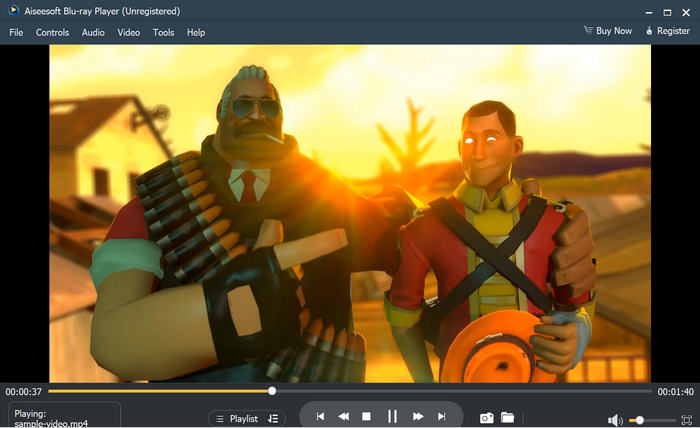
Aiseesoft Blu-ray Player is one of the best DivX player software to date. It supports various media types, formats, and codecs, including DivX. With this, users can easily play their DivX videos on this media player and enjoy high-quality playback, as this tool is supported by high-definition resolutions, including 1080p and 4K. Moreover, it offers customizable playback controls, allowing users to adjust brightness, contrast, and audio settings for an optimized viewing experience. Lastly, this media player tool is very easy to use and beginner-friendly.
Pros
- Supports a wide range of media formats, including DivX videos.
- Supports HD and 4K UHD.
- Can play PDVD disc, folder, and ISO file.
- Allows users to create music and video playlists.
- Super-fast loading speed.
- Easy to use because of its intuitive and simple user interface.
Cons
- Some advanced features require a subscription.
Software review
User Ratings: 5/5
Aiseesoft Blu-ray player is not known much for video streaming, but I found it much better than any other player available in the market for Blu-ray video streaming. When we use another video player, the quality of the video is lost, but Aiseesoft Blu-Ray plays Blu-ray 1080p/720p HD video losslessly. It plays common video up to UHD 4K smoothly. It is also useful when it comes to playing any video directly from a DVD or ISO file.
By Akash W, from G2
VLC Media Player
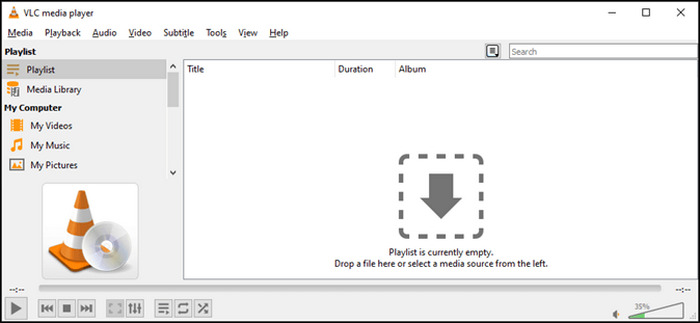
Another DivX player that you can use is the VLC Media Player. This media player is free and can easily be accessed on multiple platforms. With this media player, you can easily play DivX video because it comes with built-in support for DivX codecs. Also, it is no surprise since VLC is widely known for its versatility and compatibility, supporting a vast range of video and audio formats.
Pros
- Supports DivX codecs for seamless playback.
- Free and open source.
- Provides users with other advanced features.
- Supports streaming features.
Cons
- Other features might overwhelm beginners.
- The interface might feel outdated for some.
Software review
User Ratings: 5/5
VideoLan is so easy to use that it makes it a great tool for anyone. One of its most outstanding features is its compatibility with a vast array of file formats. Whether you’re dealing with MP4 and AVI or more obscure ones, VLC handles them all. The user-friendly interface is another major plus. It’s intuitive enough for beginners but offers more advanced features for experienced users. VLC’s ability to play damaged or incomplete files is particularly impressive. It can often salvage partially downloaded or corrupted videos that other players struggle with, which can be a real lifesaver when you’re desperate to watch that one video.
By Nancy T, from G2
GOM Player Plus
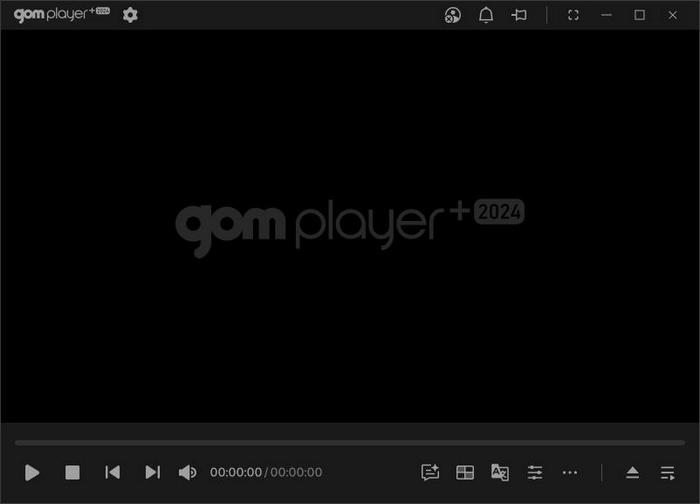
GOM Player is a free multimedia player known for its wide format support, customizable playback options, and built-in codec search feature. It supports DivX, AVI, MP4, MKV, and many other video formats, making it a great choice for users who want a reliable DivX player. One of the best features of this media player is its codec finder, which automatically searches for missing codecs if a file cannot be played. This ensures smooth playback of DivX videos without requiring manual installations.
Pros
- Plays DivX, AVI, MP4, and other media types and formats.
- Has a built-in codec search feature.
- Supports skin and UI modifications.
- Easily loads and syncs subtitles.
Cons
- Contains ads that might feel annoying.
- Requires subscription for some advanced features.
Software review
User Ratings: 5/5
I have happily used GOM Player for many years and jumped at the opportunity to get the Plus version. It is far and away the best software I have found for playing videos, with significantly broader capability than the standard version.
By Walter G, from G2
MX Player
MX Player is a mobile player app that is also a great DivX player. This app is known for its multi-core decoding feature, which leads to faster and smoother video playback. Also, aside from DivX, it supports other media formats like AVI, MP4, MKV, and more.

Pros
- Has multi-core decoding support.
- Supports a wide range of video and audio file formats, containers, and codecs.
- Zoom in and out feature.
Cons
- Contains a lot of ads.
- Limited support for certain iOS versions.
User Ratings: 4/5
MX Player is showing signs of improvement with the return of many shows. This is a positive development, and I hope this trend continues with the return of all shows and movies. The app's user interface is generally user-friendly, and the video playback quality is decent. However, there's still room for improvement in terms of content availability and exclusive content offerings. Overall, MX Player is a decent streaming platform, but it needs to continue expanding its library to remain competitive.
By Manil Rai, from Google App
VLC for Android
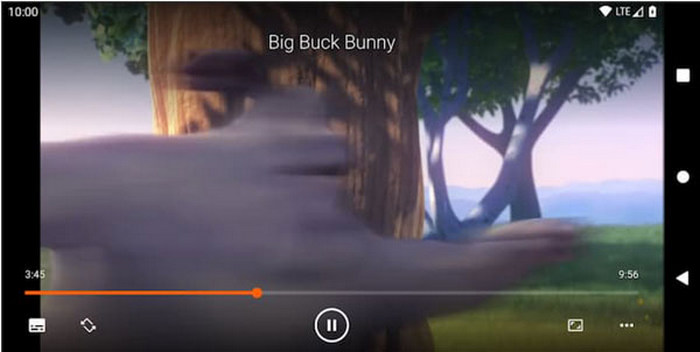
VLC for Android is just a mobile version of the VLC Media Player. With this app, users can easily play DivX videos directly to their mobile phones without needing additional codecs or plug-ins. Also, it’s accessible and can be used easily by any user. With this, VLC for Android is a great DivX player for mobile users.
Pros
- Portable, handle, and can be easily used.
- Supports DivX and other popular media formats.
- Very intuitive interface.
- Has a streaming feature.
- Has a media library for audio and videos.
Cons
- The interface may feel a bit outdated compared to other DivX players.
User Ratings: 5/5
Best player for Android, in regards to other reviews in regards bugs. Don't mind them. I never experienced any issue in using this at all. Plus, you can play music and videos in one app. There's a lot to explore. Just simply love this app. Hate using built in players because of ads but this one don't have any.
By George Mitchell Ice Faustino, from Google Play
KM Player Plus
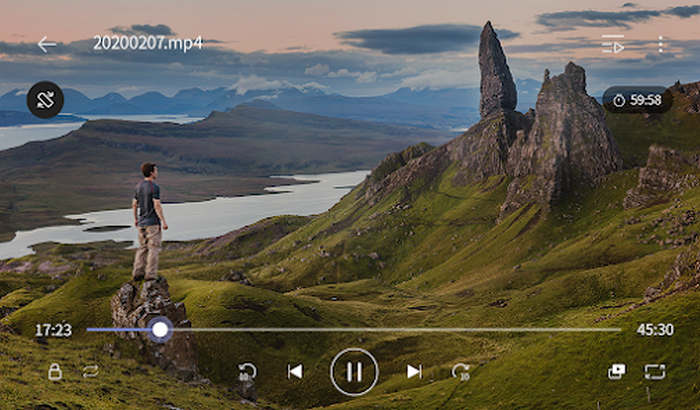
KM Player Plus is an upgraded, ad-free version of KM Player, offering enhanced video playback, advanced customization options, and extensive format support, including DivX, AVI, MP4, MKV, and more. As a DivX player, it provides high-definition playback, supporting 4K, UHD, and even 8K videos with smooth performance.
Pros
- Dedicated DivX player.
- Supports a wide range of media formats.
- Has various screen setting features.
- Allows playing videos in the background.
Cons
- The free version has a lot of ads.
User Ratings: 5/5
So happy to have found this app. It has so many features that I use all the time. One that I love is bookmark, so I can go back immediately to the exact point in the video that I want, without wasting time fast forwarding and guessing. I looked around a lot, but I was not able to find this feature in any other video player.
By Georges Toscani, from Google Play
Part 3. FAQs about Xvid Codec Player
Can I still play DivX files if the DivX has been discontinued?
Yes, despite the DivX has been discontinued, many media players, such as Aiseesoft Blu-ray Player, VLC Media Player, and GOM Player, still support DivX videos. These players come with built-in DivX codecs, allowing seamless video playback without additional software.
What should I look for in a good DivX player?
A good DivX player should offer smooth playback, support high-definition resolutions, and be compatible with multiple formats, including AVI and MP4. Additional features such as subtitle support, customizable playback settings, and hardware acceleration can enhance the viewing experience.
Are there free DivX players available for mobile devices?
Yes. There are free DivX players that are available for mobile devices. VLC for Android, MX Player, and KM Player Plus offer excellent DivX playback with additional features such as multi-core decoding, subtitle support, and advanced customization options.
Conclusion
DivX player remains essential, as many media players still support DivX videos. Also, it is important to choose the right player to ensure smooth and seamless playback. So, regardless if you’re a Windows, macOS, Android, or iOS user, choose the DivX player that works best for you.
-
 2 Best Possible Ways on Converting Unsupported 3GP to DivX [2025]
 A lot of users ask how to convert 3GP to DivX. So now, we provide an article for that to help you on converting your .3gp file hassle-free.
-
 Easy-to-learn Methods on How to Convert Xvid to DivX
 Are you looking for the best solution to convert Xvid to DivX for free? This article will help you to solve your problem. So, read the post continuously.
-
 Best MOV to DivX Free to Use Converters for Mac and Windows
 We have the solution for you if you are looking for MOV to DivX free converters. This article presents the top MOV to DivX converters for Mac and Windows.
