


 Video Converter Ultimate
 Screen Recorder
 Video Repair
 Secure Download
8 AVI Converter Tools Reviewed: Which One is Worth Using?
I've experienced situations quite a lot where it turned out a video file was in AVI format, and a device couldn't play the video, or a video had to be in a certain format for a website to accept it. Rather than every time just hunting down some random converting program, I thought of the idea to get the most popular ones, compare them, and only then find the ones that you really can benefit from and recommend. In this post, I have compiled a list of my personal findings of the top AVI converters in the industry by sharing with you what the pros and cons are, and who the target audiences are for each product, so that you can find the one that best suits your needs and requirements without needing to try many of them.

How We Test and Review
- When selecting any AVI converter for a recommendation, I compare the tools against the same criteria to ensure the reviews are fair and the results can be relied on. The things I check are user-friendliness, speed of the conversion, video quality after conversion, file type compatibility, and cross-platform support. Also, I keep an eye out for the extra features the product offers, the level of trustworthiness, and whether the free version is sufficient so that I can recommend the appropriate converter for every user.
Comparison Table: Best AVI Converter Tools
I personally find it helpful to see key aspects of a product compared to one another before getting into the review part in great detail. The table below allows easy comparison of different converters' price, conversion speed, platforms they are compatible with, and file format compatibility, which are the aspects to consider while choosing an AVI to MP4 converter.
| Converter Tool | Pricing | Conversion Speed | Platform | Supported Formats |
| FVC Free Video Converter Online | Free | Very Fast | Web (Windows, Mac, Linux) | AVI, MP4, MOV, MKV, WMV, FLV, MP3, AAC, and more |
| HandBrake | Free (Open Source) | Fast | Windows, macOS, Linux | AVI, MP4, MKV, WebM, MPEG, and more |
| VLC Media Player | Free | Moderate | Windows, macOS, Linux | AVI, MP4, MOV, MKV, FLV, OGG, TS, and more |
| Shutter Encoder | Free (Donationware) | Fast | Windows, macOS, Linux | AVI, MP4, MOV, ProRes, DNxHD, MXF, WebM, and more |
| Format Factory | Free | Fast | Windows | AVI, MP4, MOV, MKV, WMV, FLV, MP3, GIF, and more |
| Any Video Converter Free | Free / Paid | Fast | Windows, macOS | AVI, MP4, MOV, MKV, WMV, FLV, WebM, MP3, and more |
| Freemake AVI Converter | Free / Paid | Moderate | Windows | AVI, MP4, MKV, WMV, MOV, DVD, MP3, and more |
| Online-Convert.com | Free (Limited) / Paid | Moderate | Web (Windows, Mac, Linux) | AVI, MP4, MOV, MKV, FLV, WebM, MP3, and hundreds more |
Part 1. Top AVI Converter Options for Windows and Mac
The way in which I've tried to use different AVI converters for all these years has varied with the converter, each having its own unique strength as per your needs. One set of converters is ideal if you just need an AVI MP4 converter to switch the video format, while another category of converters can offer you features of encoding, editing, or batch processing. Here, I've selected the most popular ones.
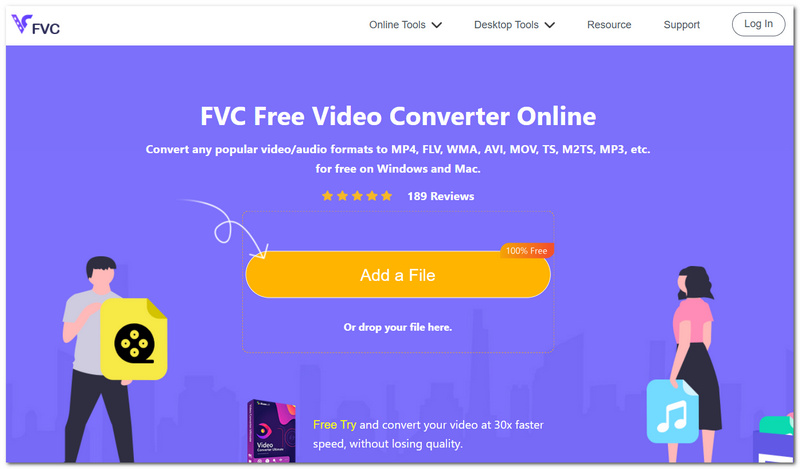
1. FVC Free Video Converter Online: Best Overall Free AVI Converter
Score: ⭐⭐⭐⭐⭐ 5/5
Best For: People looking for a free AVI video converter that doesn't require software installation.
FVC Free Video Converter online is the tool that I prefer most. It's quite comfortable to use fast, covers a variety of format types in the video files, so basically you can do everything you need in just a browser-based application. Besides that, it allows you to convert AVI files quickly by merely clicking the mouse, and at the same time, it preserves decent quality output, which is definitely suitable for ordinary users.
Pros
- The product functions purely online, which eliminates the need for desktop installation.
- The conversion process retains both the quality of the video and the audio.
- The service is compatible with the operating systems Windows, macOS, and Linux if used through the latest web browsers.
Cons
- You need good internet access to upload and convert files.
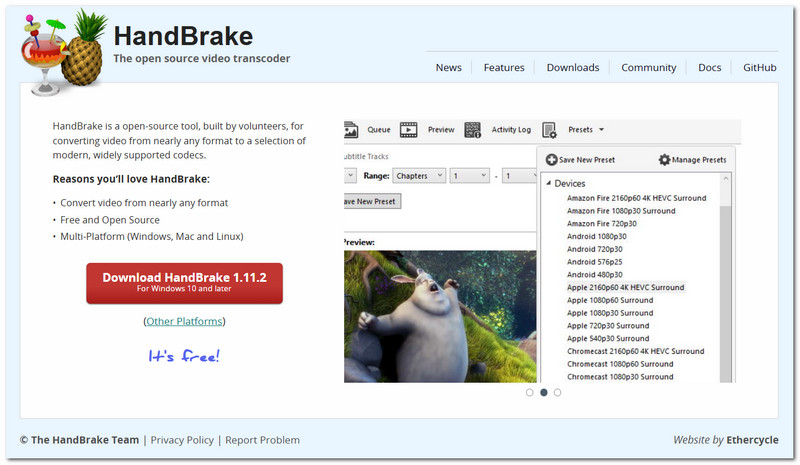
2. HandBrake: Best Open-Source AVI Converter
Score: ⭐⭐⭐⭐☆ 4.5/5
Best For: Anyone searching for an open-source, trustworthy AVI format converter.
HandBrake is a highly recommended open-source video transcoder that puts you more in control of your video conversion process. It is most of all good for you if you want to optimize settings like the quality, the resolution, and the bit-rate instead of the default options. This means that HandBrake will convert videos to your specifications, which results in a much better product, even if that might come at the expense of time and effort to set it all up first.
Pros
- Offers advanced ways to encode and compress.
- Results in high-quality output while keeping the file size small.
- Entirely free, and no pop-ups or subscription is needed.
Cons
- It takes a while to understand it since it is packed with features.
- Supports far fewer formats than a number of commercial video converters.
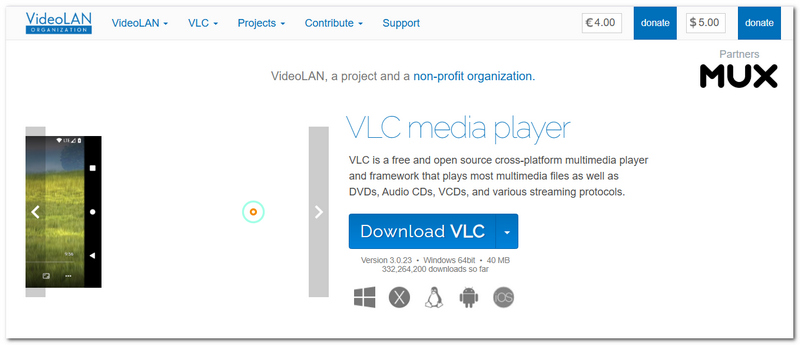
3. VLC Media Player: Best Built-in AVI Converter
Score: ⭐⭐⭐⭐☆ 4/5
Best For: People who use a media player that they already have installed and are looking for a free program to convert AVI to MP4.
VLC Media Player is not merely a video player. In fact, it has a built-in video format converter, too. It acts as a handy tool for people who want to perform a video conversion once in a while without the hassle of purchasing video conversion software.
Pros
- It allows direct video conversion through the same app used for playback.
- Can work with a whole range of both video and audio file formats.
- This minimal software has no cost and is open-source.
Cons
- The converter's layout isn't user-friendly to new users compared with dedicated tools for converting.
- The app doesn't offer much in terms of customization or advanced batch conversion features.
4. Shutter Encoder: Best Professional AVI Converter
Score: ⭐⭐⭐⭐☆ 4.5/5
Best For: Video editors and content producers who require an AVI video converter with expert encoding capabilities.
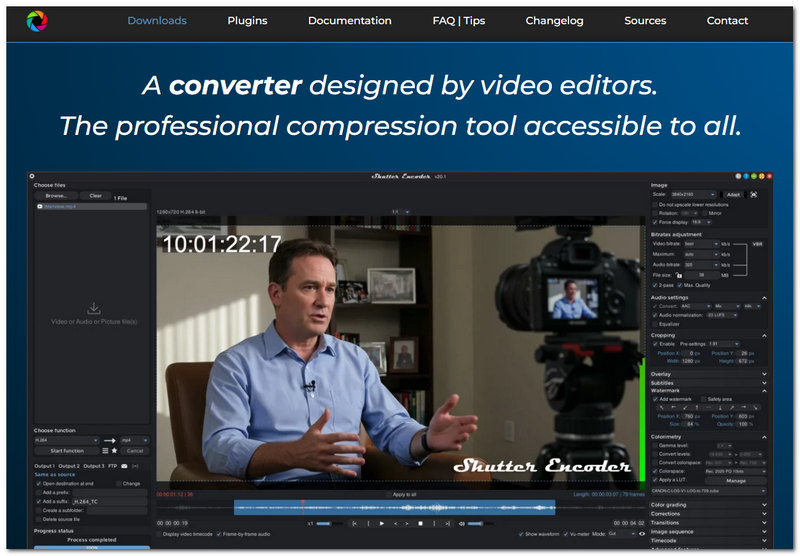
Shutter Encoder is a video conversion tool with lots of features. It relies on FFmpeg and offers high-quality encoding for different media formats. It's a surprising fact that it is completely free, and still it has sophisticated features that are going to interest content creators who are not satisfied with the simple video conversion.
Pros
- It gives professional-level codecs and different export options for different editing workflows.
- Its batch processing mode allows for the simultaneous conversion of multiple files.
- Format compatibility is expanded, and new features can be expected through regular updates.
Cons
- If you look at the interface of the software, you might find it a bit challenging to learn.
- You need to really know what you're doing if you want to make use of the advanced settings.
5. Format Factory: Best Windows AVI Converter
Score: ⭐⭐⭐⭐☆ 4/5
Best For: For Windows users, an all-in-one media converter that doubles as an MP4 to AVI converter for free is ideal.
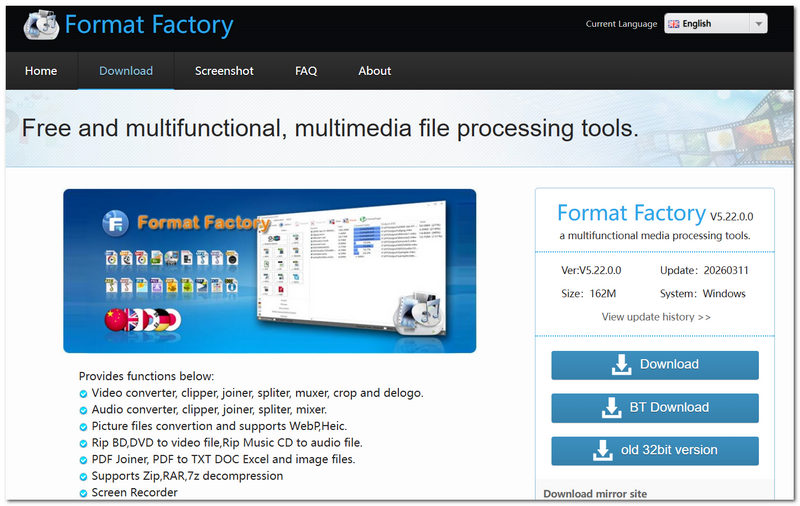
Format Factory is one of those old-timers in the multimedia conversion tools that has been around for many years. This video conversion software has been tailor-made for the Windows operating system. Still, besides converting videos, it also features options for converting audio, photos, and other documents.
Pros
- The software converts videos, audio, images, and documents in one place.
- Sophisticated extras like file repair, media compression, etc., are included to be of help.
- The software supports many input/output formats for daily conversion work.
Cons
- It can only be used on Windows PC/s.
- The installer could also install optional bundled software.
6. Any Video Converter Free: Best Feature-Rich Free AVI Converter
Score: ⭐⭐⭐⭐☆ 4.5/5
Best For: Customers who desire an AVI converter that includes additional features like downloading, basic editing, and format customization, all in one program.
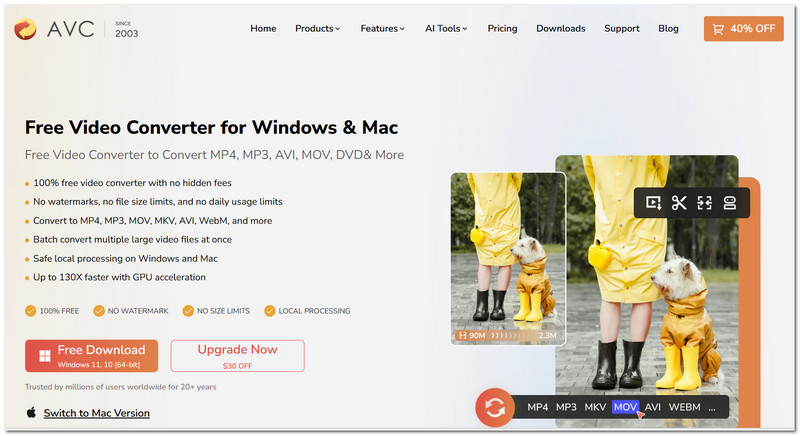
Apart from the file conversion, Any Video Converter Free is more advanced in features than simple converters. With excellent AVI converter capabilities at its base, the software allows users to do some minor editing, customize output, and has great format compatibility for both video and audio. Such comprehensive multimedia software is rarely found on everyday users' computers.
Pros
- Built-in trimming, cropping, and other basic editing tools are included.
- You can customize output profiles for various devices and resolutions.
- Lots of video and audio file formats are supported.
Cons
- You have to buy a paid version to access a few advanced functions.
- You might see premium upsell prompts in the interface.
7. Freemake AVI Converter: Best Beginner-Friendly AVI Converter
Score: ⭐⭐⭐⭐☆ 4/5
Best For: Novices looking for a straightforward AVI converter with an intuitive interface for regular video conversions.
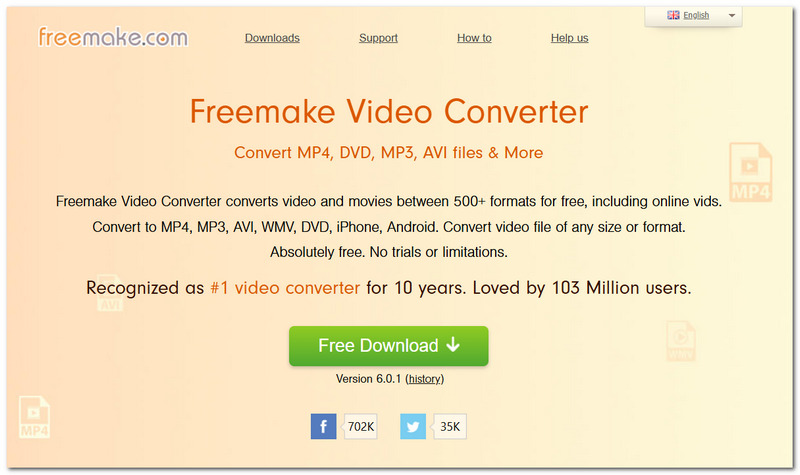
Freemake AVI Converter is a user-friendly video converter that will help first-timers get their videos converted quickly without encountering the frustration of complex options. Besides covering a large number of file formats, the program also offers simple presets for the most typical types of conversions.
Pros
- Pretty clean layout that's really simple to grasp.
- Come with pre-loaded templates for common gadgets and video styles.
- Allows you to convert many files at once, which makes things faster.
Cons
- The free plan is pretty limited, with things like having their logo on your output or just not being able to use all the features.
- Not accessible to Mac users.
8. Online-Convert.com: Best Browser-Based AVI Converter
Score: ⭐⭐⭐⭐☆ 4/5
Best For: Those who require an online AVI converter without having to install any software on their PC.
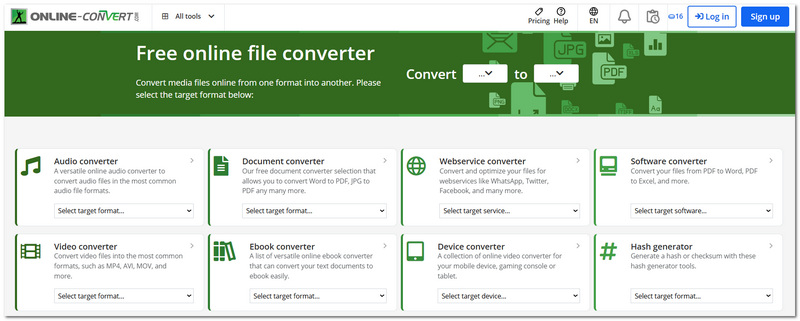
Online-Convert.com is a useful online converter that enables you to convert AVI files with an internet connection. On its platform, besides converting videos, you may convert documents, images, audio, and even e-books. If you like working within a browser, this platform gives you a one-stop experience with its varied services.
Pros
- The tool works directly in your web browser.
- It can handle more file types besides just videos.
- You are given the choice to change parameters, including resolution, bitrate, or the codec, before the conversion takes place.
Cons
- If your internet connection or the file you are uploading is slow, you will not only experience the upload being very slow, but also the file's conversion.
- People using the free account might find themselves limited either to a maximum number of conversions per day or a maximum file size.
Part 2. FAQs about AVI Converter
Why does my converted video have no sound?
There could be several reasons, such as an incompatible output codec chosen, which is not supported by your media player, or your original AVI video has been encoded with an obscure audio codec. Selecting the widely used AAC format for MP4 or updating your media player is generally a good fix.
Why does an AVI file play on one device but not another?
AVI is one of the container formats that can contain many audio and video codecs. Because of this, even two AVI files that share the same.avi extension and look alike may use different audio/video codecs, and so one device can support some codecs but not others. The easiest way to fix this is to convert them to a more common format like MP4.
Is it better to use a desktop converter or an online converter?
When you have large and confidential files that can only be transferred in small packages, or you are going to convert a lot of AVI files, the most suitable method would be a desktop converter, as it gives faster performance, more controls, and there are no upload/download limits. But, for the casual conversion of little stuff, online converters are probably more suitable and easier to use.
Conclusion
When comparing these converters, I was surprised to learn that every AVI Converter is unique and suits different kinds of needs best, whether you prefer a fast, feature-rich, or uncomplicated one. I think that if you need a reliable AVI to MP4 converter, FVC Free Video Converter Online is absolutely worth your time, as this tool brings the best combination of user-friendliness, quality, and convenience to me. I trust this post was enough to make your decision on which converter to use that will suit your requirements.
-
 Top 4 Free AVI Screen Recorders to Capture Screen Video as AVI Files
 To record screens in high-quality AVI files, the article identifies and shares the top 4 free AVI screen recorders in this post.Read it and get what you want.
-
 Rip DVD to AVI: 3 Best DVD Ripper Softwares [Review]
 Want to rip your DVDs to AVI for easier playback and storage? Read our detailed review of the best DVD to AVI converters to find the perfect tool for you.
-
 6 Best AVI Mergers: How to Join AVI Video Files on Windows and Mac
 Want to join AVI videos for a DVD? You can learn about the top 6 best AVI joiners including free online tools, and the desktop programs from the article.
